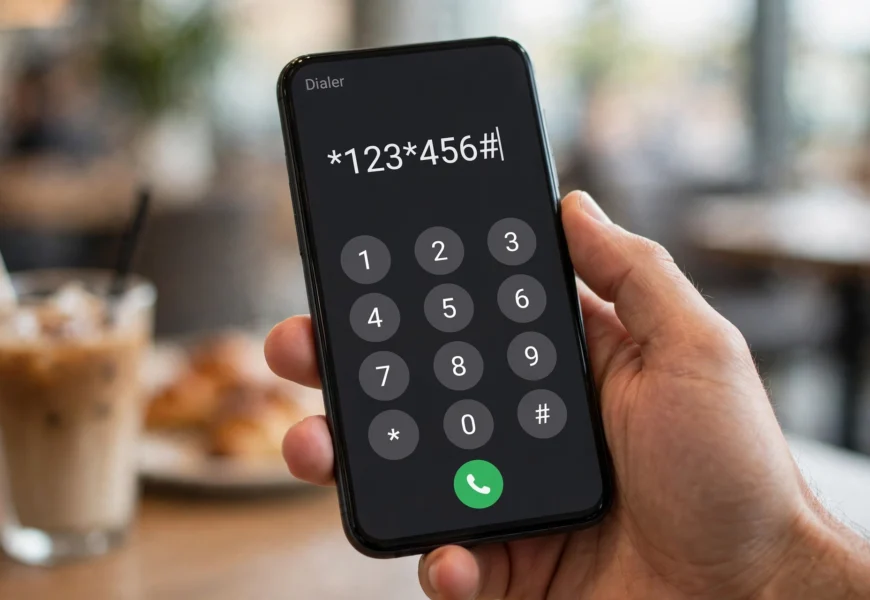
To check your own Turkcell phone number, dial *101# and press call — your number appears on screen within seconds, completely free, with no minutes, SMS, or data used. It works the same way on prepaid (Hazır Kart), postpaid (Faturalı), and tourist SIM cards, on both Android and iPhone. If that code isn’t available for any reason, you can also find your number on the Turkcell Hesabım app, printed on your SIM card packaging, in your welcome SMS, or by asking someone to call you.
Introduction
It happens to almost everyone at some point: you get a new Turkcell SIM card — maybe a local prepaid line or a Turkcell tourist SIM picked up at the airport — and someone asks for your number, but you simply don’t know it yet. Or you have an old SIM you rarely use and can’t remember which number it’s registered to.
The good news is that Turkcell makes it very easy to check your own phone number, with a free, instant method that works on any device, plus a few useful backup options. This guide walks through every way to find your Turkcell number, whether you’re a long-time resident or a tourist who just landed in Turkey. And if you’re also trying to figure out how much internet you have left on the same line, our companion guide on how to check your Turkcell data balance covers that in detail. If you’re new to prepaid SIMs in general and coming from an Indian telecom background, our guide on the minimum recharge needed to keep a Jio number active explains a very similar concept for Jio users.
Why You Might Need to Check Your Turkcell Number
- You just activated a new SIM (local or tourist) and haven’t memorized the number yet.
- You’re setting up an app (WhatsApp, banking, ride-hailing) that requires entering your exact phone number.
- You’re sharing your number with someone and want to read it off the screen instead of relying on memory.
- You have multiple SIMs and need to confirm which physical SIM corresponds to which number.
- You’re roaming or traveling and need your full number with the country code for international contacts.
If you’d rather avoid running into number confusion altogether on a second or spare line, it’s worth knowing what happens if you don’t recharge a prepaid SIM in time — the general principle of keeping a line active applies across most prepaid networks, including Turkcell.
Method 1: Check Your Turkcell Number Using the USSD Code (Fastest Method)
This is the quickest and most reliable way to see your own number on screen, and it’s the method Turkcell itself points customers to.
Steps:
- Open the phone (dialer) app on your device.
- Dial *101# and press the call/send button.
- Your Turkcell mobile number will appear on screen within a few seconds.
This code works the same way on Android and iPhone, and it’s completely free — it won’t use any of your call minutes, SMS, or data, so it’s safe to use even if your package has already run out.
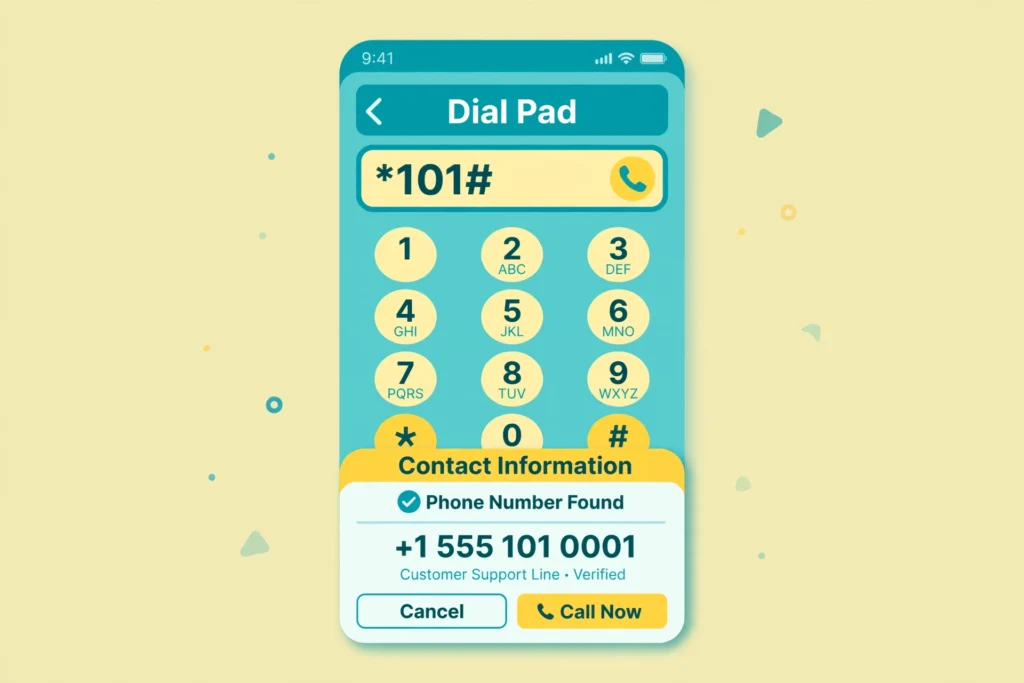
Dial *101# and press call to see your Turkcell number instantly.
Method 2: Check Your Number Using the Turkcell Hesabım App
If you’d rather see your number inside an app — alongside your balance, package, and account details — the Turkcell Hesabım app (also available on Google Play) is a convenient option.
Steps:
- Download the app from the App Store or Google Play.
- Open the app — your registered Turkcell number is usually displayed right at the top of the login screen or home dashboard once you’re signed in.
- If you have multiple lines linked to one account, you can switch between them to see each number separately.
This method is especially useful if you manage more than one Turkcell line, since the app clearly labels each number, and it doubles as the same app you’d use to check your remaining data.
Method 3: Check the Number Printed on Your SIM Card Packaging or Welcome SMS
For a new SIM card, the simplest option might not even require dialing anything:
- Check the SIM card carrier/holder (the plastic card the SIM was punched out of) — the phone number is usually printed directly on it.
- Check the welcome pack or receipt given at the Turkcell Store or airport kiosk when you purchased the SIM.
- Look for a welcome SMS sent automatically after the SIM is activated — it often includes your new number.
This is a good first check before dialing any code, especially for tourist SIM cards purchased at Istanbul or other Turkish airports.
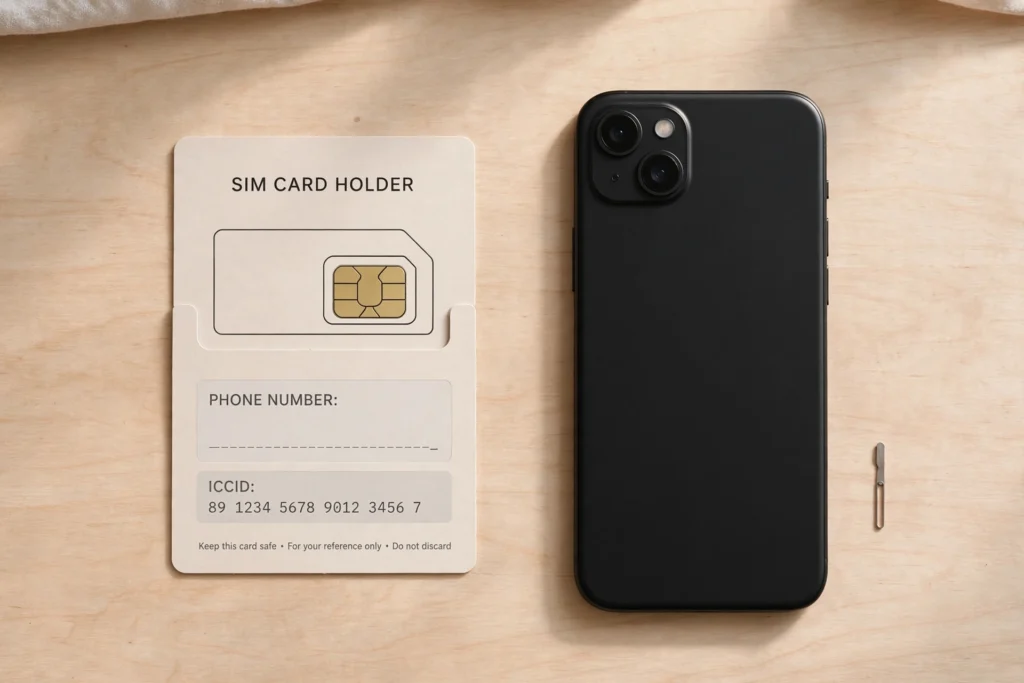
Your Turkcell number is often printed right on the SIM card packaging.
Method 4: Ask a Friend to Call You
If none of the above is available, the simplest low-tech option still works:
- Ask someone to call your phone from their own number.
- Your Turkcell number should appear as the “recent call” or “missed call” entry on their phone.
- Note it down or have them read it to you.
This works even without any credit or active package, since receiving a call doesn’t require balance.
Method 5: Call Turkcell Customer Services
If you’re unable to check your number through any of the above methods — for example, your phone doesn’t support USSD codes — you can contact Turkcell directly:
- Dial 532 from your Turkcell number (domestic).
- From abroad, dial +90 532 532 00 00.
A representative can verify your identity and confirm the number registered to your account or SIM card.
How Tourists Can Find Their Turkcell Tourist SIM Number
If you bought a Turkcell tourist SIM at the airport or a Turkcell Store, you’ll usually be given a welcome pack with the number printed on it, and a welcome SMS confirming activation. If you’ve misplaced that information:
- Dial *101# exactly as described in Method 1 — it works identically on tourist SIM cards.
- No Turkish ID, local bank account, or registration login is required to use this code.
- If the SIM was activated at the airport, check your purchase receipt, as the number is often printed there too.
Troubleshooting: What to Do If *101# Doesn’t Work
| Problem | Suggested Fix |
|---|---|
| USSD code shows “no response” or times out | Restart your phone, confirm you have network signal, and try again |
| Code works but shows no number | The SIM may not be fully activated yet — wait a few minutes after inserting a new SIM and retry |
| No network signal at all | Move to an area with better coverage, or check if airplane mode is off |
| Roaming abroad and the code doesn’t respond | USSD codes are generally domestic-only; use the Turkcell Hesabım app or call +90 532 532 00 00 instead |
| Phone is very old or doesn’t support USSD prompts | Use Method 3 (SIM packaging) or Method 4 (ask a friend to call you) instead |
Frequently Asked Questions
What is the USSD code to check my Turkcell phone number? Dial *101# and press the call button. Your Turkcell number will appear on screen within seconds — this is the fastest and most direct method, and it’s what Turkcell’s own support channels recommend.
*Is checking my Turkcell number with 101# free? Yes. It’s completely free and doesn’t use your call minutes, SMS, or data balance, so it works even if your package is fully used up.
*Does 101# work on any phone? Yes, it works the same way on both Android and iPhone devices, as long as you have network signal.
Can tourists using a Turkcell SIM check their number the same way? Yes. Tourist SIM cards run on the same Turkcell network, so *101# works identically. The number is also usually printed on the SIM packaging or sent via a welcome SMS.
*What if 101# doesn’t show my number? Try restarting your phone or waiting a few minutes if the SIM was just activated. You can also check the SIM card packaging, ask someone to call you, or contact Turkcell customer service at 532 (or +90 532 532 00 00 from abroad).
Where can I see my Turkcell number in the Turkcell Hesabım app? After logging in, your registered number is typically displayed on the home dashboard or account settings screen.
Conclusion
Finding your own Turkcell number takes just a few seconds with the *101# USSD code, and it works the same whether you’re a long-term resident or a tourist using a fresh Turkcell SIM. If the code isn’t available, your SIM packaging, the Turkcell Hesabım app, or a quick call from a friend will get you the same answer. Save this guide so you’re never stuck trying to remember your own number again — and if you want to check how much data is left on that same number, take a look at our guide on checking your Turkcell data balance or browse more prepaid SIM guides in our Jio Sim category on jiionearme.com.
Last verified: July 2026. Turkcell service codes may be updated periodically — always confirm details on Turkcell’s official support page at turkcell.com.tr.
