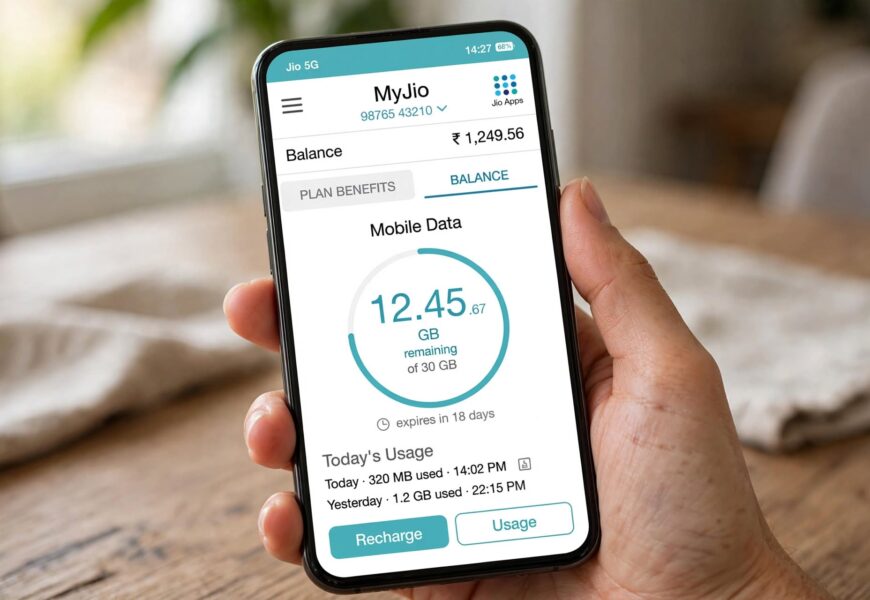
Whether you’re on a regular smartphone or making calls through the Jio4GVoice app because your phone doesn’t support native VoLTE, checking how much data you have left works largely the same way — it’s just worth knowing which method is most reliable for your specific setup.
Quick Answer: The fastest way to check your Jio net (data) balance is by dialing *333# from your Jio number, sending an SMS with “BAL” to 199, or giving a missed call to 1299, all of which return your balance instantly without needing an app. If you have a smartphone, the MyJio app shows your data balance and validity directly on the home screen after logging in. If you’re using the Jio4GVoice app specifically (common on phones like the Lenovo A6000 that lack native VoLTE support), your balance is checked the same way through your phone’s regular network features — Jio4GVoice only affects how your calls are routed, not how your balance is tracked or displayed.
Here’s every method broken down, plus what to know if Jio4GVoice is part of your setup.
Method 1: USSD Code (Fastest, No App Needed)
- Open your phone’s dialer.
- Dial *333# and press call.
- Your current data balance and plan validity will display on screen within seconds.
This method works on virtually any phone, including basic keypad phones, and doesn’t require an internet connection to function, since USSD codes work over the standard calling network.
Method 2: SMS
- Open your messaging app.
- Send a text with the message BAL to 199.
- You’ll receive a reply SMS with your current data balance, validity, and other plan details within moments.
This is a reliable backup method if USSD codes aren’t working properly on your device or network at the time.
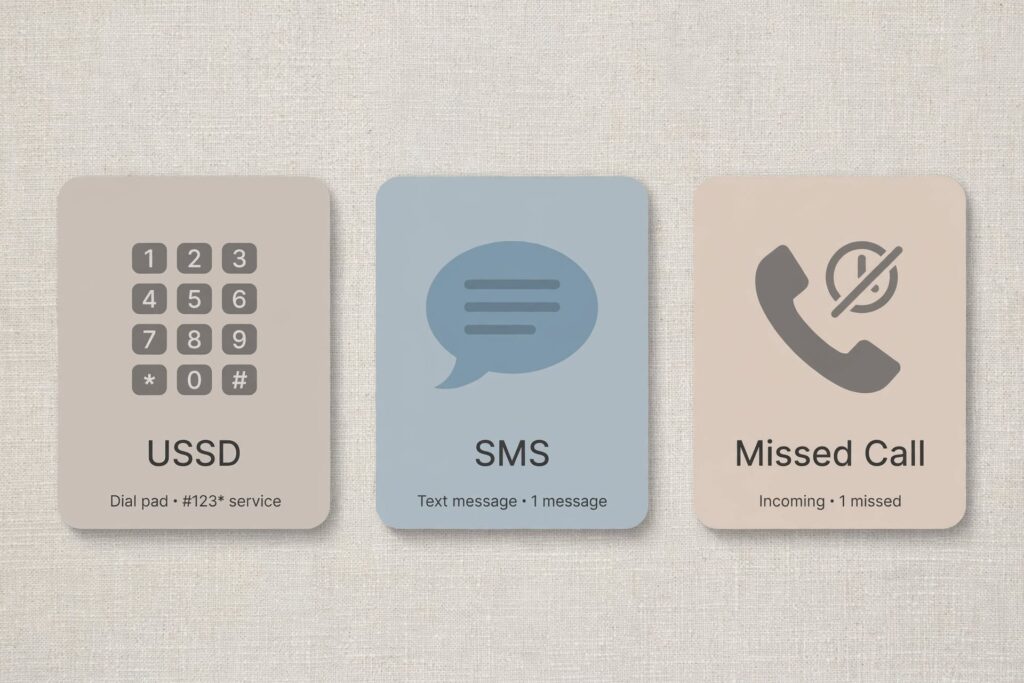
USSD codes, SMS, and missed calls all provide instant Jio balance information without needing an app.
Method 3: Missed Call
- Give a missed call to 1299 from your Jio number.
- You’ll automatically receive an SMS with your balance and data usage details shortly after.
This is a genuinely fast, no-typing option if you just need a quick number and don’t want to open an app or remember a specific USSD code.
Method 4: MyJio App
- Download and open the MyJio app, available for both Android and iOS.
- Log in using your Jio number and the OTP sent to your phone.
- Your data balance and plan validity will display directly on the home screen.
- For more detail, tap My Plans, then View Details to see your full plan breakdown, including benefits and upcoming plans.
The MyJio app is generally the most detailed option, since it also shows your full usage history, upcoming plan renewals, and account management features beyond just your current balance.
Method 5: Calling Customer Care (IVR)
- Dial 1991 or 1800 889 9999 from your Jio number.
- Select your preferred language when prompted by the automated system.
- Follow the voice prompts to hear your current data balance and plan validity read aloud.
This method is especially useful if you’re not comfortable navigating an app or want to confirm your balance by voice rather than reading it on screen.
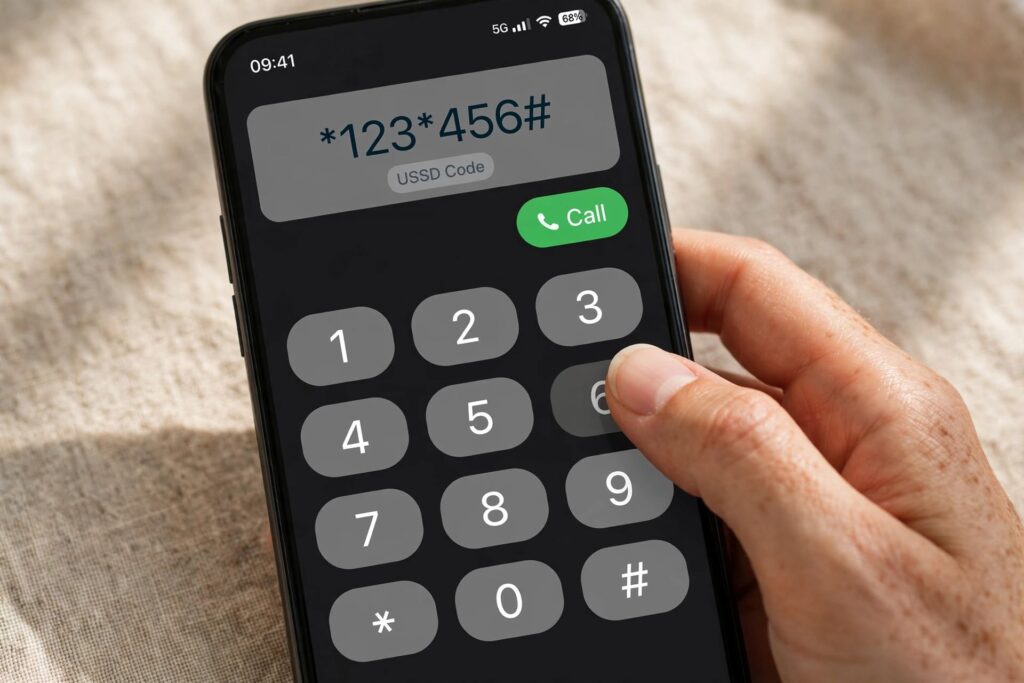
USSD codes like *333# work instantly, even without a data connection.
A Note for Jio4GVoice App Users
If you’re using the Jio4GVoice app to make calls because your phone (like a Lenovo A6000 or another non-VoLTE device) doesn’t support native VoLTE calling, it’s worth understanding that Jio4GVoice doesn’t change how your data balance itself is tracked or checked — it only affects how your voice calls are routed over Jio’s network. This means:
- USSD codes like *333# still work normally, since they run through your phone’s standard cellular signaling rather than the Jio4GVoice app.
- SMS-based balance checks (texting BAL to 199) also work the same way, independent of whether you’re using Jio4GVoice for calling.
- The MyJio app remains the most reliable option for a full picture of your balance, plan, and usage, and it works the same whether or not Jio4GVoice is installed on your device.
If you’re still setting up calling on a non-VoLTE device, our guide on how to activate Jio voice call on Lenovo A6000 covers the Jio4GVoice setup process in full detail, separate from balance-checking.
Common Issues When Checking Your Balance
- USSD code not responding: Try restarting your phone, or use the SMS or missed call method instead as a backup.
- MyJio app not loading your balance: Confirm you’re logged in with the correct number, and try logging out and back in if the home screen appears blank or outdated.
- No SMS reply received: Double-check you’re sending “BAL” to exactly 199 with no extra spaces or characters, and confirm you have SMS service active on your plan.
- Balance shows as very low or zero unexpectedly: If your balance has dropped unexpectedly, our guide on how to keep your Jio SIM active without recharge explains the minimum balance rules that affect whether your number stays active.
Frequently Asked Questions
What is the USSD code to check Jio balance?
Dial *333# from your Jio number to instantly see your data balance and plan validity on screen.
Can I check my Jio balance without internet?
Yes. USSD codes (*333#), SMS (texting BAL to 199), and missed calls (to 1299) all work without an active internet connection, since they run over the standard cellular network rather than data.
Does using the Jio4GVoice app affect my data balance?
No. Jio4GVoice only changes how your voice calls are routed on devices without native VoLTE support — it doesn’t affect how your data balance is tracked, used, or checked.
How do I check my Jio balance through the MyJio app?
Open the MyJio app, log in with your Jio number and OTP, and your data balance and validity will appear directly on the home screen. Tap “My Plans” for more detail.
Why is my Jio balance not updating after a recharge?
This is usually a temporary delay — try refreshing the MyJio app or checking again via USSD or SMS a few minutes after your recharge completes. If the balance still doesn’t reflect the recharge after some time, contact Jio customer care at 1991 or 1800 889 9999.
Setting up calling or checking your SIM’s status? Explore our guides on activating Jio voice call on Lenovo A6000 and keeping your Jio SIM active without recharge, or browse more Jio tips on Jio Near Me.
