If your 5G phone keeps showing 4G on Jio, one of five things is usually behind it. You may be outside Jio 5G coverage, your phone may not support Jio’s type of 5G, its software may be out of date, the network mode may be set to 4G, or your plan may not be eligible. Check them in that order and you will usually find the cause within a few minutes.
Seeing 4G in place of 5G is not always a fault. Your phone picks the best network it can use at that moment, so it falls back to 4G whenever 5G is weak or missing. The goal is to find out whether your phone can use Jio 5G where you are, and if it can, why it is not.
- Jio True 5G is standalone 5G, so your phone needs SA 5G support and the right bands.
- Coverage changes from street to street and drops indoors, so test in an open spot first.
- Software updates often add or fix Jio 5G support on phones.
- The preferred network type must include 5G. On iPhone, the setting is under Voice & Data.
- Your plan and account also affect 5G access, so check the MyJio app.
Check 1: Are You Really in a Jio 5G Area?
Jio 5G covers a large part of the country, but coverage is not the same everywhere. A city may have 5G on main roads and in markets, while some lanes, basements and upper floors only get 4G.
- Step outside or stand near a window, then wait a minute to see if the icon changes.
- Ask someone nearby with a 5G phone on Jio whether they see 5G at the same spot.
- Check Jio’s coverage information for your area on jio.com.
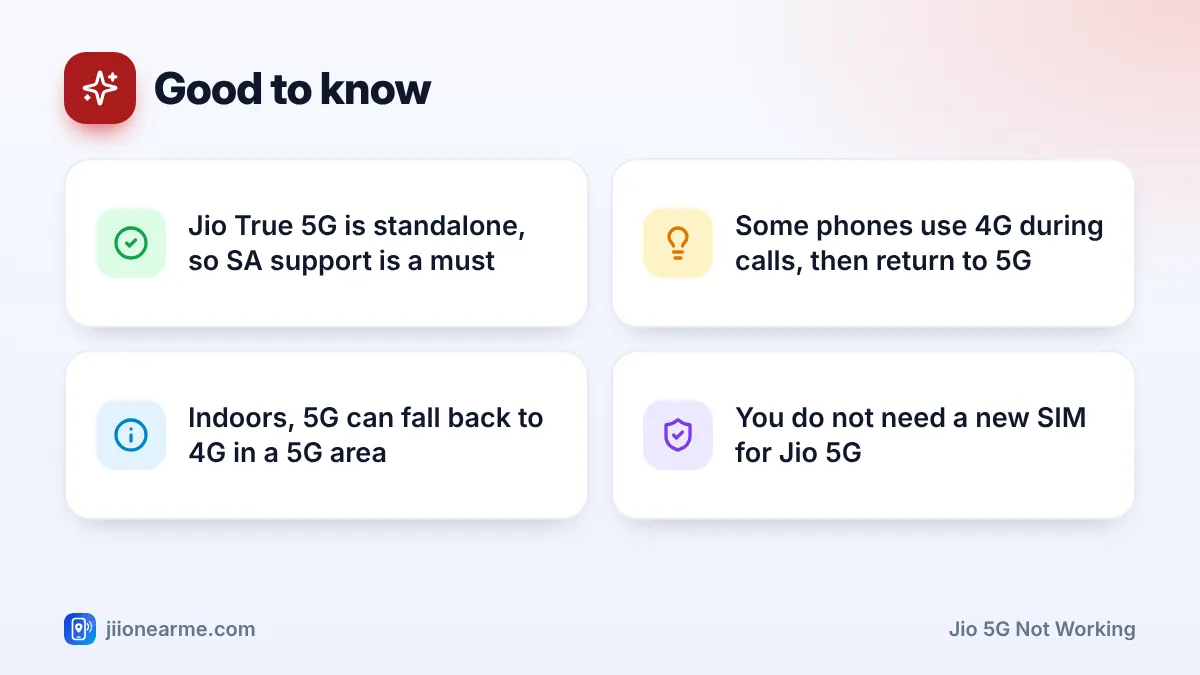
5G signals, especially on the mid band, do not pass through concrete walls as well as 4G does. So your phone may show 5G on the balcony and 4G in an inner room. That is normal behaviour, not a fault in your phone or SIM.
Check 2: Does Your Phone Support Jio True 5G?
A phone sold as “5G” is not automatically ready for Jio’s network. Two things matter.
Standalone (SA) 5G support
Jio True 5G is a standalone network. Your phone must support SA 5G, and the phone maker must have enabled it for Jio in the software. Some older 5G phones support only non-standalone (NSA) 5G, which depends on a 4G core. These phones may stay on 4G on Jio.
The right 5G bands
Jio’s main 5G bands are n78 and n28. Check the official spec sheet for your exact model number, because the same phone name can have different band support in different countries. A phone bought abroad may miss these bands.
On Apple devices, Jio 5G works on the iPhone 12 series and newer, plus the iPhone SE (3rd generation), on a recent iOS version.
Check 3: Update Your Phone’s Software
Phone makers add and improve Jio 5G support through software updates. If your phone has a pending update, install it before you try anything else.
- Connect to Wi-Fi and charge the phone to at least half.
- On Android, open Settings and look for Software update or System update, often under System or About phone.
- On iPhone, open Settings > General > Software Update.
- Install any update and restart the phone.
On iPhone, also check for a carrier settings update. Go to Settings > General > About and wait a few seconds. If an update is available, a pop-up asks you to install it.
Menu names change between phone brands and software versions. If you cannot find a setting, type “network” or “5G” into the search bar at the top of the Settings app.
Check 4: Fix the Network Mode When Jio 5G Is Not Working
Even with full support, your phone stays on 4G if the network mode leaves out 5G. This often happens after a reset, a software update or a battery-saving change.
On Android:
- Open Settings > Network & internet (or Connections, or Mobile network).
- Tap your Jio SIM.
- Open Preferred network type or Network mode.
- Choose the option that includes 5G, such as 5G (recommended) or 5G/LTE/3G/2G (auto connect).
On dual-SIM phones, some models allow 5G on only one SIM at a time, usually the one set for mobile data. Make sure the Jio SIM is your mobile data SIM.
On iPhone:
- Open Settings > Mobile Service (shown as Mobile Data or Cellular on some versions).
- Tap your Jio line, then Voice & Data.
- Choose 5G Auto or 5G On. If only LTE options appear, update iOS and check for a carrier settings update.
Also look at battery saver modes. Some phones switch off 5G automatically when power saving is on.
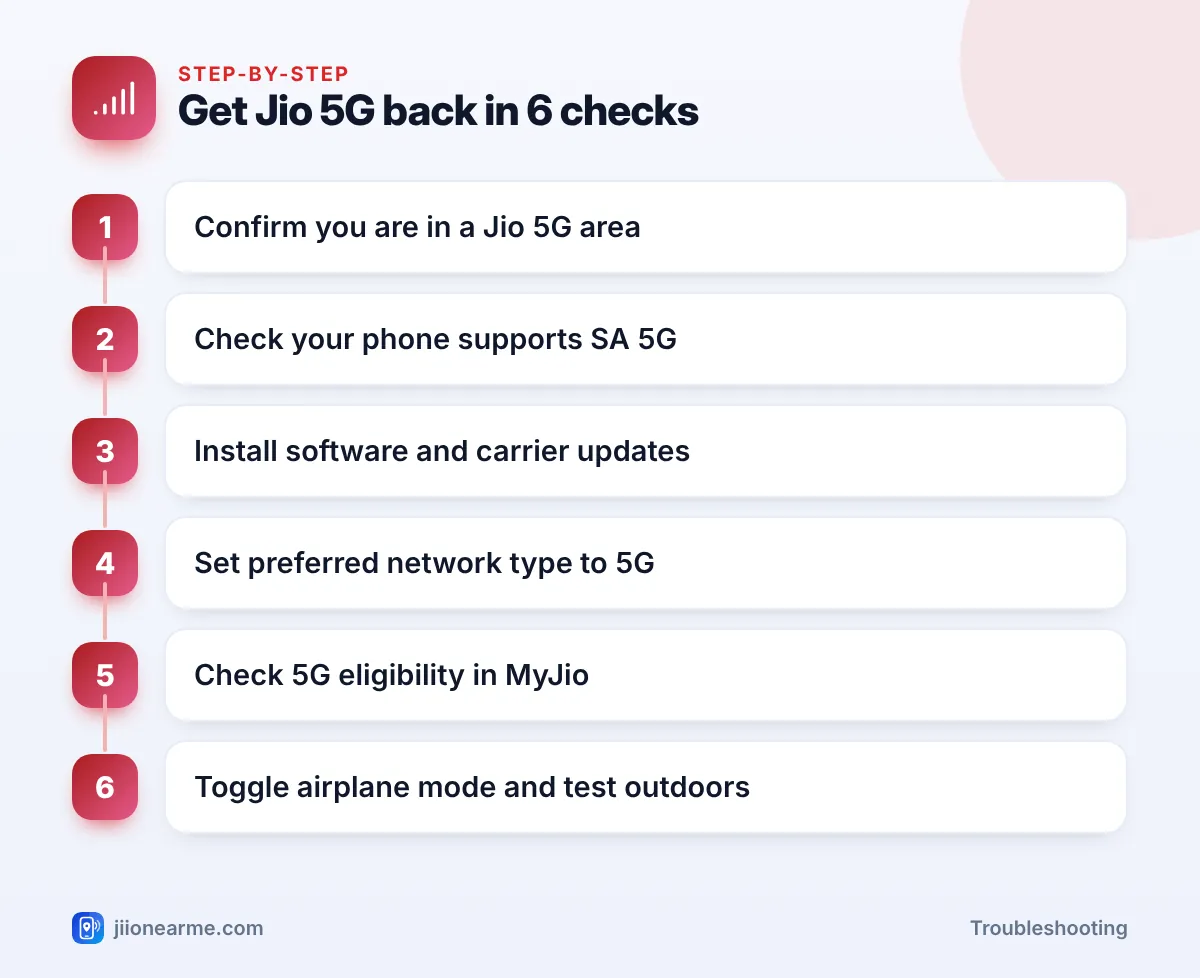
Check 5: Is Your Plan Eligible for 5G?
Your phone and coverage can be fine, yet your plan can still decide the result. Jio ties 5G access and unlimited 5G data to eligible plans, and the rules can change over time.
- Open the MyJio app and read your active plan details for any mention of 5G.
- Look for a Jio True 5G banner or section in the app.
- If your plan has expired or does not qualify, your phone may stay on 4G even in a 5G area.
Eligibility rules change, so confirm the current terms in the MyJio app or on jio.com instead of relying on forwarded messages.
After you recharge an eligible plan or change a setting, turn airplane mode on for about 15 seconds and then off. The phone registers on the network again, and the 5G icon often appears straight away.
Other Reasons the 5G Icon Disappears
A few situations make the icon switch to 4G even when everything is set up correctly:
| What you notice | Likely reason | What to do |
|---|---|---|
| 5G switches to 4G during calls | Some phones place calls over 4G | Nothing, it returns after the call |
| 5G only near windows | Weak indoor 5G signal | Normal, no fix needed |
| 5G gone after an update | Network mode or carrier settings changed | Re-check the network mode |
| 5G never appears on an imported phone | Missing bands or SA support | Check the spec sheet |
If you have tried every check and still never see 5G in a known 5G area, call 198 from your Jio number to report it, or 199 for queries. Share your phone model, software version and location, and list the steps you have already tried.
Jio does not need your OTP, a payment link or a new SIM to turn on 5G. Ignore calls or messages that ask for these. You can report suspected fraud calls and messages through Chakshu on the Sanchar Saathi portal.
Frequently Asked Questions
Do I need a new SIM for Jio 5G?
No. Jio 5G works on your existing Jio 4G SIM or Jio eSIM. You only need a compatible phone, 5G coverage and an eligible plan.
Why does my friend's phone show 5G but mine doesn't in the same place?
Their phone may support more 5G bands, standalone 5G or newer software. Check your model’s spec sheet for SA 5G and the n78 and n28 bands, and install any pending update.
Does Jio 5G use more battery than 4G?
It can, especially where the 5G signal is weak and the phone keeps switching between 4G and 5G. In such places, choosing a 4G/LTE mode may give steadier battery life.
Will a factory reset fix Jio 5G not working?
Rarely. Try a software update, the network mode setting and a network settings reset first. A factory reset erases your data, so keep it as a last resort.
Why did 5G stop after I travelled to another city?
5G coverage differs from place to place, so the area you are in may only have 4G. The same checks apply, starting with coverage.
Final Thoughts
When your phone stays on 4G, go through the five checks in order: coverage, phone support, software, network mode and plan. Most people find the answer in the first three. If your phone, area and plan all qualify and 5G still does not appear, report it to Jio with details of what you have already tried.
JIo Near me is an independent guide and is not affiliated with Reliance Jio. App menus, plans and policies can change – always confirm current details in the official MyJio app or on jio.com. We will never ask for your OTP, PIN or passwords.