Unlike JioFiber, Jio AirFiber does not need a cable from the street. Instead, a technician fixes a small outdoor unit on your wall, balcony or terrace to catch Jio’s 5G signal, then links it with a cable to an indoor Wi-Fi unit inside your home. The indoor unit spreads that connection as Wi-Fi to your phones, TV and laptops.
The quality of your connection depends heavily on where these two units go. This explainer covers how the outdoor unit’s spot is chosen, how it connects to the indoor unit and what space and power points your home needs before the visit. Equipment designs can differ slightly by location and model, so the technician’s advice for your home matters most.
- AirFiber uses an outdoor unit for the 5G signal and an indoor unit for Wi-Fi.
- The outdoor spot is chosen by measuring the signal, not just by convenience.
- One cable usually links both units and carries power to the outdoor unit.
- Keep a power socket near the indoor unit and permission for any outdoor mounting.
The Main Parts of a Jio AirFiber Setup
A standard AirFiber installation has two main pieces of equipment, plus a Set-Top Box if your plan includes one.
| Unit | Where it goes | What it does |
|---|---|---|
| Outdoor unit | Outer wall, balcony railing or terrace | Receives and sends the 5G signal to and from Jio’s tower |
| Indoor Wi-Fi unit | A central, open spot inside your home | Creates Wi-Fi and has ports for wired devices |
| Set-Top Box (if included) | Next to your TV | Brings TV channels and apps to the TV screen |
Think of the outdoor unit as the antenna and the indoor unit as the router. The cable between them is the bridge.
Where the Outdoor Unit Is Mounted
The outdoor unit is the most important part of the job. 5G signals weaken as they pass through walls, glass and trees, so placing the unit outside gives it a much clearer path to the tower than any indoor device.
How the technician finds the best spot
The technician measures the signal at a few possible spots, usually with a tool or app. They look for a location with a strong and steady reading, which often means:
- Higher up, such as a balcony, upper wall or terrace.
- Facing the general direction of the Jio tower serving your area.
- Clear of nearby obstructions like tall trees, water tanks or a building wall just in front.
The best spot for signal is not always the most convenient one. If the strongest reading is on the terrace of a shared building, permission becomes important.
Common mounting locations
- Balcony railing or wall: Common in apartments, as it keeps the cable run short.
- Outer wall near a window: Useful when the window faces the tower.
- Terrace or rooftop: Often gives the best signal, but needs a longer cable and, in a shared building, society approval.
The unit is fixed with a bracket or clamp so that wind and rain do not shift it. Even a small change in its angle can affect performance, so once it is set, leave it alone.
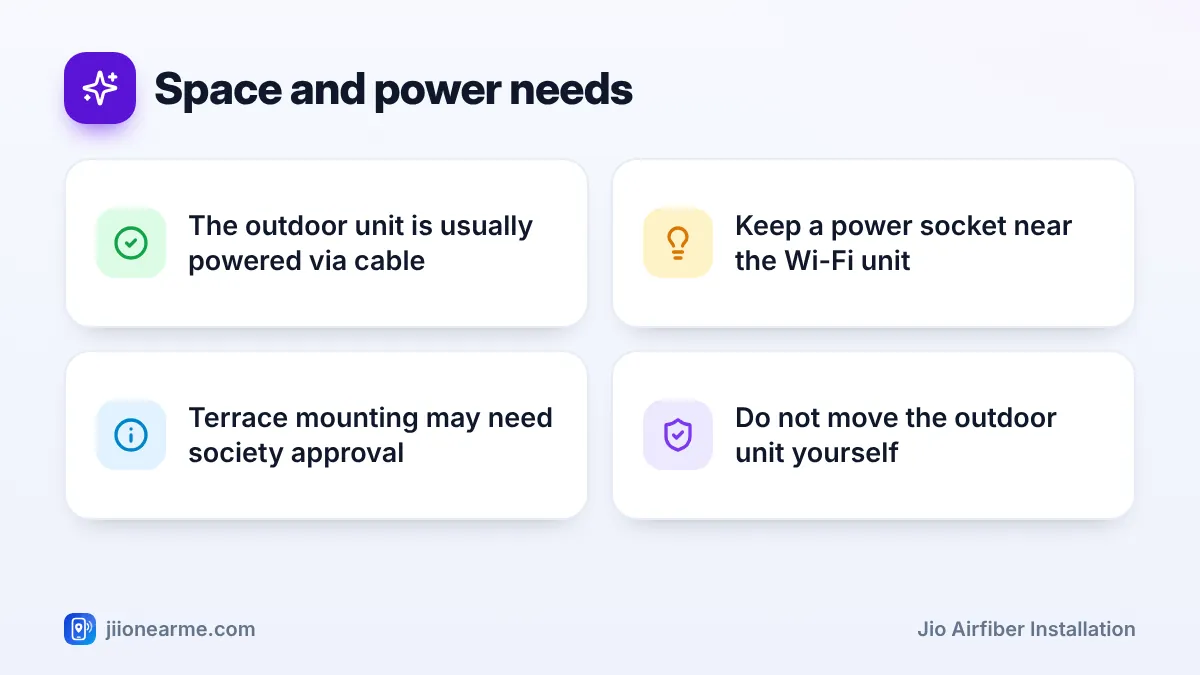
Do not turn, remove or relocate the outdoor unit yourself, even during painting or repairs. If it needs to be moved, contact Jio through the MyJio app or call 199 from a Jio number.
How the Outdoor Unit Links to the Indoor Wi-Fi Unit
In most setups, a single network cable runs from the outdoor unit to the indoor unit. It carries your internet data and typically also supplies power to the outdoor unit through a small adapter indoors. That is why you usually do not need a power socket outside.
The cable enters your home through a small drilled hole, a window frame or an existing gap. A neat installation leaves a small downward loop in the cable just before the entry point, so rainwater drips off instead of following the cable into the wall. The hole should be sealed afterwards.
Inside, the indoor unit should sit centrally, in the open and away from thick walls, the microwave or a metal cupboard. The closer it is to the middle of your home, the more evenly Wi-Fi reaches each room.
Ask the technician which cable goes to the outdoor unit and which adapter powers it. Label them with a small sticker, so nobody unplugs the wrong one during cleaning.
What Happens During the Jio AirFiber Installation Visit
Here is the usual order of work during a Jio AirFiber installation. The exact sequence can vary slightly.
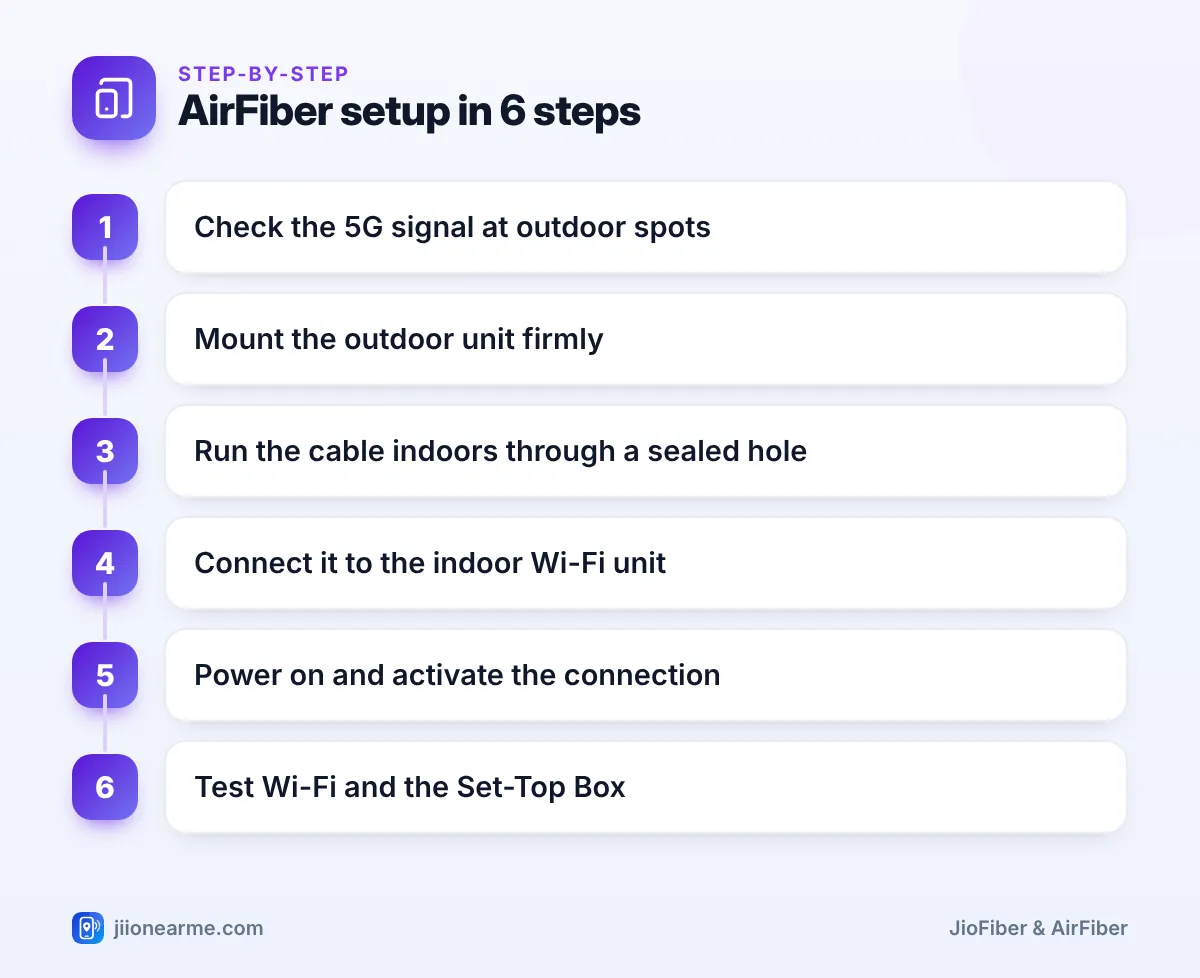
- The technician confirms your booking and, if pending, completes verification through official Jio channels.
- They check the 5G signal at a few outdoor spots and agree the location with you.
- The outdoor unit is mounted on a bracket or clamp and angled for the best signal.
- The cable is run indoors through a sealed entry point.
- The cable is connected to the indoor Wi-Fi unit, which is placed and powered on.
- The connection is activated, and you should get an SMS and see it in the MyJio app.
- Wi-Fi, and the Set-Top Box if included, are set up and tested with you.
Before the technician leaves, note down the Wi-Fi name and password, connect a few devices and check speeds in the rooms you use most.
Space and Power Points Your Home Needs
A little preparation keeps the visit short. Check these before the appointment:
- Outdoor access: A safe spot on the balcony, outer wall or terrace that the technician can reach.
- Permission: Approval from your landlord or society for drilling and outdoor mounting.
- Indoor spot: A shelf or table at a central, raised location, with space for the unit to breathe.
- Power socket: A working socket near the indoor unit. If you use an inverter, connecting this socket to it keeps Wi-Fi on during short power cuts.
- TV corner: A free HDMI port and power socket near the TV if a Set-Top Box is included.
Outdoor mounting may be postponed in heavy rain or strong wind for safety. If that happens, ask for a new slot rather than letting the unit be fixed in a hurry.
Frequently Asked Questions
Do I need a power socket outside for the outdoor unit?
Usually not. In most setups, the outdoor unit gets power through the same cable that links it to the indoor unit, from an adapter plugged in indoors.
Can the AirFiber outdoor unit be installed inside the house?
The outdoor unit is designed for outside mounting, where the 5G signal is stronger. The technician decides the final location based on signal readings at your home.
What if my balcony does not face the Jio tower?
The technician will try other spots, such as an outer wall or the terrace. If no spot gives a stable signal, they may advise that the installation cannot go ahead.
Can I move the indoor Wi-Fi unit to another room later?
You can usually move it within the length of the cable, as long as you keep it powered and do not disturb the outdoor unit. For longer moves, ask Jio for help.
Will rain affect my AirFiber connection?
The outdoor unit is built for outdoor use. Very heavy rain can briefly affect some wireless signals, but a properly mounted unit should give a stable connection most of the time.
Final Thoughts
A good Jio AirFiber installation comes down to two placements: an outdoor unit where the 5G signal is strongest and an indoor unit at the centre of your home. Sort out permission, keep a power socket ready and let the technician’s signal readings guide the final spot.
JIo Near me is an independent guide and is not affiliated with Reliance Jio. App menus, plans and policies can change – always confirm current details in the official MyJio app or on jio.com. We will never ask for your OTP, PIN or passwords.
