
A Jio call that cuts off halfway usually points to a weak or changing signal, not a fault with your SIM. The common triggers are poor indoor coverage, moving between towers while you talk, and your phone switching between Wi-Fi Calling and mobile network calling at the wrong moment.
The good news is that a few changes in where and how you take calls can reduce drops noticeably. If drops keep happening at the same place, that’s a pattern worth reporting to Jio.
- Most call drops come from weak indoor signal or handovers between towers.
- Note where and when drops happen; a clear pattern points to the cause.
- Wi-Fi Calling helps indoors, but weak Wi-Fi can cause drops of its own.
- At the edge of 5G coverage, a 4G mode can make calls steadier.
- Repeated drops at one location should be reported on 198.
Why Jio Calls Drop in the Middle
A call needs a steady link for its entire length. Anything that weakens or breaks that link for a few seconds can end the call.
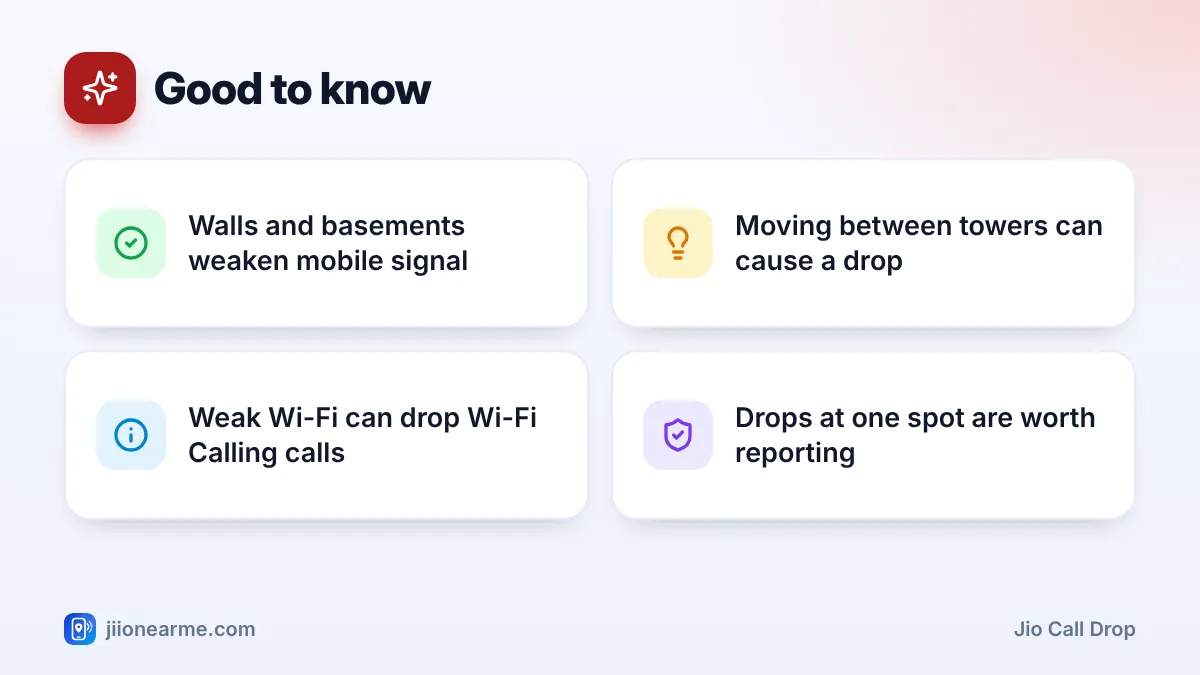
- Weak indoor signal. Thick walls, basements, lifts and inner rooms weaken mobile signal. A call that starts fine near a window may drop when you walk to the kitchen.
- Handovers between towers. When you travel by car, bus or train, your call passes from one tower to the next. If the next tower is busy or the signal gap is too wide, the call can drop.
- Switching between Wi-Fi Calling and VoLTE. When you walk out of Wi-Fi range during a Wi-Fi call, your phone tries to move the call to the mobile network. This usually works, but not always.
- 4G and 5G switching. At the edge of 5G coverage, some phones move between 4G and 5G often, and calls can suffer.
- Network congestion. Crowded places and busy hours put extra load on nearby towers.
- Phone issues. Old software, aggressive battery saving or overheating can affect call stability.
Find the Pattern Before You Fix It
A few days of simple notes can tell you more than any guesswork. Each time a call drops, write down:
- Where you were, including the room or floor.
- Whether you were still or moving.
- Whether Wi-Fi was on and connected.
- The time of day.
If drops happen in one room or at home only, it’s likely an indoor coverage issue. If they happen while travelling, handovers are the likely cause. If they happen when you leave home during a call, look at Wi-Fi Calling.
You can also check signal strength in dBm on many Android phones under Settings > About phone > SIM status. Readings closer to zero are stronger. If the number gets much more negative in the rooms where calls drop, weak signal is the culprit.
How to Reduce Jio Call Drop Problems at Home or Work
- Take important calls in your best signal spot. This is often near a window, on a balcony, or on a higher floor.
- Turn on Wi-Fi Calling if you have broadband. Calls then use your Wi-Fi when mobile signal is weak indoors.
- Keep VoLTE on. Jio calls depend on it, so make sure VoLTE or 4G Calling is enabled in your SIM settings.
- Avoid covering the top or bottom of the phone. Some phones have antennas along the edges, and a tight grip or a metal case can weaken reception.
- Turn off extreme battery saving during long calls. Some modes limit background network activity.
- Update your phone software. Updates often include modem and calling fixes.
- Restart your phone if drops start suddenly after days of normal use.
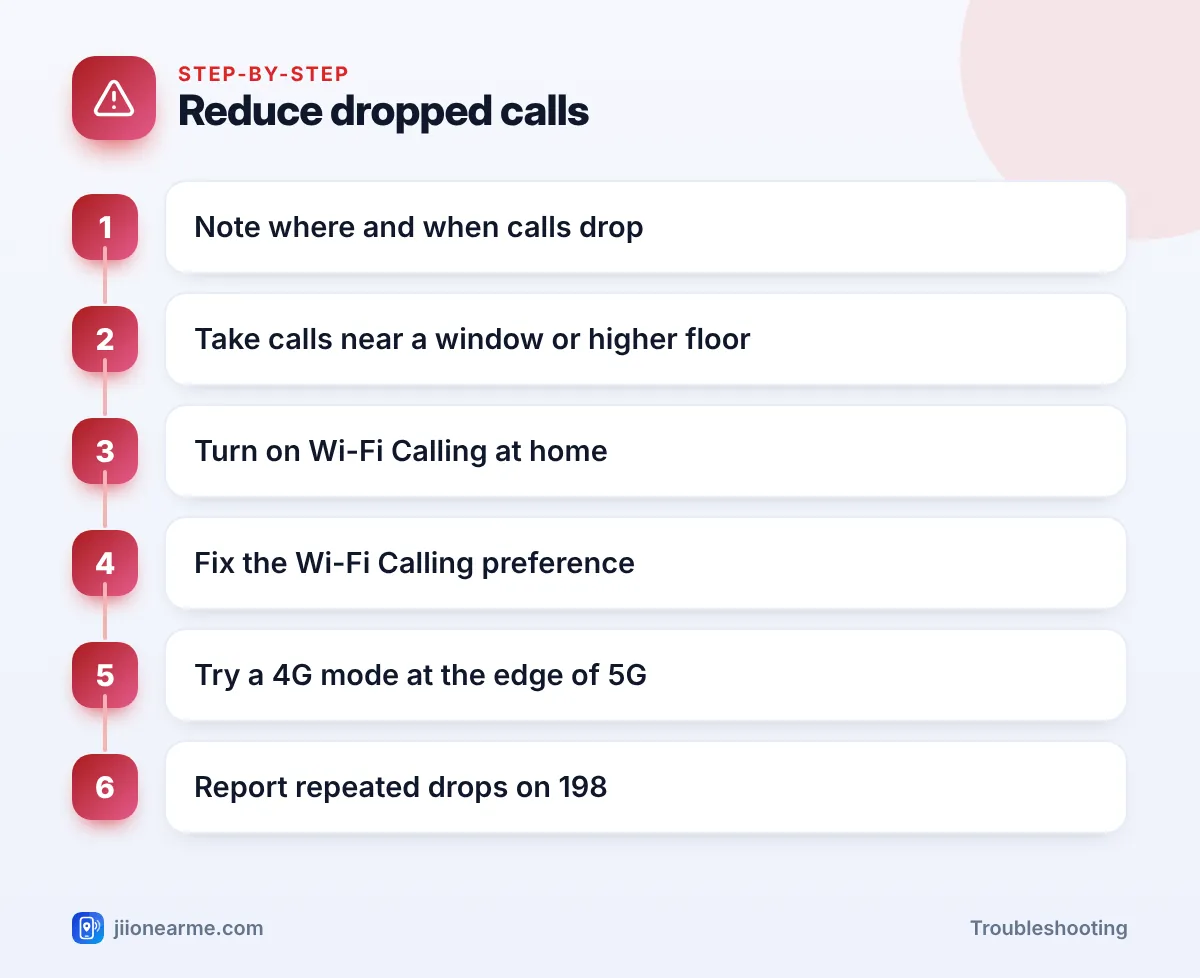
Move to your best signal spot before you start an important call, not after it drops. A steady position for the whole call is more reliable than walking around looking for bars mid-conversation.
Calls Dropping When Wi-Fi Calling Switches
Wi-Fi Calling is very helpful indoors, but a weak or busy Wi-Fi connection can cause drops of its own.
- Weak Wi-Fi at the edge of the house. Your phone stays on a poor Wi-Fi link instead of moving to mobile. Move closer to the router or add a mesh unit or extender.
- Leaving home during a call. The call has to move from Wi-Fi to the mobile network. If outdoor signal is also weak, it may drop.
- Busy home internet. Large downloads or video streaming on other devices can affect Wi-Fi call quality.
Many Android phones let you choose a calling preference in the Wi-Fi Calling settings, such as Wi-Fi preferred or Mobile network preferred. If your mobile signal is decent but Wi-Fi is patchy, choose mobile preferred. If mobile signal is poor indoors but your Wi-Fi is strong, choose Wi-Fi preferred. The option isn’t available on every phone.
If the other person is in a basement, a lift or a weak signal area, the call can drop from their end. If drops happen with only one contact, ask about their signal before you change your settings.
Calls Dropping on 5G Phones
Jio True 5G works well where coverage is strong. At the edge of 5G coverage, though, a phone may keep switching between 4G and 5G. During calls, some phones also move briefly to 4G, which is normal.
| What you notice | What to try |
|---|---|
| Icon keeps changing between 4G and 5G | Set the network mode to 4G/LTE for a while |
| Drops only indoors, 5G outdoors | Use Wi-Fi Calling indoors |
| Drops only while travelling | Expect some drops in gaps between towers |
| Drops started after a phone update | Restart, then check for a newer update |
You’ll find the network mode under Preferred network type or Network mode in your SIM settings. Switch back to 5G when you move to an area with strong coverage.
When to Report Call Drops to Jio
If calls keep dropping at your home, office or another regular location even after these steps, report it. Call 198 from your Jio number and share:
- The exact address, landmark and pincode.
- Whether drops happen indoors, outdoors or both.
- The times they happen most.
- Your phone model and signal reading, if you have it.
Ask for a complaint number and keep it for follow-ups. If your SIM is old or damaged, support may suggest a replacement from a Jio store.
Frequently Asked Questions
Why do my Jio calls drop only at home?
Usually because walls and floors weaken the signal indoors. Use Wi-Fi Calling at home, take calls near a window, and report the address on 198 if it continues.
Do calls drop more on 5G than on 4G?
Not as a rule. At the edge of 5G coverage, frequent switching can affect calls, so a 4G mode in those places can help.
Can a phone case cause call drops?
A metal case or a magnetic accessory can weaken reception on some phones. Try a call without the case to see if it makes a difference.
Why do calls drop when I leave home?
Your phone is moving the call from Wi-Fi Calling to the mobile network. If outdoor signal is weak at that moment, the call can drop. Finish the call before you step out, or set mobile network preferred.
Will a new SIM fix call drops?
Only if the SIM is old or damaged. Most drops are caused by signal conditions, but support can advise if a replacement may help.
Conclusion
A Jio call drop is usually about signal, movement or switching between Wi-Fi and mobile calling. Track where and when it happens, use your best signal spot and Wi-Fi Calling indoors, set a sensible calling preference, and try a 4G mode at the edge of 5G. If drops continue at a fixed place, report it on 198 with clear details.
JIo Near me is an independent guide and is not affiliated with Reliance Jio. App menus, plans and policies can change – always confirm current details in the official MyJio app or on jio.com. We will never ask for your OTP, PIN or passwords.