Going back to a plastic SIM from a Jio eSIM takes one trip to a Jio Store. Carry your original ID proof, ask for your eSIM to be replaced with a physical SIM, complete the verification and wait for the new card to activate. Your number, plan and validity stay exactly as they are.
Once the new card works, the eSIM on your phone stops working. This guide covers when switching back makes sense, what to take to the store, the steps on the day and what happens to the old eSIM profile afterwards.
- Switching from eSIM to a plastic SIM is done at a Jio Store.
- Carry original ID proof; the registered owner usually needs to go in person.
- Your number, plan, validity and balance do not change.
- The eSIM stops working once the physical SIM is activated.
- Delete the old eSIM profile only after the new card works.
When You Might Need a Plastic SIM Again
An eSIM is convenient, but there are good reasons to go back to a card:
- Your new phone doesn’t support eSIM. Many budget and older phones take only physical SIMs.
- You want to use the number in a JioFi, router or dongle. These devices take a physical SIM.
- You are moving the number to a basic phone, such as a JioPhone or JioBharat.
- Your phone is going for repair and you need your number in a spare handset.
- You change phones often and want to move the line just by moving a card.
- An elderly family member will use the number and finds a card easier to manage.
If you only need a second number for a short time, think about whether you really need to switch. Every change of SIM comes with a short gap in service and a few re-verification steps.
What to Carry to the Jio Store
Prepare these before you leave home:
- Original ID proof, ideally the same document used when the connection was issued. Photocopies alone are usually not enough.
- Your phone with the Jio eSIM, if you still have it. It can help the staff confirm details and lets you receive messages until the switch.
- The phone where the new SIM will go, so you can test it on the spot.
The connection is in the name of the registered owner, so that person usually needs to visit. If the number belongs to a parent or someone who cannot travel, call 199 or 1800-889-9999 first and ask what is required.
Call 199 from your Jio number or check jio.com to confirm the current process, documents and any fee before your visit. Policies can change, so it is better to ask than to assume.
How to Switch a Jio eSIM to a Physical SIM
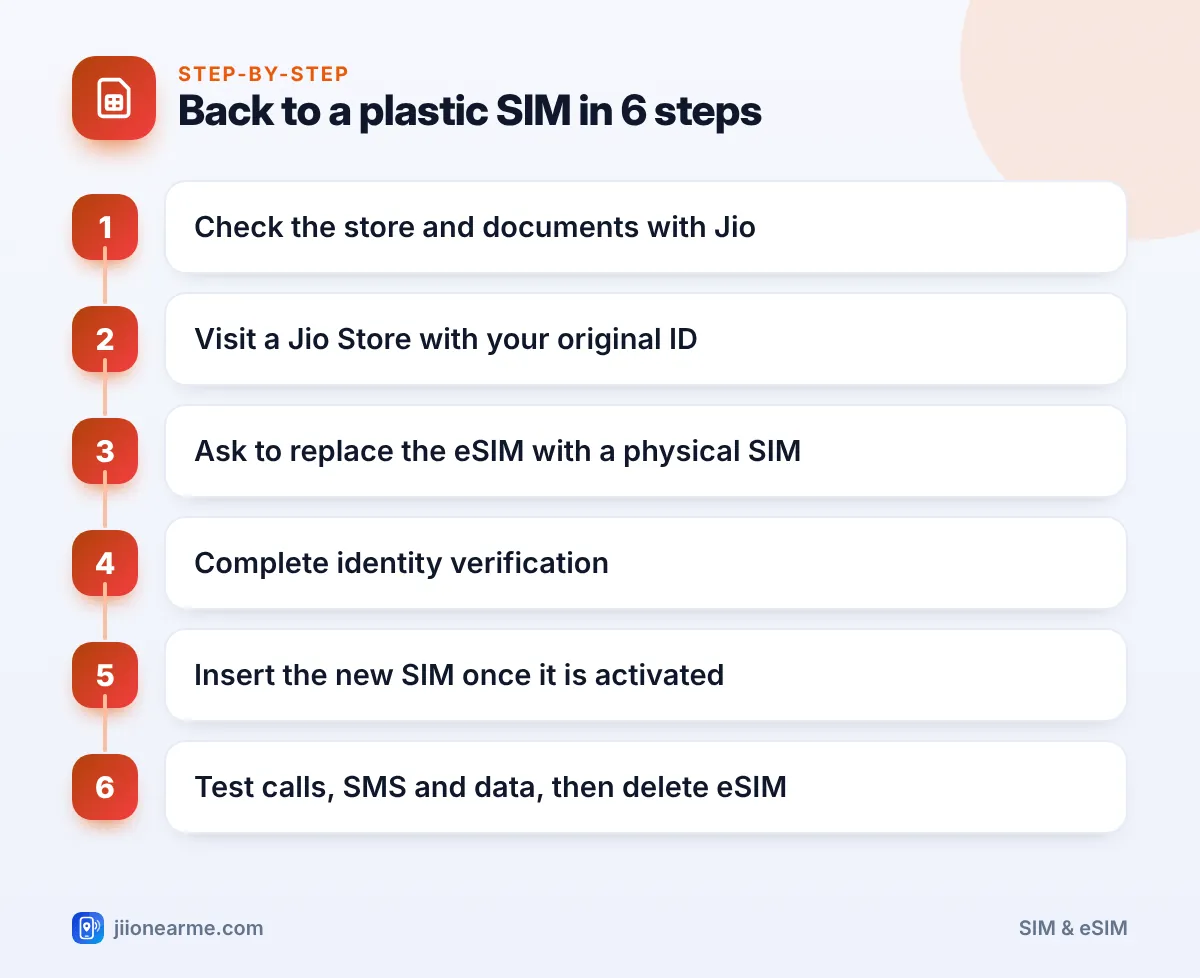
On the day of your visit, the process usually looks like this:
- Find a Jio Store near you using the store locator on jio.com or in the MyJio app.
- Explain what you need. Tell the staff you want to replace your Jio eSIM with a physical SIM for the same number.
- Complete verification. The staff check your ID, and you may be asked for biometric or Aadhaar-based verification. Follow only the store’s process.
- Receive the new SIM. Keep the card holder until the SIM is active, in case the staff need its details.
- Wait for activation. Your eSIM will stop working when the new card is activated. This can take a little time, so ask the staff what to expect.
- Insert and test. Put the new card in your phone, restart, then make a call, send an SMS and open a website on mobile data with Wi-Fi off.
Never share an OTP or Aadhaar details with anyone who calls offering to arrange a SIM replacement for you. Genuine replacements happen at a Jio Store, with you present and holding your original ID.
What Happens to Your eSIM After the New Card Is Active
Once the plastic SIM is active, your eSIM profile stops working. The phone will usually show No service on that line. Here is what to know:
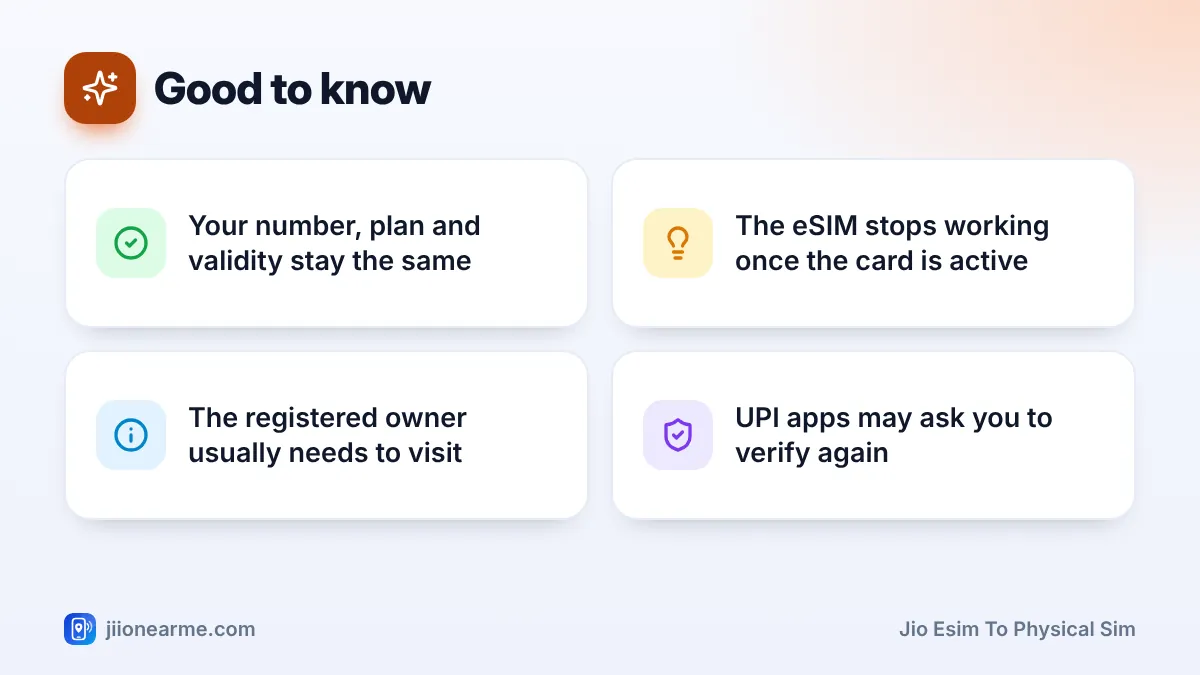
- Your number moves to the card. Calls, SMS and data now work through the physical SIM.
- Your plan stays intact. The same plan, validity and balance continue.
- The old eSIM profile is useless. It cannot be switched back on. Delete it from your phone’s SIM settings once the card works.
- SMS may be limited briefly. After any SIM change, some SMS services can be restricted for a short period as a safety measure.
- Apps may ask you to verify again. UPI apps in particular check the SIM in your phone, so you may need to set them up again.
Removing the old eSIM profile
- iPhone: Open Settings > Mobile Service (called Mobile Data or Cellular on some versions), tap the old line and choose Delete eSIM.
- Samsung Galaxy: Open Settings > Connections > SIM manager, tap the old eSIM and choose to remove it.
- Google Pixel: Open Settings > Network & internet > SIMs, tap the old eSIM and choose the option to erase or delete it.
Labels can differ slightly by phone and software version.
Wait until the new card has worked for at least a day before deleting the old eSIM profile. There is no rush, and it keeps things simple if staff need to check anything.
Can You Switch Without Visiting a Store?
The SMS method Jio publishes is for getting an eSIM, not for going back to a physical card. Because a new card has to be handed to you in person after ID checks, the standard route is a store visit. If new options become available, they will be listed on jio.com.
Frequently Asked Questions
Will I lose my Jio number when I go back to a physical SIM?
No. Your number stays the same. Only the type of SIM changes from a downloaded profile to a plastic card.
How long does the switch take?
The store visit itself is usually short. Activation can take a little longer, so plan for a short gap in service and ask the staff what to expect.
Can someone else visit the store for me?
The registered owner usually needs to go, because the store verifies identity against the connection. For special cases, ask Jio on 199 or 1800-889-9999 first.
Can I use the old eSIM again later?
No. Once the physical SIM is active, the old eSIM profile stops working for good. If you want an eSIM again, request a new one.
Do I need to recharge after switching?
No. Your existing plan and validity continue on the new card. Recharge only when your current plan is due to end.
Summary
Switching from a Jio eSIM to a physical SIM is a simple store visit. Carry your original ID, ask for a physical replacement, complete verification and test the new card once it is active.
Your number and plan stay the same, and the eSIM stops working once the card takes over. Delete the old profile after a day or so, set up your UPI apps again, and you are done.
JIo Near me is an independent guide and is not affiliated with Reliance Jio. App menus, plans and policies can change – always confirm current details in the official MyJio app or on jio.com. We will never ask for your OTP, PIN or passwords.