
Lag in an online game is about delay, not download speed. A connection that downloads quickly can still feel slow in a match if each signal takes too long to reach the game server and come back. On Jio mobile data, high ping usually comes from weak signal, a busy tower, a far-away game server or other apps using your connection at the same time.
You can’t control everything on a mobile network, but you can control more than you might think. The steps below focus on the changes that make a real difference, and skip the myths.
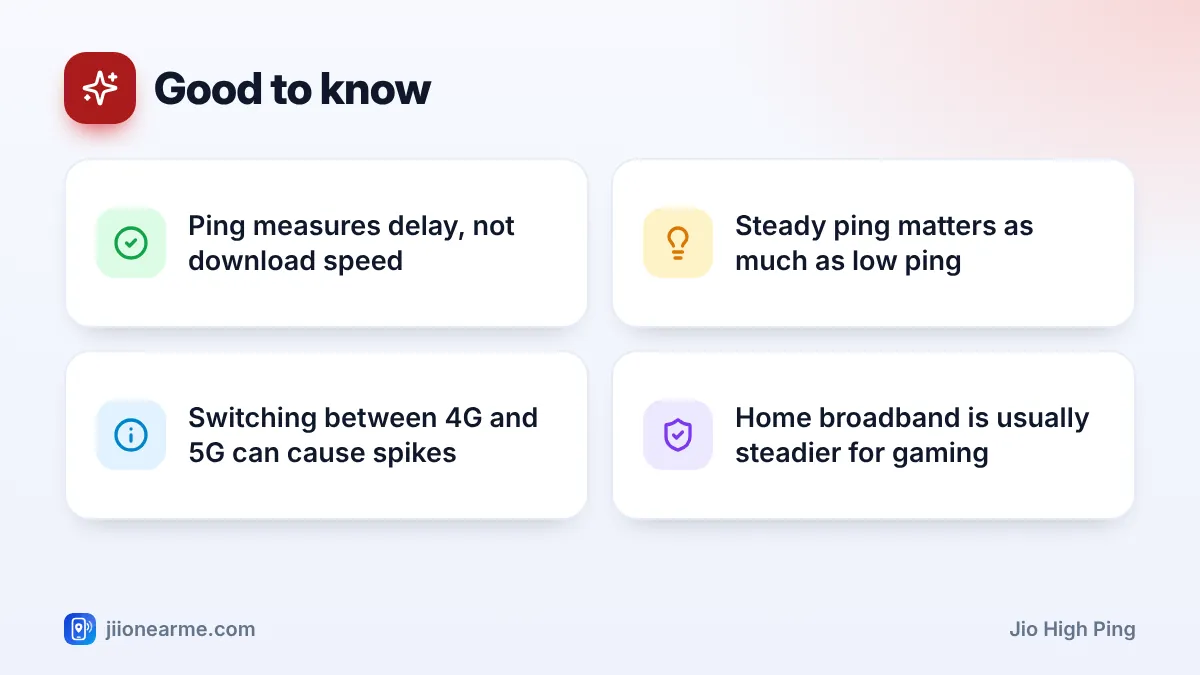
- Ping is the round-trip delay to the game server, and jitter is how much it jumps around.
- Strong, steady signal matters more for ping than raw download speed.
- Pick the nearest game server and close background downloads before playing.
- If your phone keeps switching between 4G and 5G mid-match, choose one mode for that session.
- For regular gaming at home, JioFiber or Jio AirFiber usually gives steadier ping.
What Ping, Jitter and Packet Loss Mean
Most online games show a small network number in a corner of the screen or in the settings. Here’s what the common terms mean:
- Ping (latency): the time, in milliseconds (ms), for data to travel from your phone to the game server and back. Lower is better.
- Jitter: how much your ping changes from moment to moment. Unsteady ping makes players jump or “rubber-band”, even if the average looks fine.
- Packet loss: when some data never arrives. It causes sudden teleports, missed shots and disconnections.
A steady ping often feels better than a lower ping that keeps spiking.
Why Jio High Ping Happens on Mobile Data
Several things add delay on a mobile connection:
- Weak signal. With one or two bars, your phone has to resend data more often, which adds delay and jitter.
- Network congestion. A busy tower, for example in the evening or in a crowded place, makes data wait in a queue.
- Distance to the game server. Data takes longer to reach a server in another region than one in India.
- Background traffic. App updates, video streaming, cloud backups and hotspot users share your connection.
- Switching cells or network types. Moving between towers, or between 4G and 5G, can cause brief spikes.
Steps to Reduce Jio High Ping Before You Play
Run through this routine before a match:
- Find your best signal spot. Sit near a window or on a higher floor, and avoid basements and rooms with thick walls.
- Pause background data. Stop app updates, large downloads and photo backups, and close streaming apps.
- Turn off your hotspot so no other device shares your connection.
- Turn off any VPN. It sends your traffic through an extra server, which usually adds delay.
- Choose the nearest game server in the game’s settings.
- Turn off battery saver and Data Saver. Both can limit network activity.
- Toggle Airplane mode on for 15 seconds and off again for a fresh connection.

Check your daily data balance in the MyJio app before a long session. Once your daily high-speed data is used up, speed drops sharply and games may lag badly or fail to connect.
Choose the Right Game Server
Many games let you pick a server region or show the ping for each one. Choose the region with the lowest ping, which is usually the one closest to you. Automatic matchmaking sometimes puts you in a distant region, so check the setting if your ping is suddenly much higher than usual.
Playing with friends in another country means connecting to a farther server, and higher ping is expected. No phone setting can remove that physical distance.
4G or 5G: Which Is Better for Gaming?
Jio True 5G can offer lower delay than 4G when the 5G signal is strong. But at the edge of 5G coverage, your phone may keep jumping between 4G and 5G, and each switch can cause a spike.
| What you see | What to try |
|---|---|
| Strong, steady 5G icon | Stay on 5G auto |
| Icon keeps switching between 4G and 5G | Choose a 4G/LTE network mode for the session |
| Weak signal on both | Move to a better spot or use Wi-Fi |
| Ping fine alone, bad in the evening | Likely congestion; play at quieter times |
You’ll find the network mode in your SIM settings, labelled Preferred network type or Network mode. Remember to switch back to 5G auto afterwards.
Phone Settings and Habits That Help
- Use your phone’s game mode or Do Not Disturb, so calls and notifications don’t interrupt you. Many phones also pause background tasks in this mode.
- Keep the phone cool. Heavy games while charging can heat the phone, and a hot phone may slow down, which feels like lag.
- Keep the game updated. Updates often include network fixes.
- Don’t expect DNS changes to fix in-game ping. DNS helps find a server, but it doesn’t change the route your game data takes during a match.
Apps that promise to “boost ping” on mobile data rarely change how your data travels, and some ask for risky permissions or show heavy ads. Stick to the steps above and install apps only from official app stores.
When Home Broadband Is the Better Option
If you game often at home, a fixed connection such as JioFiber or Jio AirFiber usually gives steadier ping than mobile data, because it doesn’t depend on your phone’s signal. For the best results, sit close to the router on the 5 GHz Wi-Fi band, or use a network cable for a console or PC. Check current plans in the MyJio app or on jio.com.
If your mobile signal at home is poor every day, report it by calling 198 from your Jio number.
Frequently Asked Questions
What is a good ping for mobile gaming on Jio?
There’s no single number, but lower and steadier is better. Fast-paced shooters feel smoother with low ping, while ping in the hundreds of milliseconds usually causes clear lag.
Does a faster download speed lower my ping?
Not necessarily. Download speed is how much data you get per second, while ping is how long each piece takes to make the round trip. A strong, steady signal helps both.
Why does my ping spike every few minutes?
Common causes are switching between 4G and 5G or between towers, background updates, and hotspot users. Pause background data and choose one network mode for the session.
Will a VPN reduce my ping on Jio?
Usually not. A VPN adds an extra server in the path, which often increases delay. Turn it off while gaming.
Is JioFiber better than Jio mobile data for gaming?
For gaming at home, a fixed broadband connection is usually steadier, especially with a wired connection to a console or PC.
Conclusion
Jio high ping usually has a practical cause: weak signal, a busy tower, a far server or other traffic on your connection. Find your best signal spot, pause background data, choose the nearest server and settle on one network mode during play. For serious home gaming, a fixed connection with a cable is the most reliable choice.
JIo Near me is an independent guide and is not affiliated with Reliance Jio. App menus, plans and policies can change – always confirm current details in the official MyJio app or on jio.com. We will never ask for your OTP, PIN or passwords.