A new phone should be an upgrade, so it’s frustrating when your Jio SIM picks up signal but the internet won’t connect after the switch. In most cases, the new phone just hasn’t been set up for Jio yet: the wrong SIM is chosen for data, the network mode is off, or the APN is missing.
Work through the checks below in order. Each one takes a minute or two, and most people don’t need to go past the APN step.
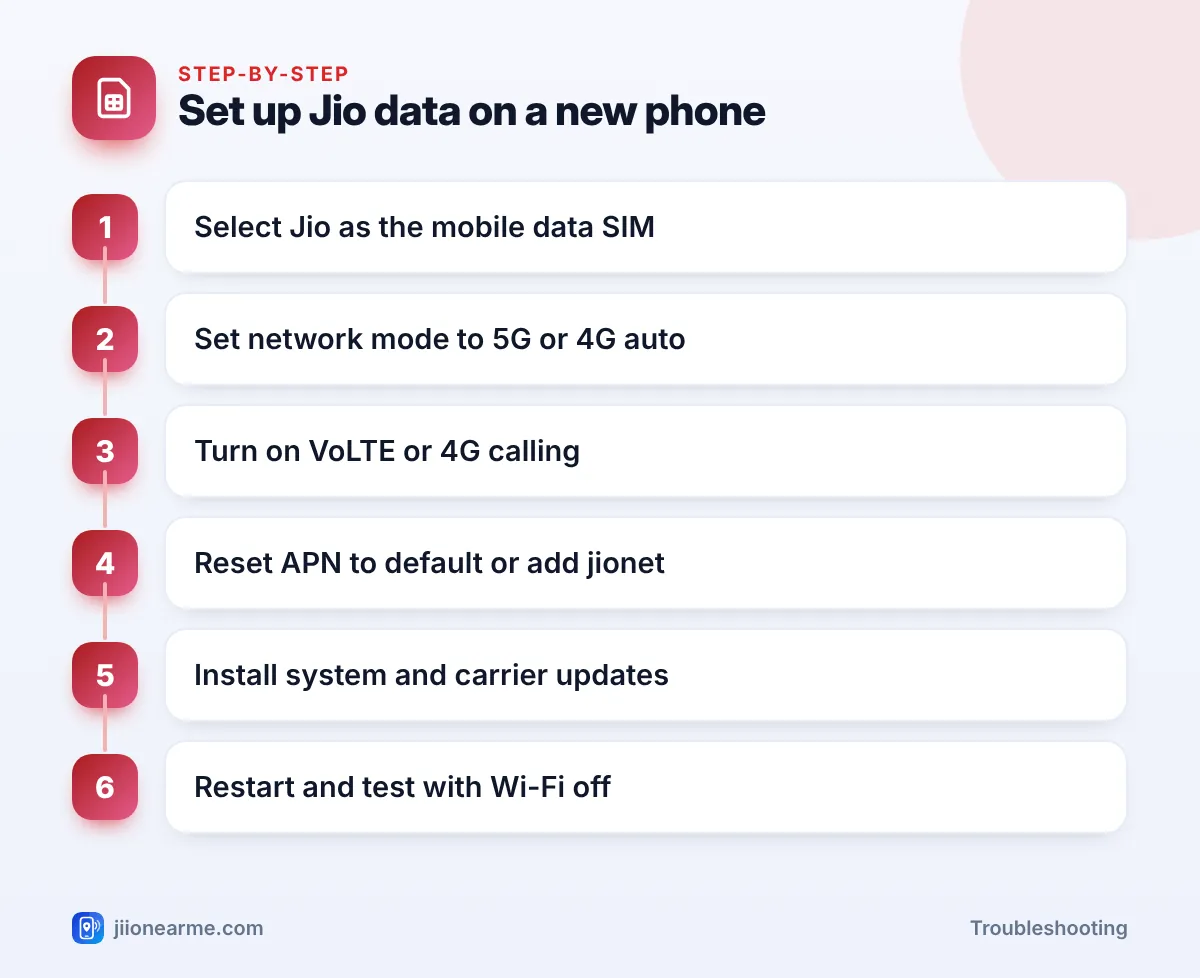
- Make sure your Jio plan is active, then select Jio as the mobile data SIM.
- Set the network mode to an option that includes 4G/LTE or 5G, and turn on VoLTE.
- Reset the APN to default, or check that the Jio APN (jionet) is present and selected.
- Install software and carrier settings updates, especially on iPhones.
- An eSIM has to be set up again through Jio; it doesn’t move with the phone.
Why Data Can Fail After Changing Phones
Your SIM carries your number and account, but the phone decides how to connect. Each brand stores its own network settings. When you move the SIM, the new phone has to pick the right options for Jio, and sometimes it doesn’t.
Before anything else, confirm the basics. Open MyJio over Wi-Fi and check that your plan is active and has data left. Then make sure Mobile data is turned on in quick settings and that Wi-Fi is off while you test. If signal bars don’t appear at all, power off, reseat the SIM firmly in the tray and try again.
Check the Data SIM and SIM Slot
Most new phones are dual-SIM. If you’ve put Jio in one slot and another SIM in the second, the phone may be using the other SIM for data.
- Open Settings and go to Network & internet > SIMs, or Connections > SIM manager on Samsung phones.
- Find the Mobile data or Preferred SIM for data option.
- Select your Jio SIM.
Also check that the Jio SIM is enabled. Some phones let you switch a SIM off completely, and a new phone may do this by default for the second slot.
Set the Network Mode and Turn On VoLTE
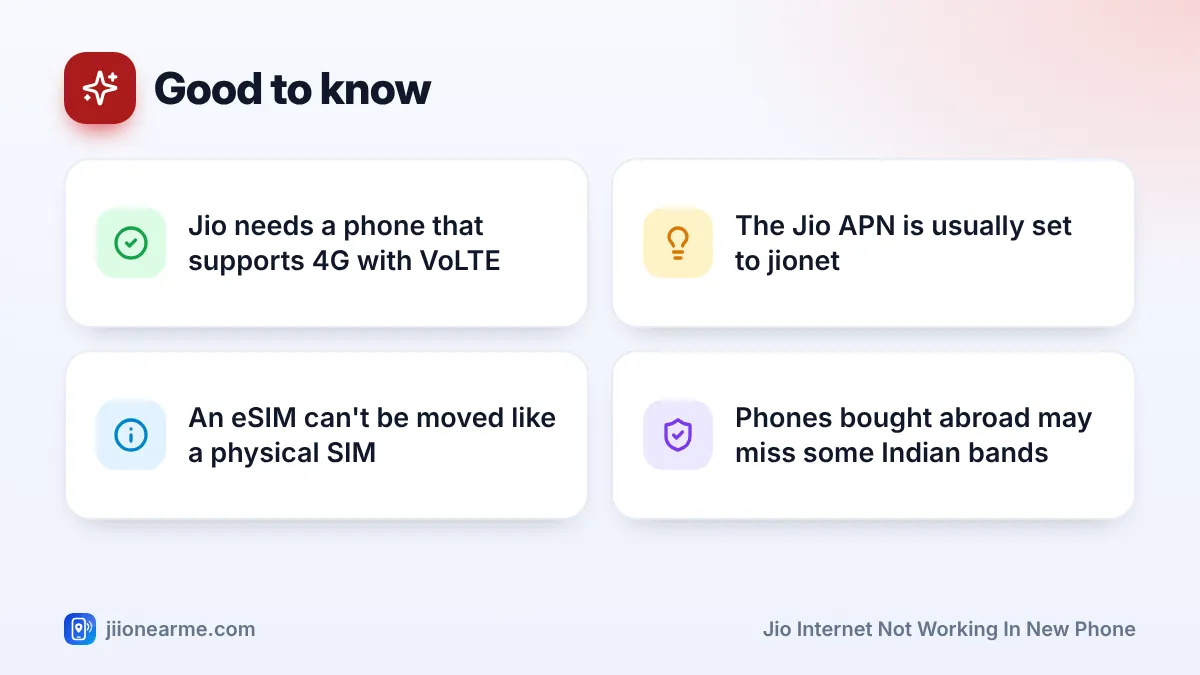
Jio has no 2G or 3G network. It works only on 4G and 5G, and its calls use VoLTE. If your new phone is set to a 3G or 2G mode, data won’t work.
- In your Jio SIM’s settings, tap Preferred network type or Network mode.
- Choose an automatic option that includes 5G or LTE, such as “5G/4G/3G/2G (auto)”.
- Turn on VoLTE, 4G calling or HD calls if your phone shows that switch.
- If your phone and area support Jio True 5G, keep 5G enabled in the same menu.
Labels differ across brands and software versions, so look for the closest match.
Phones bought abroad may not support all the network bands Jio uses in India, and some are locked to a foreign carrier. If such a phone shows weak or no Jio signal everywhere, check the model’s India band support with the brand before spending time on settings.
Check or Reset the Jio APN
The APN (Access Point Name) is the setting that connects your phone to Jio’s data network. Most phones add it automatically when they detect a Jio SIM. On some phones, especially imported or older models, it goes missing.
Reset APN to default
- Open your Jio SIM’s settings and tap Access Point Names.
- Tap the menu (⋮) and choose Reset to default.
- Make sure the Jio entry is selected (the circle next to it is filled).
Add the Jio APN if it is missing
If no Jio entry appears after the reset, tap + or Add and create one with the name Jio and APN jionet. Leave other fields at their default values unless Jio support tells you otherwise, then save and select it. Restart the phone afterwards.
Don’t copy long APN settings from forums or social media posts. Wrong values can block data completely. If the simple reset and the jionet APN don’t work, contact Jio support instead.
Install Updates and Carrier Settings
New phones often ship with older software that gets updated in the first few days. These updates can include network fixes.
- Android: connect to Wi-Fi and go to Settings > System > Software update (or Software update directly in Settings on some brands). Install anything available, then restart.
- iPhone: go to Settings > General > About and wait a few seconds. If a Carrier Settings Update pop-up appears, tap Update. Then install any iOS update under Software Update.
On iPhones, Jio’s data settings come from these carrier settings, so you usually don’t need to set an APN by hand.
Jio Internet Not Working in New Phone With eSIM
An eSIM lives inside the phone, so you can’t move it like a physical card. If you used a Jio eSIM on your old phone, you’ll need to get it set up again for the new one through the official process in the MyJio app, on jio.com or at a Jio store. Follow only official Jio steps, and never share your OTP with anyone who calls offering help.
Once the eSIM is active on the new phone, repeat the checks above: data SIM, network mode, VoLTE and APN.
When to Contact Jio
If you’ve completed every step and data still doesn’t connect, call 198 for complaints or 199 for queries from your Jio number. You can also call 1800-889-9999. Tell them the phone model, that it’s a new handset, and what you’ve already tried. If even calls don’t work and the SIM shows as invalid, a Jio store can check whether the SIM needs replacing.
Frequently Asked Questions
Why does my Jio SIM work for calls but not data on the new phone?
The phone is probably using the other SIM for data, or the Jio APN is missing. Select Jio as the mobile data SIM and reset the APN to default.
What is the APN for Jio?
The Jio APN is usually jionet. Most phones add it automatically, so reset APNs to default first and add it manually only if it’s missing.
My new phone supports 5G, so why don't I see Jio 5G?
You may be outside Jio 5G coverage, 5G may be off in the network mode menu, or the phone may need a software update. Check the network mode and update the phone.
Do I need a new SIM when I change phones?
Usually not. A working Jio SIM can move between phones. You need a new SIM only if the old one is damaged, doesn’t fit the new phone’s tray, or you’re switching to or from an eSIM.
Will a 4G phone without VoLTE work with Jio?
Data may work on some such phones, but normal calls won’t, because Jio calls use VoLTE. A phone with VoLTE support is the better choice for Jio.
Conclusion
When Jio data fails on a new phone, the SIM is rarely the problem. Check the data SIM, set a 4G or 5G network mode, turn on VoLTE, and reset or add the jionet APN. Install updates, restart, and you should be online. If you’re using an eSIM, set it up again through official Jio channels before trying anything else.
JIo Near me is an independent guide and is not affiliated with Reliance Jio. App menus, plans and policies can change – always confirm current details in the official MyJio app or on jio.com. We will never ask for your OTP, PIN or passwords.