If you check your IP address on Jio mobile data, you will often see a long string of letters, numbers and colons. That is an IPv6 address, from the newer version of the internet’s addressing system. Jio’s mobile network uses it because the older system, IPv4, simply does not have enough addresses for a network of Jio’s size.
For everyday use, you do not need to do anything. Browsing, video, UPI and calls work the same way. Still, knowing the basics helps when you see an unfamiliar address, change APN settings or troubleshoot an app that fails only on mobile data. This explainer covers all three.
- An IP address identifies your device on the internet, a bit like a postal address.
- IPv4 is running out of addresses, while IPv6 offers a practically unlimited supply.
- Jio’s mobile network uses IPv6 widely, and phones usually get an IPv4 address alongside it.
- Keep the APN protocol and roaming protocol set to IPv4/IPv6 for the smoothest experience.
- Most users never notice the difference, but it explains a few quirks with hosting and gaming.
IPv4 vs IPv6: The Address Problem in Simple Words
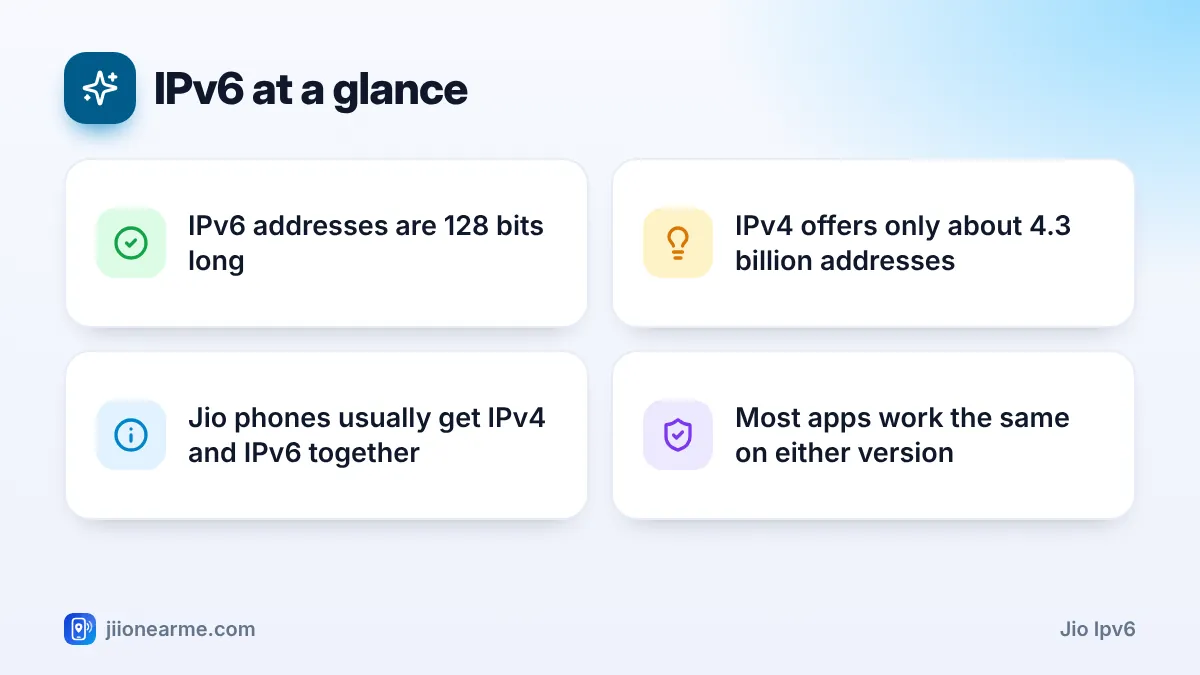
Every device on the internet needs an address so data knows where to go. The original system, IPv4, uses 32-bit addresses. That gives about 4.3 billion possible addresses. It sounded like plenty decades ago, but phones, laptops, TVs and smart devices used them up.
IPv6 uses 128-bit addresses. The number of possible addresses is so large that running out is not a practical concern. The two versions also look different.
| Feature | IPv4 | IPv6 |
|---|---|---|
| Address length | 32 bits | 128 bits |
| Example format | 192.0.2.10 | 2001:db8::1 |
| Written as | Four numbers with dots | Groups of letters and numbers with colons |
| Supply of addresses | Limited and largely used up | Practically unlimited |
| Sharing needed | Often, through translation | Rarely |
The examples above come from ranges reserved for documentation, so they are not real devices.
Why Jio’s Mobile Network Uses IPv6
Jio serves a very large number of mobile users. Giving each phone its own public IPv4 address is not possible, because there are not enough left anywhere in the world. Large networks that stay on IPv4 must squeeze many users behind shared addresses using translation equipment.
IPv6 removes much of that squeeze. Each phone can get its own globally unique address. Jio also built its 4G network as a new, all-IP network, without older 2G or 3G systems. That made it practical to support IPv6 widely from the start. India is often cited as one of the leading countries for IPv6 adoption, and Jio’s mobile network is a big part of that.
For the network, IPv6 means less translation work and simpler routing. For users, it can mean fewer problems with services that dislike many people sharing one address.
How Your Phone Gets Jio IPv6 and IPv4 Together
Not every website and app supports IPv6 yet. So in most cases, a phone on Jio mobile data runs both versions side by side. This is called dual stack.
- Your phone usually receives an IPv6 address that is reachable directly.
- It also receives a private IPv4 address. IPv4 traffic goes through the network’s shared translation system, often called carrier-grade NAT.
- When a service supports IPv6, your phone usually prefers it. When it does not, the phone uses IPv4.
All of this happens automatically within a fraction of a second. You do not choose which version an app uses.
How to see your IP addresses
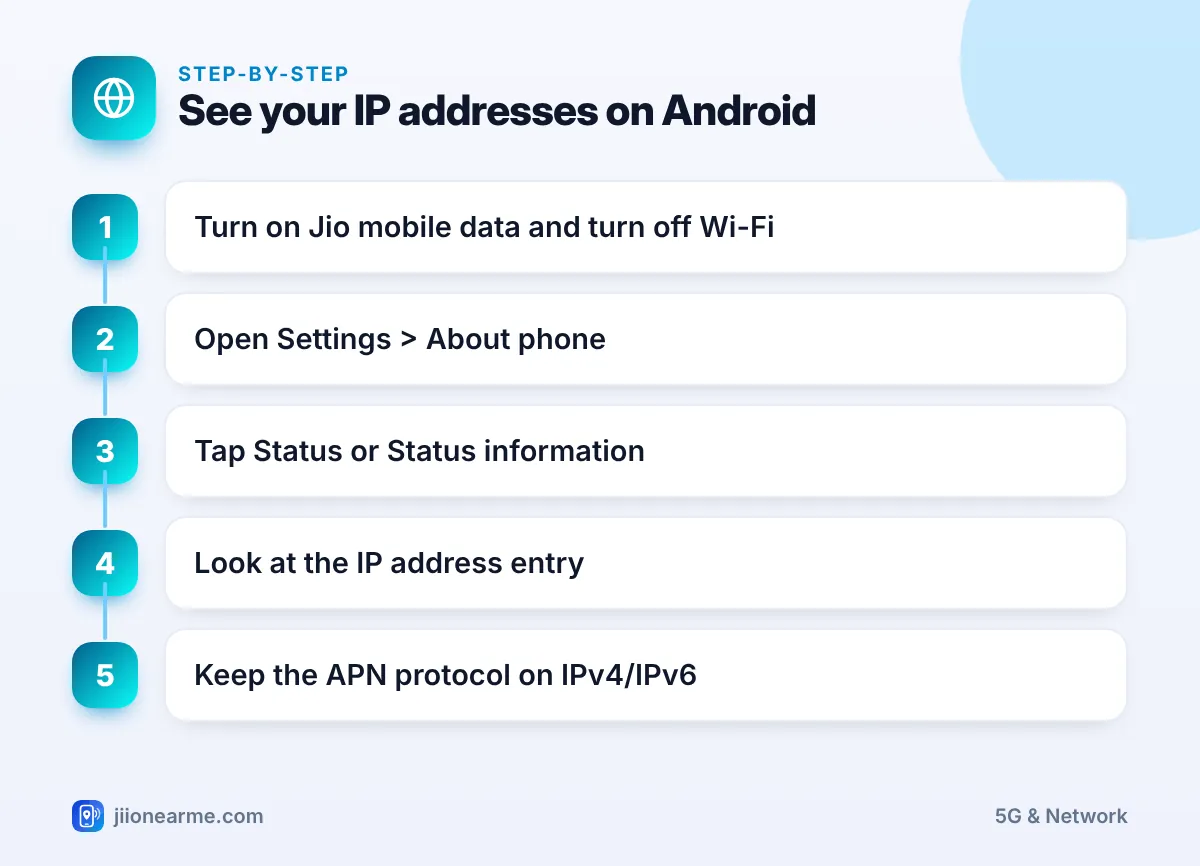
- Turn on Jio mobile data and turn off Wi-Fi.
- Open Settings > About phone.
- Tap Status or Status information (labels vary by brand).
- Look at IP address. You may see a short IPv4 address and one or more long IPv6 addresses.
On an iPhone, the mobile data IP address is not shown in Settings in the same way. A trusted “what is my IP” page in your browser will show it instead.
The APN Protocol Setting Explained
On Android, the Jio APN (jionet) has two fields related to IPv6: APN protocol and APN roaming protocol. Each usually offers three choices.
- IPv4: The phone asks only for an IPv4 address.
- IPv6: The phone asks only for an IPv6 address.
- IPv4/IPv6: The phone asks for both and uses whichever fits each connection.
Keep both fields on IPv4/IPv6. This is usually the default, and it matches how Jio’s network works. Switching to one version only can break some apps or stop data entirely on certain phones.
If one app misbehaves, changing the APN protocol is more likely to create new problems than solve the old one. Update the app or contact its developer first. Change APN settings only on advice from Jio support.
What Jio IPv6 Means for Everyday Use
For browsing, streaming and messaging, nothing changes. A few situations are worth knowing about:
- “What is my IP” results look odd: You may see a long IPv6 address, or an IPv4 address that changes often. Both are normal.
- Location guesses can be wrong: Websites that guess your city from your IP address may show a different city. This is common on mobile networks.
- Hosting and remote access: Mobile networks generally do not let you run a server or reach your phone from outside. For CCTV cameras or smart devices, use the maker’s official app, which connects through its own service.
- Online gaming: Some games show a restricted or strict connection type on mobile data. This comes from shared IPv4 addresses and network rules, and is normal on mobile connections.
- Privacy: Android and iPhone use temporary IPv6 addresses that change over time, so your address is not fixed to you forever.
Some older VPN apps handle only IPv4. If a VPN connects but some sites behave strangely on Jio data, update the VPN app or check its settings for IPv6 support.
When an App Fails Only on Jio Mobile Data
If an app or website works on Wi-Fi but not on Jio data, try these steps in order:
- Update the app from the Play Store or App Store.
- Restart the phone to get a fresh data session.
- Check that the APN is jionet and both protocol fields show IPv4/IPv6.
- Use Reset to default on the Access Point Names screen if values look edited.
- Report the issue to the app or website owner, since their IPv6 setup may be at fault.
If several apps fail, it may be a network issue. Call Jio on 199 from your Jio number for queries, or 198 to raise a complaint.
Frequently Asked Questions
Is Jio IPv6 safe to use?
Yes. IPv6 is a standard internet technology used by major networks and websites worldwide. Your phone’s normal security features work the same way.
Can I turn off IPv6 on Jio mobile data?
Some Android phones let you set the APN protocol to IPv4 only, but it is not recommended. It can break data or certain apps. Keep the default IPv4/IPv6 setting.
Does IPv6 make Jio internet faster?
Not directly. Speed depends on signal, network load and your plan. IPv6 can reduce translation steps, but you are unlikely to notice a big difference.
Why does my IP address keep changing on Jio?
Mobile networks assign addresses dynamically, and phones also rotate temporary IPv6 addresses for privacy. A changing address is normal.
Does JioFiber also use IPv6?
Many home broadband networks, including fibre services, support IPv6 too. Your router’s status page usually shows whether it has an IPv6 address.
Summary
Jio IPv6 is the reason your phone shows long colon-filled addresses on mobile data. IPv6 gives every device its own address, while IPv4 support continues alongside it for older services. Keep the APN protocol on IPv4/IPv6, update apps that misbehave, and contact Jio support only if many services fail on mobile data.
JIo Near me is an independent guide and is not affiliated with Reliance Jio. App menus, plans and policies can change – always confirm current details in the official MyJio app or on jio.com. We will never ask for your OTP, PIN or passwords.
