When Jio mobile data stops working, the cause is usually simple: an expired plan, used-up daily data, a switched-off toggle or a wrong network setting. Work through the checks below in order, and most people get their internet back in a few minutes without visiting a store.
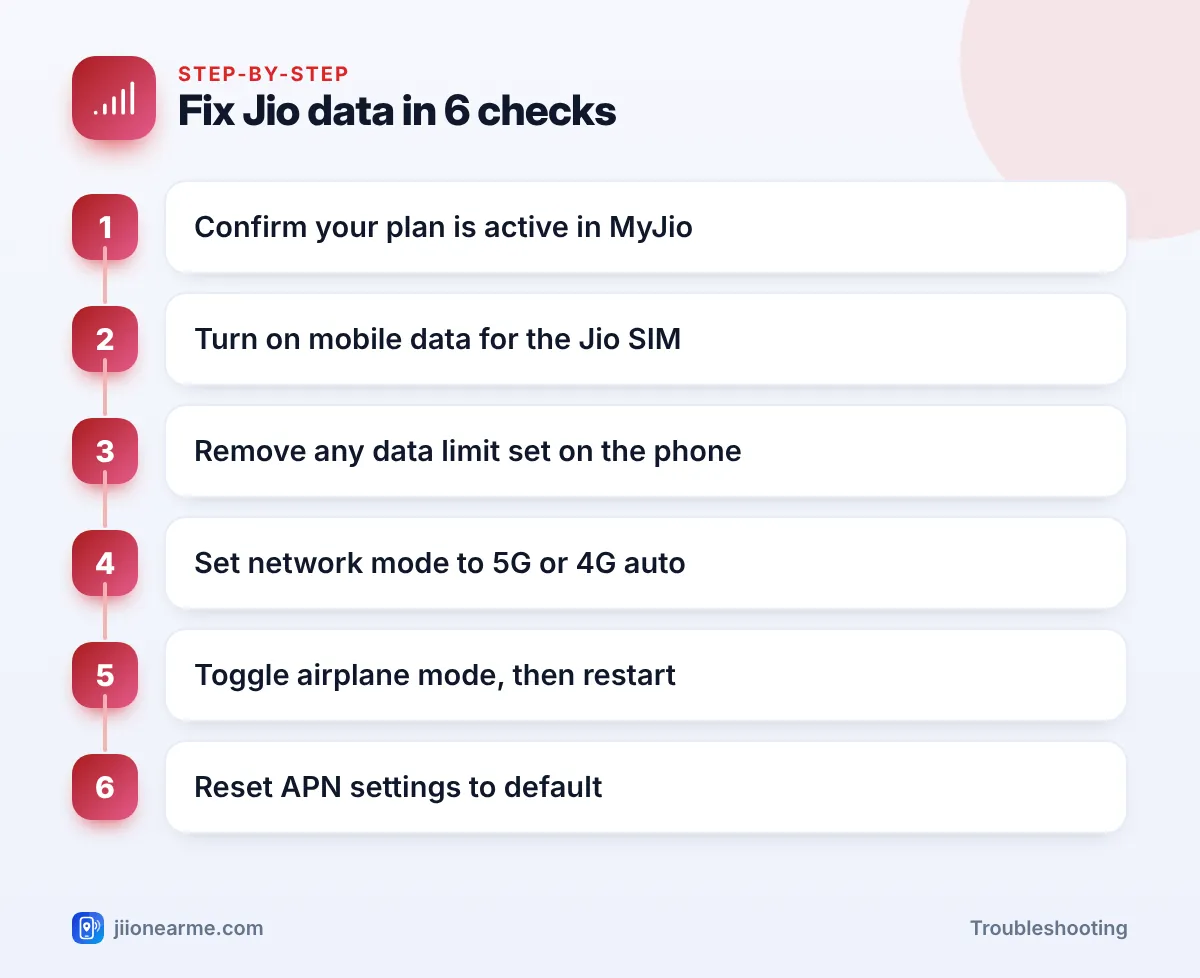
The order matters. Checking your plan first stops you from changing settings that were never the problem. Move to the next step only if the previous one did not help.
- Confirm your plan validity and daily data balance before touching any settings.
- Make sure mobile data is on and, on dual-SIM phones, assigned to the Jio SIM.
- Remove any data limit or Data Saver block set on the phone.
- Jio needs a 4G or 5G network mode. A 2G or 3G-only setting means no Jio data.
- Airplane mode, a restart and an APN reset fix most of the remaining glitches.
Quick Checks Before You Change Anything
Spend thirty seconds on these basics first:
- Look at the signal bars. No bars, or a “No service” or “Emergency calls only” message, points to a network or SIM issue rather than a data setting.
- Look for the 4G, LTE or 5G icon next to the signal bars. If calls work but no data icon appears, the data connection is off or blocked.
- Ask someone nearby who uses Jio. If their data is also down, it may be a local network problem.
- Turn off Wi-Fi for a moment. This makes sure your phone is really trying to use mobile data and not a weak Wi-Fi network.
Step 1: Check Plan Validity and Daily Data
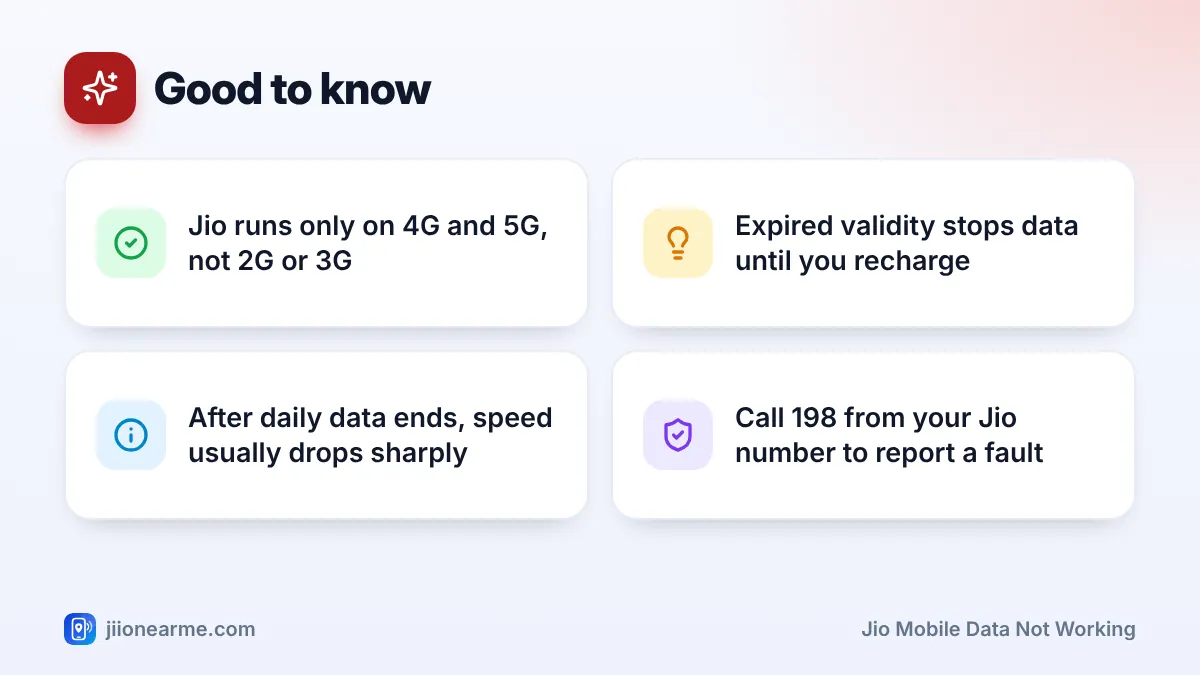
An expired plan is the most common reason Jio data stops. When validity ends, data stops until you recharge, even though your phone still shows signal.
Open the MyJio app over Wi-Fi, or sign in at jio.com, and look at the plan card on the home screen. It shows your active plan, remaining data and the validity date.
Next, check whether your daily high-speed data is finished. On most plans with a daily quota, data does not stop completely when you use it up. Instead, the speed drops sharply, so pages seem to load forever. Jio usually sends SMS alerts as you approach and reach your daily limit, so check your messages too.
If your daily data is used up, you can wait for the daily reset or add a data add-on pack. Check the current add-on options in the MyJio app rather than trusting forwarded messages or old screenshots.
Step 2: Turn On Mobile Data and Pick the Right SIM
The mobile data toggle gets switched off by accident more often than you’d think, usually from the quick settings panel.
- Swipe down from the top of the screen to open quick settings.
- Find the Mobile data tile and make sure it is turned on (highlighted).
- On a dual-SIM phone, open Settings and go to the SIM or mobile network section, often under Network & internet or Connections.
- Under Mobile data or Data SIM, select your Jio SIM.
On an iPhone, go to Settings > Mobile Data and check that the Mobile Data switch is on. If you use two lines, check which line is chosen for mobile data.
Step 3: Remove Data Limits and Data Saver Blocks
Android phones let you set a mobile data limit. Once you reach it, the phone switches mobile data off by itself, and it looks like a Jio fault.
- Open Settings and go to Network & internet or Connections.
- Tap Data usage or your SIM name, then look for Data warning & limit or Billing cycle.
- Turn off Set data limit, or raise the limit.
Then check Data Saver. When it’s on, apps can’t use data in the background, and some may not refresh at all. Turn it off while testing. On an iPhone, the similar setting is Low Data Mode, found under Settings > Mobile Data > Mobile Data Options.
If only one app has no internet, open that app’s info page in Settings and check that mobile data and background data are allowed for it.
Step 4: Set the Correct Network Mode
Jio runs only on 4G and 5G. It has no 2G or 3G network. If your phone is set to a “3G only” or “2G only” mode, the Jio SIM will show no data and may show no service at all.
- Open Settings and go to your Jio SIM’s settings (under SIMs, Mobile networks or SIM manager).
- Tap Preferred network type or Network mode.
- Choose an option that includes 5G or 4G/LTE, such as “5G/4G/3G/2G (auto)” or “LTE/3G/2G (auto)”.
Labels differ between brands and software versions, so pick the highest automatic option your phone offers. Keep any VoLTE or 4G calling switch on, because Jio calls depend on it. At the edge of a 5G area, a 4G/LTE mode can give a steadier link.
Step 5: Toggle Airplane Mode and Restart Your Phone
Many data problems are simply a stuck connection. Switching the radio off and on forces your phone to reconnect to the nearest Jio tower.
- Turn on Airplane mode and wait about 15 seconds.
- Turn it off and wait for the 4G or 5G icon to appear.
- If data still fails, switch the phone off completely, wait half a minute and switch it on again.
Also make sure Airplane mode wasn’t left on by mistake. The small plane icon in the status bar is easy to miss.
Reset the APN if data still won’t connect
The APN (Access Point Name) tells your phone how to connect to Jio’s data network. Jio’s APN is normally jionet, and phones set it automatically. If it was edited or deleted, data fails.
- Go to your Jio SIM’s settings and open Access Point Names.
- Tap the menu (⋮) and choose Reset to default.
- Select the Jio APN if it isn’t already selected, then restart.
You can also take the SIM out, check it for dust or damage, and push it back in firmly.
When Jio Mobile Data Not Working Is Not Your Phone’s Fault
Sometimes every setting on your phone is correct and the problem is on the network or account side. This table helps you spot it:
| What you notice | Likely cause | What to do |
|---|---|---|
| Data is down for everyone nearby | Local network issue | Wait a little, then report it |
| Signal shows but data never connects after all checks | Account or SIM issue | Call 198 from your Jio number |
| “Invalid SIM” or no signal anywhere | Damaged or blocked SIM | Visit a Jio store with valid ID |
| Data works in one place but not another | Weak indoor coverage | Move near a window or outdoors |
To report a problem, call 198 for complaints or 199 for queries from your Jio number, or use the toll-free number 1800-889-9999. The MyJio app also has a help section you can use over Wi-Fi.
Jio support will never ask for your OTP, UPI PIN or passwords. Don’t share them with anyone who calls offering to fix your data problem.
Frequently Asked Questions
Why does my phone show 4G but Jio internet doesn't work?
The connection may be stuck, your daily data may be used up, or your plan may have expired. Check validity in MyJio, then toggle airplane mode and restart.
Can I use Jio data on a 3G-only phone?
No. Jio works only on 4G and 5G networks, so a phone that supports only 2G or 3G cannot use Jio data or calls.
Why does my data slow down at the same point every day?
You have probably used your daily high-speed data. Speed drops after that and returns to normal when your daily quota resets.
Do I need to enter Jio APN settings manually?
Usually not. Most phones set the Jio APN automatically. If it’s missing, reset APNs to default first, and add it by hand only if that doesn’t work.
Will restarting my phone delete anything?
No. A normal restart doesn’t delete photos, apps or messages. It closes running apps and reconnects the phone to the network.
Final Thoughts
Most Jio data problems come down to a few things: validity, daily data, a toggle, a data limit or the network mode. Go through the checks in order, restart once, and reset the APN if needed. If data still won’t work after all that, contact Jio support and tell them which steps you’ve already tried.
JIo Near me is an independent guide and is not affiliated with Reliance Jio. App menus, plans and policies can change – always confirm current details in the official MyJio app or on jio.com. We will never ask for your OTP, PIN or passwords.