Software updates sometimes change the settings your phone uses to connect to Jio. After an Android or iOS update, the network mode, VoLTE switch, APN or carrier settings may be reset or behave differently, and your signal, calls or data can stop. In most cases you can bring service back in a few minutes without a factory reset.
Go through the steps below in order. The first few are quick and fix most problems. The later ones take longer but still keep your photos, apps and files safe.
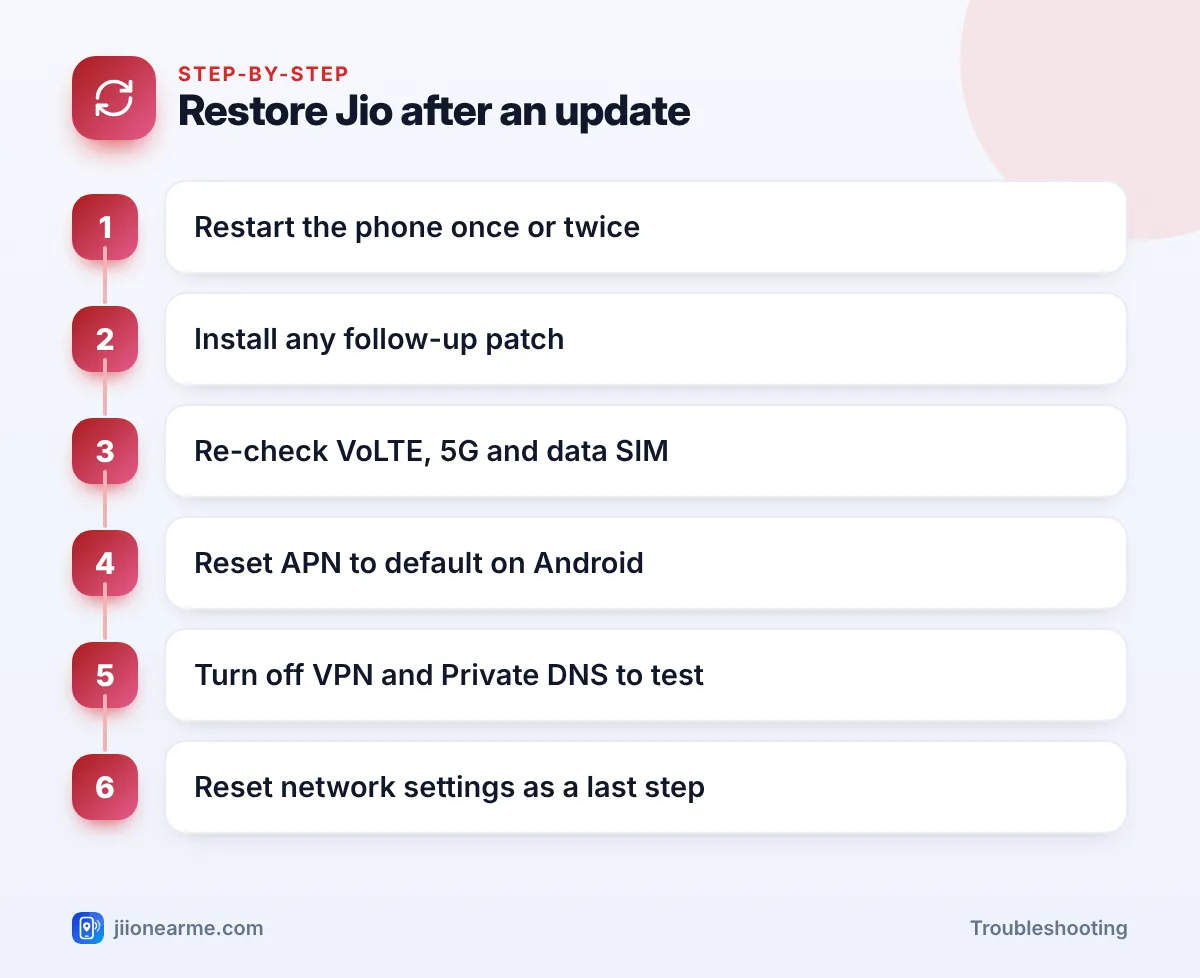
- Restart the phone once or twice after an update, as the first boot often finishes setting things up.
- Check for a follow-up patch and, on iPhone, a carrier settings update.
- Re-check VoLTE, the network mode and the data SIM, because updates can reset them.
- Reset the APN and turn off VPN or Private DNS to rule out data issues.
- A network settings reset is the last step and does not erase personal data.
Why Updates Can Break Jio Service
An update replaces large parts of your phone’s software, including the parts that talk to the mobile network. Common side effects are:
- Settings reset to defaults. The preferred network type, VoLTE switch or data roaming may change.
- New modem software. The part of the phone that handles radio signals gets new firmware, which can have early bugs.
- Carrier configuration changes. Phones store settings for each network, including Jio’s VoLTE and 5G support. A mismatch after an update can stop calls or 5G.
- App conflicts. VPN, firewall or data-saving apps may not work properly with the new software.
Here is a quick way to match what you see to a likely cause:
| What you notice after the update | Likely cause | First fix to try |
|---|---|---|
| No signal or no service | Modem glitch or SIM not read | Restart, then reseat the SIM |
| Signal shows but calls fail | VoLTE switched off or not registered | Turn VoLTE on |
| 5G gone, only 4G shows | Network mode reset | Choose a 5G network mode |
| Signal fine but no internet | APN, VPN or Private DNS issue | Reset APN, turn off VPN |
| Same problem for many owners of your model | Software bug | Wait for a patch, report it |
Steps to Fix a Jio Network Problem After Update
1. Restart once or twice
The first start after an update often includes background optimisation. Wait about ten minutes after the update finishes, then restart the phone. If the problem stays, turn on Airplane mode for 15 seconds, turn it off and restart again.
2. Look for a follow-up patch
Phone makers often release small fixes soon after a major update. Connect to Wi-Fi and check Settings > Software update (or System > System update) on Android, or Settings > General > Software Update on iPhone.
On iPhone, also check for a carrier settings update. Go to Settings > General > About and wait a few seconds. If an update is ready, a pop-up appears.
3. Re-check VoLTE, 5G and the data SIM
Open your Jio SIM settings under Network & internet, Connections or Mobile network, and check each item:
- VoLTE calls or 4G calling is on. Jio calls need it.
- Preferred network type includes 5G or LTE and is set to automatic.
- On dual-SIM phones, the Jio SIM is selected for Mobile data and for calls if you want it to be.
- Mobile data is on.
On iPhone, open Settings > Mobile Service (or Mobile Data or Cellular) > your Jio line, and check Voice & Data and that the line is turned on.
4. Reset the APN on Android
If you have signal but no internet, the APN may have changed. Open your Jio SIM settings, tap Access Point Names, open the menu (⋮) and choose Reset to default. Select the Jio APN, usually named jionet, and restart.
iPhones set the APN automatically for Jio, so you rarely need to change it there.
5. Turn off VPN and Private DNS to test
A VPN app or a custom Private DNS setting can block internet after an update. On Android, search Settings for Private DNS and set it to Automatic or Off while testing. Disconnect any VPN app. If data works now, update or reinstall that app before turning it back on.
Search online forums or the phone maker’s community pages for your exact model and update version. If many owners report the same Jio problem, it is likely a software bug, and a patch is usually the real fix.
6. Reset network settings
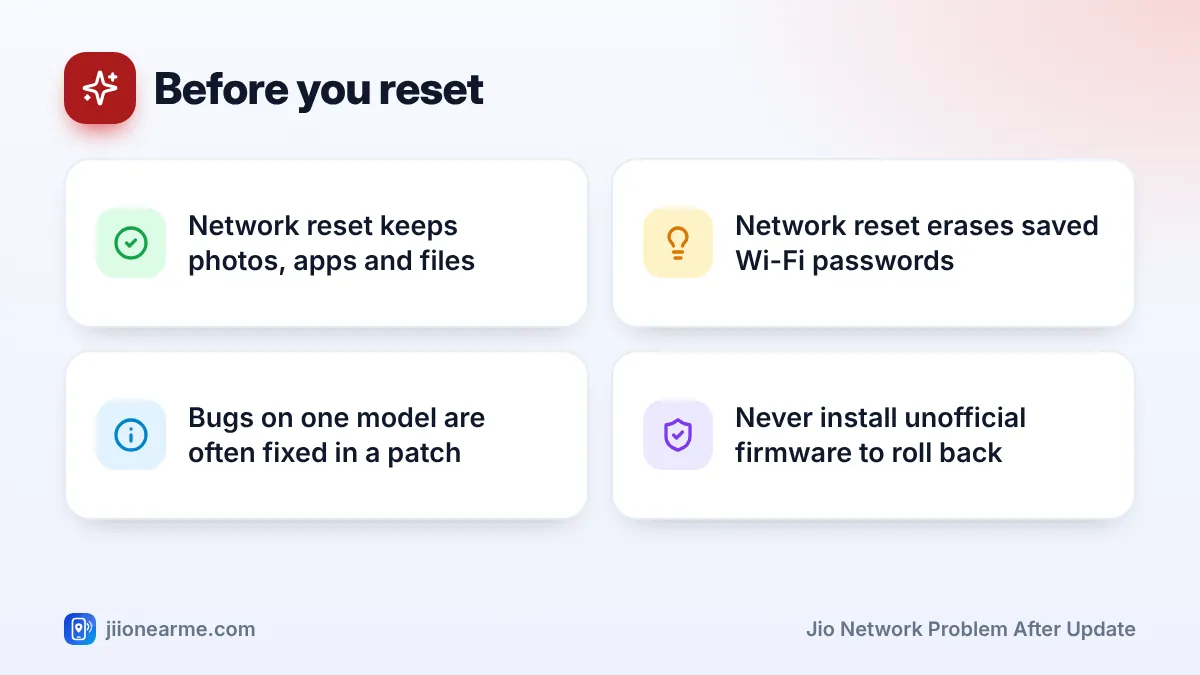
If nothing else has worked, reset network settings. This clears saved Wi-Fi networks and passwords, Bluetooth pairings, mobile network settings and VPN settings. It does not delete photos, apps, messages or contacts.
- Most Android phones: Settings > System > Reset options, then choose the option to reset network, Wi-Fi or mobile network settings.
- Samsung: Settings > General management > Reset.
- iPhone: Settings > General > Transfer or Reset iPhone > Reset > Reset Network Settings.
Labels vary by brand and software version. If you see an option to erase downloaded SIMs or eSIMs, leave it unticked. Deleting a Jio eSIM means you will need a new eSIM from Jio.
What Not to Do
- Don’t factory reset straight away. It erases everything and often does not fix a software bug, because the same software comes back after the reset.
- Don’t install unofficial firmware to go back to an older version. It can damage the phone, void the warranty and even affect the IMEI.
- Don’t trust callers who offer to fix your network after an update and ask for an OTP or remote access.
Jio support will never ask for your OTP, passwords or a screen-sharing app to fix a network issue. If someone does, end the call. Report fraud attempts to the cybercrime helpline 1930.
When to Contact Jio or the Phone Maker
If your Jio SIM works in another phone, the issue is with your phone’s software. Report it to the phone maker’s support or visit an authorised service centre, and ask whether a fix is planned.
If your SIM fails in every phone after the update, the timing may be a coincidence. Contact Jio by calling 198 (complaints) or 199 (queries) from a Jio number, or the toll-free number 1800-889-9999.
Frequently Asked Questions
Why did VoLTE stop working after my phone update?
The update may have switched off the VoLTE setting or changed the carrier settings for Jio. Turn VoLTE back on, restart, and install any follow-up patch.
Will resetting network settings delete my photos or WhatsApp chats?
No. It only clears network settings such as Wi-Fi passwords, Bluetooth pairings, VPN and mobile network settings. Your personal data stays on the phone.
Can I go back to the old software version?
Most phone makers do not offer an official way to roll back. Avoid unofficial tools and wait for a fix through an official update.
Why did 5G disappear after the update?
The network mode may have been reset to LTE, or the new version may need a carrier settings update. Choose a 5G network mode and check for updates.
How long should I wait for a fix from the phone maker?
It varies. Keep checking for updates every few days, and use Wi-Fi Calling at home if calls are affected meanwhile.
Summary
A Jio network problem after update is usually a settings or software glitch, not a fault in your SIM. Restart, check for patches, re-check VoLTE, 5G and the data SIM, reset the APN and test without a VPN. Use a network settings reset as your last step, and leave the factory reset alone unless a service centre advises it.
JIo Near me is an independent guide and is not affiliated with Reliance Jio. App menus, plans and policies can change – always confirm current details in the official MyJio app or on jio.com. We will never ask for your OTP, PIN or passwords.