Three things can stop an OTP from reaching your Jio number: your number can’t receive SMS right now, your phone has filtered or blocked the message, or the bank or app sending it is having a delay. Most of these take only a minute or two to check.
Work through the sections below in order. Start with the quick checks, then look at filters and storage, and finally consider roaming or problems on the sender’s side.
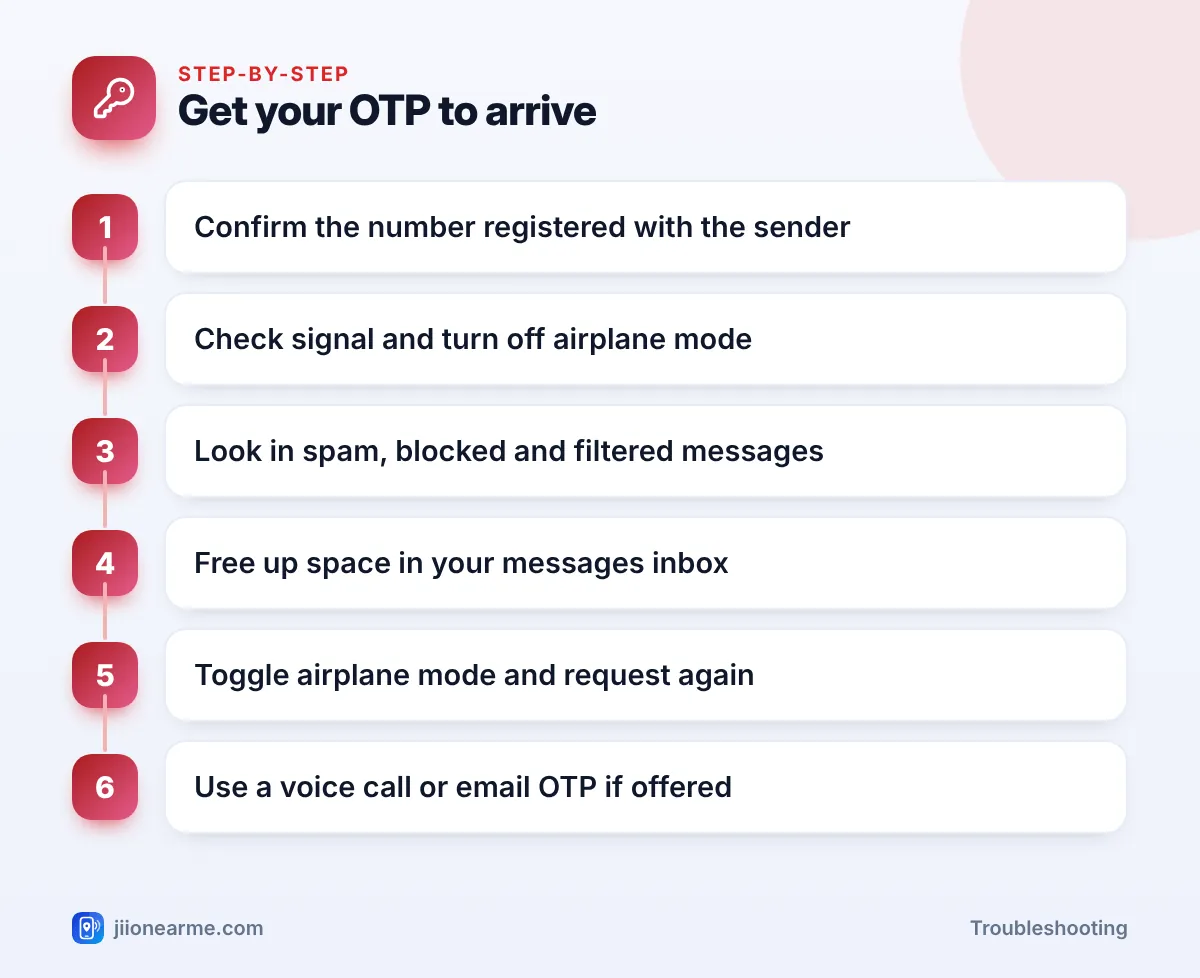
- Make sure the bank or app has your current Jio number and you’re checking the right SIM.
- Look in spam, blocked and filtered message folders before requesting another code.
- Keep signal, plan validity and storage space in order so new SMS can arrive.
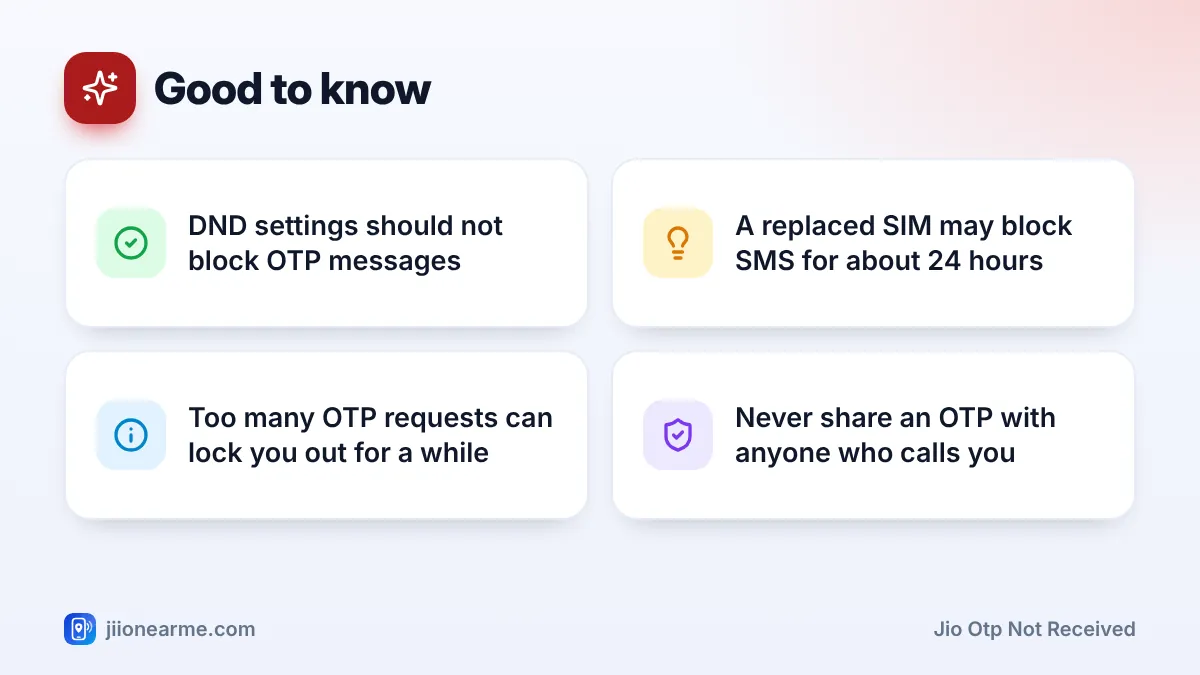
- After a SIM replacement, SMS can stay blocked for about 24 hours for security.
- If the sender offers a voice call or email OTP, use it while you sort out SMS.
Quick Checks Before You Request Another OTP
Start with the simple things. They solve a surprising number of cases.
- Check the registered number. Banks and apps send OTPs to the number in their records. If you changed numbers recently, the code may be going to your old one.
- Check the right SIM. On a dual-SIM phone, make sure you’re looking at messages for the Jio SIM.
- Wait a minute or two. OTPs usually arrive within seconds, but some take longer during busy periods.
- Use only the latest code. Each new request usually cancels the previous OTP, so an older code may be rejected.
- Don’t keep tapping Resend. Many banks and apps limit OTP requests. Too many in a row can block new codes for a while.
Check That Your Jio Number Can Receive SMS
Your phone needs a working connection to Jio’s network to receive any SMS.
- Look for signal bars and a 4G, LTE or 5G icon. If you see No service or Emergency calls only, fix the network first.
- Make sure airplane mode is off.
- Open the MyJio app over Wi-Fi and check that your plan is active. If your number has been without a plan for a long time, incoming services can also stop.
- Ask a friend to send you a normal text. If it doesn’t arrive, the problem is with SMS on your number, not the bank.
For security, SMS services on a replaced or upgraded SIM are usually blocked for about 24 hours. If you got a new SIM today, OTPs may only start arriving after this period.
Look for OTPs Hidden by Filters and Blocked Senders
Modern phones try hard to filter spam, and they sometimes catch real messages too.
On Android
In Google Messages, open the menu or tap your profile picture and look for Spam & blocked. Some versions also sort messages into categories like OTPs or Transactions. In Samsung Messages, tap the three-dot menu (⋮), go to Settings and look for Block numbers and spam or Blocked messages.
If you find the OTP there, mark the sender as Not spam or unblock it so future codes land in your inbox.
On iPhone
If message filtering is on, tap Filters at the top of the Messages app. Check lists such as Transactions, Unknown Senders and Junk. Also make sure no SMS filter app you installed is moving bank messages away.
Third-party SMS apps
If you use a different SMS app as your default, OTPs land there instead of the built-in app. Check its spam folder, or switch back to your phone’s own Messages app to test.
Free Up Space and Reset the Messages App
A full inbox or full phone storage can stop new messages from saving.
- Delete old messages. On a JioPhone or other feature phone, the inbox has a fixed limit. Delete old threads so new SMS can arrive.
- Free up phone storage. On a smartphone, if storage is almost full, delete large videos or unused apps.
- Clear the app cache. On Android, open Settings > Apps > your Messages app > Storage and tap Clear cache. Avoid Clear data unless you’ve backed up your messages.
- Restart the phone. This reconnects you to the network and refreshes the messaging service.
Turning on Do Not Disturb through the TRAI DND app or 1909 blocks promotional messages, not OTPs. Transactional messages such as bank codes are treated separately, so you don’t need to switch DND off.
Jio OTP Not Received While Roaming or Abroad
Within India, you can receive SMS on your Jio number in other states as you do at home. Abroad, the situation is different.
When you travel overseas, your Jio number receives SMS only if international roaming is active and the local partner network supports it. Check your roaming settings and any international roaming pack in the MyJio app before you travel. Also turn on Data roaming on the phone if your pack needs it.
Even with roaming working, OTPs from Indian banks can arrive late abroad. Many banks offer other options for travellers, such as an email OTP or verification in their app. Set these up before you leave.
Problems on the Sender’s Side
Sometimes your phone and Jio connection are fine, and the delay is with the bank or app.
- Server delays. During heavy traffic, such as sale days or month-end, OTP systems can slow down.
- Messaging rules. Under TRAI rules, businesses must register their sender names and message templates. If a sender’s setup has a problem, their messages can be delayed or blocked before they reach any network.
- Wrong channel. Some apps send the code as a notification, by email or through WhatsApp instead of SMS. Read the screen carefully.
| What you notice | Likely cause | What to do |
|---|---|---|
| No SMS from anyone | Network, validity or new SIM block | Check signal and plan, wait if SIM is new |
| Friends’ texts arrive, OTP doesn’t | Filter, blocked sender or sender delay | Check spam folders, try again later |
| OTP arrives late or expired | Network or sender delay | Request once more, use voice or email OTP |
| Nothing arrives abroad | Roaming not active | Check IR settings and pack in MyJio |
Never share an OTP with anyone who calls, texts or messages you, even if they claim to be from Jio, your bank or the police. If you’ve lost money to fraud, call 1930 or report it at cybercrime.gov.in.
Frequently Asked Questions
Why do I get OTPs from some apps but not others?
If other OTPs arrive, your Jio number can receive SMS. The missing one is probably filtered on your phone, going to an old number, or delayed by that sender. Contact that bank or app if it keeps happening.
How long does an OTP usually take to arrive?
Usually a few seconds. If it hasn’t come within a couple of minutes, check your filters and signal before requesting another one.
Can a full phone storage stop OTPs?
Yes. If your phone or feature phone inbox is full, new messages may not be saved. Delete old messages and free up storage.
Who should I contact if no SMS arrives at all?
If no messages reach your Jio number even with good signal and an active plan, call 198 for complaints or 199 for queries from your Jio number, or use the toll-free number 1800-889-9999.
Final Thoughts
When a Jio OTP is not received, check the basics first: the registered number, signal, validity and the right SIM. Then look in spam and filter folders and free up space. If friends’ messages arrive but one sender’s OTPs don’t, the problem is likely with that bank or app, so contact them directly. And whatever happens, keep your OTPs to yourself.
JIo Near me is an independent guide and is not affiliated with Reliance Jio. App menus, plans and policies can change – always confirm current details in the official MyJio app or on jio.com. We will never ask for your OTP, PIN or passwords.