If your Jio calls fail the moment you dial, the cause is usually one of five things: an expired plan, VoLTE turned off, call barring, the wrong SIM chosen for calls, or a phone that isn’t properly registered on the network. Check them in that order and most people find the problem within a few minutes.
The steps below work on both Android phones and iPhones. Menu names differ between brands and software versions, so look for the closest matching option if yours doesn’t match exactly.
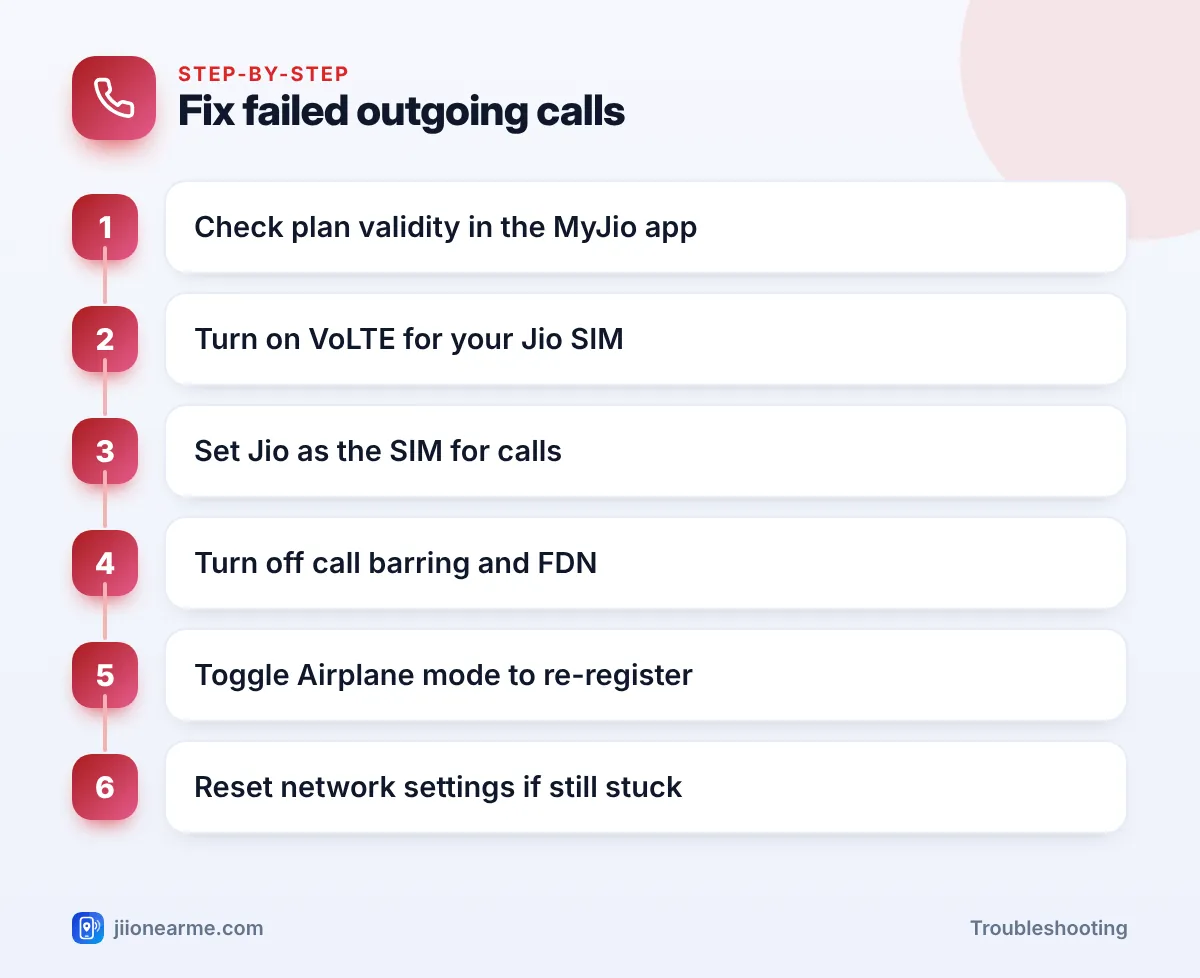
- First confirm your plan is active in the MyJio app; an expired plan stops outgoing calls.
- Jio voice calls need VoLTE (or Wi-Fi Calling), so VoLTE must be on for your Jio SIM.
- On dual-SIM phones, check which SIM is set for calls.
- Call barring or Fixed Dialling Numbers (FDN) can quietly block outgoing calls.
- A quick Airplane mode toggle or network reset fixes most registration problems.
Start With What You See or Hear
The message on your screen, or what you hear after dialling, is a useful clue.
| What happens | Likely cause |
|---|---|
| Recorded message asking you to recharge | Plan has expired, or postpaid bill is due |
| “Call not sent” or “Mobile network not available” | Network registration or VoLTE problem |
| Call ends instantly with no ring | VoLTE off, call barring, or a settings glitch |
| “Call barred” or “Restricted” message | Call barring or FDN is switched on |
| Some numbers work, others fail | FDN, a dialling format issue, or that number’s network |
| Call goes out from your other SIM | Default calling SIM is set wrong |
If the problem started right after a phone update, a SIM swap or a change in settings, start with that change.
Check Your Plan Validity and Account Status
This is the most common reason for Jio outgoing calls not working, and the easiest to check.
- Prepaid: Open the MyJio app and look at your current plan and its validity. When a plan expires, outgoing calls and data stop. Incoming calls may continue for a limited time, which is why many people don’t notice straight away.
- Postpaid: If your bill is overdue or you have reached your credit limit, outgoing services can be restricted until you pay. Check your bill and usage in the MyJio app.
If the plan shows active but calls still fail, move to the next checks.
Recharge only through the MyJio app, jio.com or other trusted payment apps. If a recharge was successful but calls still don’t work after some time, restart your phone once before you contact support.
Make Sure VoLTE Is On for Your Jio SIM
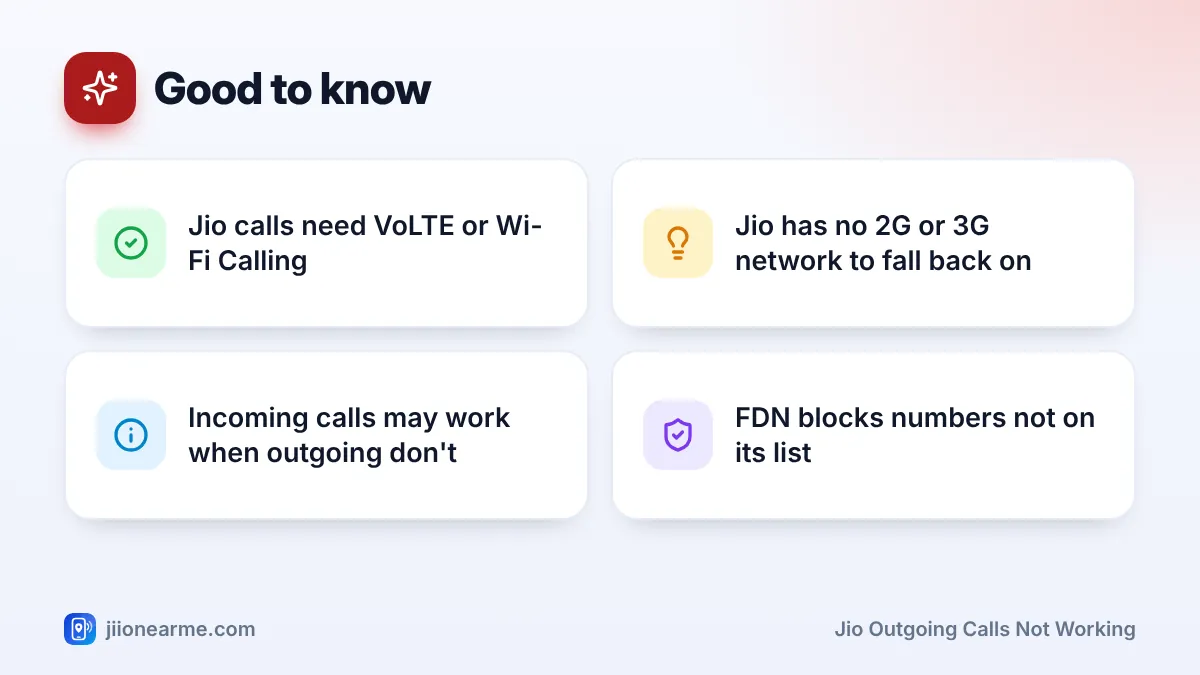
Jio runs its voice calls on 4G using VoLTE, or over Wi-Fi when Wi-Fi Calling is on. It has no older 2G or 3G network to fall back on. If VoLTE is off, or your phone is set to a 3G or 2G mode, outgoing calls on Jio will fail even when the signal bars look fine.
On Android: Go to Settings > Network & internet (or Connections) > SIMs or Mobile networks, choose your Jio SIM and turn on VoLTE, 4G Calling or Enhanced 4G LTE Mode. Also check that the preferred network type includes 4G or 5G.
On iPhone: Go to Settings > Mobile Service (or Mobile Data) > Mobile Data Options > Voice & Data and make sure an option with VoLTE is selected.
Check the Default Calling SIM on Dual-SIM Phones
On a dual-SIM phone, calls may be going out from your other SIM, or the phone may be trying a SIM that’s inactive.
- Open Settings and find SIM manager, SIMs or Dual SIM settings.
- Look for Calls or Preferred SIM for calls.
- Choose your Jio SIM, or select Ask every time if you use both.
Also check the contact itself. Some phones remember a SIM for each contact, so one person may always be called from the other SIM.
Look for Call Barring and Fixed Dialling Numbers
Two settings can block outgoing calls without making it obvious.
Call barring
Call barring can stop all outgoing calls or only international ones. On Android, open the Phone app, tap the menu (⋮) > Settings > Calls or Supplementary services > Call barring. Turn off any outgoing restriction. Some phones ask for a call barring password. If you don’t know it, call 199 from your Jio number for help.
Fixed Dialling Numbers (FDN)
FDN lets your phone call only numbers saved in a special list. It’s useful for children’s phones but confusing if switched on by mistake. Look for Fixed Dialling Numbers in your call settings and turn it off. You’ll need the SIM’s PIN2, which you can get from Jio support if you don’t have it.
Some fraudsters ask people to dial short codes to “fix” calls. These codes can forward your calls to them. Change call settings only from your phone’s own menus, and never share an OTP with anyone.
Jio Outgoing Calls Not Working? Fix Network Registration
If your plan, VoLTE, SIM choice and barring all look fine, your phone may not be properly registered on Jio’s network. Work through these steps in order:
- Toggle Airplane mode. Turn it on, wait 15 seconds, then turn it off.
- Restart your phone. This clears temporary glitches in the phone’s network software.
- Set network selection to automatic. In your SIM settings, turn on Automatically select network if it’s off.
- Turn off Wi-Fi briefly. If Wi-Fi Calling is set to prefer Wi-Fi on a weak connection, calls can fail. Test once with Wi-Fi off.
- Remove and reinsert the SIM. Power off first, clean the SIM gently with a dry cloth and put it back.
- Reset network settings. On Android, look under Settings > System > Reset options. On iPhone, go to Settings > General > Transfer or Reset iPhone > Reset > Reset Network Settings. This erases saved Wi-Fi passwords, so keep them handy.
- Update your phone software. Updates often include fixes for calling and carrier settings.
Check the number you’re dialling
For mobile numbers in India, dialling the 10-digit number usually works, and adding +91 is also fine. For landlines, include the STD code with a leading 0. If only one number fails, ask the person whether their phone is working before you change more settings.
When to Contact Jio Support
Call 198 from your Jio number to register a complaint if:
- Outgoing calls fail even after all the steps above.
- The same SIM fails in another VoLTE phone, which points to a SIM or account issue.
- You see “Emergency calls only” or no service for a long time where others have Jio signal.
If you can’t call out at all, ask a family member to call 1800-889-9999 for you, or use the support chat in the MyJio app. A damaged or old SIM can be replaced at a Jio store with valid ID.
Even when your plan has expired, your phone will try to connect emergency calls to 112. Don’t rely on a faulty connection for emergencies, though. Fix the issue as soon as you can.
Frequently Asked Questions
Why can I receive calls but not make them on Jio?
This usually means your plan has expired or your postpaid account is restricted. Incoming calls can continue for a while after expiry, while outgoing calls stop. Check your plan in the MyJio app.
Why do my Jio calls fail even with full signal bars?
Signal bars show the connection, not whether calling is set up. If VoLTE is off or your phone is in a 3G or 2G mode, Jio calls can fail with full bars.
Can I make Jio calls on a phone without VoLTE?
Normal Jio calls need a VoLTE-capable phone. Wi-Fi Calling also needs a supported phone. Check your phone’s specifications before buying.
Does call barring need a password?
Many phones ask for a call barring password when you change these settings. If you don’t know it, ask Jio support on 199 rather than guessing.
Why does only one number not connect?
That person’s phone may be switched off, out of coverage, or blocking your number. Check the number format too, especially for landlines.
Wrapping Up
When Jio outgoing calls stop working, go step by step: plan validity, VoLTE, default calling SIM, call barring and FDN, then network registration. Most problems clear up at one of these points. If none of them helps, call 198 with a short note of what you’ve already tried.
JIo Near me is an independent guide and is not affiliated with Reliance Jio. App menus, plans and policies can change – always confirm current details in the official MyJio app or on jio.com. We will never ask for your OTP, PIN or passwords.