If you used your Jio postpaid number abroad, the roaming charges appear on your bill in two ways. There is a charge for any international roaming pack you activated, and itemised entries for usage outside that pack. Some of this can reach your bill a cycle late, because the foreign network must first share the usage records with Jio.
This is why many travellers see a roaming entry weeks after returning home. This guide explains how roaming is recorded, how to read the entries and what to do if something looks wrong.
- Your roaming pack shows as a separate charge. Usage outside the pack is listed in detail.
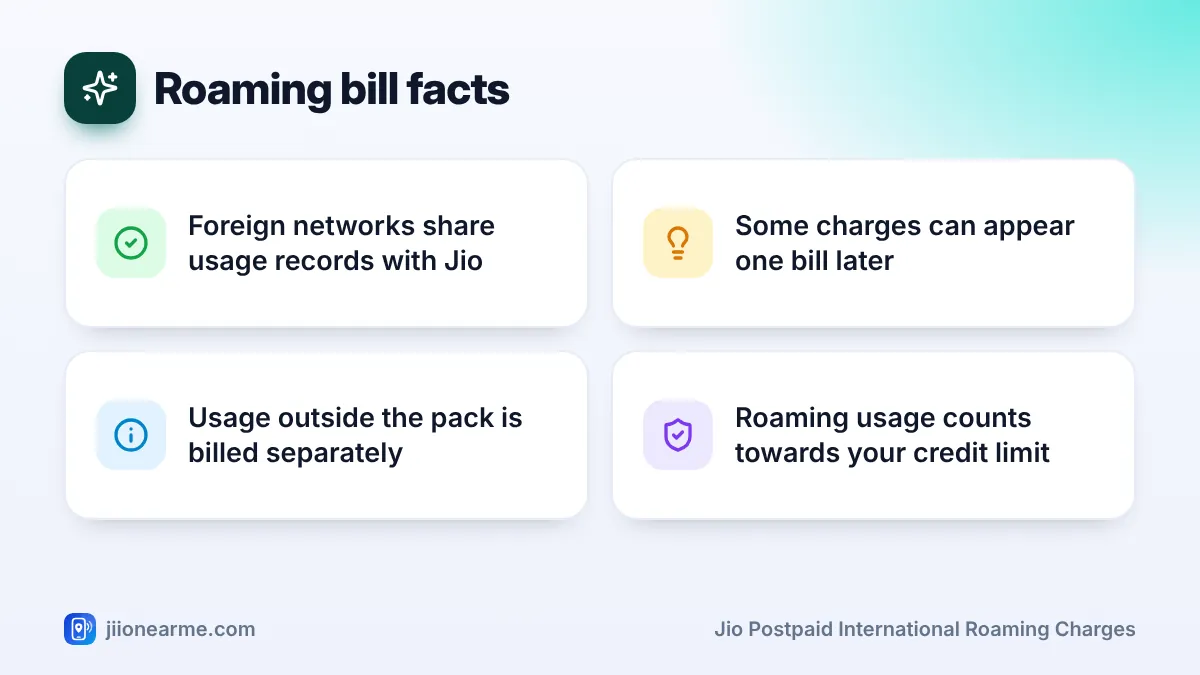
- Foreign networks send usage records to Jio, which can delay them by a bill.
- A trip that crosses your bill date can show up across two bills.
- Common surprises include countries not covered by the pack, layovers and networks on flights or ships.
- Keep your trip dates and pack confirmation until all bills for the trip are settled.
How Roaming Usage Abroad Is Recorded
When you are abroad, your phone connects to a local partner network in that country. That network carries your calls, SMS and data, and keeps a record of everything you use.
The partner network then shares these records with Jio. Jio matches them with your account and your roaming pack, and bills you for anything the pack does not cover. Because this exchange happens between companies, it does not always happen in real time.
So the unbilled amount in MyJio may not show all your roaming usage while you are still travelling. It catches up as the records arrive.
Why Roaming Charges Can Show Up in a Later Bill
There are two main reasons a roaming charge can appear on a bill you did not expect:
- Records arrive after your bill date. If the partner network’s records reach Jio after your bill is generated, they go into the next bill.
- Your trip crossed your bill date. If you travelled from the end of one cycle into the start of the next, the usage will be split across two bills.
This is normal billing practice. It does not mean you were charged twice. Each entry should still have a date that falls within your trip.
Roaming entries may show Indian time or the local time of the country you visited. If an entry seems to fall just outside your trip, the time difference may be the reason.
Reading Jio Postpaid International Roaming Charges on Your Bill
Roaming usually has its own section on the bill. The names below may differ, but the types of entry stay the same.
| Bill entry | What it means |
|---|---|
| Roaming pack charge | The pack you activated for the trip |
| Outgoing calls abroad | Local calls, calls to India or to other countries |
| Incoming calls abroad | Calls you received while roaming, if charged |
| SMS abroad | Messages sent while roaming |
| Data abroad | Data sessions used on foreign networks |
| Taxes | GST applied to the taxable roaming charges |
Entries covered by your pack
Usage included in your pack usually appears with no extra charge, or is not listed separately at all. The pack charge itself covers it.
Entries outside your pack
These carry a charge. Typical examples are data used after the pack allowance ran out, calls beyond included minutes, or usage in a country the pack did not cover.
Each roaming entry usually shows the date, time, type of usage and, often, the country or network name. The network name helps you match an entry to a city or country on your trip.
How to Review Roaming Entries After You Return
Set aside a few minutes once you are home. App labels can differ by version, so look for similar wording.
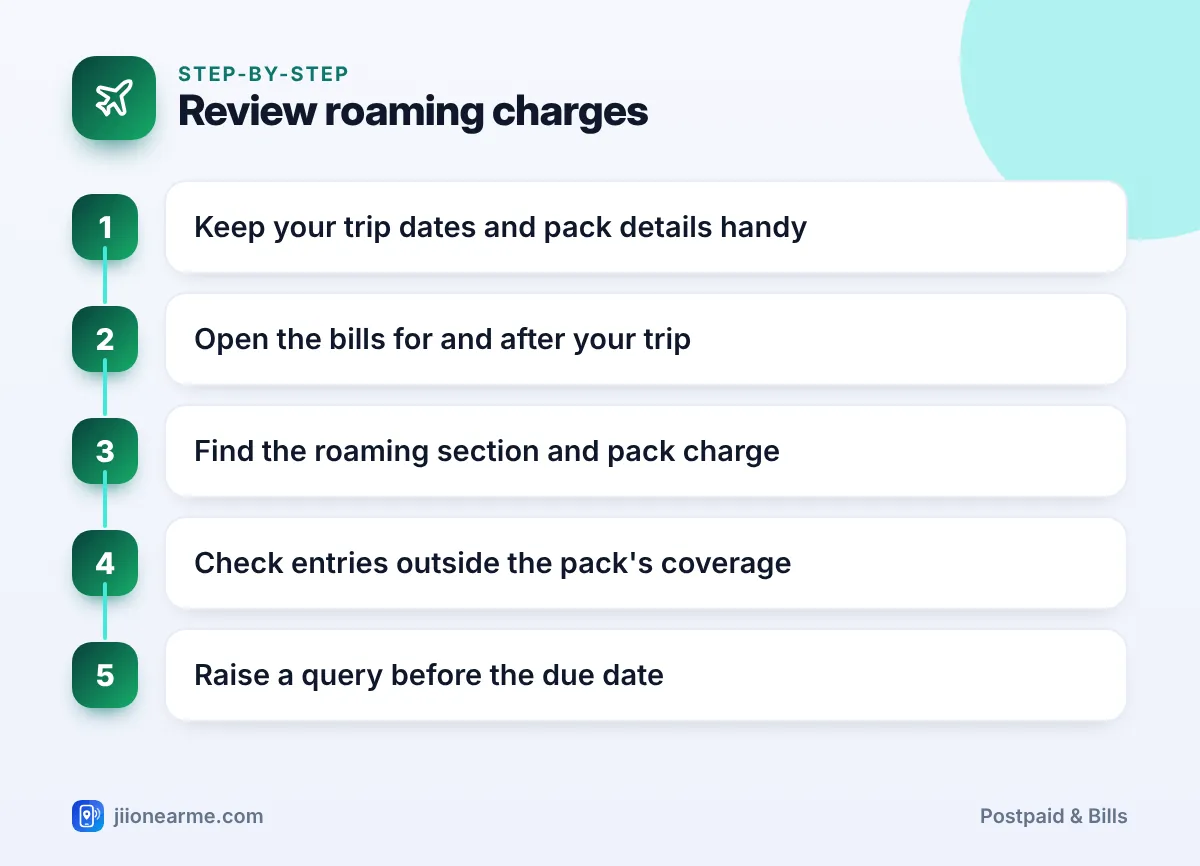
- Note your trip dates and the countries you visited, including any layovers.
- Find your pack confirmation SMS or the pack details in MyJio.
- Open the MyJio app, select your postpaid number and go to the bills section from the home screen or the menu (☰).
- Open the bill that covers your trip and the one after it.
- Go to the roaming section or the detailed bill and check each entry’s date and country.
- Mark entries outside your pack and see whether they match your own usage.
- Contact support before the due date if any entry looks wrong.
You can also view bills by signing in on jio.com.
Common Reasons for Unexpected Roaming Charges
Most surprise charges have a simple explanation. Check these first:
- Pack activated late: Usage before the pack started is billed at standard roaming rates.
- Country not covered: Each pack covers a set list of countries. A side trip or layover elsewhere is billed separately.
- Flights and ships: Networks on board ships and some flights are separate from land networks and may not be covered by a regular pack.
- Pack ended before you came home: Usage after the pack’s validity is charged separately.
- Data allowance used up: Data beyond the pack allowance may be charged, depending on the pack terms.
- Background data: Photo backups, app updates and video autoplay can use roaming data without you noticing.
Turn on data roaming only when you need it, set backups to Wi-Fi only and confirm that your pack covers every country on your route, including layovers.
Roaming and Your Credit Limit
Roaming usage counts towards your postpaid credit limit. If usage abroad is high, you could reach the limit and lose outgoing services while still travelling. Records can arrive late, so the app may not warn you in time.
Check your available credit before you leave. If needed, make an advance payment through MyJio or jio.com before or during the trip.
Raising a Roaming Billing Query
If a roaming charge still looks wrong after your review, call 199 from your Jio number for queries or 198 to register a complaint. You can also use the toll-free number 1800-889-9999.
Keep these details ready:
- Your trip dates and the countries you visited.
- The pack name and its activation confirmation.
- The bill date and the specific entries you are questioning.
Raise the query before the due date. Ask how the disputed part will be handled, and note the complaint number.
Search results and social media sometimes show fake customer care numbers. Use only official Jio numbers, and never share an OTP with anyone who calls about a roaming refund.
Frequently Asked Questions
Why did roaming charges appear after I returned to India?
The foreign network may have shared the usage records with Jio after your bill date. Those charges then go into the next bill.
Am I charged twice if roaming shows on two bills?
Not usually. If your trip crossed your bill date, the usage is split across two bills. Each entry should be for a different date or session.
Are incoming calls charged while roaming abroad?
It depends on your pack and the country. Check your pack terms in MyJio or on jio.com before you travel.
Why was I charged during a flight layover?
The layover country may not have been covered by your pack, so usage there was billed separately. Check the country list before you fly.
Can I check roaming charges while I am still abroad?
You can see some usage in MyJio, but records from foreign networks can be delayed. The final picture appears once all records reach Jio.
Wrapping Up
International roaming on Jio postpaid is billed through your pack charge plus itemised entries for anything the pack does not cover. Because foreign networks share records later, some charges can arrive a bill after your trip.
Keep your trip dates and pack details until all bills are settled. Review the roaming section carefully, and contact Jio support before the due date if any entry does not match your travel.
JIo Near me is an independent guide and is not affiliated with Reliance Jio. App menus, plans and policies can change – always confirm current details in the official MyJio app or on jio.com. We will never ask for your OTP, PIN or passwords.