An invoice tells you what you owe, and a payment receipt proves you paid it. Your Jio postpaid bill is a tax invoice that lists the charges and GST for a billing cycle. A payment receipt confirms the amount, date and reference number of a payment you made towards that bill.
The two are often confused, especially when an office or accountant asks for “the bill”. This guide explains what each document contains, when you need it and how to get both from official Jio channels.
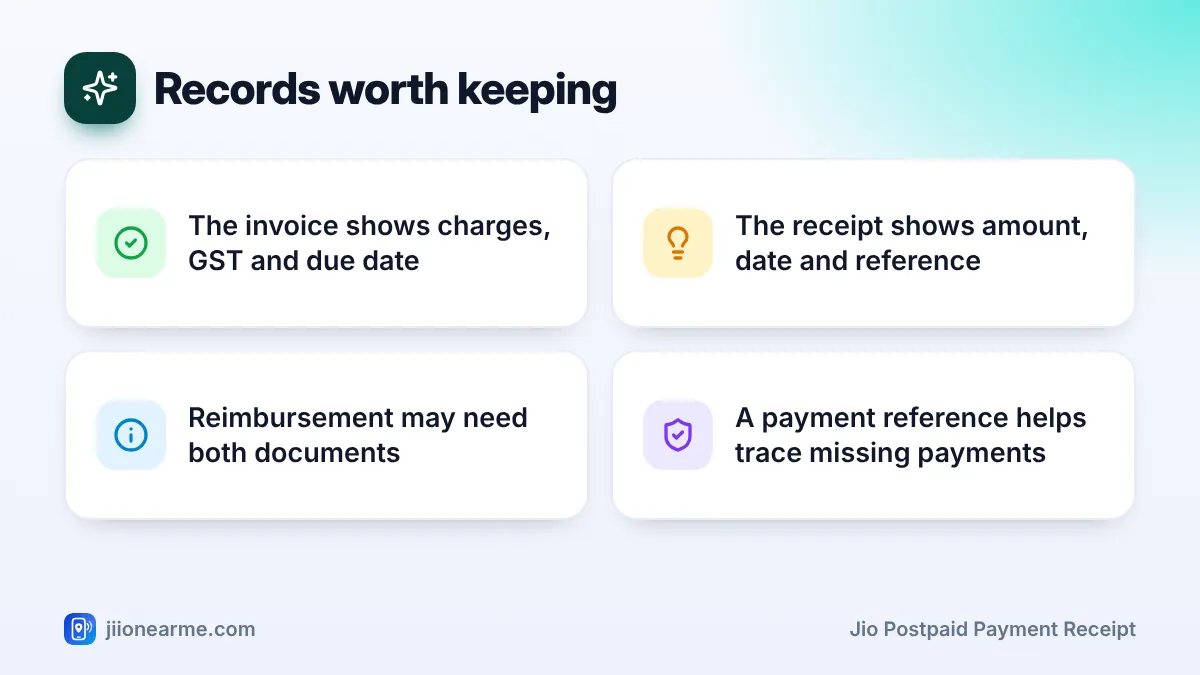
- The invoice (your monthly bill) shows charges, taxes, the amount due and the due date.
- The payment receipt shows how much you paid, when, by which method and the reference number.
- Reimbursement claims may need the invoice, the receipt or both, so check the rules first.
- A receipt with a transaction reference is your best proof if a payment does not reflect.
- Download both from MyJio or jio.com and keep them together for each month.
What a Jio Postpaid Invoice Is
Your monthly postpaid bill is a tax invoice issued by Jio. It is created on your bill date and covers one billing cycle.
A typical invoice includes:
- An invoice or bill number and the bill date.
- The billing period it covers.
- Your name, number and billing address on record.
- Plan rental, usage charges and any other charges.
- GST details, shown as CGST and SGST, or IGST.
- Previous balance, payments received and adjustments.
- The total amount due and the due date.
The invoice is issued whether or not you have paid. It is a request for payment, not proof of payment.
What a Jio Postpaid Payment Receipt Is
A payment receipt is created when you pay towards your bill. It confirms that the money reached your Jio account.
A typical receipt or payment confirmation shows:
- The Jio number the payment was made for.
- The amount paid.
- The date and time of payment.
- The payment method, such as UPI, card or net banking.
- A transaction ID or reference number.
You may also get an SMS from Jio confirming the payment. If you paid through a UPI or banking app, that app keeps its own transaction record with a reference number too.
A screenshot from your UPI or bank app shows that money left your account. A receipt or confirmation from Jio shows that it was credited to your number. Keep both if the payment is important.
Invoice vs Jio Postpaid Payment Receipt: Side by Side
| Feature | Invoice (bill) | Payment receipt |
|---|---|---|
| Issued when | On your bill date | When a payment is made |
| Main purpose | Shows what you owe | Proves you paid |
| Shows GST details | Yes | Usually not |
| Shows due date | Yes | No |
| Shows transaction reference | No | Yes |
| Useful for | Reimbursement, tax records, checking charges | Payment proof, disputes, reimbursement |
In short, the invoice answers “how much and for what”, and the receipt answers “was it paid, and when”.
When You Need Each Document
Office reimbursement
Many employers ask for the invoice because it shows the service and tax details. Some also ask for payment proof, so they know the bill was actually paid. Check your company’s rules and submit what they ask for.
GST input tax credit
Businesses claiming input tax credit generally need the tax invoice, usually with their GSTIN on it. The payment receipt alone is not enough. Speak to your accountant about the exact requirement.
Payment not reflecting
If you paid but your bill still shows the amount due, the receipt or transaction reference is the key document. Support uses it to trace the payment.
Closing a connection
When you close a postpaid connection, keep the final bill and the receipt for the final payment. Together they show that all dues were cleared.
Address proof and records
Some organisations accept a recent telecom bill as address proof. Check with them first, as rules differ. For your own budgeting, the invoice shows how your spending changes month to month.
How to Get Your Invoice and Payment Receipt
The MyJio app is the easiest place to get both. Labels can differ slightly by app version, so look for similar wording.
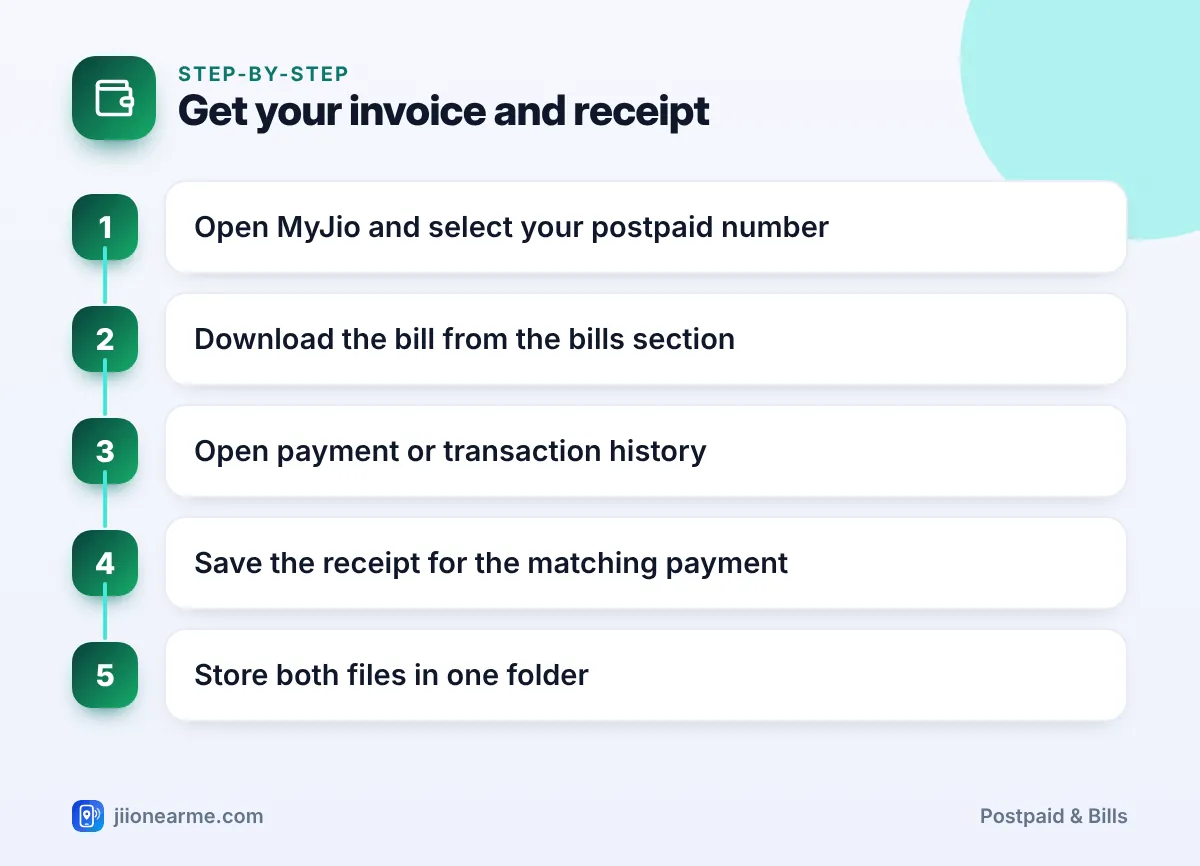
- Open the MyJio app and select your postpaid number.
- Go to the bills section from the home screen or the menu (☰), and open the bill you need.
- Download the bill as a PDF using the download or share option.
- Open your payment history. It may appear as Payment history, My Transactions or a similar name in the menu.
- Tap the payment that matches the bill and choose the receipt or download option if available.
- Save both files in the same folder with the month in the file name.
You can also sign in on jio.com to view bills and payment history. If you paid through another UPI or banking app, open that app’s transaction history and note the reference number.
Name your files clearly, such as “Jio-bill-June” and “Jio-payment-June”. It takes seconds now and saves a long search later.
Keeping Good Billing Records
A simple system keeps you ready for reimbursement, disputes or tax questions.
- Keep one folder per year, on your phone, email or cloud storage such as JioAICloud.
- Store the invoice and receipt together for each month.
- Save the payment reference number even if you lose the screenshot.
- Keep records longer if you use them for tax or reimbursement. Your accountant can tell you how long to keep tax documents.
- Never edit a bill or receipt. If something is wrong, ask Jio support for a corrected copy.
If a payment does not show on your next bill under payments received, call 199 from your Jio number with the transaction reference ready.
Do not trust payment “receipts” sent by unknown people or links asking you to pay again. Pay only through MyJio, jio.com or trusted payment apps, and never share an OTP with anyone.
Frequently Asked Questions
Is my Jio postpaid bill the same as a payment receipt?
No. The bill is a tax invoice showing what you owe. The receipt confirms a payment you made towards it.
Where can I find my Jio postpaid payment receipt?
Check the payment or transaction history in the MyJio app, or sign in on jio.com. You may also get an SMS confirming the payment.
Is a UPI screenshot enough as payment proof?
It shows the money left your account and carries a reference number. For formal records, also keep the Jio confirmation or receipt where available.
Which document do I need for office reimbursement?
Most employers ask for the invoice, and some also want payment proof. Check your company’s policy before submitting.
What if my payment does not show on the bill?
Payments made after the bill date appear on the next bill. If it is still missing, call 199 with your transaction reference.
Conclusion
The invoice and the payment receipt do different jobs. The invoice shows what you were charged and the tax on it, while the receipt proves that you paid.
Download both from MyJio or jio.com each month, store them together and keep the payment reference handy. That way, you are ready for reimbursement, tax work or any payment query.
JIo Near me is an independent guide and is not affiliated with Reliance Jio. App menus, plans and policies can change – always confirm current details in the official MyJio app or on jio.com. We will never ask for your OTP, PIN or passwords.