Need a record of every call, SMS and data session on your Jio postpaid number for a particular month? That is what an itemised bill is for. You can usually view it in the MyJio app or on jio.com as a detailed bill or usage statement, and Jio support can help if you need a specific or older period.
People need itemised bills for office reimbursement, to check a charge they do not recognise, or to track how a family member uses the phone. This guide shows you how to get one and how to read it.
- An itemised bill lists each chargeable call, SMS and data session with date, time and charge.
- Start in the MyJio app’s bills section, or sign in on jio.com.
- For older periods, contact Jio support on 199 or visit a Jio Store.
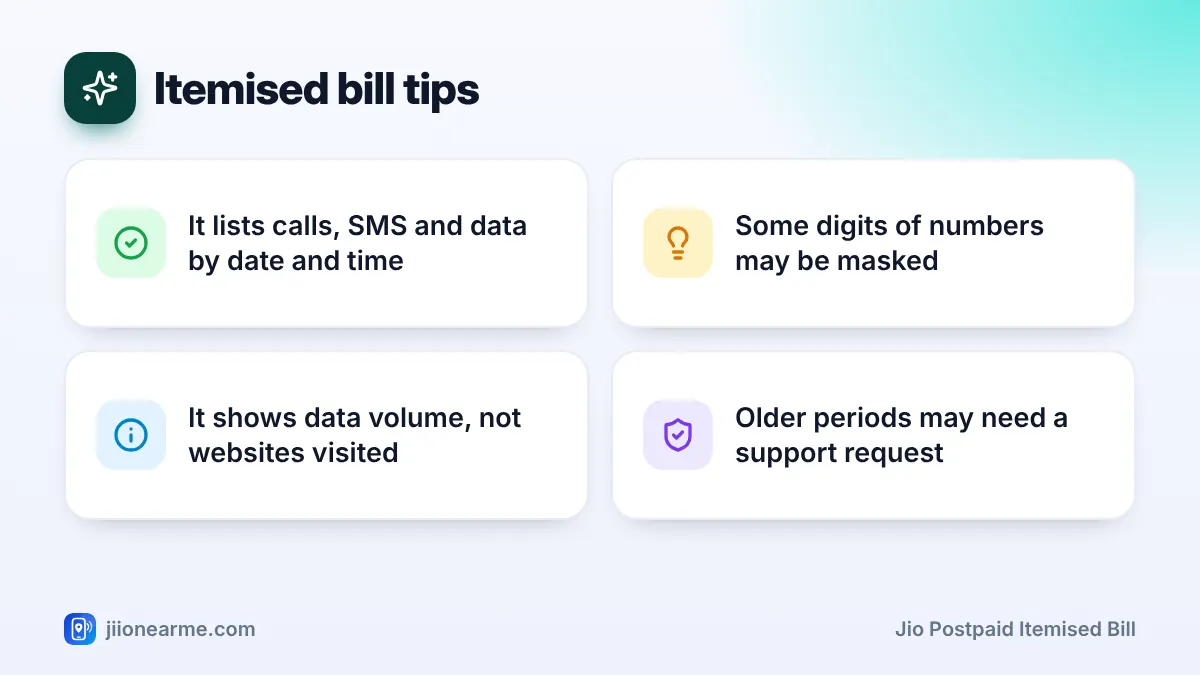
- It shows data volume and session time, not the websites or apps you used.
- Treat it as a private document and share it only when truly needed.
What a Jio Postpaid Itemised Bill Contains
A regular bill shows a summary: plan rental, total usage charges, taxes and amount due. An itemised bill adds a line-by-line record of the usage behind those totals.
Layouts change over time, but you can usually expect these details:
- Calls: Date, time, the number called, duration and any charge. Calls covered by your plan usually show a zero charge.
- SMS: Date, time, the number messaged and any charge.
- Data: Session date and time, data used and any charge.
- ISD calls: Calls to international numbers, listed with their charges.
- Roaming usage: Calls, SMS and data used abroad, often marked separately.
- Add-ons and services: Paid packs or value-added services billed to your number.
Some digits of the numbers you called may be masked for privacy. This is normal.
Summary Bill vs Itemised Bill
Knowing which document you need saves time. Here is how the two compare:
| Feature | Summary bill | Itemised bill |
|---|---|---|
| Plan rental and taxes | Yes | Yes |
| Total usage charges | Yes | Yes |
| Each call and SMS listed | No | Yes |
| Data sessions by date and time | No | Yes |
| Best for | Paying and basic records | Checking charges, reimbursement |
If your employer only needs proof of the amount, the summary bill is often enough. If they want to see call details, ask for the itemised version.
How to Get a Jio Postpaid Itemised Bill in MyJio
The MyJio app is usually the quickest route. Labels can differ slightly by app version, so look for similar wording.
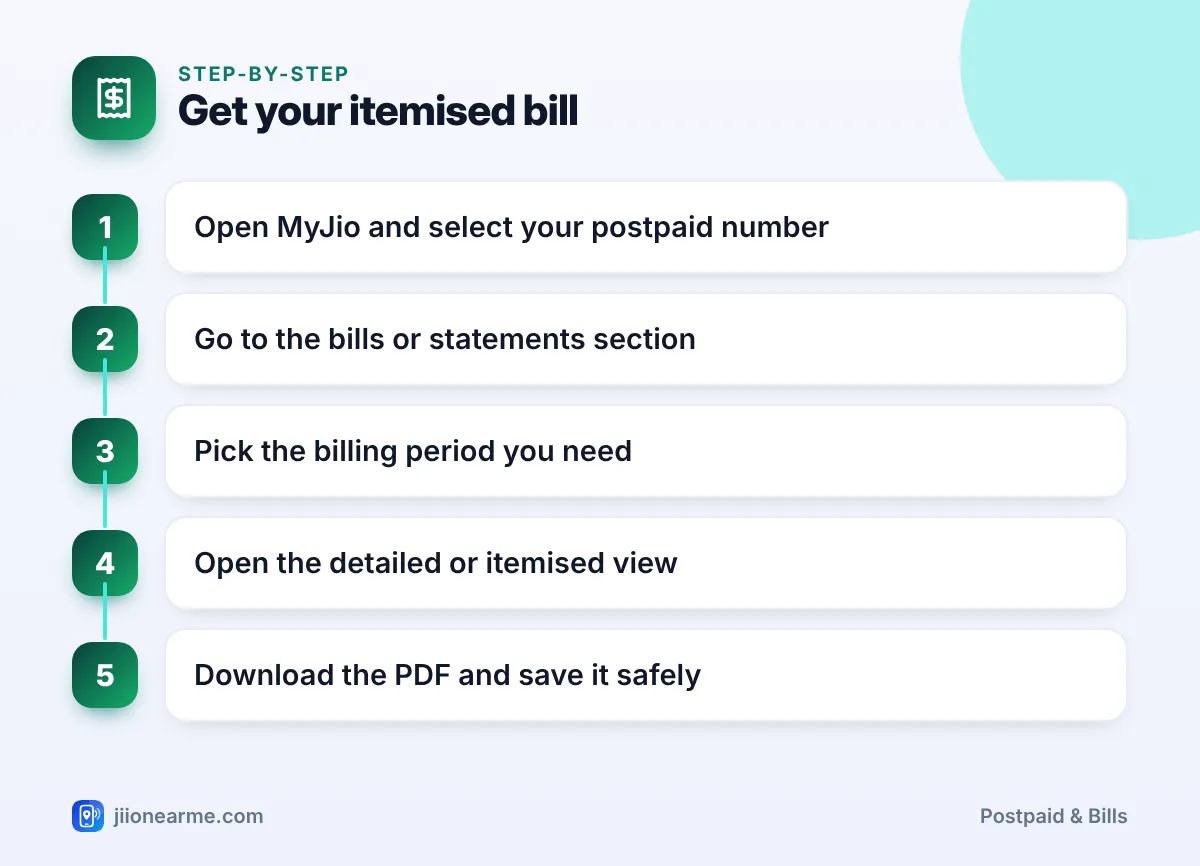
- Open the MyJio app and sign in with your Jio number and OTP.
- Select your postpaid number if you have more than one linked account.
- Go to the bills section. It may be on the home screen or in the menu (☰) under Bills, Statements or My Bills.
- Choose the billing period you need from the list of bills.
- Open the detailed view. Look for options like Detailed bill, Itemised bill or View usage details.
- Download or save the PDF, or use the share option to email it to yourself.
If you see only a summary, check the usage history section in the menu. It often shows day-wise calls, SMS and data for the current and recent cycles.
Download the itemised bill each month soon after it is generated. Recent periods are the easiest to get, and you will have a complete record if a question comes up later.
Other Official Ways to Request an Itemised Bill
If the app does not show what you need, use these official options:
- Jio website: Sign in on jio.com with your postpaid number and open the bills or statements area of your account.
- Customer care: Call 199 from your Jio number, or the toll-free number 1800-889-9999. Mention the exact billing period you need.
- Jio Store: Visit with your phone and a valid ID if the request needs identity checks or covers older periods.
Requests for older bills may take some time to process. Support may send the bill to your registered email address. If any charge applies for a special request or a printed copy, support should tell you before processing it.
Reading the Entries on Your Itemised Bill
At first glance, an itemised bill can look like a long table of numbers. A few points make it easier to follow.
Calls and SMS
Each row is usually one call or one SMS. Check the date, time and number. If a call shows a charge, see whether it was an ISD call, a premium service or a call made while roaming abroad.
Data sessions
Your phone opens and closes data sessions on its own, so one day can show many small entries. The bill shows how much data each session used, often in MB or KB. It does not show which websites or apps used that data.
Zero-charge entries
Most usage on a postpaid plan is covered by the plan, so many rows show no charge. Focus on rows with a charge when you check a high bill.
Roaming and late entries
Usage abroad can reach Jio late. It may appear in a later bill than the one covering your travel dates.
Check whether the time on roaming entries is Indian time or local time. If it is not clear, keep this in mind before assuming an entry is wrong.
Keeping Your Itemised Bill Private
An itemised bill shows who you contact and when. Treat it like any personal document.
- Share only what is needed. For reimbursement, check whether a summary bill is enough.
- Store it safely. Keep PDFs in a private folder or secure cloud storage.
- Do not share it with unknown callers. Fraudsters may pose as Jio staff and ask for bill copies or OTPs to “verify” your account.
Jio support does not need your OTP to send you a bill. If someone asks for an OTP, Aadhaar details or passwords to “process” an itemised bill, end the call. Report suspected fraud calls or messages through Chakshu on the Sanchar Saathi portal.
Frequently Asked Questions
Is the itemised bill free on Jio postpaid?
Viewing usage and bill details in MyJio or on jio.com does not cost anything. If any charge applies to a special request or printed copy, support should inform you first.
How far back can I get an itemised bill?
The app usually shows recent billing periods. For older periods, contact Jio support on 199 or visit a Jio Store and ask what is available.
Does the itemised bill show websites I visited?
No. It shows data sessions with date, time and volume used. It does not list the websites or apps behind that data.
Why are some digits of the called numbers hidden?
Some digits may be masked to protect privacy. The visible digits, date and time are usually enough to identify a call.
Can I get an itemised bill for an add-on member on a JioPlus plan?
It depends on what MyJio shows for your plan. If member-wise details are not visible, ask Jio support what can be shared and how.
Summary
A Jio postpaid itemised bill turns your bill totals into a clear record of each call, SMS and data session. Start in the MyJio app’s bills section, open the detailed view and save the PDF.
For older periods, or if the option is missing, use jio.com, call 199 or visit a Jio Store. Keep the file private, and never share OTPs with anyone offering to help.
JIo Near me is an independent guide and is not affiliated with Reliance Jio. App menus, plans and policies can change – always confirm current details in the official MyJio app or on jio.com. We will never ask for your OTP, PIN or passwords.