A Jio service request number is the reference Jio gives you when you report a problem or ask for a change on your connection. It links your complaint to a record in Jio’s system, so anyone in support can see what you reported, what has been done and what is still pending.
You usually get it by SMS or on screen right after you raise an issue in MyJio, over chat or by calling customer care. This guide explains what the number means, the stages a request normally passes through and the right time to follow up.
- The service request number is your proof that a complaint was registered, so save it straight away.
- Requests usually move from registered to in progress to resolved, and then closed.
- Check the status in the MyJio app’s help or support section, or call 198 with the number ready.
- Follow up only after the expected time has passed, and always quote the same number.
What a Jio Service Request Number Actually Is
Think of the number as a ticket. When you report slow internet, a recharge that did not show up or a JioFiber outage, Jio creates a record for that issue and gives it a unique reference. Different messages may call it a service request number, SR number, complaint number or reference number. For you, they all mean the same thing.
The number does three useful jobs:
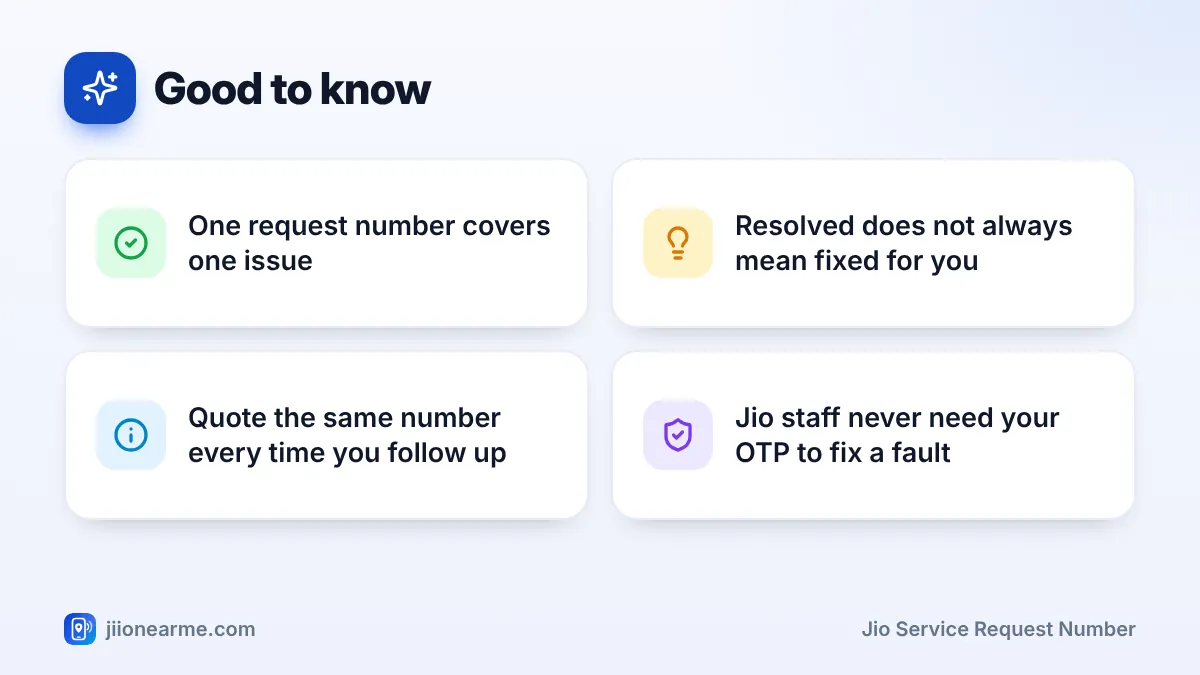
- It proves you complained. If the problem drags on, you can show the date it was first reported.
- It saves you from repeating yourself. Support can open the record and read your earlier details.
- It connects follow-ups. Every call or chat about the same issue gets added to one history.
Where you will find it
Most people see the number in one of these places:
- An SMS sent to your Jio number soon after the request is raised.
- The confirmation screen or chat message in the MyJio app.
- A list of your requests inside MyJio, often under Help, Support or a similar option. Labels can differ slightly by app version.
- On a call, the executive may read it out. Write it down before the call ends.
Take a screenshot of the SMS or confirmation screen and keep it in a phone album named “Jio requests”. Messages get deleted or buried, but a saved screenshot is easy to find later.
The Stages a Request Usually Moves Through
Each request passes through a few stages. The exact words shown in the app or SMS can vary, but the journey normally looks like this:
| Stage | What it usually means | What you should do |
|---|---|---|
| Registered or open | Your issue is recorded and waiting to be picked up | Save the number and note the expected time |
| In progress or assigned | A team or technician is working on it | Keep your phone reachable and answer calls |
| Visit scheduled | A home visit is planned, mostly for JioFiber or AirFiber | Make sure someone is home at the agreed time |
| Resolved | Support believes the issue is fixed | Test the service properly |
| Closed | The record is no longer active | Reopen it or raise a fresh request if the issue is back |
Not every request goes through every stage. A simple account query may jump from registered to resolved quickly. A network or home broadband fault can take longer because it may need checks on the network side or a visit by a technician.
“Resolved” usually means someone has carried out a fix. “Closed” means the record is no longer active. If you get a closing message but the problem is still there, say so quickly while the details are fresh.
How to Check Your Jio Service Request Number Status
The MyJio app is the easiest place to see where things stand. Menu names change from time to time, so look for the closest match on your version.
- Open the MyJio app and make sure the affected number or connection is selected.
- Open the menu (☰) or your profile and look for Help & Support or Support.
- Look for an option such as My requests, Track request or Service requests.
- Find the request by its number or date, and tap it to see the current status.
- If you cannot find it, open the chat option and share the request number to ask for an update.
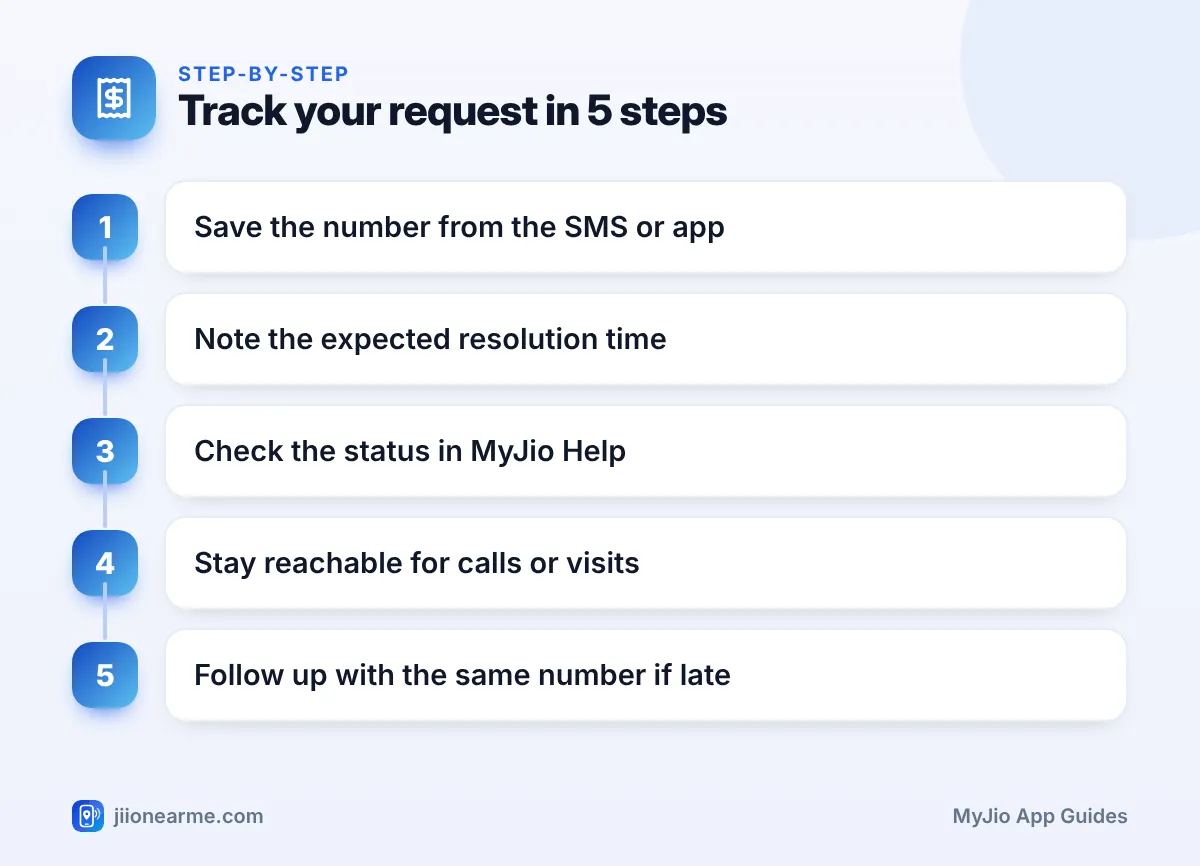
You can also call 198 from your Jio number to check on a complaint, or 199 for general queries. From another phone, the Jio toll-free number 1800-889-9999 is available. Keep the request number ready before you dial so the call stays short.
When to Follow Up and When to Wait
When a request is raised, support often shares an expected resolution time. That is your main guide. Following up too early rarely speeds things up, but following up too late can let a request quietly close.
Follow up when:
- The promised time has passed and the problem is still there.
- A visit was promised but nobody turned up or called.
- You received a “resolved” or “closed” message but the issue was not fixed.
- The problem has become worse, for example a slow connection has now stopped completely.
When you follow up, quote the original number instead of raising a brand-new complaint for the same issue. A new request can start the clock again and split your history across two records. Add any fresh details, such as new dates, times or screenshots.
What to say when you follow up
Keep it short and factual. For example: “My request number is [number], raised on [date] for no internet on JioFiber. The expected time has passed and the problem continues. The lights on the router show [status].” This gives support everything they need in one message.
If the Problem Still Is Not Fixed
Sometimes a request is closed without a real fix, or it keeps getting delayed. In that case, move step by step:
- Ask support to reopen the request, or raise a new one that clearly mentions the old number.
- If that does not work, use Jio’s grievance redressal process. The current contact details for each level, such as the nodal and appellate stages, are published on the official Jio website.
- Keep every request number, date and response in one note. You will need them at each level.
Telecom consumers in India also have protections under rules set by the regulator. You can read about the complaint and appeal framework on the TRAI website.
Genuine Jio support does not need your OTP, UPI PIN or card details to fix a fault. If someone calls about your complaint and asks for these, or asks you to install a screen-sharing app, hang up and report the number through Chakshu on the Sanchar Saathi portal.
Frequently Asked Questions
Is the service request number the same as a transaction ID?
No. A transaction ID belongs to a payment, such as a recharge. A service request number belongs to a complaint or request. If a recharge has failed, keep both handy when you contact support.
Can I have more than one open request at a time?
Yes. Separate problems can each have their own request, such as a billing question and a network issue. Keep a note of which number belongs to which problem.
What if I lost my service request number?
Check your SMS inbox and the requests section in MyJio first. If it is not there, contact support from the affected number. They can usually find it using your number and the approximate date.
Why did I get a call asking if my issue is fixed?
Support often calls or messages to confirm before closing a request. Answer honestly. If the problem is still there, say so, so the request stays open.
Do I get a request number for a simple query?
Not always. Quick questions answered during a chat or call may not create a formal request. If you want a record, ask whether a reference number can be shared.
Final Thoughts
A Jio service request number is small but important. Save it the moment you get it, check the status in MyJio and give support the time they mention.
If that time passes, follow up with the same number and fresh details. Calm, specific follow-ups with one clear reference get much better results than a string of new complaints.
JIo Near me is an independent guide and is not affiliated with Reliance Jio. App menus, plans and policies can change – always confirm current details in the official MyJio app or on jio.com. We will never ask for your OTP, PIN or passwords.
