
Yes, your existing Jio SIM works on 5G. There is no separate 5G SIM to buy, and you do not need to visit a Jio store to upgrade. Whether you actually get 5G depends on your phone, its settings, your plan and whether Jio True 5G is live where you are standing.
After that first answer, most new 5G users have a string of small questions. Why does the icon keep changing? Why is a friend’s phone faster? Why does 5G vanish at home? This FAQ answers them in plain language, grouped by topic, so you can jump to the part you need.
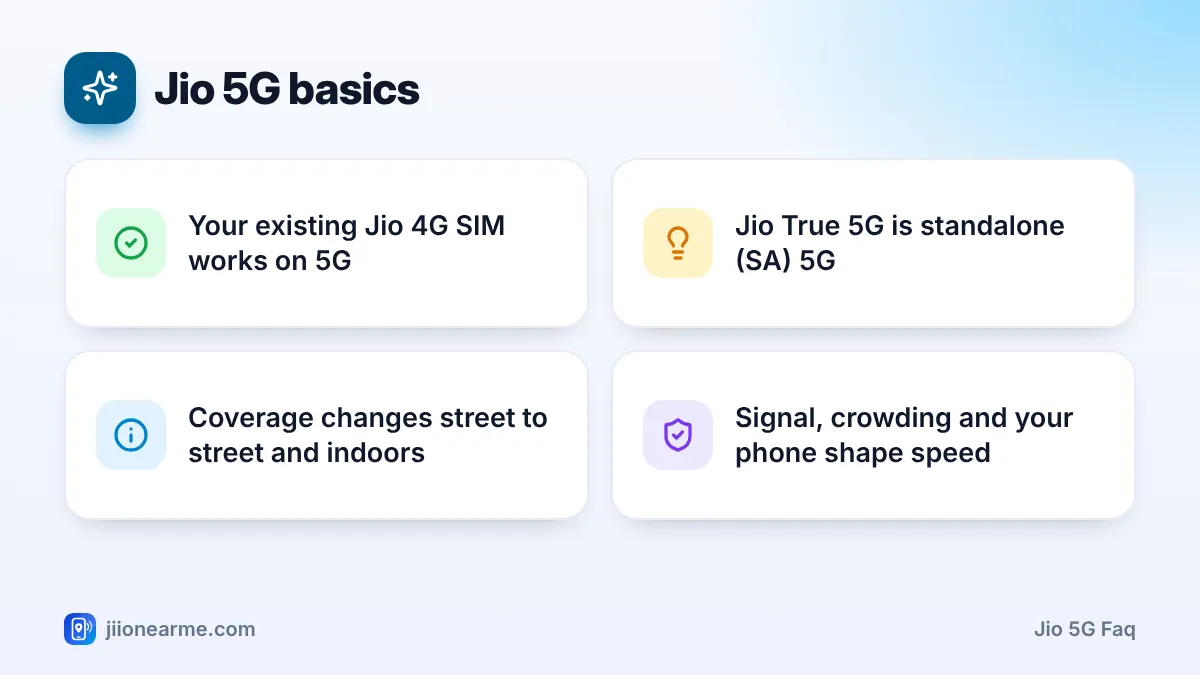
- Any active Jio 4G SIM or Jio eSIM works on Jio True 5G. No SIM change is needed.
- Your phone must support standalone (SA) 5G and Jio’s 5G bands, mainly n78 and n28.
- The 5G icon in the status bar is the simplest sign that you are on 5G at that moment.
- Speed depends on signal strength, the band in use, crowding and your phone, not just the 5G label.
Jio 5G FAQ: SIM and Phone Questions
Does my old Jio SIM work on 5G?
Yes. Jio 5G works with the same SIM you use for 4G, whether it is a physical SIM or a Jio eSIM. The SIM carries your identity on the network, while the 5G radio sits inside your phone. So the upgrade you might need is a phone or a software update, not a new SIM.
Which phones work with Jio True 5G?
Your phone needs three things:
- 5G hardware that supports the bands Jio uses, mainly n78 and n28.
- Standalone (SA) 5G support, because Jio True 5G runs on a standalone 5G network.
- Current software, since many brands enabled Jio 5G through system updates.
Check your phone’s official spec page for the band list. Note that JioPhone, JioPhone Next and JioBharat phones are 4G devices, so they do not connect to 5G.
Do I need to change any settings?
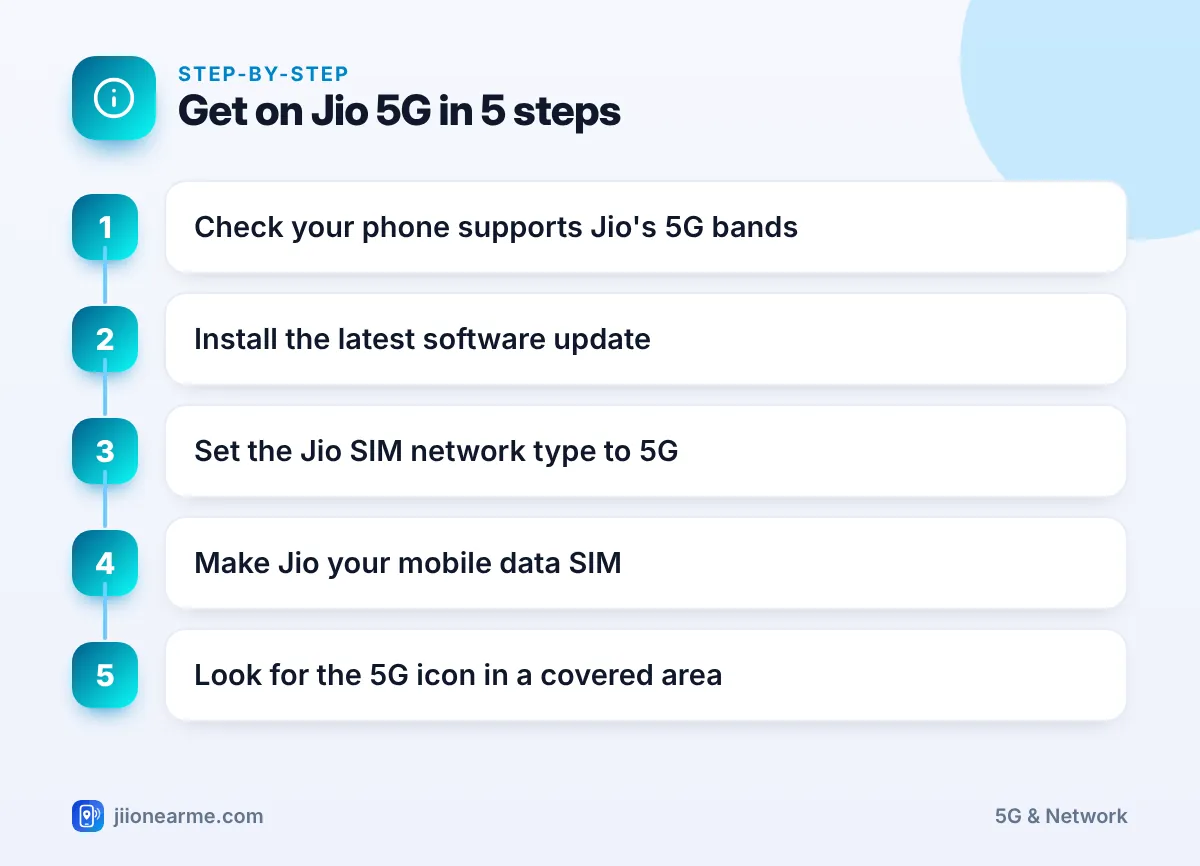
Often, yes. Many phones keep 4G as the preferred network out of the box. On Android, open Settings, go to your SIM or mobile network settings, choose the Jio SIM and set Preferred network type to an option that includes 5G. On iPhone, open Settings > Mobile Service (or Mobile Data) > Mobile Data Options > Voice & Data and pick 5G Auto or 5G On. Labels differ slightly by brand and software version.
How to Tell You Are on Jio 5G
What does the 5G icon mean?
The 5G icon next to your signal bars means your phone is connected to 5G at that moment. If it shows 4G, LTE or 4G+, you are on 4G right now, even if 5G is switched on in settings. The icon can change as you move between rooms or streets.
Is there a way to double-check?
Yes. On many Android phones, go to Settings > About phone > SIM status and look at the network type. It may read NR, short for New Radio, the technical name for 5G. You can also run a speed test where you see the 5G icon and compare it with a test on 4G. Results vary, so test more than once.
Many dual SIM phones allow 5G on only one SIM, usually the one set for mobile data. If the 5G option is greyed out for Jio, switch mobile data to the Jio SIM and check again.
Why Jio 5G Is Not Available Everywhere
Why do I get 5G outside but not at home?
5G on the n78 band uses a higher frequency than most 4G bands. Higher frequencies carry more data but lose strength quickly through walls, glass and floors. So you may get strong 5G on the street and drop to 4G inside a room, a basement or a lift. Jio’s n28 band reaches further indoors, but which band you get depends on the sites near you.
Why does my area show no 5G at all?
5G needs new equipment at each tower site. Jio has rolled out 5G across many cities and towns, but coverage still varies from one locality to the next. New sites and upgrades keep getting added, so an area without 5G today may get it later.
Why does my phone keep switching between 5G and 4G?
Phones are designed to keep you connected. When the 5G signal gets weak or busy, the phone moves to 4G, then returns to 5G when conditions improve. Some phones also use smart or auto 5G modes that pick 4G to save battery when 5G would add little. This switching is normal.
What Decides Your Jio 5G Speed
The 5G label is not a promise of one fixed speed. Several factors work together:
| Factor | How it affects your speed |
|---|---|
| Signal strength | Strong signal gives higher, steadier speed; weak signal lowers it |
| Band in use | n78 usually gives more speed; n28 gives wider reach |
| Crowding | Everyone on the same site shares its capacity |
| Distance and walls | Speed drops further from the tower and indoors |
| Your phone | Modem, antennas and software affect what it can reach |
| The app or server | A slow website or server limits speed on any network |
This is why two people standing side by side can see different results. Their phones may be on different bands, or one phone may have a stronger modem.
One test shows conditions at one moment and place. Test at different times of day and in a couple of spots before you decide that your 5G is slow.
Plans, Data and Calls on Jio 5G
Do I need a special plan for 5G?
Access to 5G data, including any unlimited 5G data benefit, depends on the plan terms Jio sets at the time. These terms change, so check your current plan details in the MyJio app or on jio.com rather than relying on old screenshots or forwarded messages.
Does 5G use more data?
5G does not make a file bigger. But video apps often pick higher quality on a fast connection, which uses more data. If your plan has a daily limit, set video quality in your apps to a level you are comfortable with.
Do calls work on 5G?
Yes. Calls work normally. Many phones move a call to 4G VoLTE while you talk and return to 5G afterwards, so the icon may change during a call. This is expected behaviour, not a fault.
Frequently Asked Questions
Can I use Jio 5G for mobile hotspot?
Yes. If your phone is on 5G, devices connected to your hotspot use that 5G connection. Hotspot use counts under your plan’s data terms, so check them in the MyJio app.
Does Jio 5G work on a Jio eSIM?
Yes. A Jio eSIM works on 5G the same way as a physical SIM, as long as your phone supports Jio 5G and you are in a covered area.
Will 5G drain my battery faster?
It can, mainly when the signal is weak and the phone keeps searching or switching. In poor 5G areas, choosing an auto or smart 5G mode, or using 4G for a while, can help.
Who should I contact if 5G never shows up?
First update your phone, check the network type setting and confirm your phone supports Jio’s bands and SA 5G. If it still does not work, call Jio on 199 from your Jio number for queries, or 198 to register a complaint.
Final Thoughts
Most new 5G questions come down to four things: a compatible phone, the right setting, coverage where you are and the conditions at that moment. Your Jio SIM is already ready. If the 5G icon appears and speeds feel good, you are set. If not, work through the phone checks first, then contact customer care with details of where and when 5G fails.
JIo Near me is an independent guide and is not affiliated with Reliance Jio. App menus, plans and policies can change – always confirm current details in the official MyJio app or on jio.com. We will never ask for your OTP, PIN or passwords.
