A missing VoLTE or HD icon does not always mean something is wrong. Many phones hide this icon by default, swap it for a 5G label, or never show it at all. The real test is simple: if you can make and receive calls on your Jio SIM, VoLTE is working.
If calls fail and the icon has also gone, VoLTE is probably switched off or blocked by a setting. This guide explains why Jio depends on VoLTE and how to bring it back.
- Jio voice calls use VoLTE on its 4G network, or Wi-Fi Calling over Wi-Fi.
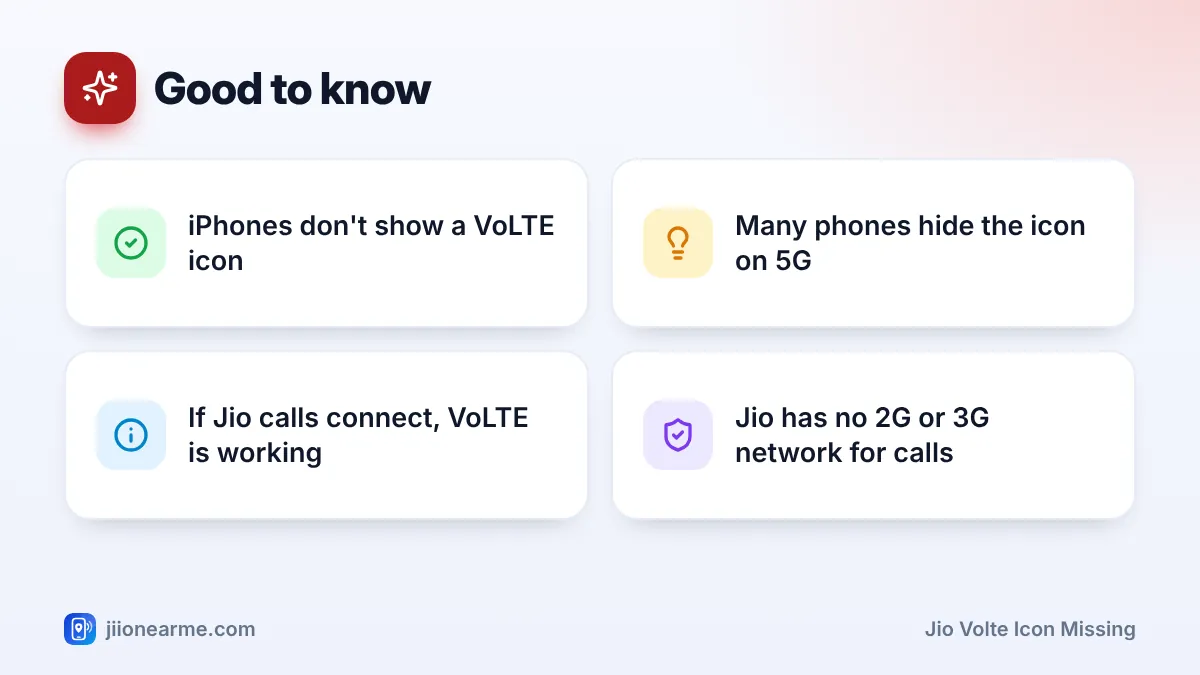
- Many phones hide the VoLTE icon, and iPhones never show one.
- If Jio calls connect normally, you don’t need to worry about the icon.
- If calls fail, turn on VoLTE and set the network type to 4G or 5G.
- On older dual-SIM phones, only one slot may support 4G and VoLTE.
Why Jio Calls Depend on VoLTE
VoLTE (Voice over LTE) carries your voice as data over the 4G network. Some other operators have older 2G networks that phones can fall back to for calls. Jio doesn’t. Its network was built on 4G from the start, and its 5G service adds to that.
This means a Jio SIM needs a phone that supports VoLTE, with VoLTE switched on, to make normal calls. Without it, the phone may show signal and even use data, but calls won’t connect. The other option is Wi-Fi Calling, which carries calls over a Wi-Fi network on supported phones.
Missing Icon or Missing VoLTE? How to Tell
Before you change any settings, find out whether the problem is only visual.
| What you notice | What it usually means |
|---|---|
| No icon, but Jio calls work | VoLTE is on; your phone just hides the icon |
| Icon shows 5G instead of VoLTE | Normal on many phones while on 5G |
| HD icon only appears during calls | Normal; it shows HD voice is in use |
| No icon and calls fail | VoLTE is off, or the network mode is wrong |
| Calls fail, data works | VoLTE problem or plan issue |
| No signal at all | Network, SIM or coverage problem, not just VoLTE |
On iPhone, there’s no VoLTE icon in the status bar. You can check the setting under Settings > Mobile Service (or Mobile Data) > Mobile Data Options > Voice & Data.
On some Android phones, you can show or hide the VoLTE or HD icon in the status bar or notification settings. Look for an option with a name like VoLTE icon or HD icon. Not every brand offers it.
Common Reasons the Jio VoLTE Icon Is Missing
If calls are failing as well, one of these is the likely cause:
- VoLTE switched off. A software update, a reset or a mistaken tap may have turned it off.
- Network type set to 3G or 2G. Jio needs 4G or 5G. A 3G-only or 2G-only setting removes VoLTE.
- Jio in the wrong SIM slot. On older dual-SIM phones, only one slot, or only the SIM chosen for mobile data, supports 4G and VoLTE.
- Outdated software or carrier settings. Calling settings for Jio sometimes come with phone or carrier updates.
- Phone doesn’t support VoLTE. Some very old or imported phones lack VoLTE for Indian networks.
- SIM problem. A damaged or very old SIM can cause registration issues.
- Plan expired. If your plan has lapsed, calls may fail even though VoLTE is on.
Check your plan in the MyJio app before changing settings. An expired plan can look like a VoLTE problem, and no setting will fix it until you recharge.
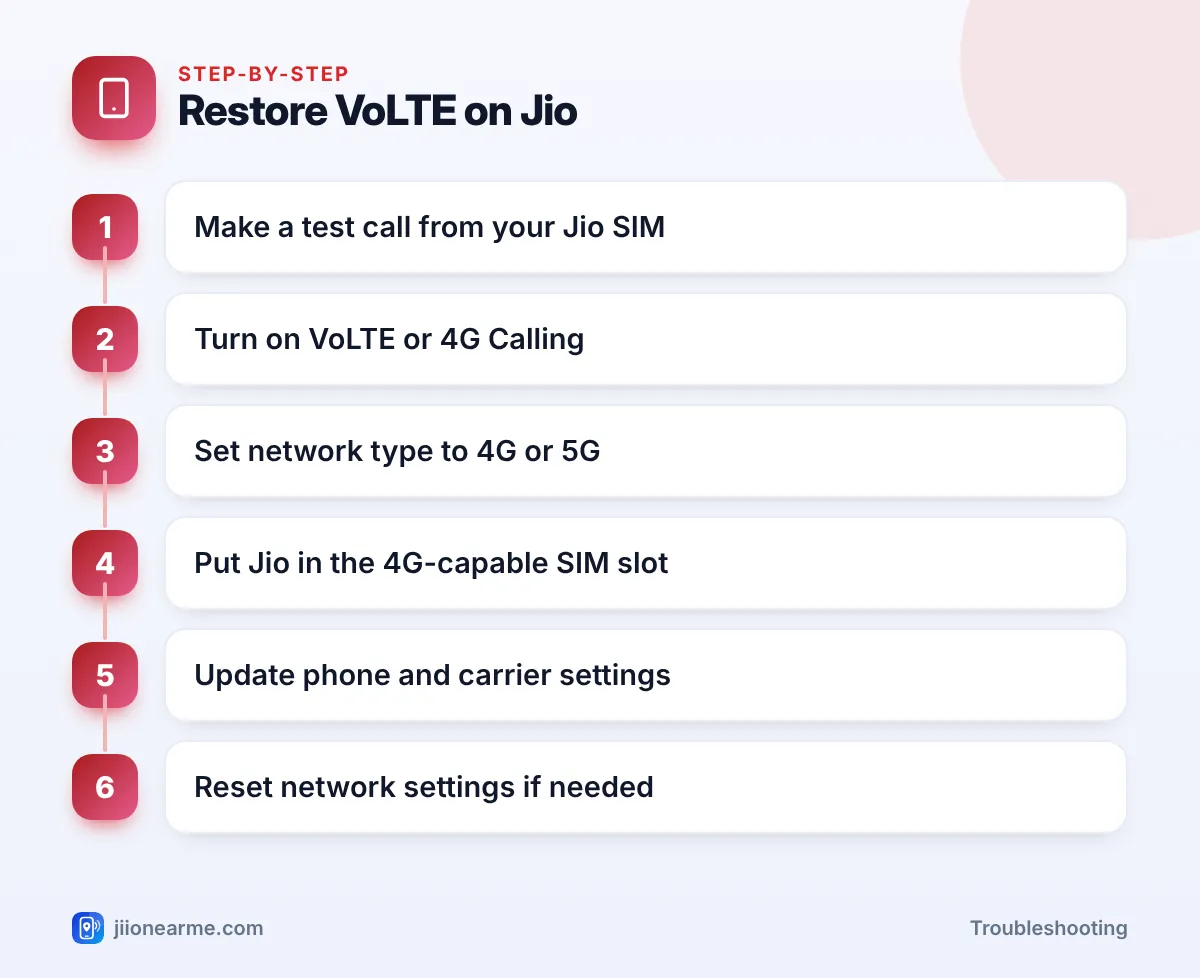
How to Turn VoLTE Back On
On Android
- Open Settings.
- Go to Network & internet, Connections or SIM cards & mobile networks, depending on your brand.
- Choose SIMs or Mobile networks, then your Jio SIM.
- Turn on VoLTE, VoLTE calls, 4G Calling or Enhanced 4G LTE Mode.
- Open Preferred network type and choose an option that includes 4G or 5G, such as 5G/4G/3G/2G (auto) or LTE.
- Toggle Airplane mode on and off, then make a test call.
On iPhone
- Open Settings > Mobile Service (or Mobile Data).
- Tap Mobile Data Options, choosing your Jio line first on a dual-SIM iPhone.
- Open Voice & Data and choose an option with VoLTE, or turn on the VoLTE switch if shown.
- Check for a carrier settings update under Settings > General > About. If one is available, a prompt appears.
On dual-SIM phones
If your phone only supports 4G on one slot, move the Jio SIM to that slot, or set Jio as the SIM for mobile data. Newer phones usually support 4G and VoLTE on both slots, but check your phone’s settings or specifications if you’re unsure.
If VoLTE Still Won’t Come Back
Try these steps in order:
- Restart your phone.
- Remove and reinsert the SIM with the phone switched off.
- Update your phone software. Look under Settings > System > Software update on Android, or Settings > General > Software Update on iPhone.
- Reset network settings. This clears Wi-Fi passwords and Bluetooth pairings but not your photos or apps.
- Test the SIM in another VoLTE phone. If VoLTE works there, the issue is with your phone. If not, the SIM or account may be the cause.
Some older phones simply can’t make Jio calls. Check the phone’s specifications or the brand’s website for VoLTE support on Indian networks. A VoLTE-capable phone, a JioPhone or a JioBharat device will work with Jio calling.
If the SIM fails in another phone too, call 1800-889-9999 from any other phone, or 198 from a working Jio number, to report it. A SIM replacement can be done at a Jio store with valid ID.
Frequently Asked Questions
Do I need the VoLTE icon to make Jio calls?
No. The icon is only an indicator. If your Jio calls connect normally, VoLTE is working, whether or not an icon appears.
Why does my phone show 5G but not VoLTE?
Many phones replace the VoLTE label with the 5G icon when connected to 5G. During calls, they may switch briefly to 4G, which is normal.
Why did VoLTE disappear after a software update?
Updates can reset some network settings. Check the VoLTE toggle and network type, and look for any follow-up update or carrier settings update.
Can I use Jio on a phone without VoLTE?
Normal Jio calls need VoLTE. Wi-Fi Calling also needs a supported phone. A phone without either won’t make regular Jio calls.
Is the HD icon the same as VoLTE?
On many phones, the HD icon shows that a call is using HD voice over VoLTE. Some phones show it only during calls.
Conclusion
When the Jio VoLTE icon goes missing, first make a test call. If calls work, it’s just a display change. If they don’t, turn on VoLTE, choose a 4G or 5G network type, check the SIM slot and update your phone. If nothing helps, test the SIM in another phone and contact Jio support with what you’ve tried.
JIo Near me is an independent guide and is not affiliated with Reliance Jio. App menus, plans and policies can change – always confirm current details in the official MyJio app or on jio.com. We will never ask for your OTP, PIN or passwords.