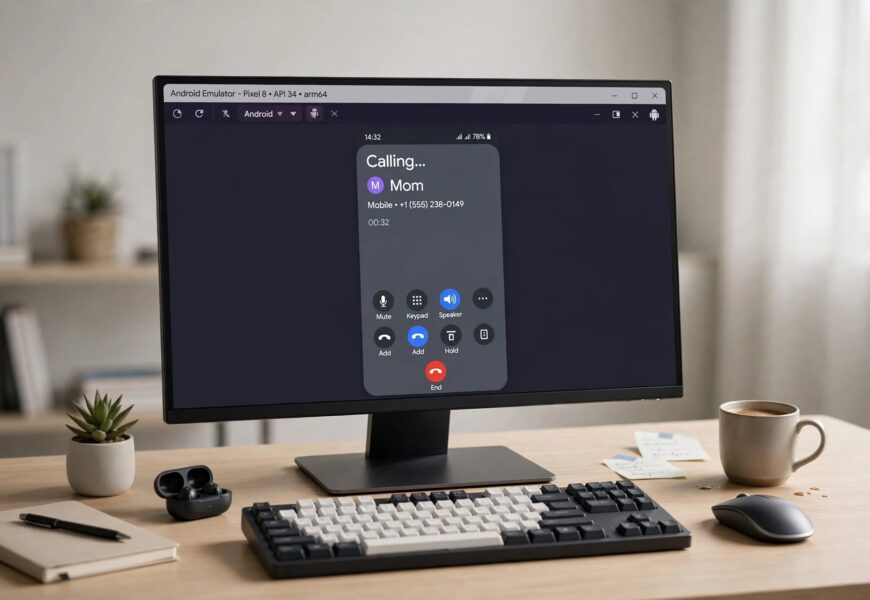
Quick answer: Jio4GVoice (now called JioCall) can be installed and opened on BlueStacks like any other Android app from the Play Store, but it is not officially supported by Jio for PC or emulator use, and real-world results are mixed — some users get it working for calls and SMS after signing in with their Jio number, while others report it failing to register properly, crashing, or not receiving incoming calls reliably. If it doesn’t work well on BlueStacks, alternative emulators like NoxPlayer or LDPlayer are commonly reported to handle it more consistently.
If you’re trying to make Jio calls from your PC using BlueStacks, here’s what the app actually requires, why results vary so much from one setup to another, and what to try if it isn’t working.
What Jio4GVoice / JioCall Is Actually Built For
Jio4GVoice — now rebranded as JioCall — is a VoIP calling app that lets Jio users make and receive calls and SMS using their Jio SIM number, primarily built to help non-VoLTE phones make calls on Jio’s VoLTE-only network. It’s designed and tested by Jio for Android and iOS smartphones, not for desktop emulators — which is the root of most of the inconsistency people run into when trying to use it on BlueStacks.
Can You Actually Install It on BlueStacks?
Yes — installation itself is usually straightforward:
- Download and install BlueStacks on your Windows or Mac computer.
- Open BlueStacks and sign in with a Google account.
- Open the Google Play Store inside BlueStacks.
- Search for “JioCall” (or “Jio4GVoice” if that’s still what shows in your region).
- Install it, just like any other Android app.
This part works reliably across most guides and reports — the app downloads and opens without issue on BlueStacks in the same way it would on a real Android phone.
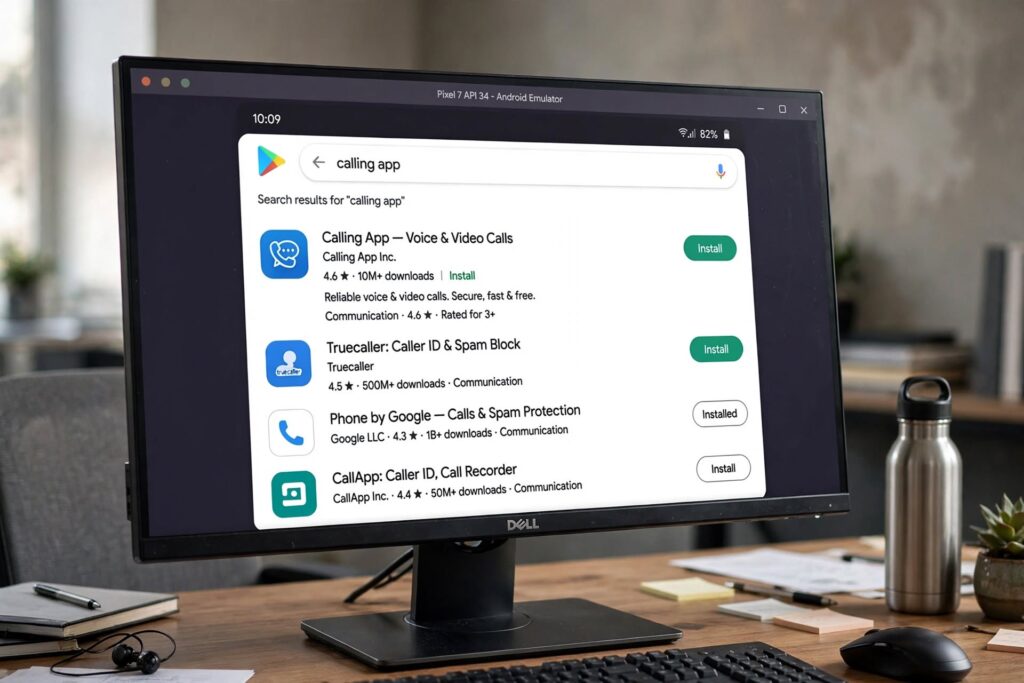
Installing the app is the easy part — registering it for reliable calls is where results vary.
Where Things Get Inconsistent
Once installed, the app needs to register your Jio number, verify it with an OTP, and then handle real-time call and SMS routing — and this is where BlueStacks-specific issues commonly show up:
- OTP and number verification hiccups. Since BlueStacks isn’t a real phone, some users report the number verification step behaving unpredictably compared to installing the same app on an actual Android device.
- Microphone and audio routing problems. BlueStacks needs to correctly pass your PC’s microphone and speakers through to the emulated app — if this isn’t configured properly, calls may connect with no audio in one or both directions.
- Incoming calls not always reliable. Because BlueStacks isn’t tied to a SIM or constantly-on mobile radio the way a phone is, incoming call notifications can be less consistent than on a real device, especially if BlueStacks isn’t kept running in the foreground.
- Jio has not published official support for using JioCall through any Android emulator, which means updates to the app aren’t tested against BlueStacks specifically — so behavior can change (for better or worse) with app updates.
Community reports reflect this mixed experience directly: some users say Jio’s other apps (like JioTV or MyJio) run fine on BlueStacks but that JioCall specifically doesn’t behave reliably for calling, and recommend switching to a different Android emulator instead.
What to Try If JioCall Isn’t Working Properly on BlueStacks
- Check microphone permissions — both at the Windows/Mac system level and inside BlueStacks’ own settings, to make sure audio is actually being passed through.
- Make sure BlueStacks and the JioCall app are both fully updated — outdated emulator versions are a common cause of app crashes.
- Try a different Android emulator. NoxPlayer and LDPlayer are both frequently mentioned as more consistent alternatives to BlueStacks specifically for JioCall, if BlueStacks continues giving trouble.
- Keep BlueStacks running and in an active state if you’re expecting incoming calls — backgrounding the emulator can interrupt call notifications.
- Restart the registration process if the OTP step fails — signing out, clearing the app’s cache inside BlueStacks, and signing back in resolves this for some users.
Is There a More Reliable Option?
If you specifically need Jio calling on a computer rather than a phone, keep in mind this entire setup is a workaround, not a Jio-supported desktop feature. For anyone who needs consistent, dependable calling, using JioCall on an actual Android phone (or an iPhone, where it’s also supported) will generally be far more reliable than running it through any PC emulator, BlueStacks included.
If you’re setting this up because your primary device is an older iPhone without native VoLTE support, our guides on Jio voice calling on iPhone 5c and Jio voice calling on iPhone 5s cover the more dependable phone-based setup for the same JioCall app.
Key Takeaways
- JioCall (formerly Jio4GVoice) installs on BlueStacks the same way any Android app does — that part isn’t the issue.
- Actually placing and receiving reliable calls through it is inconsistent, since Jio doesn’t officially support or test the app for PC/emulator use.
- Microphone routing, OTP verification, and incoming call notifications are the most common failure points.
- If BlueStacks continues to be unreliable, NoxPlayer or LDPlayer are commonly suggested alternatives — but a real Android or iOS device will always be the most dependable option.
Sources referenced:
- BlueStacks — Download and Run JioCall on PC & Mac
- Quora — Can I Run Jio Services on Windows Using BlueStack?
- Piefone — Download Jio4G Voice for PC
Frequently Asked Questions
Is JioCall officially supported on BlueStacks?
No, Jio doesn’t officially support or test JioCall for use on BlueStacks or any Android emulator — it’s designed for real Android and iOS phones.
Why does JioCall install fine but calls don’t work on BlueStacks?
This is usually due to microphone/audio routing not being passed through correctly by the emulator, or OTP/number verification behaving inconsistently in an emulated environment.
Is there a better emulator than BlueStacks for JioCall?
Some users report NoxPlayer and LDPlayer working more consistently for JioCall calling than BlueStacks, though results can still vary by setup.
