Losing a phone should not mean losing every number you have saved. With JioAICloud, you can switch on contacts backup in the app’s settings, and your phone contacts are saved to the cloud under your Jio number. On a new or reset phone, sign in with the same number, open the contacts section and choose to restore them.
The whole process takes a few minutes. This guide walks through backing up contacts on Android and iPhone, restoring them on another phone, avoiding duplicates and keeping a second copy for extra safety. App menus change between versions, so look for similar labels if yours look different.
- Turn on Contacts backup in JioAICloud settings and allow access to your contacts
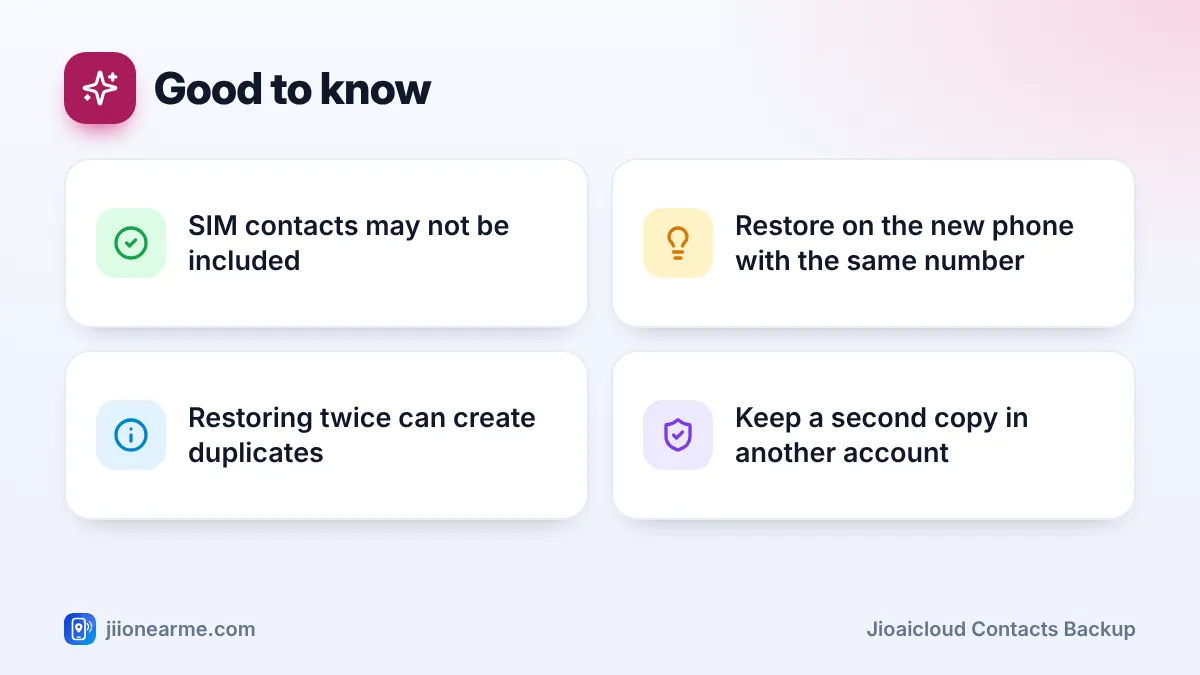
- Move SIM-only contacts to the phone first, as SIM contacts may not be backed up
- On a new phone, sign in with the same Jio number and choose Restore
- Restore once and check the result, because restoring repeatedly can create duplicates
Why Back Up Contacts to JioAICloud
Most people keep hundreds of numbers on their phone: family, doctors, the school, the milk delivery, the plumber. Many of these are saved only on the phone itself, not in any account. If the phone is lost, stolen or reset, those numbers go with it.
JioAICloud keeps a copy linked to your Jio number. That helps in three common situations:
- Buying a new phone, whether Android or iPhone
- Factory resetting a phone that has become slow or faulty
- Losing a phone, when you need your numbers back on a replacement
It also suits people who do not use a Google or Apple account for contacts, or who want an extra copy alongside one.
Before You Start
Check where your contacts are actually stored. Phones can save numbers in three places: on the phone, on the SIM card or in an account such as Google. Open your Contacts app, go to its settings and look for an option like Contacts to display or Storage location.
Contacts saved only on the SIM may not be included in an app backup. Most Contacts apps have an Import/Export option that lets you copy SIM contacts to the phone. Do that first.
You also need the latest JioAICloud app, your Jio number for sign-in and permission for the app to read your contacts.
Samsung, Xiaomi, Vivo, Oppo, iPhone and other brands all lay out their Contacts settings a little differently. If you cannot find Import/Export, search for it in your phone’s main Settings.
How to Turn On JioAICloud Contacts Backup
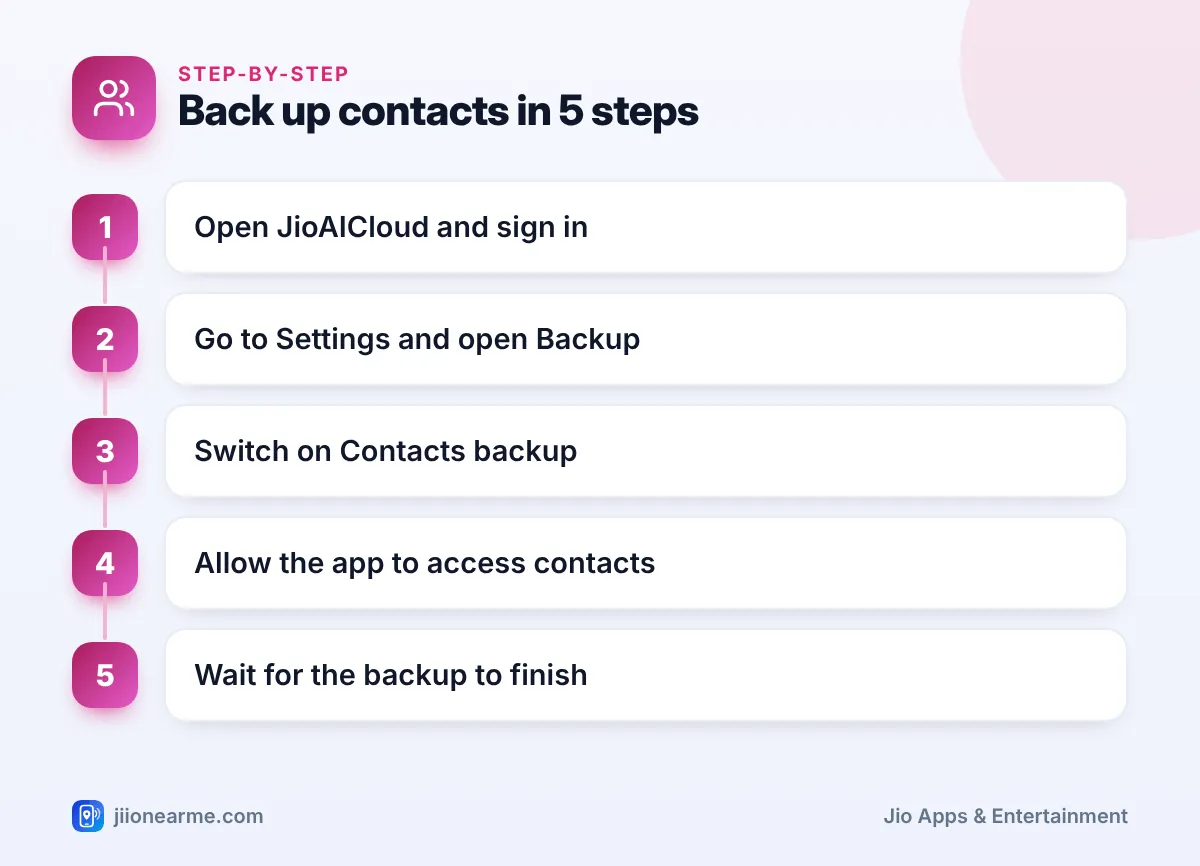
- Open JioAICloud and sign in with your Jio number and the OTP you receive.
- Tap your profile icon or the menu (☰) and open Settings.
- Go to Backup or Auto Backup.
- Switch on Contacts. Some versions have a separate Contacts section on the home screen with a Back up now option.
- When asked, allow JioAICloud to access your contacts. On iPhone, this appears as a pop-up; on Android, as a permission prompt.
- Wait until the app shows that the backup is complete. Contacts are small, so this is usually quick.
Once turned on, the app may keep your contact backup updated as you add new numbers. Open the contacts section now and then to check the date of the latest backup, if your version shows it.
How to Restore Contacts on a New or Reset Phone
Do this after you have set up the new phone and inserted your SIM, or connected to Wi-Fi.
- Install JioAICloud from the Play Store or App Store.
- Sign in with the same Jio number you used on the old phone.
- Open the Contacts section, or go to Settings > Backup > Contacts.
- Tap Restore or Restore contacts. If the app lists more than one backup, choose the latest one.
- Allow access to contacts when prompted.
- Wait for the restore to finish, then open your phone’s Contacts app and check a few names.
If the new phone uses a Google account for contacts, Android may ask where to save restored numbers. Choosing your Google account gives you a second copy automatically.
Sign in to JioAICloud only with your own Jio number and never share the OTP. Anyone who gets that OTP can see your backed-up contacts. Jio staff will never ask you for it.
Avoiding Duplicate or Missing Contacts
Problems usually come from restoring more than once or from mixing several sources. This table covers the common ones.
| Problem | Likely cause | What to do |
|---|---|---|
| Every contact appears twice | Restored twice, or restored and synced from another account | Use your phone’s Merge or Duplicates tool |
| Some contacts missing | They were on the SIM or in another account | Import from the SIM or sign in to that account |
| No contacts restored | Wrong Jio number, or permission denied | Check the number and allow contacts access |
| Old contacts only | Backup was not updated recently | Back up again on the old phone, if you still have it |
Many phones have a built-in duplicate cleaner in the Contacts app. On iPhone, recent iOS versions show a Duplicates Found option at the top of the Contacts list when it spots repeats.
Keep a Second Copy for Extra Safety
A single backup is good. Two independent copies are better.
- Google account (Android). Save contacts to your Google account so they sync to any Android phone where you sign in.
- iCloud (iPhone). Turn on Contacts under your Apple ID settings.
- A contacts file. Use Export in your Contacts app to create a VCF file, then upload it to JioAICloud. You can import it on any phone later.
Before you hand over or sell an old phone, back up contacts, restore them on the new phone and check them. Only then factory reset the old phone.
Frequently Asked Questions
Does JioAICloud back up WhatsApp contacts?
WhatsApp uses the contacts saved on your phone. Backing up your phone contacts covers those numbers. WhatsApp chats need WhatsApp’s own backup.
Can I restore contacts from Android to an iPhone?
Yes. Contacts backed up in JioAICloud are not tied to one type of phone. Sign in on the iPhone with the same Jio number and restore them.
What if I have changed my Jio number?
Your backup is linked to the number you signed in with. Sign in with your old number if it is still active. Otherwise, use a Google, iCloud or VCF copy.
Will restoring delete contacts already on my new phone?
Restoring usually adds contacts rather than replacing them. That is why duplicates can appear. Check the result and merge repeats.
Final Thoughts
Backing up contacts to JioAICloud is one of the easiest ways to make changing phones stress-free. Move SIM contacts to the phone, turn on contacts backup, then restore once on your new device using the same Jio number. Keep a second copy in your Google or Apple account, or as a contacts file. If sign-in or restore keeps failing, call 199 from your Jio number for help.
JIo Near me is an independent guide and is not affiliated with Reliance Jio. App menus, plans and policies can change – always confirm current details in the official MyJio app or on jio.com. We will never ask for your OTP, PIN or passwords.
