There is no single winner for every Jio user. Google Photos is stronger for searching, editing and sharing albums, and it stays with your Google account whatever SIM you use. JioAICloud is built around your Jio number, backs up documents and contacts as well as photos, and may come with storage linked to your Jio plan.
Many people end up using both. The right choice depends on how much free space you have, what you want to back up and whether you plan to stay with Jio. This comparison walks through each point so you can decide calmly.
- Google Photos focuses on photos and videos, with excellent search, editing and shared albums
- JioAICloud covers photos, videos, documents and contacts, and signs you in with your Jio number
- Free storage on Google is shared with Gmail and Drive; JioAICloud storage depends on your Jio plan
- Using both is a safe option if you set backups to Wi-Fi and watch your storage
JioAICloud vs Google Photos at a Glance
Here is a quick side-by-side view. Features change with app updates, so treat this as a general guide and check each app for the current details.
| Point | JioAICloud | Google Photos |
|---|---|---|
| Sign-in | Jio number with OTP | Google account |
| What it backs up | Photos, videos, documents, contacts and other files | Photos and videos (files go to Google Drive) |
| Free storage | Depends on your Jio plan and current offers | Limited free space shared with Gmail and Drive |
| Devices | Android, iPhone, web and desktop apps | Android, iPhone and web |
| Sharing | Share links for files and folders | Links, shared albums and partner sharing |
| Search and editing | Basic tools, with AI features being added | Advanced search and many editing tools |
Backup Features Compared
What each app saves
Google Photos is a photo and video app first. It backs up your camera roll and folders you choose, such as WhatsApp images. Documents and other files go to Google Drive, which is a separate app.
JioAICloud works more like an all-in-one locker. Along with photos and videos, it can back up documents, music files and your phone contacts. If you want one place for your Aadhaar scan, school certificates and family photos, that can be convenient.
Store important ID scans only in your own account and never share links to them in groups. Do not send anyone the OTP used to sign in to either app.
Backup quality and storage
Google Photos lets you choose between original quality and a smaller, slightly compressed setting called Storage saver. The smaller setting stretches your free space further.
JioAICloud aims to keep your files as they are. Check the backup settings in your app version to see which options it offers.
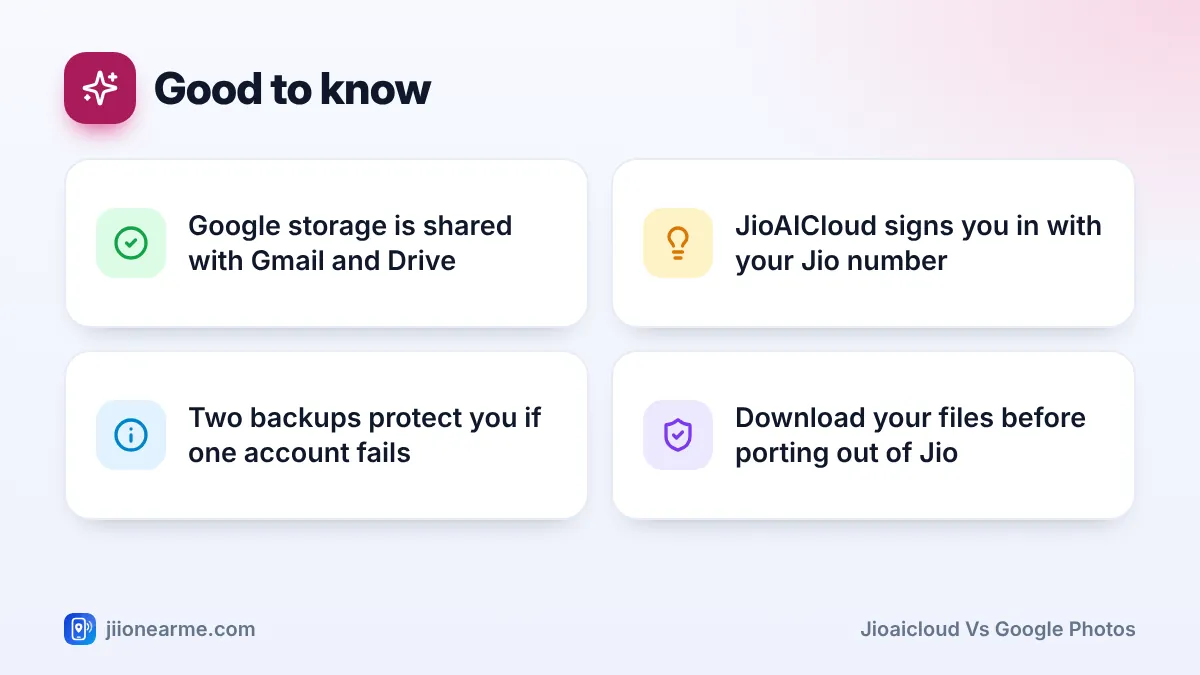
Neither app gives unlimited space. On Google, your free storage is shared across Gmail, Drive and Photos, and paid Google One plans add more. On JioAICloud, how much space you get depends on your Jio plan and any current offers. Open the JioAICloud app or MyJio to see your own storage, and check jio.com for current plans.
Ease of Use for Everyday Jio Users
Google Photos is usually already installed on Android phones and signed in with the Google account you use for the Play Store. For many people, turning on backup takes a single tap.
JioAICloud needs to be installed from the Play Store or App Store. You sign in with your Jio number and an OTP, which feels familiar if you already use MyJio. There is no separate password to remember.
Both apps let you set backup to happen only on Wi-Fi. This matters on Jio prepaid plans with a daily data limit, because a first-time backup of a large gallery can use a lot of data.
Start your first big backup on JioFiber, Jio AirFiber or any home Wi-Fi, and leave the phone on charge overnight. Later backups only upload new photos, so they are much smaller.
Device Support and Switching Phones or SIMs
Both apps work on Android phones and iPhones, and both let you view files in a web browser on a laptop. JioAICloud also offers desktop apps, which help if you want to back up folders from a computer.
The bigger difference shows up when you change things:
- New phone, same number: both apps restore easily. Sign in and your files are there.
- New SIM from another network: Google Photos is unaffected because it depends on your Google account. JioAICloud is linked to your Jio number, so check what happens to your storage before you port out or let the number lapse. Download anything important first.
- Shared family phone: Google Photos follows whichever Google account is signed in. JioAICloud follows the Jio number used to sign in.
Sharing Photos With Family and Friends
Google Photos has more sharing tools. You can create shared albums where several people add pictures, send a link to a single album and use partner sharing to share photos automatically with one trusted person.
JioAICloud lets you share files and folders with a link that others can open in a browser. It works well for sending a set of event photos or documents to people who do not use the app. You can also remove a link later when you no longer want it active.
For a family that wants to collect wedding or trip photos from many phones in one place, a shared album in Google Photos is usually easier. For quickly sending a folder of documents, a JioAICloud link does the job.
Which One Should You Choose?
Use these simple rules:
- Pick JioAICloud if you plan to stay with Jio, want photos, documents and contacts in one place and your Jio plan includes useful storage.
- Pick Google Photos if search, editing and shared albums matter most, or if you may change networks later.
- Use both if you want an extra copy of precious photos. For example, keep photos in Google Photos and documents and contacts in JioAICloud.
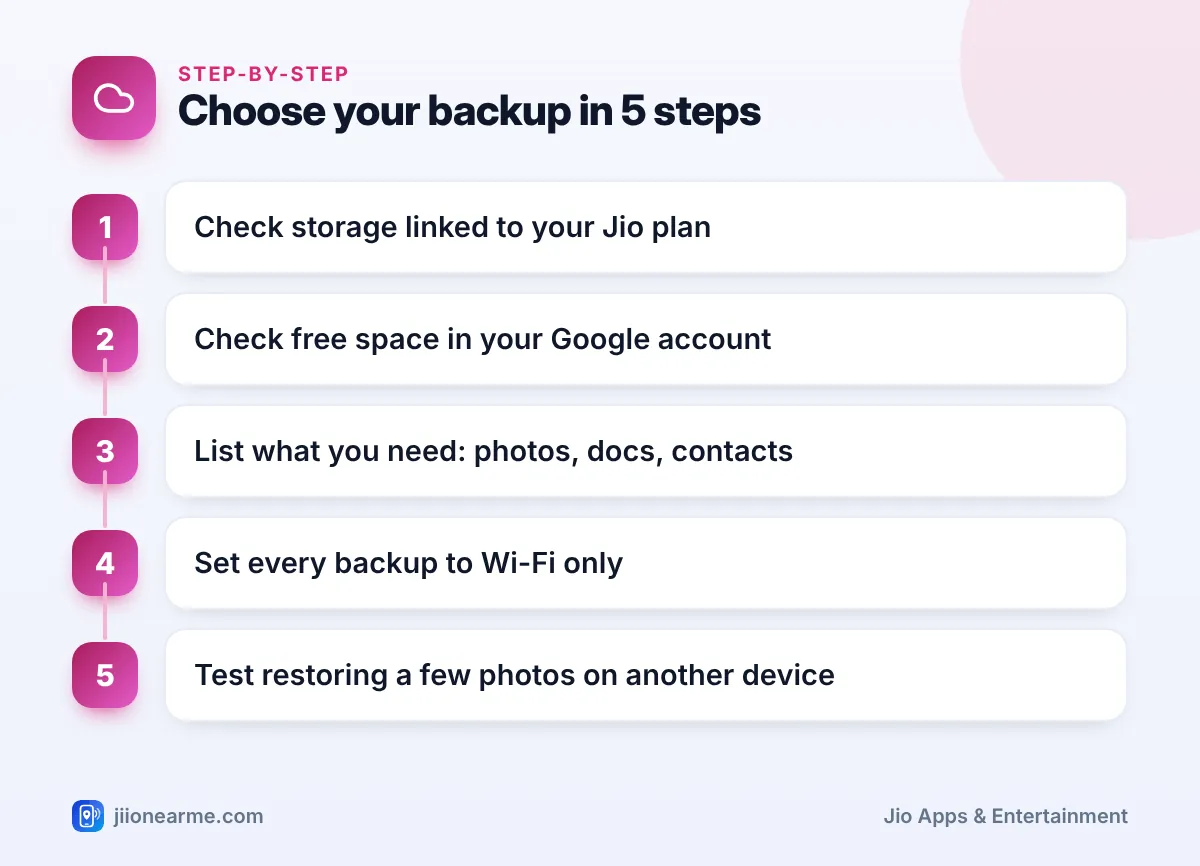
If you use both, remember that each app uploads separately. Set both to Wi-Fi only and check storage now and then so neither fills up and quietly stops backing up.
Once in a while, open the web version of each service and check that recent photos are really there. A backup that silently stopped months ago is a common surprise.
Frequently Asked Questions
Can I use JioAICloud if I do not have a Jio number?
JioAICloud is designed around Jio numbers and signs you in with an OTP sent to that number. Check the app’s sign-in screen for the options currently available to you.
Does Google Photos work on Jio SIM?
Yes. Google Photos works on any network, including Jio 4G and Jio True 5G, because it depends on your Google account, not your SIM.
Can I move my photos from Google Photos to JioAICloud?
There is no direct one-tap transfer between them. You can download photos from Google Photos to your phone or computer and then upload them to JioAICloud, preferably on Wi-Fi.
Which app uses less mobile data?
Both use similar data for the same photos. What matters is your settings, so choose Wi-Fi only backup and avoid backing up large videos on mobile data.
Is it safe to back up photos in two places?
Yes. Keeping two copies is a sensible habit. Just protect both accounts, never share OTPs or passwords and remove share links you no longer need.
Final Thoughts
JioAICloud and Google Photos solve the same basic problem in different ways. Google Photos is the better photo tool and follows you across networks. JioAICloud is a broader locker tied to your Jio number. Check your free space in each, decide what you need to protect and set backups to Wi-Fi. If your photos really matter to you, keeping them in both places is a calm and sensible choice.
JIo Near me is an independent guide and is not affiliated with Reliance Jio. App menus, plans and policies can change – always confirm current details in the official MyJio app or on jio.com. We will never ask for your OTP, PIN or passwords.
