For most JioFiber and AirFiber connections, verification needs either Aadhaar-based e-KYC or a valid identity proof plus an address proof for the installation address. That is usually all. Keeping these ready before you book means the installation is not held up on the day.
This checklist explains which documents are commonly accepted, how e-KYC works for home broadband, what tenants and people who have just moved should keep in mind, and how to protect your details. The accepted document list follows government KYC rules and can change, so confirm the current list on jio.com or with Jio at the time of booking.
- Aadhaar-based e-KYC is usually the quickest way to verify a home broadband connection.
- Without e-KYC, keep one identity proof and one proof of the installation address.
- Tenants may need extra address proof if their ID shows an older address.
- Complete KYC only through official Jio channels and never share OTPs over a call.
Why Jio Asks for Documents for Home Broadband
Every telecom connection in India, including home broadband, must be linked to a verified person. KYC (Know Your Customer) confirms who is taking the connection and where it is being installed. This protects you too, because the connection, the bills and any misuse are tied to the verified account holder.
For JioFiber and AirFiber, KYC also helps the installation team. The address on record tells them where to go, and the name on record must match the person signing for the equipment.
Aadhaar-Based e-KYC: The Quickest Route
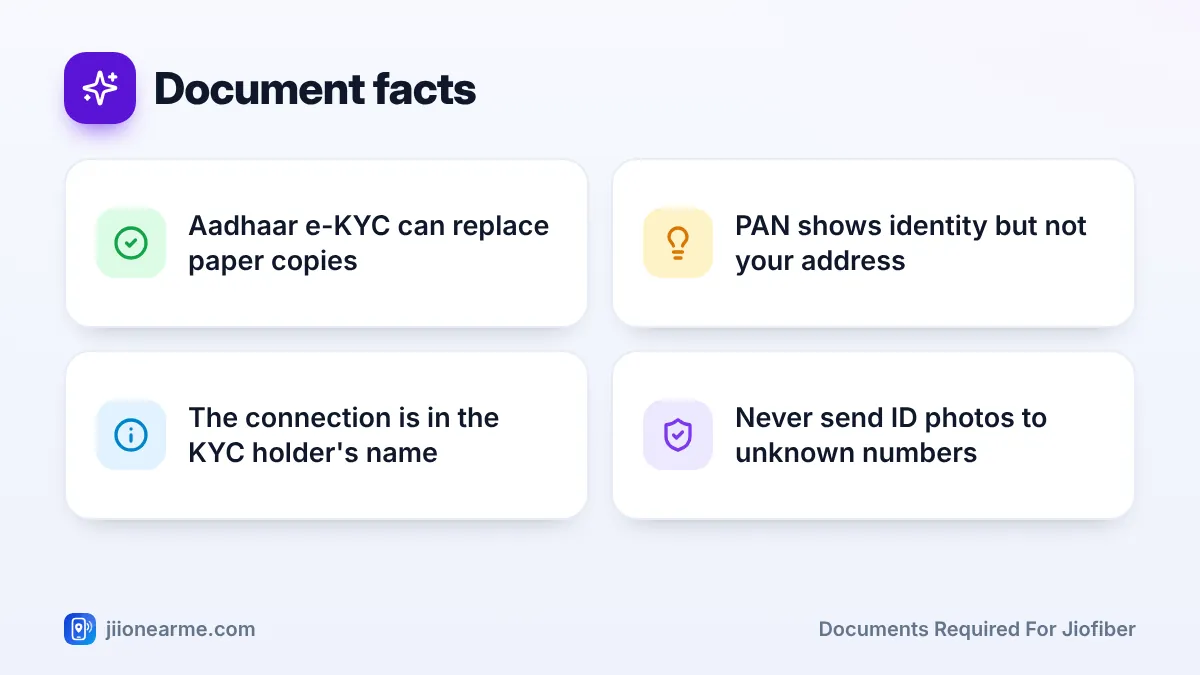
Aadhaar-based e-KYC lets Jio verify your identity digitally. Your name, photo and address are fetched from the Aadhaar system after you authenticate, so you usually do not need photocopies.
How e-KYC usually works
Depending on how you book, e-KYC may be done in the MyJio app, on jio.com or on the authorised Jio representative’s device during the installation visit. You confirm the request yourself, for example through a fingerprint scan or a one-time password sent to your Aadhaar-linked mobile number. The exact method can differ by channel and app version.
Before booking, check two things:
- The mobile number linked to your Aadhaar is active and with you, if OTP-based authentication is used.
- Your Aadhaar details, especially name and address, are up to date.
When e-KYC may not fit
If your Aadhaar address is different from the installation address, for example after a recent move, ask Jio whether a separate proof of the new address is needed. If authentication fails repeatedly, you can usually fall back on paper-based verification with the documents listed below.
An Aadhaar OTP should only be typed by you on an official Jio screen. Never read an OTP aloud to someone who calls you claiming to be from Jio, and never send a photo of your Aadhaar to an unknown WhatsApp number.
Documents Required for JioFiber Without e-KYC
If you are not using e-KYC, you will typically need one proof of identity (PoI) and one proof of address (PoA). One document can serve both purposes if it shows your current address. A recent photograph may also be taken or requested during verification.
The table below shows documents commonly accepted for telecom KYC. Always confirm with Jio, as the list can change.
| Document | Proof of identity | Proof of address | Things to check |
|---|---|---|---|
| Aadhaar card | Yes | Yes | Also used for e-KYC |
| Passport | Yes | Yes | Address must be current |
| Voter ID card | Yes | Yes | Details should be legible |
| Driving licence | Yes | Yes | Address must be current |
| PAN card | Yes | No | Needs a separate address proof |
Carry the originals for checking, along with self-attested copies if they are asked for. Make sure the name matches across documents. If there is a spelling difference, sort it out before booking or ask Jio which document to use.
Special Cases: Tenants, New Movers and Business Use
Some situations need a little extra planning.
- Tenants: If your ID shows your previous address, ask Jio which documents it accepts as proof of your current address. Some people use a rent agreement or a recent utility bill, but confirm before relying on it. You will also need your landlord’s permission for any drilling or cable work.
- Recently moved families: Update your Aadhaar address if possible. Until then, keep an alternative proof of the new address ready.
- Connection in another family member’s name: The person whose KYC is used becomes the account holder. They should be available to complete verification.
- Business or office connections: Business connections may need extra documents, such as proof of the business. Ask Jio about the requirements before booking.
Decide early whose name the connection will be in. Bills, ownership of the account and future requests like shifting or disconnection all go through that person.
Your Document Checklist Before Booking
Use this quick sequence a day or two before you book or before the technician visits:
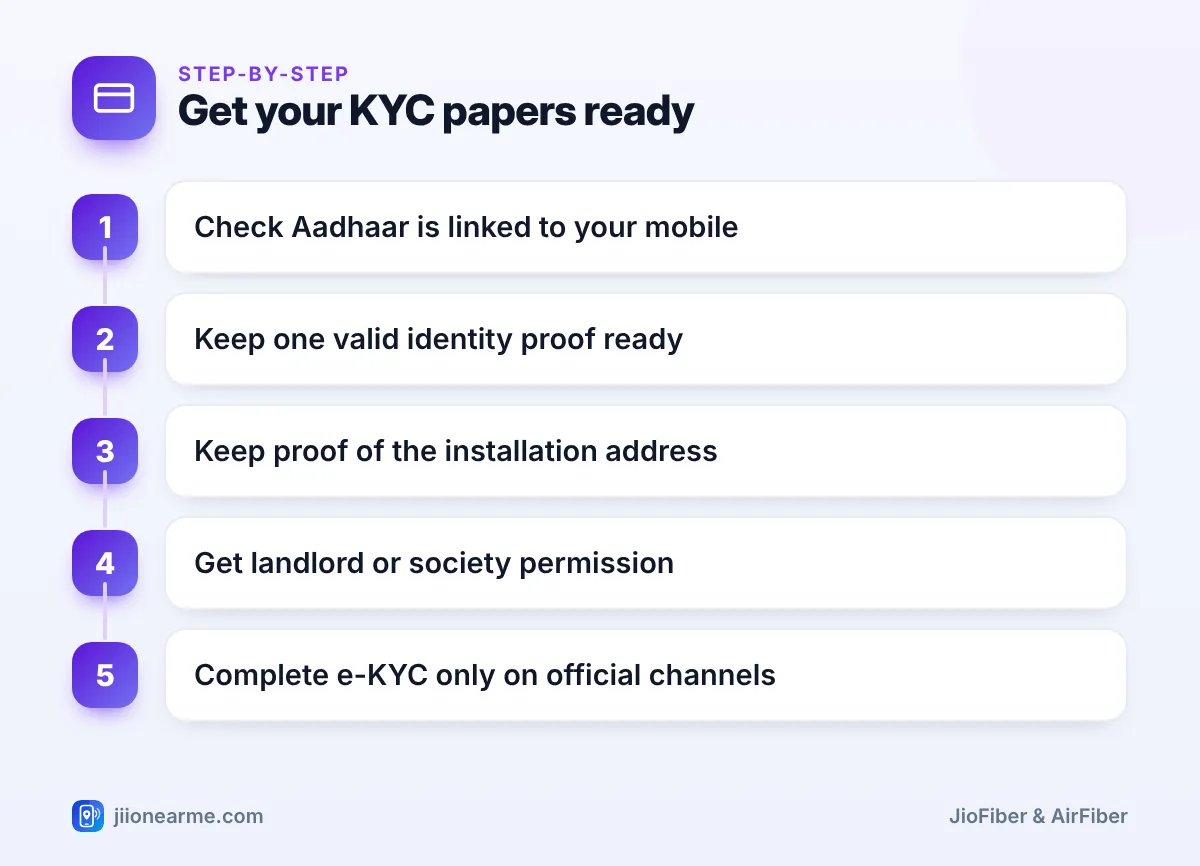
- Check that your Aadhaar is linked to a mobile number you can access.
- Keep one valid identity proof ready, original and a copy.
- Keep proof of the installation address if your ID shows a different one.
- Confirm that names match across all documents.
- Get written permission, even a simple message, from your landlord or society if needed.
- Complete e-KYC only on the MyJio app, jio.com or with the authorised representative at your home.
Keeping Your Documents and Personal Data Safe
KYC documents are valuable to fraudsters, so handle them carefully.
- Share documents only through official Jio channels or with the technician who arrives for your booked visit. You can ask to see their Jio ID card.
- When you hand over a photocopy, write the purpose and date across it, such as “For JioFiber KYC only”, and sign it.
- Do not post photos of your documents on social media or send them to unknown numbers.
- Ignore calls or messages saying your broadband will be blocked unless you “update KYC” through a link.
If you suspect fraud, report it through Chakshu on the Sanchar Saathi portal. If money has been lost, call 1930 at once.
Keep a folder on your phone or a printed set with your ID, address proof and booking reference. It saves time if the technician or store needs to re-check anything.
Frequently Asked Questions
Is Aadhaar mandatory for JioFiber or AirFiber?
Aadhaar-based e-KYC is the quickest option, but you can usually verify with other valid identity and address proofs instead. Confirm the current accepted list with Jio when you book.
Can I use my PAN card as the only document?
No. A PAN card shows your identity but not your address, so you will need a separate proof of the installation address.
What if the address on my ID is different from my new home?
Tell Jio at the time of booking and ask which proof of the current address it accepts. Some customers use a rent agreement or utility bill, but check first.
Can the connection be in my parent's or spouse's name?
Yes, but that person becomes the account holder and must complete the KYC. Future requests, such as shifting or closing the connection, will also need them.
Do I need to give original documents to the technician?
Originals are usually only checked, not kept. Hand over copies only if requested, and mark them with the purpose and date.
Summary
The documents required for JioFiber and AirFiber are simple: Aadhaar e-KYC, or one identity proof and one address proof for the installation address. Check that your details match, plan whose name the connection will be in and keep everything ready before booking. Above all, verify only through official Jio channels and never read out OTPs to callers.
JIo Near me is an independent guide and is not affiliated with Reliance Jio. App menus, plans and policies can change – always confirm current details in the official MyJio app or on jio.com. We will never ask for your OTP, PIN or passwords.
