Before you book JioFiber, it helps to know what actually arrives at your door and what you are responsible for afterwards. In short, Jio provides the router and installs a fibre cable to your home. Jio also looks after the equipment, the landline works through a port on the router, and moving house means asking Jio to shift the connection.
This JioFiber FAQ answers the questions people most often ask before booking, grouped by topic. Equipment models and plan details change over time, so confirm current details on jio.com, in the MyJio app or with the team at booking.
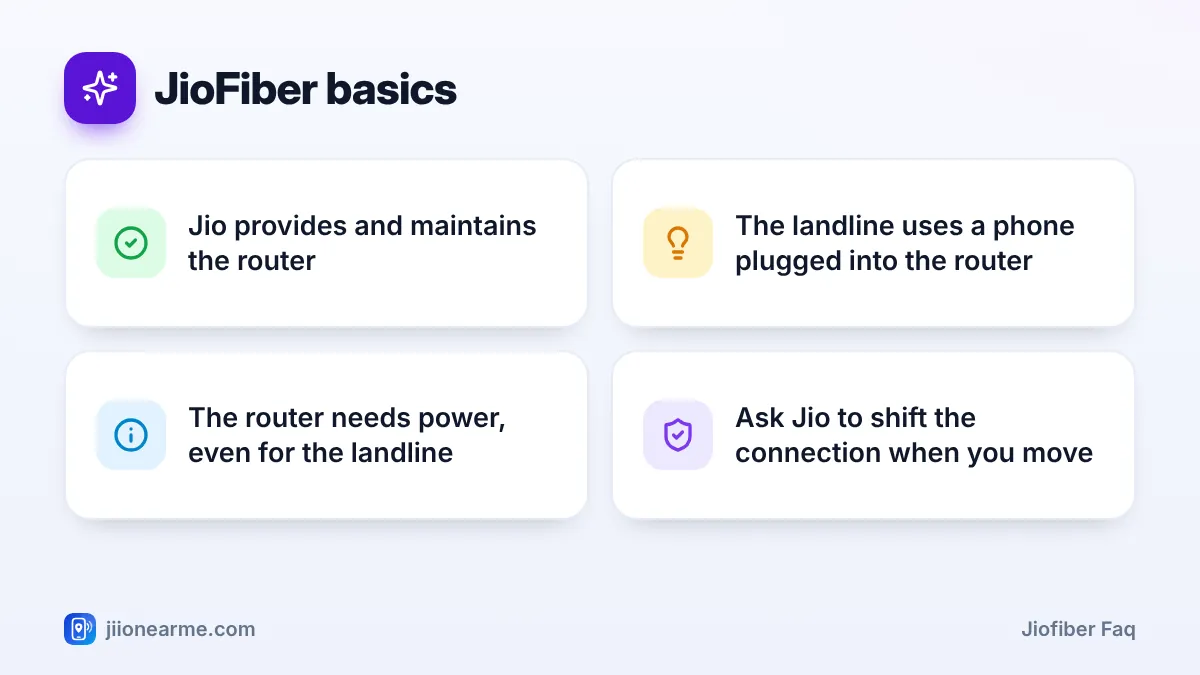
- Jio provides the router, and a Set-Top Box with plans that include TV.
- The landline works through the router, so it needs the router to be powered on.
- Jio maintains the equipment; raise a service request instead of repairing it yourself.
- When you move, request a shift through Jio well before your moving date.
JioFiber FAQ: Equipment and Installation
What equipment does Jio provide?
You get a JioFiber router, which receives the fibre signal and creates Wi-Fi, along with its power adapter. Many models have the optical network terminal (ONT) built into the same box. A Set-Top Box and remote come with plans that include TV. The technician also lays the fibre cable from your building’s distribution point to your home.
What does installation involve?
After you book, Jio checks whether your address can be connected. A technician then visits to route the fibre cable, fix it along walls, set up the router and connect your devices. The time between booking and installation depends on your area and scheduling.
Do I need permission from my society or landlord?
Usually, yes. The cable may pass through common areas such as staircases or ducts, and a small hole may be drilled into your home. Getting permission in advance avoids a wasted visit.
How the JioFiber Landline Works
How do I use the landline?
JioFiber routers have a phone port, usually marked with a phone icon or labelled TEL or Phone. On plans that include voice service, you plug a regular landline handset into this port. Calls travel over your fibre connection, and your landline number is linked to your JioFiber account in MyJio.
Do I need my own phone handset?
In most cases, yes. Any standard corded or cordless landline phone with a normal phone plug should work. Ask at booking if you are unsure about your plan.
Does the landline work during a power cut?
Only if the router has power. Old copper landlines often worked during power cuts, but a JioFiber landline depends on the router. An inverter or UPS for the router keeps both internet and landline running.
Whether voice service is included, and what calls it covers, depends on your plan. Check the plan details in MyJio or on jio.com before you rely on it.
Router and Maintenance Questions
Who maintains the router?
Jio provides the router for your connection and looks after it. If it develops a fault, raise a service request in the MyJio app or call 198 from a Jio number. Do not open the router or take it to a local repair shop. Firmware updates are generally handled by Jio.
Can I use my own router?
The Jio router must stay connected because it receives the fibre signal. You can usually connect your own Wi-Fi router or mesh system to one of its LAN ports to cover more rooms. Check with Jio first, because the landline and Set-Top Box depend on the Jio router.
What should I do if the internet stops working?
Restart the router once and wait a few minutes. If the LOS light turns red or the internet does not return, raise a service request through MyJio, or call 198 or the toll-free number 1800-889-9999.
Moving House and Disconnection
What happens if I move house?
Request a shift through the MyJio app or customer care well before your moving date. Jio first checks whether JioFiber is available at the new address. If it is, a technician removes the equipment and installs it at your new home. There may be charges, so ask when you raise the request.
What if JioFiber is not available at my new address?
Ask Jio about your options. These may include Jio AirFiber at the new address, if available there, or closing the connection.
What happens to the equipment if I close my connection?
Equipment provided by Jio usually has to be returned when you close the connection. Keep the router, adapter, Set-Top Box and remote safe, and get an acknowledgement when you hand them over.
Pulling out the fibre cable or unfixing it from the walls can damage it. Always let Jio handle removal and re-installation, especially when you shift.
Plans, Speed and Billing
Is JioFiber prepaid or postpaid?
Jio has offered both prepaid and postpaid JioFiber plans. Options change, so compare current plans in the MyJio app or on jio.com before you book.
Will I get my full plan speed on Wi-Fi?
A device connected with an Ethernet cable gets closest to the plan speed. Over Wi-Fi, speed depends on the device, the distance from the router, walls in between and the Wi-Fi band in use.
Quick Checklist Before You Book
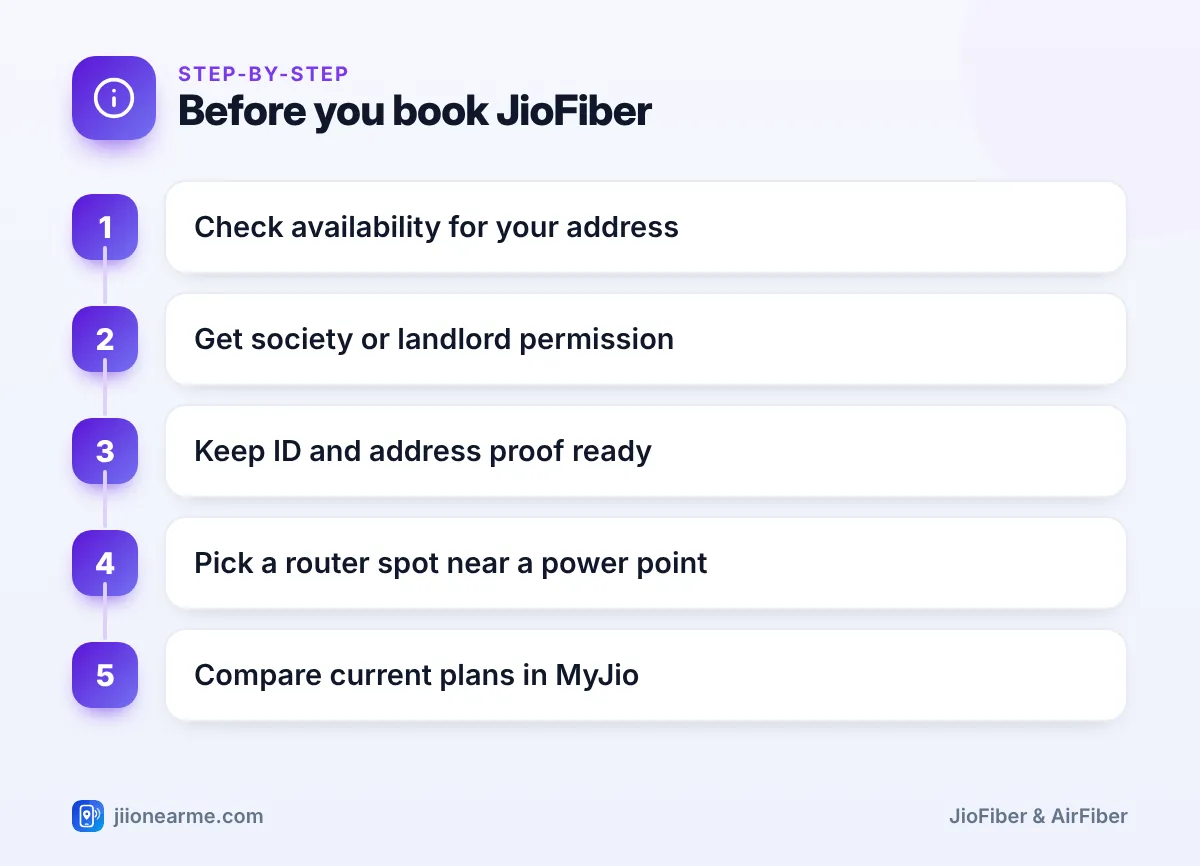
- Check JioFiber availability for your exact address on jio.com or in MyJio.
- Get permission from your society or landlord for cable work.
- Keep your ID and address proof ready for verification.
- Choose a central spot for the router near a power point.
- Compare current plans, including TV and landline benefits.
Keep your booking confirmation handy until installation is complete. If a technician calls to schedule the visit, confirm the details in the MyJio app, and never share an OTP or your Aadhaar details over the phone.
Frequently Asked Questions
How do I book JioFiber?
You can book on jio.com or in the MyJio app by entering your address and contact details. Jio then checks availability and contacts you to schedule the installation.
Is there an installation charge for JioFiber?
It depends on the plan and any terms at the time of booking. Check the details shown during booking or ask the Jio team.
Is there a data limit on JioFiber plans?
Plans can have their own data and usage terms. Read the plan details in MyJio or on jio.com before you choose.
Can I get JioFiber in an independent house?
Yes, if Jio’s fibre network reaches your area. Enter your address during booking to check.
Can I watch TV without a Set-Top Box?
You can stream apps on a smart TV over Wi-Fi. The Set-Top Box is needed for the TV features that come with eligible plans.
Summary
JioFiber is simple once you know the basics. Jio provides and maintains the router, the landline needs a handset and a powered router, and moving house means a shift request rather than doing it yourself. Check availability and permissions first, compare current plans and keep your documents ready.
JIo Near me is an independent guide and is not affiliated with Reliance Jio. App menus, plans and policies can change – always confirm current details in the official MyJio app or on jio.com. We will never ask for your OTP, PIN or passwords.
