On installation day, a JioFiber technician follows a set routine. They confirm your booking, run a thin fibre cable from the nearest Jio distribution point to your home, mount and connect the router, activate the connection and test Wi-Fi with you. A simple installation can be finished in a couple of hours, while long cable routes or permission issues can stretch it.
Knowing each stage helps you make good decisions on the spot, especially about where the router goes and how the cable runs through your walls. This guide explains the JioFiber installation process from the moment the technician arrives until the connection is live.
- Check the technician’s Jio ID and your booking SMS before letting work begin.
- Agree on the router location and cable path before any drilling starts.
- Activation happens after the fibre is connected; the router lights confirm it.
- Test Wi-Fi in a few rooms and note the network name and password before sign-off.
Before the Technician Arrives
Jio or the local installation team usually calls before the visit to confirm your address and time slot. Keep your phone reachable on that day.
Get these things sorted in advance:
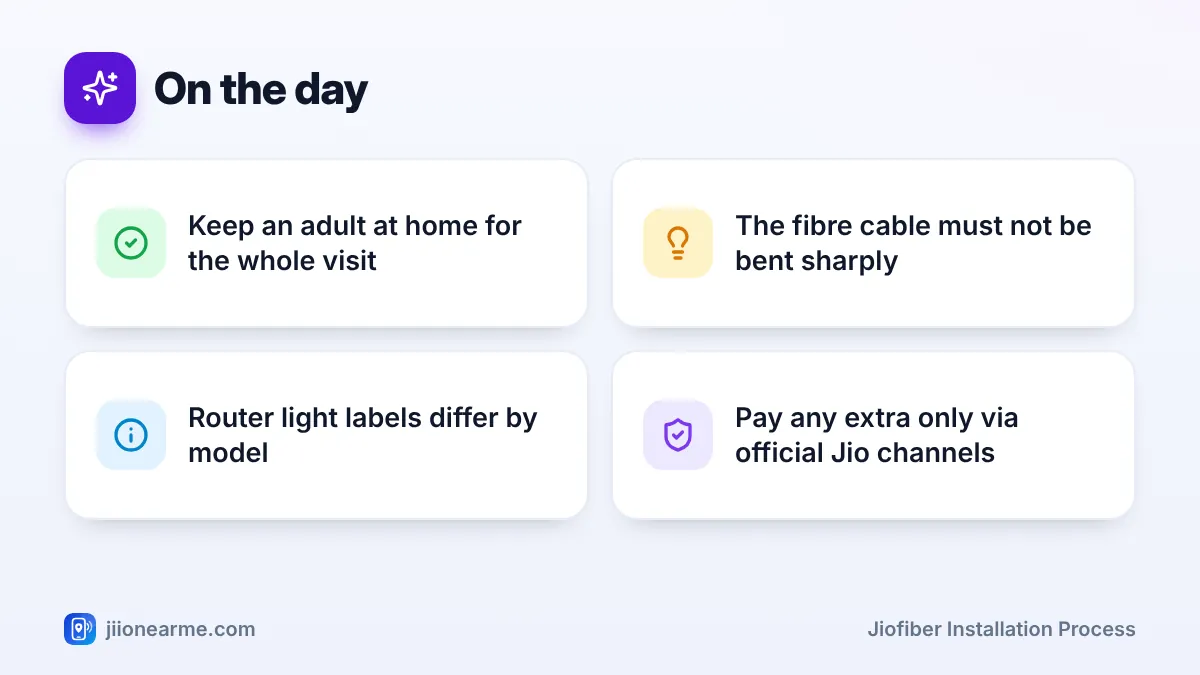
- An adult at home who can decide on router placement and complete any verification.
- Your ID and booking details, in case KYC is still pending or needs a check.
- Permission from your society or landlord, if the cable will pass through common areas or a wall needs drilling.
- Clear access to the spot where the cable will enter, such as a window, balcony or outer wall.
When the technician arrives, ask to see their Jio ID card. A genuine visit matches the booking you made, and you can cross-check the details in the SMS you received or in the MyJio app.
The JioFiber Installation Process, Step by Step
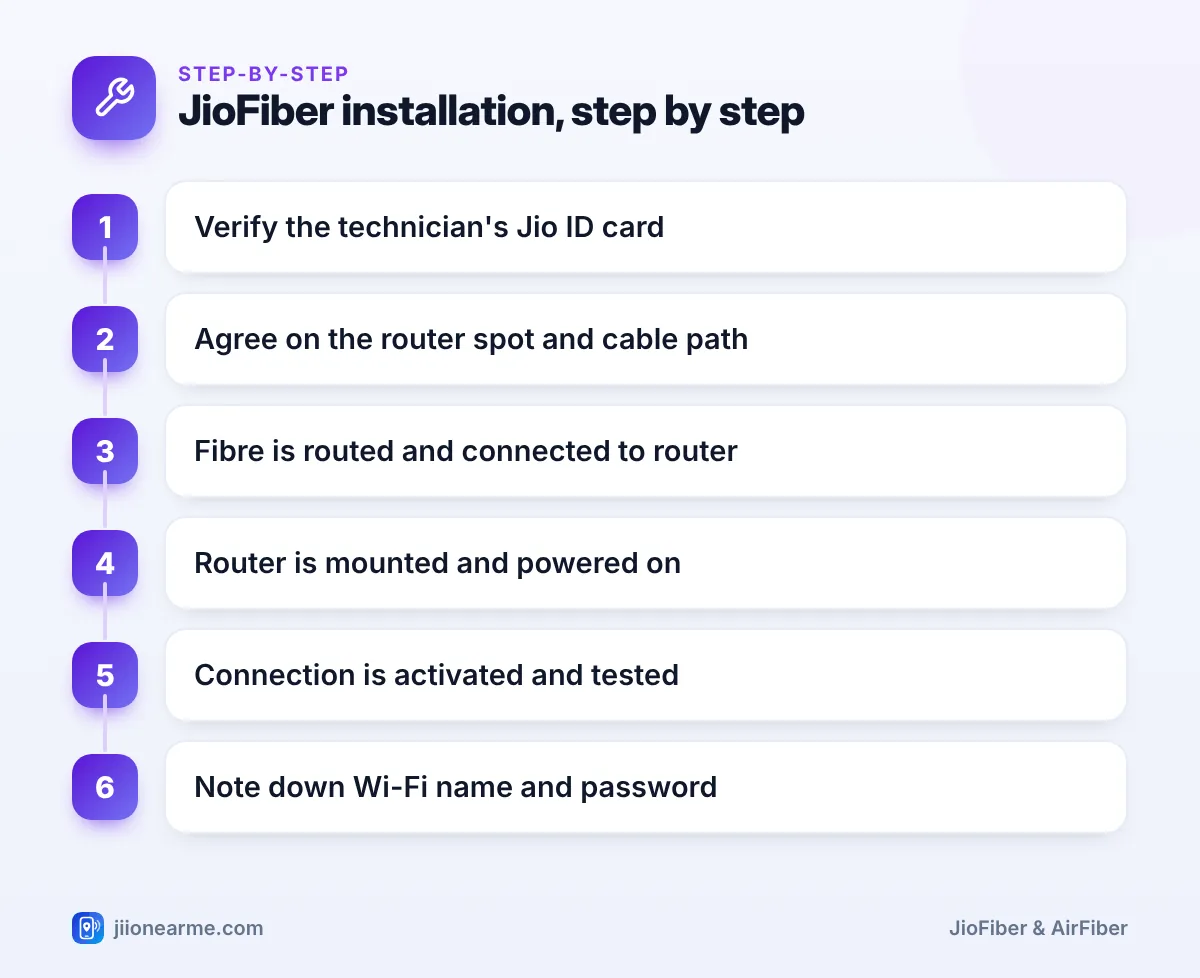
The exact order can vary slightly by building, but the JioFiber installation process generally runs like this:
- Site survey: The technician checks where Jio’s fibre distribution box is, often in your building’s ground floor, stairwell, shaft or a nearby pole.
- Route planning: You agree on the path the cable will take and where the router will sit.
- Cable laying: The fibre cable is run from the distribution point to your home and fixed with small clips along walls or ducts.
- Entry into your home: The cable comes in through a small drilled hole, an existing gap or a window frame.
- Fibre connection: The cable end is connected to the router, sometimes through a small wall terminal box.
- Router mounting: The router is placed on a shelf or fixed to the wall and connected to power.
- Activation: The technician activates the connection through Jio’s systems and watches the router lights.
- Testing and set-up: Wi-Fi, the Set-Top Box and the landline, if included in your plan, are set up and tested.
How the fibre cable is routed
Fibre cable is thin and light but sensitive to sharp bends and pinching. A good route keeps it along wall edges, inside existing ducts or behind furniture, with gentle curves at corners. Avoid letting it pass under doors, through window shutters that close on it, or across floors where people walk.
If you prefer the cable to be hidden, say so before work starts. The technician can often use an existing conduit, but some routes may not be possible in every building.
Where the router is mounted
The router has the best chance of covering your home if it sits centrally, at chest height or higher, in an open space. Cupboards, the back of a TV unit and corners near the kitchen are poor spots because walls, metal and appliances weaken Wi-Fi. You also need a power socket nearby, ideally one that does not get switched off accidentally.
Activation and Wi-Fi setup
Once the fibre is connected and the router powers up, the technician activates the connection. The light labels differ by router model, but the fibre or PON light should turn steady and any warning light, often marked LOS, should be off. You should then receive an SMS and see the connection in the MyJio app.
The technician will set or show you the Wi-Fi name and password. Write them down before they leave.
Ask the technician to show you the router’s label and lights once everything works. A photo of the working lights on your phone makes later troubleshooting much easier.
What You Should Do While the Work Happens
You do not need to watch every minute, but staying involved avoids regrets later.
- Stay nearby when the cable route and drilling points are being decided.
- Move fragile items, keep children away from tools and keep pets in another room.
- Point out concealed water pipes or electrical wiring in walls, if you know where they run.
- Keep the TV free if a Set-Top Box is part of your plan, with an HDMI port and a power socket available.
- Ask questions about anything you do not understand, such as which cable is the fibre and how to restart the router.
How Long It Takes and What Can Slow It Down
The time on the day depends more on your building and paperwork than on the router itself. Here is what can make a difference:
| Factor | Effect on the visit |
|---|---|
| Fibre box inside your building | Usually quicker, with a short cable run |
| Fibre only on a nearby pole | Longer, as the cable must reach your floor |
| Society permission pending | Work may be paused or rescheduled |
| Need to drill through thick walls | Adds time and some dust |
| KYC not completed | Activation may wait until it is done |
Pay any charges only through MyJio, jio.com or a Jio store. If you are asked for extra cash on the spot, call 199 from a Jio number to confirm before paying. Never read out an OTP received by SMS to someone over the phone.
Frequently Asked Questions
How long does a JioFiber installation take?
A straightforward installation can be done in a couple of hours. Long cable routes, thick walls or pending society permission can make it take longer or need a second visit.
Will the technician drill holes in my wall?
Often a small hole is needed for the cable to enter your home. If you prefer, ask whether an existing gap, window frame or conduit can be used instead.
Can I choose where the JioFiber router is installed?
Yes. Discuss the spot before work begins. A central, open and raised location near a power socket usually gives the best Wi-Fi coverage.
What if the router lights do not turn on correctly?
The technician should check the fibre connection and activation before leaving. Do not sign off until the connection works and you can browse on your phone.
Is the Set-Top Box set up on the same day?
If your plan includes one, it is usually connected during the same visit. Keep an HDMI port and a power socket free near your TV.
Conclusion
The JioFiber installation process is simple once you know the steps: survey, cable routing, router mounting, activation and testing. Your role is to agree on the router spot and cable path early, stay available and check that everything works before the technician leaves.
JIo Near me is an independent guide and is not affiliated with Reliance Jio. App menus, plans and policies can change – always confirm current details in the official MyJio app or on jio.com. We will never ask for your OTP, PIN or passwords.
