Signing in on a big screen takes less than a minute when you use your phone to approve it. Open JioHotstar on your TV, scan the QR code on the screen with your phone and confirm the login. If scanning is not convenient, choose the phone number option and type the OTP sent to your mobile.
Both methods link the TV to the same JioHotstar account you use on your phone. That means your subscription, profiles and watchlist all appear on the TV once you are signed in. This guide walks through each method, compares them and covers the errors people run into most often.
- The quickest way is to scan the QR code on the TV with your phone and confirm
- Some TV screens show a short code that you enter on your phone instead
- You can also type your mobile number on the TV and enter the OTP you receive
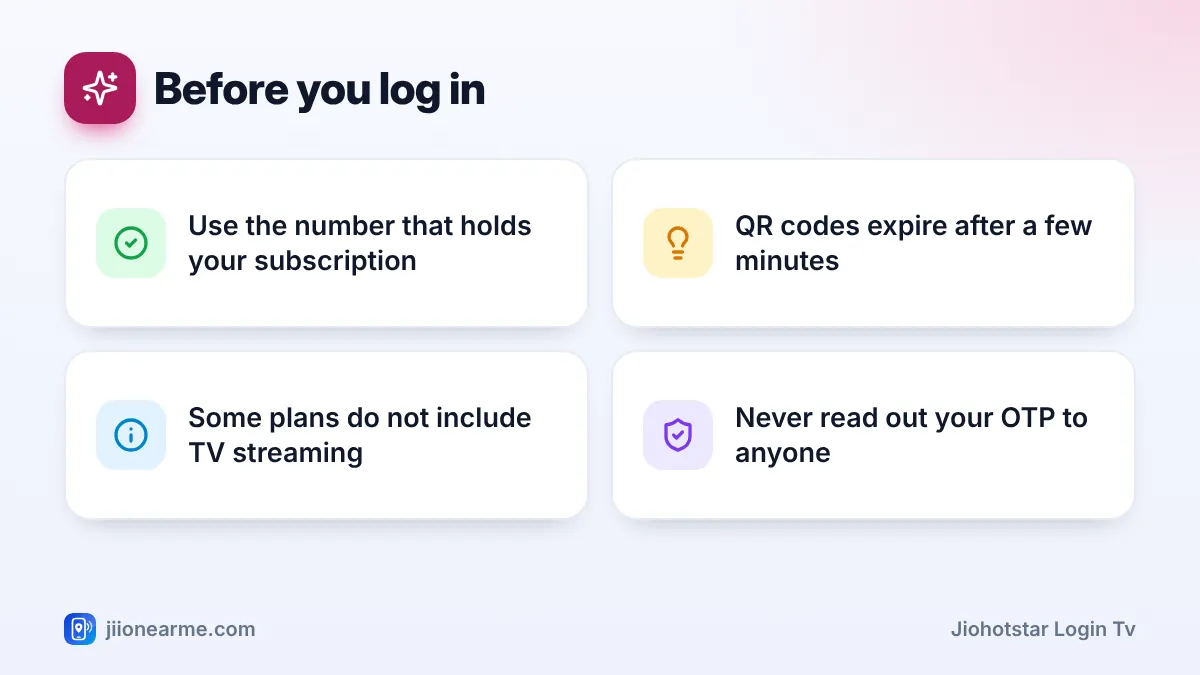
- Always log in with the number that holds your subscription, and check that your plan allows TV viewing
Before You Start: What You Need
A few minutes of preparation saves a lot of trouble later.
- The JioHotstar TV app. It is available on most popular smart TV platforms, including Android TV and Google TV, and on JioFiber and Jio AirFiber set-top boxes. Install or update it from your TV’s app store.
- Internet on the TV. Connect the TV to Wi-Fi or a LAN cable and make sure other apps load.
- Your phone nearby. Keep the phone with the Jio or other mobile number linked to your JioHotstar subscription close at hand.
- A plan that supports TV. Some JioHotstar plans, especially mobile-only tiers, do not allow streaming on a TV. Check your plan details in the app under My Space.
If your JioHotstar access comes with a Jio recharge, JioFiber or Jio AirFiber plan, sign in with that same registered number. A different number will open a separate account without your subscription.
Method 1: Scan the QR Code With Your Phone
This is the fastest method and needs almost no typing with the remote.
- Open the JioHotstar app on your TV.
- On the welcome or login screen, choose the option to log in with a QR code. On many TVs the code appears straight away.
- Open the camera app on your phone, or a scanner such as Google Lens, and point it at the QR code.
- Tap the link that appears. It opens a JioHotstar page in your browser or in the JioHotstar app.
- If you are already signed in on the phone, confirm the TV login. If not, enter your mobile number and the OTP you receive on your phone.
- Wait a few seconds. The TV screen refreshes and shows your profiles.
- Pick your profile and start watching.
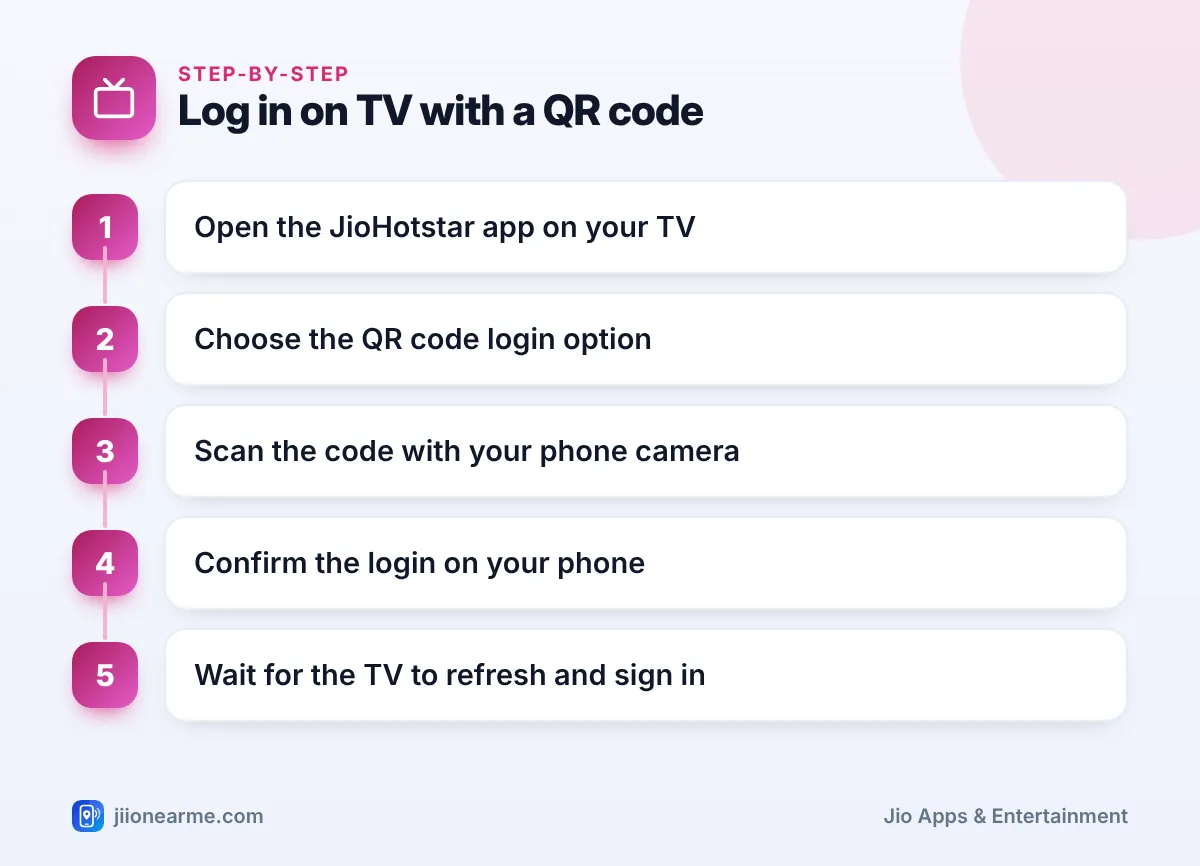
QR codes stay valid for only a few minutes. If the scan says the code has expired, go back on the TV and refresh the screen to get a new one.
Method 2: Enter the TV Code on Your Phone
Some versions of the TV app show a short code, made of letters or numbers, alongside or instead of the QR code. The TV screen also tells you where to enter it.
- Note the code shown on the TV screen.
- On your phone or computer, open the page or app option mentioned on the TV screen.
- Sign in there with your mobile number and OTP if you are not already logged in.
- Type the code exactly as shown and submit it.
- The TV signs in automatically within a few seconds.
Follow the exact address or instructions displayed on your TV, because they can change between app versions. Like QR codes, these codes expire quickly, so enter it soon after it appears.
JioHotstar updates its TV apps regularly, and the login screen looks slightly different on Android TV, other smart TVs and set-top boxes. Look for options with similar wording if the exact labels here do not match.
Method 3: Log In With Mobile Number and OTP on the TV
Use this method if your phone camera is not working or you do not want to scan anything.
- On the TV login screen, choose the option to log in with your phone number.
- Use the remote to type your 10-digit mobile number on the on-screen keyboard.
- Select Continue or Get OTP. An OTP arrives by SMS on that number.
- Type the OTP on the TV and confirm.
- Choose your profile when the home screen loads.
Typing with a remote is slow, so take your time and check the number before you request the OTP. If the OTP does not arrive, wait a minute before asking for a new one.
Quick Comparison of JioHotstar Login TV Methods
| Method | What you do | Best when |
|---|---|---|
| QR code scan | Scan with phone camera, confirm on phone | You are already signed in on your phone |
| TV code entry | Type a short code on your phone or computer | Your TV shows a code and scanning fails |
| Mobile number and OTP | Type number and OTP using the remote | Your phone camera does not work |
All three methods give the same result: the TV joins your account and counts as one of your logged-in devices.
Fixing Common TV Login Problems
Most login issues come down to a handful of causes.
- QR code or TV code expired: refresh the login screen on the TV and try again straight away.
- OTP not received: check that the number is correct and has signal. Wait a minute, then request again. Restarting the phone can help with delayed SMS.
- Logged in but no subscription: you probably used a different number. Log out on the TV and sign in again with the number that has the plan.
- Plan does not support TV: the app shows a message asking you to upgrade. Check the plan options under My Space on your phone.
- Device limit reached: your plan allows only a certain number of devices. Log out of an old device from your account settings, then try again.
- App stuck on loading: restart the TV, check the internet connection and update the JioHotstar app.
For JioFiber or Jio AirFiber connection problems, raise a request in the MyJio app or call 198 from your Jio number.
No genuine JioHotstar or Jio staff member will ask you to read out an OTP for a TV setup. Anyone with that code can sign in to your account, so keep it private.
Frequently Asked Questions
Can I log in to JioHotstar on TV without a phone?
Yes. Choose the phone number option on the TV and enter your number with the remote. You still need access to that number to receive the OTP by SMS.
Why does my TV show no subscription after login?
Usually the TV is signed in with a different number from the one that has the plan. Log out and sign in with the subscribed number, or check whether your plan allows TV viewing.
Do I need to log in again after every TV restart?
Usually not. The TV normally stays signed in until you log out, remove it from your device list, reinstall the app or clear its data.
Does the TV login use my mobile data?
Scanning the QR code uses a tiny amount of data on your phone. Streaming on the TV uses the TV’s own Wi-Fi or broadband connection, not your phone’s data.
Can I watch on TV and phone at the same time?
That depends on your plan’s device and screen limits. If you hit the limit, the app shows a message, and you may need to stop playback on one device.
Summary
The QR code method is the quickest JioHotstar login on TV, while the code entry and OTP methods are handy backups. Whichever you use, sign in with the number that holds your subscription, confirm your plan supports TV viewing and keep your OTP to yourself. Once that is done, your profiles and watchlist are ready on the big screen.
JIo Near me is an independent guide and is not affiliated with Reliance Jio. App menus, plans and policies can change – always confirm current details in the official MyJio app or on jio.com. We will never ask for your OTP, PIN or passwords.
