You can switch the menus of a JioPhone to Hindi or another Indian language from Settings in under a minute. Open Settings, go to the Personalization tab, select Language and pick the one you want. Typing in Hindi is a separate setting, which you turn on under input methods in the same tab.
This guide is for keypad JioPhone models that run KaiOS, such as the JioPhone and JioPhone 2. The list of languages you see depends on your software version, and menu names may differ slightly. If something looks different on your phone, pick the closest matching option.
- The display language changes the menus; the input language changes what you type.
- Change the menu language under Settings, then Personalization, then Language.
- Add Hindi under input methods in the same tab, then switch to it while typing.
- Google Assistant lets you speak in Hindi when typing feels slow.
Display Language vs Typing Language
Your JioPhone has two separate language settings, and knowing the difference saves confusion.
| Setting | What it changes | Example |
|---|---|---|
| Display language | Menus, buttons and app names on screen | Settings appears in Hindi |
| Input (typing) language | The letters you type with the keypad | You can type “नमस्ते” in a message |
You can mix them. Many people keep menus in English, because guides and support staff often use English names, while typing messages in Hindi. Others prefer Hindi menus and type in English. Choose whatever is comfortable.
How to Change Language in JioPhone Menus
- Press the centre key on the home screen to open the app menu.
- Open Settings.
- Press right on the navigation key to move to the Personalization tab.
- Scroll down and select Language.
- Move through the list and highlight the language you want, such as हिन्दी (Hindi), मराठी (Marathi) or বাংলা (Bengali).
- Press the centre key to confirm. The menus change within a few seconds.
The phone does not need a restart, and nothing on it is deleted. Some apps may keep showing English if they don’t support your chosen language.
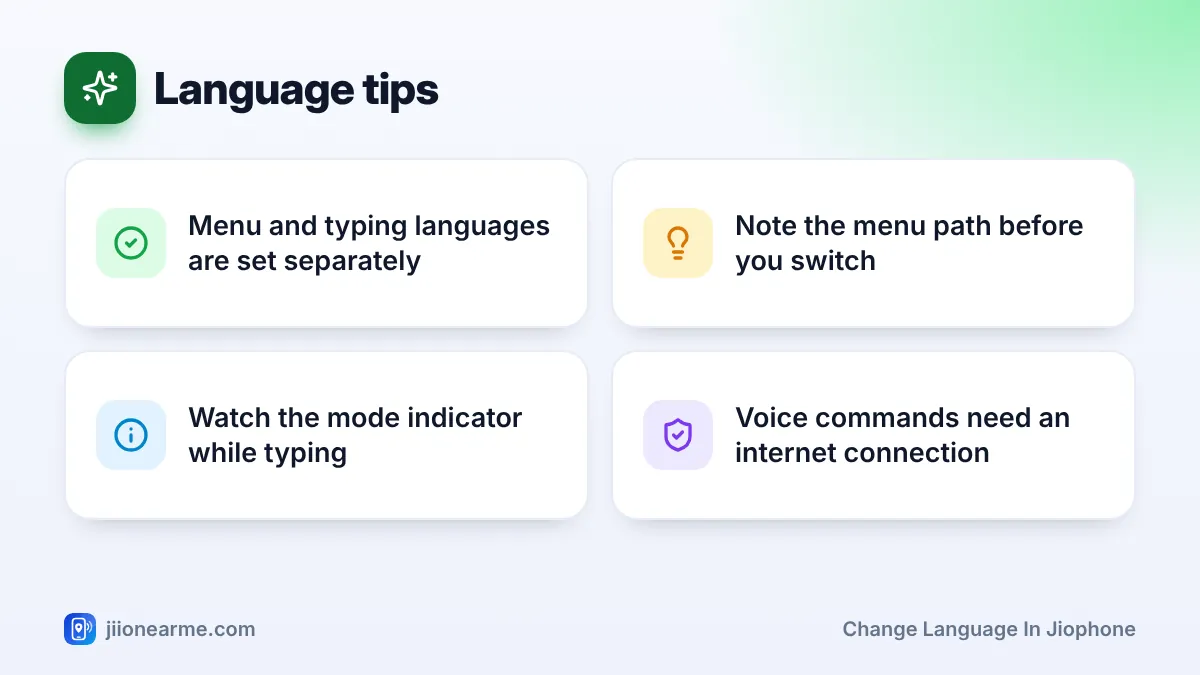
Before changing to a language you are still learning, count your key presses: Settings in the app menu, right to the Personalization tab, then down to Language. If you get lost later, repeat the same presses to switch back.
Add Hindi as a Typing Language
Changing the menu language does not always change the keypad. To type in Hindi, turn it on as an input language.
- Open Settings and go to the Personalization tab.
- Select Input methods (on some versions it may say Keyboard or Input languages).
- Open the list of languages.
- Tick Hindi (हिन्दी). Keep English ticked too, so you can switch between both.
- Go back to save the setting.

Typing Hindi with the JioPhone Keypad
Switching to Hindi while typing
Open a message or any text box. A small indicator at the top of the screen shows the current typing mode, such as Abc, abc, 123 or a Hindi letter. Depending on your software version, pressing or holding the # key cycles through these modes and your enabled languages. Keep an eye on the indicator until it shows Hindi.
How Hindi letters are arranged on the keys
Hindi letters are spread across the number keys, much like English letters are.
- Press a number key once. A strip on the screen shows the letters that key holds.
- Keep pressing the same key to move through those letters.
- Pause, or press a different key, to accept the highlighted letter.
- Vowel signs (matras) and the halant used to form half letters are grouped on their own keys. The on-screen strip shows where they are.
- Press 0 for a space.
The exact layout depends on your software version. Spend a few minutes pressing each key and watching the strip.
A simple practice routine
Start a new message in the Messages app (you don’t have to send it) and type your own name in Hindi, then the names of two family members. Next, try a short sentence such as “मैं घर पर हूँ”. Short daily practice like this builds memory of the key positions far faster than reading about them. You can also save a few contact names in Hindi, which helps elderly family members find them easily.
Predictive text
If your phone offers word suggestions, it can guess the word you are typing and show options on screen. Select the right one to save key presses. You can turn suggestions on or off in the input methods settings.
Other Ways to Type in Hindi
Typing long messages letter by letter can feel slow. These options help:
- Speak instead of typing. Google Assistant on the JioPhone understands Hindi. Press and hold the centre key on the home screen and say something like “Ravi ko message bhejo”, then speak your message. You need mobile data or Wi-Fi for this.
- Type Hindi words in English letters. Many people send messages like “Main ghar pahunch gaya” in English letters. It is easy to read and quick to type.
- Use voice notes. In WhatsApp, a short voice message can replace a long typed one.
Fixing Common Language Problems
- Hindi is not in the list: check for a software update under the Device tab of Settings, then look again.
- Letters show as small boxes: the app you are using may not support Hindi text. Update the app from JioStore, or try typing in another app.
- Stuck in a language you cannot read: repeat the key presses from the path you noted, or ask someone who reads that language to switch it back for you.
- Numbers appear instead of letters: you are in number mode. Press # until the indicator shows a letter mode again.
A wrong language setting never requires a factory reset. A reset wipes your contacts and files, and the language can always be changed back from Settings. If you cannot manage it, visit a Jio Store for help.
Frequently Asked Questions
Will changing the language delete anything on my JioPhone?
No. Changing the display or typing language only changes how text appears. Your contacts, messages, photos and apps stay as they are.
Can I use English menus but type in Hindi?
Yes. The display language and the input language are separate, so you can keep menus in English and add Hindi only as a typing language.
Which Indian languages does JioPhone support?
JioPhone supports many Indian languages for menus and typing. The exact list depends on your software version, so check the Language and Input methods options on your phone.
How do I type numbers while typing in Hindi?
Switch to number mode using the # key, type the digits, then switch back. On many versions, holding a number key also types its digit directly.
Does Google Assistant on JioPhone understand Hindi?
Yes. You can set Hindi as the Assistant’s language in its own settings and give commands like “Papa ko call karo”.
Final Thoughts
Changing language in JioPhone takes a minute: Settings, Personalization, Language. For typing, add Hindi under input methods and watch the mode indicator as you switch with the # key. Practise a little each day, and use voice commands when you need to send something long.
JIo Near me is an independent guide and is not affiliated with Reliance Jio. App menus, plans and policies can change – always confirm current details in the official MyJio app or on jio.com. We will never ask for your OTP, PIN or passwords.