Checking for a JioPhone software update takes less than a minute. Open Settings, move to the Device tab, select Software update and choose the option to check for updates. If one is available, download and install it with the battery well charged and a steady internet connection.
Updates bring fixes for bugs and security problems, and sometimes new features or support for newer app versions. This guide covers keypad JioPhone models that run KaiOS, such as the JioPhone and JioPhone 2. On some software versions, Software update sits inside Device information, so look there if you don’t see it straight away.
- Find updates under Settings, then the Device tab, then Software update (or inside Device information).
- Charge the phone above half, use a stable connection and free some storage first.
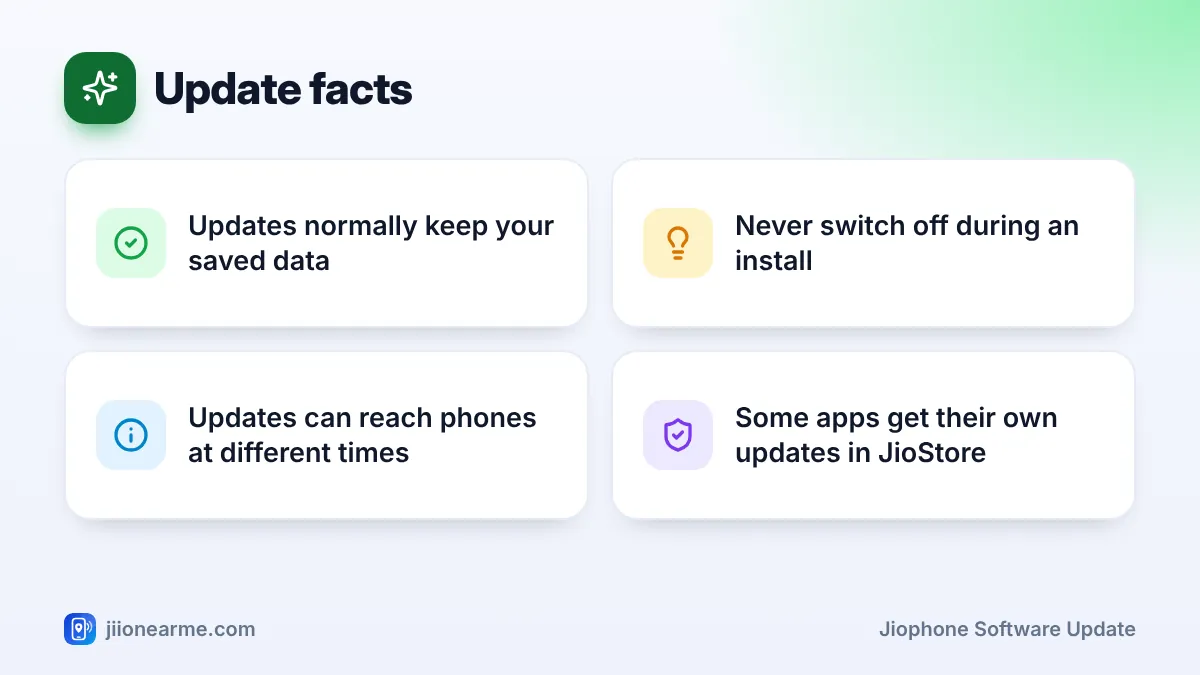
- Updates normally keep your contacts, messages, photos and apps, but a quick backup is still wise.
- Never switch off the phone or remove the battery during an install.
Why JioPhone Software Updates Matter
It is easy to ignore an update notice, but updates do useful work in the background:
- Security fixes close weaknesses that harmful apps or websites could use.
- Bug fixes solve problems like freezing, slow menus or apps that close suddenly.
- App support matters too. Apps such as WhatsApp and YouTube may need newer phone software to install or keep working.
- Small improvements can change menus, add options or improve stability.
If an app in JioStore refuses to install, or an app you use daily suddenly stops working, an old software version is one of the first things to check.
Get Your Phone Ready Before Updating
A few minutes of preparation makes the install smooth and safe.
| What to check | Why it matters | What to do |
|---|---|---|
| Battery | The phone must not switch off mid-install | Charge above half, or keep it on the charger |
| Internet | The update file has to download fully | Use home Wi-Fi if you can, or mobile data with enough balance |
| Storage | The phone needs room to save the update | Remove unused apps or move media to a memory card |
| Backup | Protects you if something goes wrong | Export contacts to a memory card and copy important photos |
| Time | The phone is unusable while installing | Start when you won’t need to make calls |
To export contacts, open Contacts, press Options, go to Settings and choose Export contacts to the memory card. It only takes a minute.
If the phone runs out of charge while installing, the update can fail and the phone may not start properly. Plug it in before you begin if the battery is anywhere near half.
How to Check for a JioPhone Software Update
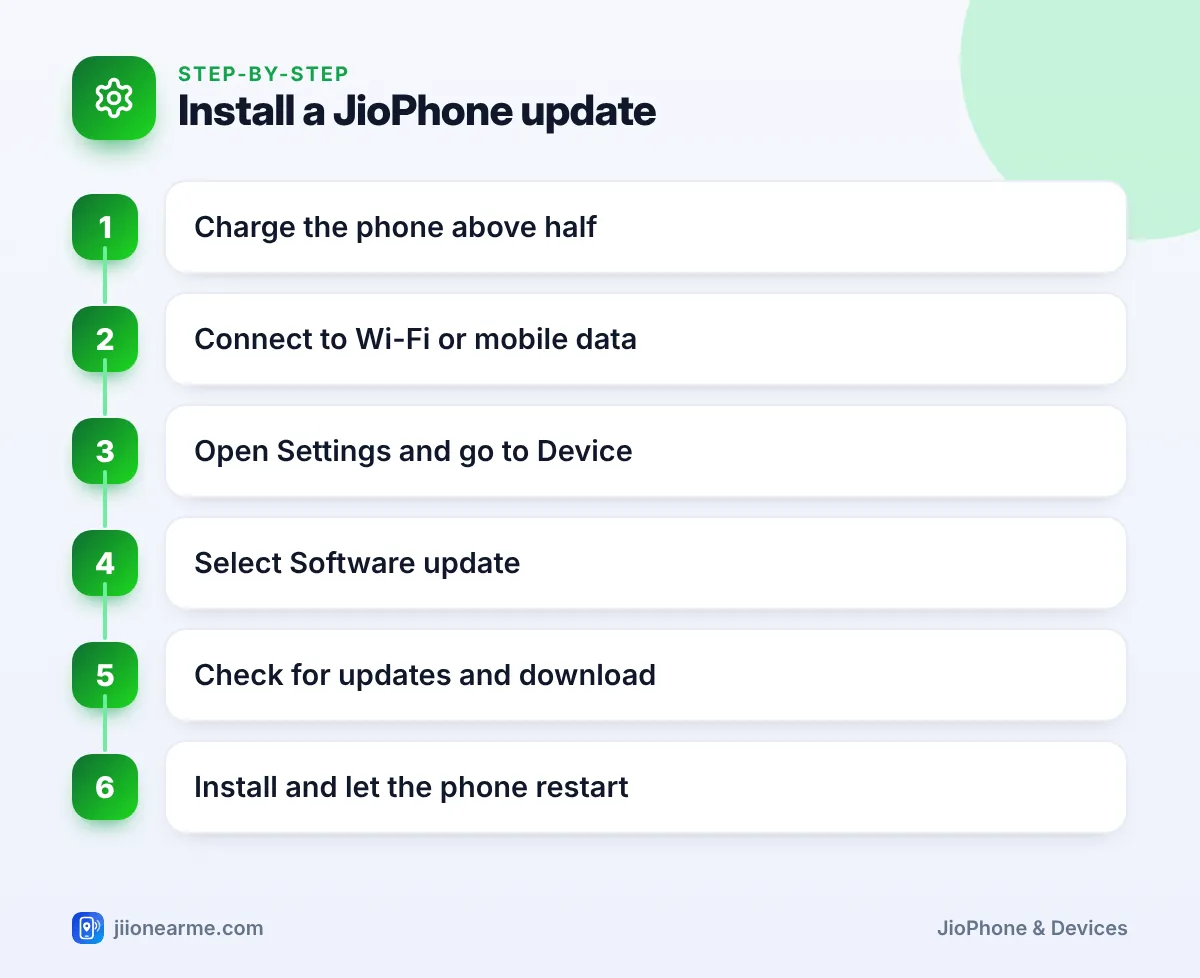
- Press the centre key on the home screen to open the app menu.
- Open Settings.
- Press right on the navigation key until you reach the Device tab.
- Select Software update. If you don’t see it, open Device information and look for it there.
- Choose Check for updates (the label may differ slightly).
- If an update is found, select Download. When the download finishes, select Install or Restart to begin.
When the phone tells you first
Sometimes you don’t need to check at all. The phone may show a notification that an update is ready. You can install it straight away or choose a later time, but don’t postpone it for weeks.
What Happens During the Install
Once you start the install, the phone switches off and on by itself. You will see a logo or a progress bar, and the phone may restart more than once. The first start after an update can also be slower than usual while the phone finishes setting things up.
During this time:
- Do not press keys, remove the battery or take out the SIM.
- Keep the phone on the charger if possible.
- Wait patiently, even if the screen seems to stay on one step for a while.
When the home screen appears again, the update is done. You can confirm the new version under Device information in the Device tab.
What Happens to Your Saved Data
A normal software update keeps your contacts, messages, photos, music, apps and most settings exactly as they were. It does not affect your Jio number, your plan or your data balance.
You may notice small changes after an update. A menu might be arranged differently, an option may have a new name, or an app might ask for permission again. These are normal.
In rare cases, an update can run into trouble, which is why the backup step matters. With your contacts on the memory card and important photos on a computer, you lose nothing even in the worst case.
Some apps get their own updates through JioStore rather than with the phone’s software. If an app misbehaves after a phone update, open its JioStore page and check for an update option.
When No Update Appears or Something Goes Wrong
- “Your phone is up to date” or similar message: there is no update for your phone right now. Updates often reach phones in stages, so check again after a few weeks.
- Download fails or stops: check your signal or switch to Wi-Fi, free some storage and restart the phone before trying again.
- Phone stuck on the logo for a long time: wait a while longer, keeping it on the charger. If it still does not start, contact Jio customer care by calling 1800-889-9999 from another phone, or visit an authorised JioPhone service centre.
Never install phone software from websites, memory card files or anyone who offers a “special” update. Only use the update option inside Settings.
Frequently Asked Questions
How often does JioPhone get software updates?
There is no fixed schedule. Updates arrive when they are released for your model, so check the Software update option every month or so.
Will a JioPhone software update delete WhatsApp?
Normally, no. Installed apps and their data stay in place after an update. If WhatsApp acts strangely afterwards, check JioStore for an update to the app.
Can I update my JioPhone using mobile data?
Yes, but the download counts against your daily data. Home Wi-Fi is the better choice if you have it.
Can I go back to the older software version?
There is no option for users to go back to an older version. If the new version causes a problem, contact Jio support or a service centre.
Do I need an active Jio plan to download an update?
You need an internet connection, not a specific plan. On mobile data, that means an active plan with data left; on home Wi-Fi, the download comes through your router’s connection instead.
Wrapping Up
Keeping your JioPhone updated is one of the easiest ways to keep it safe and working well. Charge the phone, connect to Wi-Fi, back up your contacts and then use the Software update option in the Device tab. Let the install finish without interruption, and you’ll have the latest fixes with your data still in place.
JIo Near me is an independent guide and is not affiliated with Reliance Jio. App menus, plans and policies can change – always confirm current details in the official MyJio app or on jio.com. We will never ask for your OTP, PIN or passwords.