JioSaavn lets you set one audio quality for streaming and a separate one for downloads. You change both from Settings, usually under a heading such as Music Quality. Higher settings sound fuller but use more mobile data and storage, while lower settings save both.
Getting this right matters if you listen on daily mobile data or your phone is short on space. Below you will find where the options live, what each level means in practice and simple setups for different situations. Labels can differ slightly between app versions, so look for close matches.
- Streaming quality controls songs played online. Download quality controls songs saved for offline play.
- Both options sit in JioSaavn Settings, often under Music Quality.
- The highest quality level is usually part of JioSaavn Pro.
- Use a lower streaming setting on mobile data and a higher one on Wi-Fi.
Streaming Quality vs Download Quality
The two settings sound similar, but they do different jobs.
- Streaming quality decides how good a song sounds when you play it online. Every time you stream, the app pulls the song at this level, so it directly affects how fast your daily data runs out.
- Download quality decides the quality of songs you save for offline listening, which is a JioSaavn Pro feature. It affects how much phone storage each saved song takes, plus the data used once while downloading.
Audio quality in music apps is measured as bitrate, in kilobits per second (kbps). A higher bitrate keeps more detail in the music and uses more data. JioSaavn has promoted its top level for Pro listeners as 320 kbps, which is a common high-quality level in music streaming.
Where to Find JioSaavn Audio Quality Settings
- Open the JioSaavn app and make sure you are signed in.
- Tap your profile picture or the menu at the top of the Home screen. On some versions, a gear icon in the Library tab leads to the same place.
- Open Settings.
- Scroll to a section such as Music Quality or Audio Quality.
- Tap Streaming Quality and choose a level.
- Tap Download Quality and choose a level.
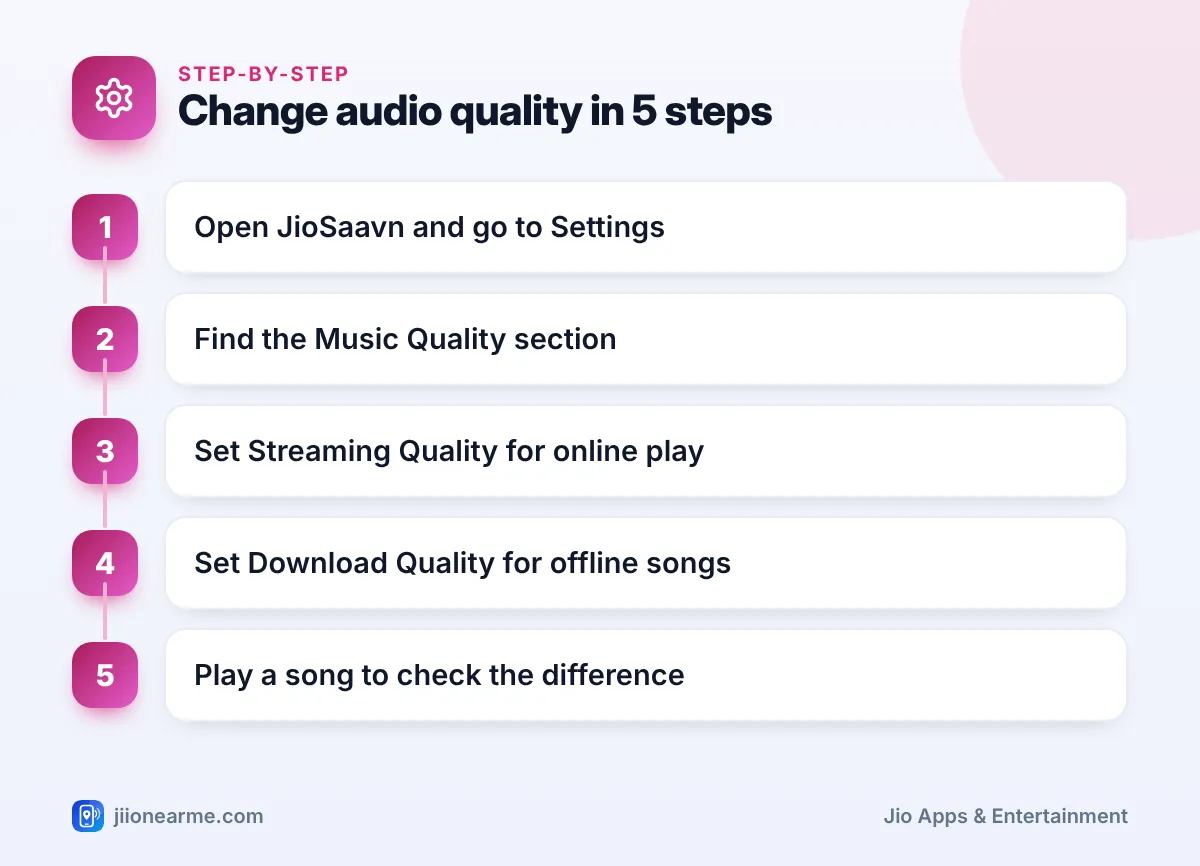
Your choice saves straight away. Play a song you know well, ideally on decent earphones, to hear the difference.
What the quality levels usually mean
The names vary by version, but most people will see options like these:
| Setting | Best for | Data and storage use |
|---|---|---|
| Low | Weak signal, saving as much data as possible | Lowest |
| Medium | Everyday listening on mobile data | Moderate |
| High | Good earphones or speakers | Higher |
| Highest (usually Pro) | Wi-Fi listening and quality audio gear | Highest |
| Auto (if offered) | Moving between strong and weak networks | Changes with your connection |
An Auto setting, where your version has it, lowers quality when the signal drops so songs keep playing without long pauses.
How Audio Quality Affects Mobile Data and Storage
The basic rule is simple: double the bitrate and you roughly double the data. Streaming at 320 kbps works out to about 140 MB for an hour of music, while lower settings use a fraction of that. If you listen for a few hours on a commute, the setting you choose makes a real difference to your daily data.
Storage follows the same rule. A playlist downloaded at the highest quality can take several times the space of the same playlist at a low setting. On a phone with limited storage, that can be the difference between saving one album and saving five.
Before a long trip, check your remaining daily data in the MyJio app. If it is running low, drop JioSaavn’s streaming quality for the day or play songs you have already downloaded.
Recommended Settings for Different Situations
There is no single best setting. Match it to where and how you listen.
Listening on daily mobile data
Choose medium for streaming. Most people find it sounds good on regular earphones while keeping data use reasonable. If you are on a weak signal, low or Auto avoids constant buffering.
Listening on home Wi-Fi, JioFiber or Jio AirFiber
Pick high or the highest option you have. Data is less of a worry on home broadband, so this is the time to enjoy the best sound, especially on a speaker or good headphones.
Phone low on storage
Set download quality to medium. You can save more songs in the same space. Keep the highest download quality for a short list of favourites if you want, by switching the setting before downloading them.
Bluetooth earphones and car stereos
Bluetooth connections compress audio again on the way to your earphones. On basic earphones or a car system, the gap between high and highest can be hard to hear, so a middle setting often makes more sense.
Why the Highest Quality Option May Be Locked
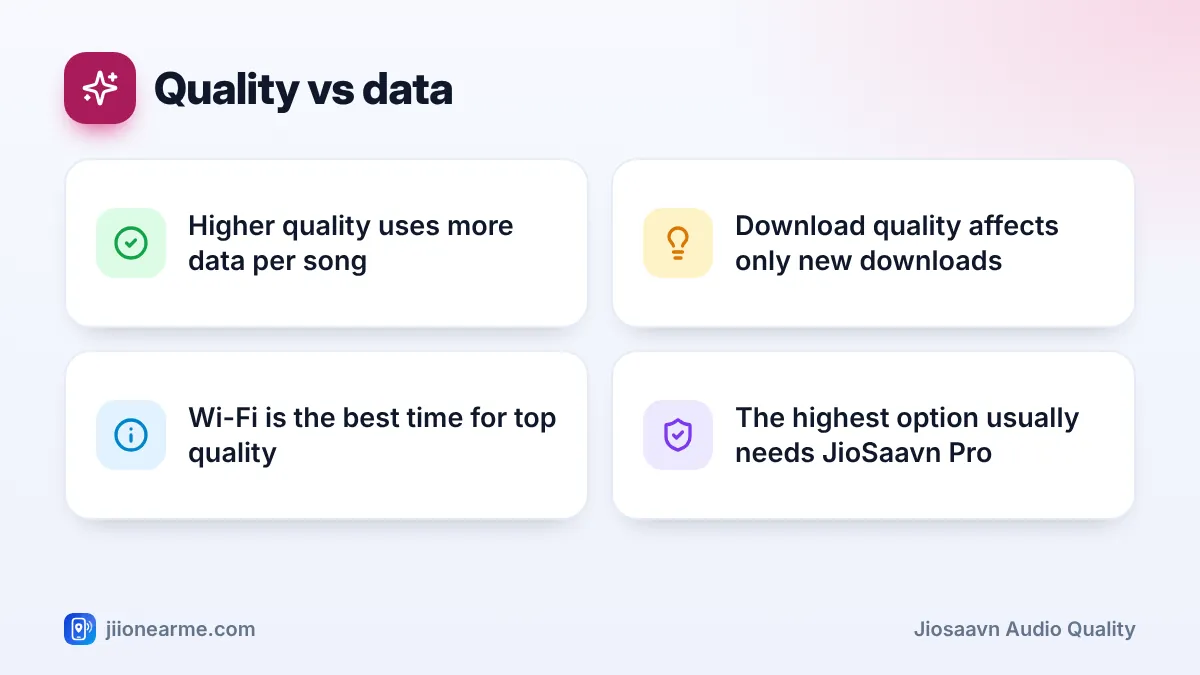
If the top level shows a lock or a Pro label, it is reserved for JioSaavn Pro subscribers. Free accounts can still choose from the lower levels.
Some Jio plans have included JioSaavn Pro as a benefit at different times. Check your plan details in the MyJio app or on jio.com before paying separately, and see current Pro options inside the JioSaavn app.
Changing download quality does not upgrade songs you saved earlier. To get better quality for an old download, remove it and download it again after changing the setting.
When Songs Still Sound Poor
If music sounds flat or muddy even after raising the quality, check these points:
- Weak signal: with Auto on, the app may lower quality to keep playing. Move to a better spot or use Wi-Fi.
- Old downloads: songs saved at a low setting stay that way until you download them again.
- Phone equaliser: a sound effect or equaliser in your phone settings can change the sound. Try turning it off.
- Earphones: cheap or damaged earphones limit sound more than any app setting.
- App version: update JioSaavn from the Play Store or App Store, as older versions may show fewer options.
Frequently Asked Questions
Does higher audio quality use more data on JioSaavn?
Yes. Higher quality means a higher bitrate, so each song uses more data when streamed and more storage when downloaded.
Will changing download quality update songs I already downloaded?
No. The new setting applies only to songs you download after the change. Remove and download older songs again if you want them at the new quality.
Is the highest audio quality free on JioSaavn?
The top quality level is usually a JioSaavn Pro feature. Free users can still pick from the other streaming levels.
Which setting is best for listening on Jio True 5G?
A faster network helps songs start quickly, but each song uses the same amount of data at a given quality. Pick the level based on your data balance and earphones, not network speed alone.
Wrapping Up
JioSaavn keeps streaming and download quality separate, which gives you useful control. Keep streaming on medium or Auto when you are on mobile data, raise it on Wi-Fi, and choose download quality based on your storage. Check the settings again after app updates, since labels and options can change.
JIo Near me is an independent guide and is not affiliated with Reliance Jio. App menus, plans and policies can change – always confirm current details in the official MyJio app or on jio.com. We will never ask for your OTP, PIN or passwords.
