To download songs on JioSaavn, you need an active JioSaavn Pro subscription. With Pro, you tap the download icon on any song, album or playlist, and the music is saved inside the app so you can play it without internet. Everything you save appears under Downloads in your Library.
Free users can stream music online but cannot save songs for offline play. This guide covers the download steps, the settings worth checking first, where your offline music lives and how to fix downloads that get stuck. Menu names can differ slightly between app versions, so look for similar labels if yours do not match exactly.
- Offline downloads in JioSaavn are a Pro feature. Free accounts see an upgrade prompt instead.
- Tap the download icon (a downward arrow) on a song, album or playlist to save it.
- Saved music sits under Library, then Downloads, and plays without internet.
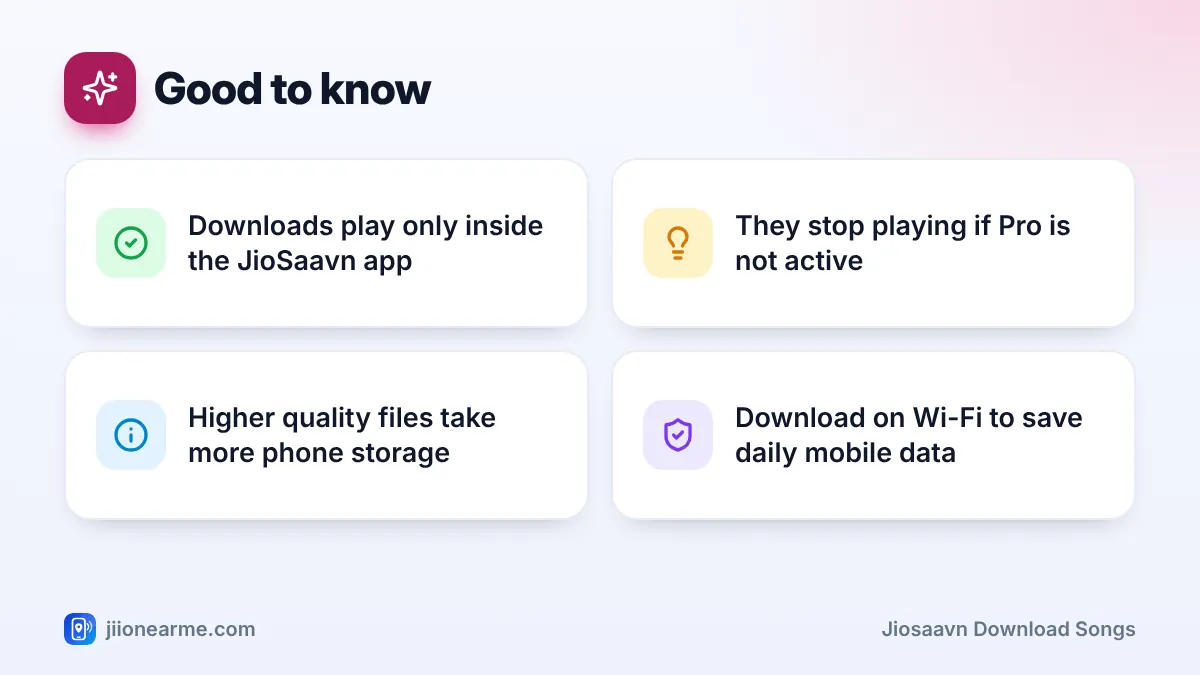
- Downloads are protected files that play only inside JioSaavn and pause if Pro lapses.
Why Downloading Songs on JioSaavn Needs Pro
The free version of JioSaavn is supported by ads and lets you stream music while you are online. Saving songs to your phone for offline play is one of the main things the paid Pro subscription adds, along with ad-free listening and the highest audio quality setting.
If you tap the download icon without Pro, the app usually opens a screen inviting you to upgrade. Some Jio plans have included JioSaavn Pro as a benefit at different times. Check the benefits of your current plan in the MyJio app before you pay separately, and see the current Pro options inside the JioSaavn app.
Songs you download are stored in a protected format inside JioSaavn. You cannot move them to another music player, send them as files or copy them to a pen drive. This is how licensed music streaming services work.
Settings to Check Before You Download
A minute in Settings now saves storage and data later. Open JioSaavn, tap your profile picture or the menu at the top of the Home screen, and open Settings. On some versions, a gear icon in the Library tab takes you to the same place.
Choose your download quality
Look for Download Quality. It may sit under a heading such as Music Quality. Higher quality sounds better on good earphones, but each song takes more space. If your phone storage is tight, pick a medium setting. You can change it later, but the new setting applies only to songs you download after the change.
Decide whether to download on mobile data
Many versions have a toggle such as Download using cellular data. Turning it off means downloads wait until you are on Wi-Fi. This is sensible if you plan to save large playlists, because a big batch of songs can use a noticeable share of your daily data.
JioSaavn Download Songs Steps on Your Phone
The steps are nearly the same on Android and iPhone. Make sure you are signed in to the account that has Pro before you begin.
Download a single song
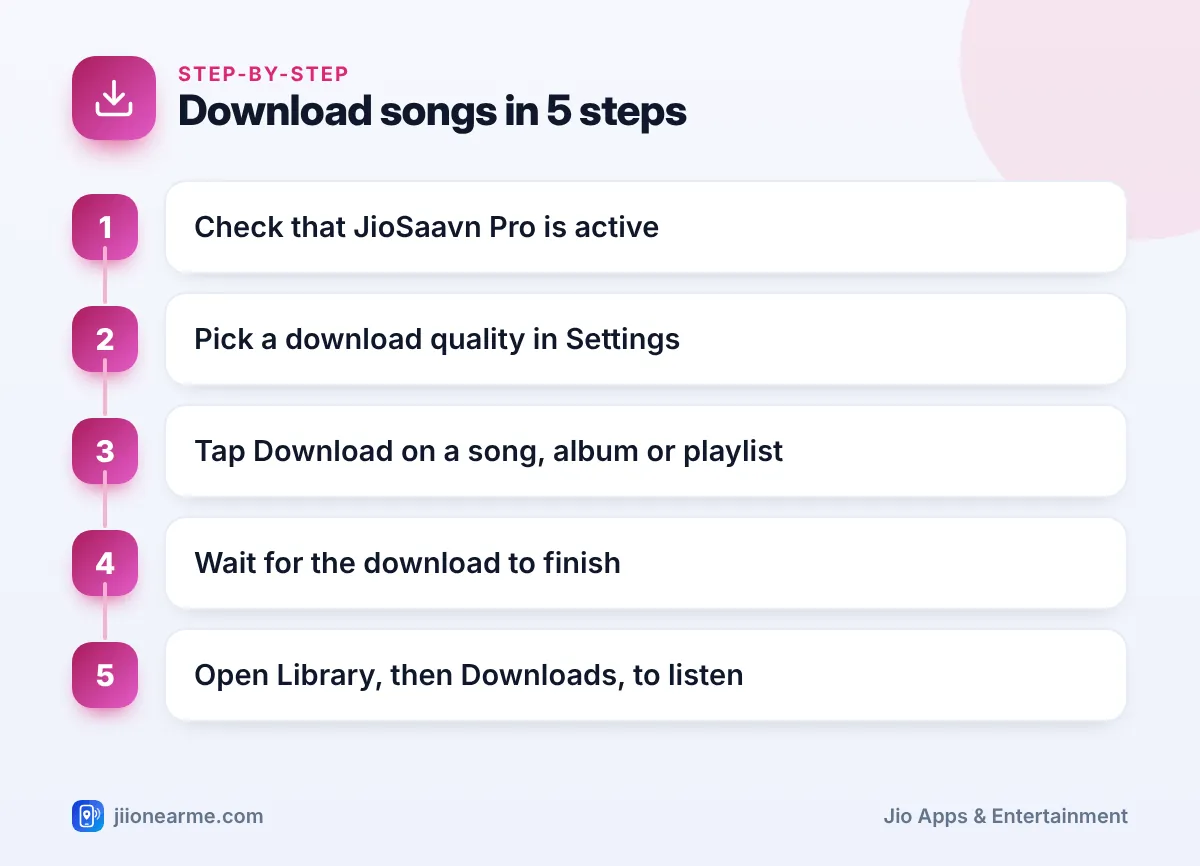
- Search for the song, or find it in any list or playlist.
- Tap the three dots (⋮) next to the song title.
- Tap Download.
- Or open the song in the full player and tap the download icon there.
A small progress circle appears next to the song. When it changes to a tick or a filled icon, the song is ready for offline play.
Download a full album or playlist
- Open the album, a JioSaavn playlist or one of your own playlists.
- Look for the download icon near the top, close to the play button.
- Tap it once. The app queues every song and saves them one after another.
- Keep the app open or running in the background until the progress finishes.
For your own playlists, songs you add later may download automatically if the playlist is already saved offline. If they do not, tap the download icon again.
Save your playlists the night before a train journey, a flight or a trip to an area with weak signal. Do it on home Wi-Fi, JioFiber or Jio AirFiber so the download is quick and does not touch your mobile data.
Where to Find Your Offline Music in JioSaavn
Tap Library at the bottom of the app (older versions may call it My Library or My Music), then open Downloads. Your downloaded songs, albums and playlists appear here, often in separate tabs.
Listening without internet
When your phone has no connection, JioSaavn shows your downloaded music and greys out or hides songs that need streaming. Open Downloads and press play. Some app versions also offer an offline mode option in Settings that shows only saved music.
The app needs to go online now and then to confirm that your Pro subscription is still active. If you stay offline for a long stretch, open JioSaavn once on a working connection so your downloads stay playable.
Managing Storage and Removing Downloads
Downloads count towards your phone storage. To see how much space they use, check Settings > Apps > JioSaavn > Storage on Android, or Settings > General > iPhone Storage on an iPhone. Exact menu names vary by phone brand.
To remove downloads:
- One song: tap the three dots next to it and choose Remove Download or a similar option.
- A whole album or playlist: open it, tap the download icon again and confirm.
- Everything at once: some versions have an option in Settings to clear all downloads.
Removing a download frees space but keeps the song in your playlists, so you can still stream it.
Clearing JioSaavn’s storage or data from your phone settings, or uninstalling the app, deletes all your downloaded songs. You will have to download them again, which costs time and data.
Fixing Common JioSaavn Download Problems
| Problem | Likely reason | What to try |
|---|---|---|
| Upgrade screen appears when you tap download | No active Pro on this account | Check you are signed in to the Pro account |
| Download stuck at the start | Waiting for Wi-Fi or weak signal | Check the mobile data download setting or connect to Wi-Fi |
| Songs stopped playing offline | Pro expired or the app has not checked in | Renew Pro, then open the app online |
| Download fails halfway | Low phone storage | Free up space and try again |
| One song will not download | Rights limits for that track | Stream it online instead |
If downloads still fail, update JioSaavn from the Play Store or App Store and restart your phone. For Pro billing problems, use the help or support section inside the JioSaavn app.
Frequently Asked Questions
Can I download songs on JioSaavn for free?
No. Offline downloads are a JioSaavn Pro feature. Free users can stream songs online with ads but cannot save them for offline play.
What happens to my downloads if Pro expires?
Downloaded songs may stay on your phone, but they will not play until Pro is active again. Once you renew and open the app online, they usually become playable.
Can I play JioSaavn downloads in another music app?
No. Downloads are protected and play only inside JioSaavn. You cannot transfer them as MP3 files or share them with others.
Do downloaded songs use mobile data when I play them?
Playing a fully downloaded song does not need internet. When you are online, the app may still use a little data for artwork, lyrics or recommendations.
Can I download songs on a laptop?
Offline downloads are made for the phone app. The JioSaavn website, jiosaavn.com, is for streaming while you are connected.
Final Thoughts
Downloading songs on JioSaavn is simple once Pro is active: set your download quality, tap the download icon and find your music under Library, then Downloads. Download on Wi-Fi, keep an eye on storage and open the app online every so often, and your offline music will be ready wherever you go.
JIo Near me is an independent guide and is not affiliated with Reliance Jio. App menus, plans and policies can change – always confirm current details in the official MyJio app or on jio.com. We will never ask for your OTP, PIN or passwords.
