Podcasts on JioSaavn live in their own section, separate from songs. You can browse shows by category, such as comedy, stories or devotion, and by language, then tap Follow on any show you like. Followed shows sit in your Library, and the app usually remembers where you paused, so you can carry on later.
This is useful for long commutes, cooking time or winding down at night, when you want talk and stories instead of music. Below, you will learn how to find shows, follow them, resume episodes and keep data use under control. Labels can differ slightly between app versions.
- Look for a Podcasts tab or section on the Home screen, or search for “podcasts”.
- Browse by category and language, or search for a show or host by name.
- Tap Follow on a show to save it and see new episodes in your Library.
- Episodes usually resume from where you stopped, even after you close the app.
Where to Find JioSaavn Podcasts
Open JioSaavn and look along the top of the Home screen. Many versions show tabs or chips such as Music and Podcasts. Tap Podcasts to switch to the podcast home page.
If you do not see a tab, try these options:
- Scroll down the Home screen for a podcasts row or shelf.
- Tap Search and type “podcasts” to see the section.
- Search directly for the name of a show or a host you already know.
The podcast home page usually shows trending shows, new episodes and editor picks. It changes often, so check back now and then for fresh shows.
Browsing Podcasts by Category and Language
Categories help when you know the kind of listening you want, but not a specific show.
By category
Look for category tiles or a Categories or Genres row. Common types include:
- Comedy and entertainment
- Stories, drama and audio series
- Devotion, spirituality and mythology
- Self-help, health and wellness
- News, business and current affairs
- Film talk, music and celebrity interviews
- History, science and general knowledge
- Kids’ stories
Tap a category to see the shows inside it. The exact list depends on what is available in the app at the time.
By language
Podcasts on JioSaavn come in several languages, including Hindi and English, and some regional languages. Look for a language filter on the podcast page. Your music language choices in Settings may also shape which shows appear first, so update them if you keep seeing shows in a language you do not follow.
Many fiction and history podcasts tell one story across several episodes. Before you press play, open the episode list and scroll to the first episode. Starting in the middle can spoil the plot or leave you confused.
How to Follow a Podcast on JioSaavn
Following a show saves it to your account, so you can find it quickly and see new episodes when they arrive.
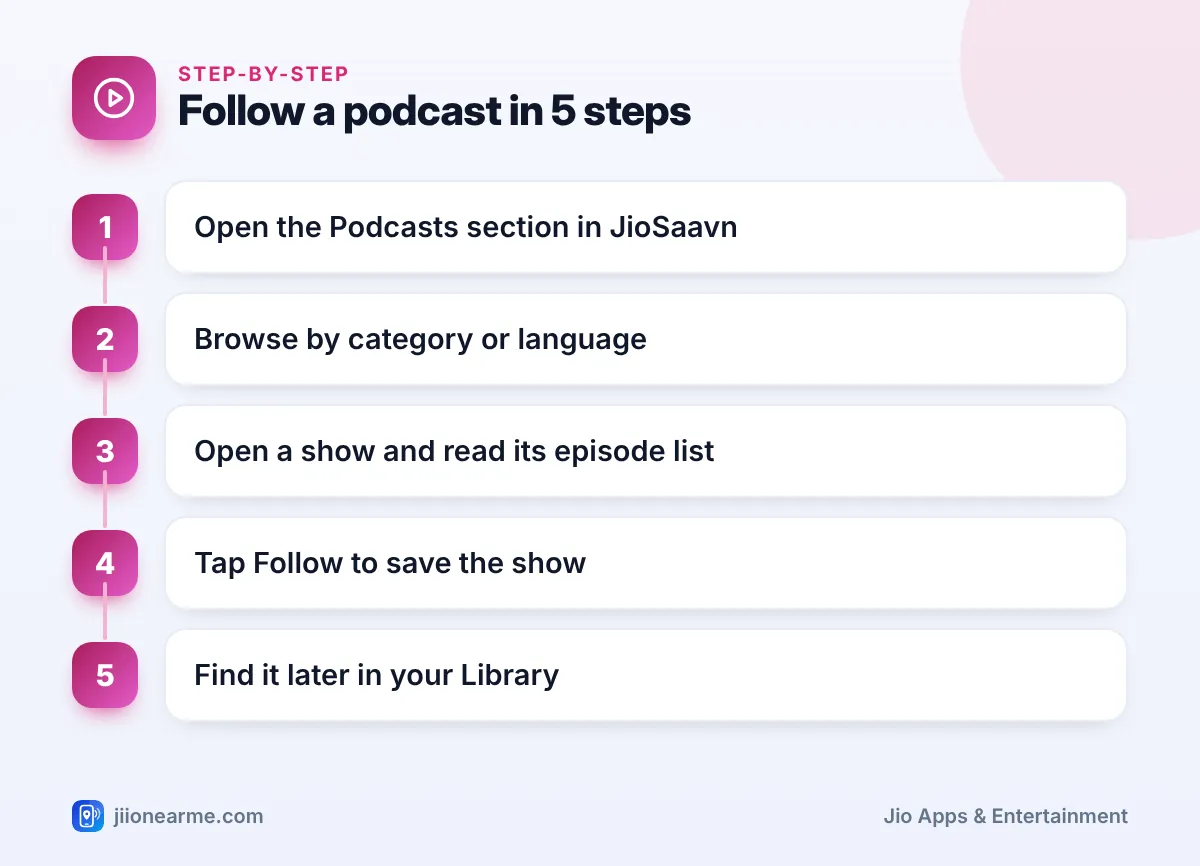
- Open a podcast’s main page by tapping its cover.
- Read the short description and check the episode list to see if it suits you.
- Tap Follow. Some versions show Subscribe, a plus (+) icon or a heart instead.
- The button changes, for example to Following, to confirm.
- To find the show later, tap Library and look for Podcasts or Shows.
Following is free and does not cost anything extra. It simply bookmarks the show in your Library.
Getting alerts for new episodes
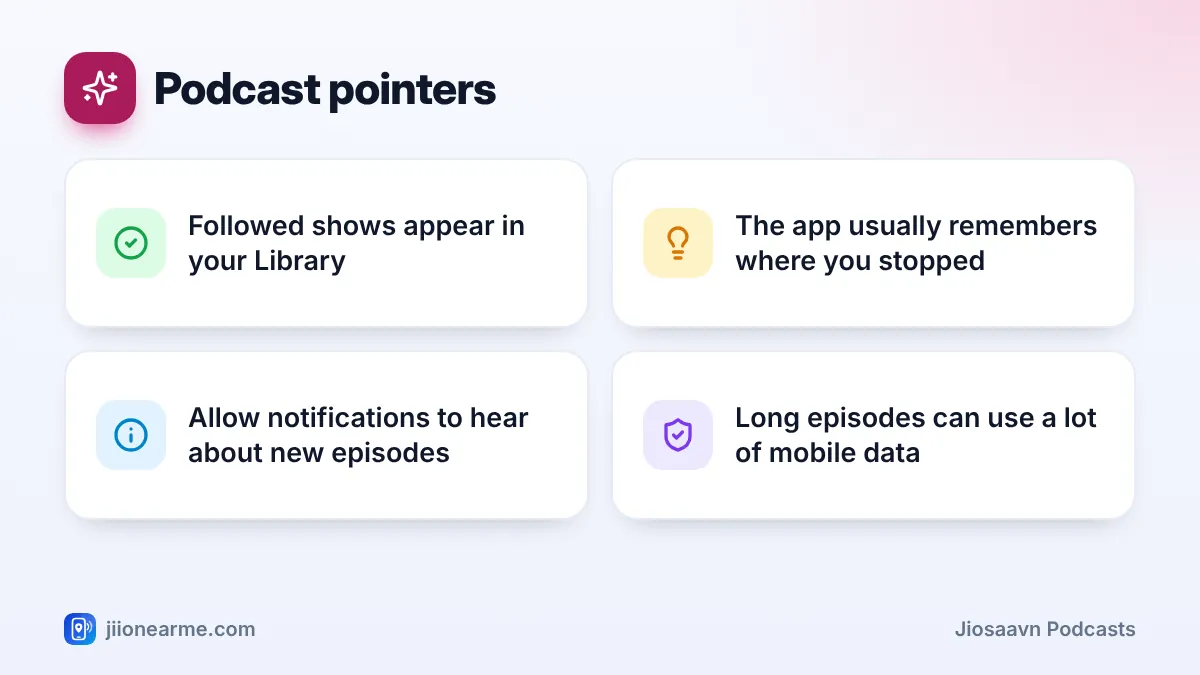
If you want to know when a followed show releases a new episode, allow notifications for JioSaavn in your phone’s settings. Inside the app, check Settings for notification options and keep podcast or new release alerts switched on if your version offers them.
Playing Episodes and Picking Up Where You Left Off
Tap any episode to start it. The player looks much like the music player, with play, pause and a progress bar. Many versions also have buttons to jump forward or back by a few seconds, which helps when you miss a line.
JioSaavn usually saves your place in an episode. If you pause, close the app or switch to music, the episode should continue from the same point when you open it again. Look for a Continue Listening row on the podcast home page or open the show from your Library.
If your version shows a playback speed option, you can speed up long talk shows or slow down a fast speaker. Not every version has it, so do not worry if you cannot find it.
| Action | Where to find it | What it does |
|---|---|---|
| Follow | Show’s main page | Saves the show to your Library |
| Play episode | Episode list | Starts the episode from the beginning or your saved spot |
| Continue listening | Podcast home page or Library | Resumes episodes you started |
| Share | Three-dot menu or share icon | Sends a link to the show or episode |
| Unfollow | Show’s main page | Removes the show from your Library |
Saving Data While Listening to Podcasts
Podcast episodes are often 30 minutes to over an hour long. Streaming them every day on mobile data can eat into your daily allowance, especially at higher audio quality.
- Listen on Wi-Fi, JioFiber or Jio AirFiber when you can.
- Lower the streaming quality in JioSaavn Settings when using mobile data.
- If your version allows episode downloads, save them on Wi-Fi before a journey. Offline downloads on JioSaavn are generally tied to JioSaavn Pro, so check what your account allows.
Podcasts cover many topics and some include strong language or adult themes. If children use your phone, preview a show or read its description before letting them listen. Kids’ story categories are a safer starting point.
Unfollowing and Tidying Your Podcast Library
Over time, your Library can fill up with shows you no longer hear. To unfollow, open the show’s page and tap Following or the same button you used to follow it. Confirm if asked. The show leaves your Library, but you can always search for it and follow again later.
Frequently Asked Questions
Are JioSaavn podcasts free to listen to?
Many podcasts can be streamed by free listeners, with ads in the app. Pro removes JioSaavn’s own ads and adds extras such as offline downloads, though some shows include sponsor messages read by the hosts.
Why can I not find the Podcasts tab?
The layout differs between versions. Update the app, then check the top of the Home screen or search for “podcasts” or a show name.
Will following a show download its episodes?
No. Following only saves the show to your Library so you can find it and see new episodes. Downloading is a separate action.
Can I listen to podcasts on the JioSaavn website?
Search for the show by name on jiosaavn.com while signed in. If it is available on the website, you can play it in your browser.
Final Thoughts
JioSaavn podcasts are easy to explore once you know where the section is. Browse by category and language, tap Follow on shows you enjoy and use Continue Listening to pick up where you stopped. Stream on Wi-Fi when you can, and your daily data will thank you.
JIo Near me is an independent guide and is not affiliated with Reliance Jio. App menus, plans and policies can change – always confirm current details in the official MyJio app or on jio.com. We will never ask for your OTP, PIN or passwords.
