Most JioTunes doubts have short answers. Callers on other Indian networks usually hear your tune, a new tune normally replaces the old one, and the JioTunes section in MyJio shows which tune is active right now. If you are unsure about anything else, this FAQ covers it.
The questions are grouped by topic, so you can jump to what you need: who hears the tune, how to change it, how to check it, and why it sometimes does not play. Labels in MyJio can differ slightly by app version, so use the closest match on your screen.
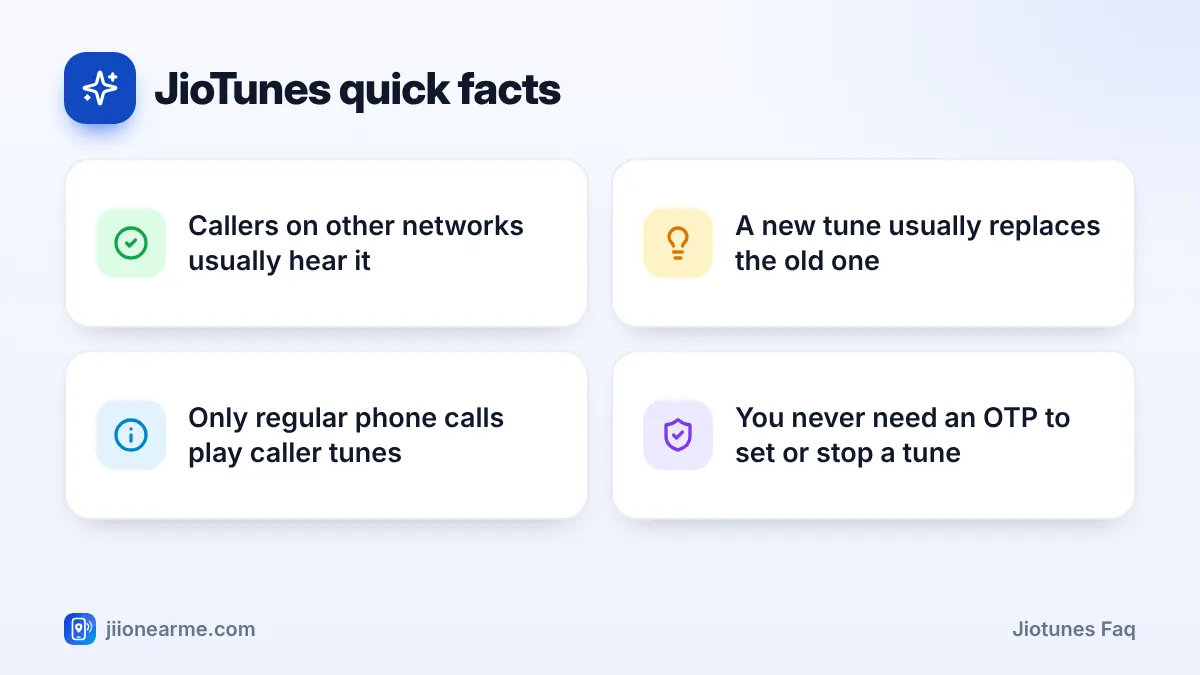
- Your JioTune plays for people who call your Jio number, including most callers from other networks in India.
- To replace a tune, set a new one in MyJio. You usually do not need to stop the old one first.
- The JioTunes section in MyJio shows your active tune. A test call is the surest check.
- A tune cannot play when your phone is off, out of coverage or busy on another call.
JioTunes FAQ: Who Can Hear Your Tune?
Do callers on other networks hear my JioTune?
Usually yes. The tune is played by Jio’s network for calls coming to your Jio number. So people calling from other mobile networks or landlines in India normally hear it too.
Do people calling from abroad hear it?
It depends on how their call reaches Jio’s network. International callers may hear it in some cases and not in others. If this matters to you, ask a contact abroad to test it.
Can I hear my own JioTune?
No. It plays only for your callers. To hear it, play the preview in the JioTunes section of MyJio, or ask a friend to call you.
Do WhatsApp or other app callers hear it?
No. Caller tunes play on regular phone calls only. Calls made through internet apps use the app’s own ringing sound.
Setting, Replacing and Stopping a Tune
How do I replace my current JioTune?
Open the JioTunes section in MyJio, search for the new song, play the preview and set it. In most cases, the new song replaces the old one after the usual activation time. You do not need to deactivate the old tune first.
Can I set different tunes for different callers?
In general, one active JioTune plays for everyone who calls you. Check the JioTunes section in MyJio for the options available on your number.
How do I stop my JioTune completely?
Open your active tune in the JioTunes section and look for Deactivate, Stop or Remove. Once it is processed, callers hear normal ringing again.
Is there a charge for JioTunes?
Jio has generally offered JioTunes to its mobile users without a separate subscription. Terms can change, so read what MyJio shows on the confirmation screen before you set a tune.
Before you set a tune, play every version of the song on offer. The clip your callers hear may be the opening, the chorus or an instrumental part, and the one you like best is not always the first in the list.
How to Check Which JioTune Is Active
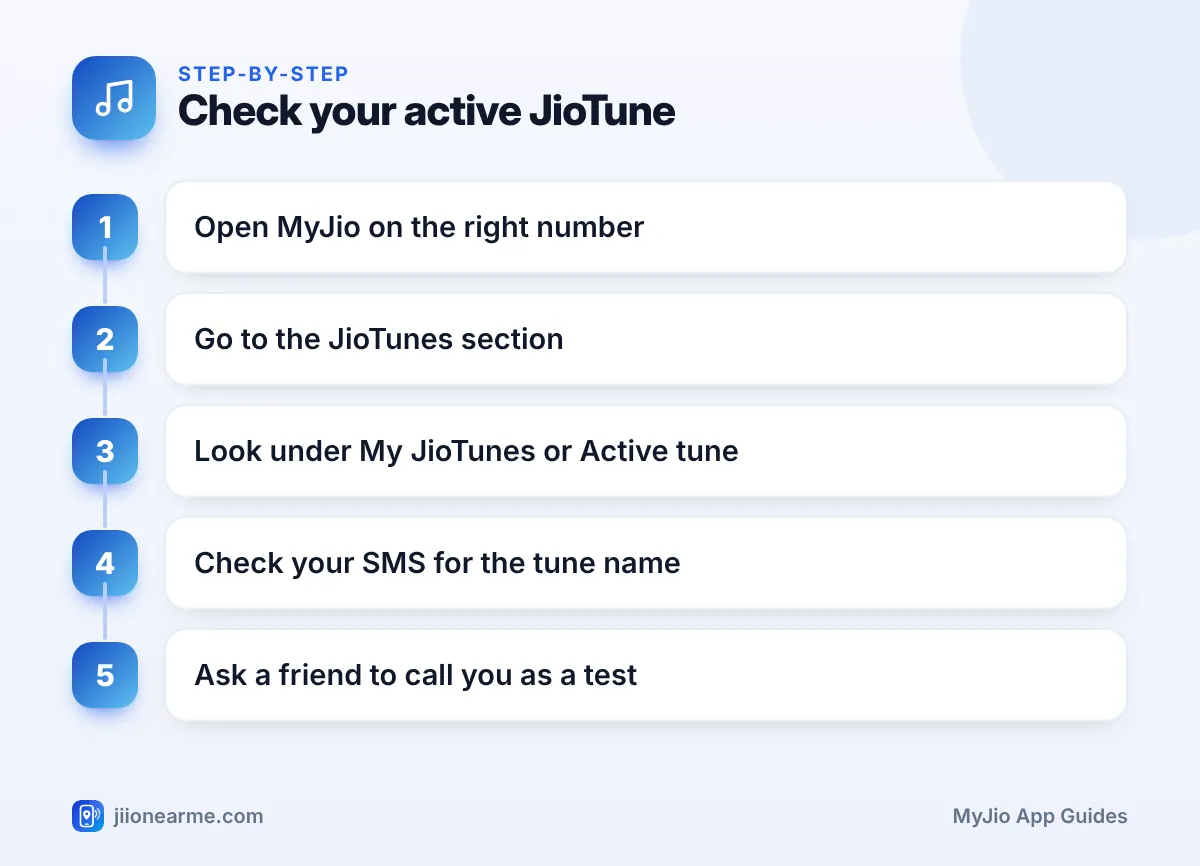
If you have changed tunes a few times, it is easy to lose track. Use these steps:
- Open the MyJio app and check that the correct number is shown at the top.
- Search for JioTunes, or open the menu (☰) and look for it among the services.
- Look for a heading such as My JioTunes or Active tune. The song listed there is the one callers hear.
- Check your SMS inbox for Jio’s latest JioTune message, which usually names the song.
- Ask a friend or family member to call you and tell you what they hear.
If you changed your tune a few minutes ago, MyJio or a test caller may still show the old one for a while. Wait for the confirmation SMS before you test again.
When Your JioTune Does Not Play
A tune plays only while your phone is actually ringing. In other situations, callers hear something else.
| Situation | What your caller usually hears |
|---|---|
| Phone ringing normally | Your JioTune |
| Phone switched off | A switched-off message |
| No network coverage | A not-reachable message |
| Busy on another call | A busy message or call waiting |
| Tune not set or stopped | Standard ringing |
| Tune just changed | Old tune, until the change applies |
If none of these apply and the tune still does not play, try setting it again from MyJio. If it still fails after a few hours, call Jio on 199 from your Jio number for help.
JioTunes, Plans and Changing Phones
Will my JioTune stay if I change phones?
Yes. The tune is linked to your Jio number on the network, not to your handset. Moving your SIM to a new phone does not affect it.
What happens to my JioTune if my plan expires?
Some services may pause while your number has no active plan. Recharge first, then check the JioTunes section and do a test call.
What happens if I port my number out of Jio?
JioTunes is a Jio service, so it stops once your number moves to another operator. Your new operator may offer its own caller tune service.
Can I manage JioTunes on a JioPhone?
If MyJio is available on your JioPhone, the steps are similar. The screens simply look more basic on a keypad phone.
Jio staff will never ask for your OTP to set, change or stop a caller tune. If a call or message asks for an OTP, a payment or a link click for “free tunes”, ignore it and report it on the Sanchar Saathi portal.
Frequently Asked Questions
Does a JioTune use my mobile data?
No. The network plays the tune to your callers, so it does not use your data. You only use data while browsing and previewing songs in MyJio.
How long does a new JioTune take to start?
Usually a few minutes. Jio normally sends an SMS once the tune is active.
Can I set a JioTune on a family member's number?
Only if their number is linked to your MyJio account and you switch to it. Do it with their agreement, since their callers will hear the tune.
Why did I get an SMS about a tune I did not choose?
Open the JioTunes section in MyJio and check whether a tune is active. If it is not one you picked, stop it there. Do not tap links in messages that ask for payment or an OTP.
Wrapping Up
Most JioTunes questions come down to one idea: the tune lives on Jio’s network and plays only for your callers. Use the JioTunes section in MyJio to set, replace or stop it, and to see which tune is active. Do a quick test call after any change, and contact Jio on 199 if a tune refuses to work.
JIo Near me is an independent guide and is not affiliated with Reliance Jio. App menus, plans and policies can change – always confirm current details in the official MyJio app or on jio.com. We will never ask for your OTP, PIN or passwords.
