JioTV is Jio’s live TV app for phones and tablets. It streams TV channels over the internet, so you can watch news, serials, films, sports and devotional programmes as they air, wherever you have a connection. For most Jio mobile users, JioTV comes as part of their plan, and you sign in with your Jio number and an OTP.
It feels much like a TV set-top box in your pocket, with a channel list, a programme guide and the option to replay recent shows. This explainer covers what JioTV offers, who can use it, the kinds of channels you will find, its main features and how it differs from on-demand apps such as JioHotstar.
- JioTV streams live TV channels on your phone or tablet over the internet.
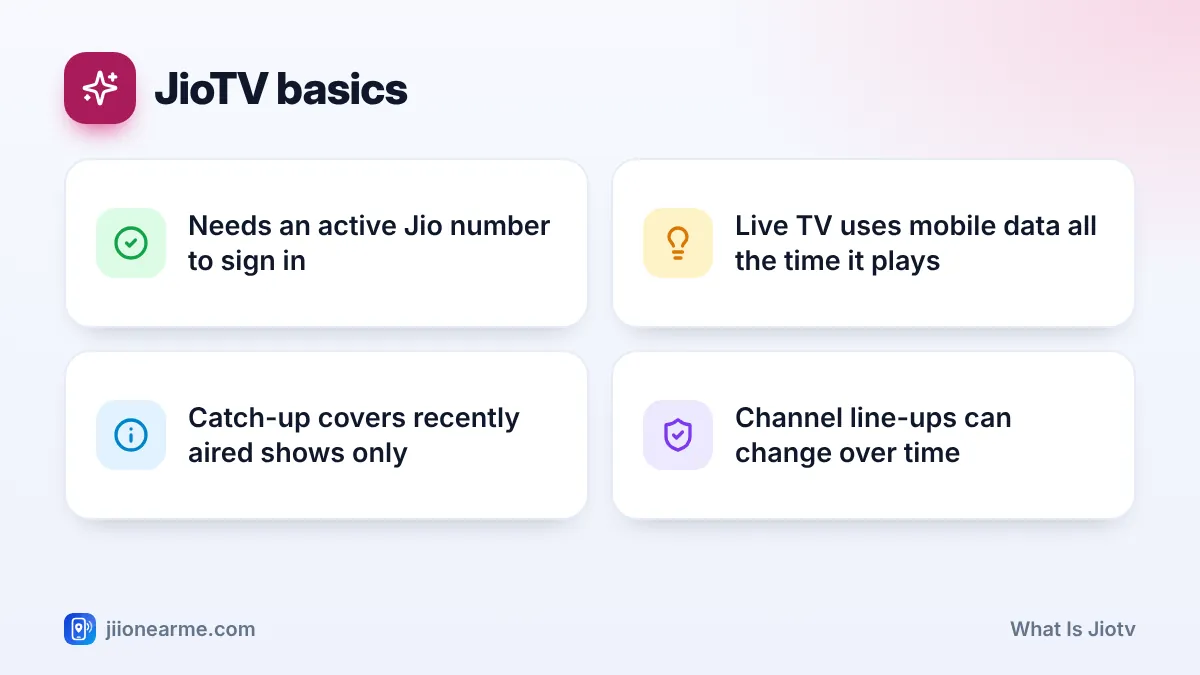
- You need a Jio mobile number with an active plan that includes JioTV.
- Channels span news, entertainment, films, sports, kids, music, devotional and regional languages.
- Catch-up TV, a programme guide, reminders and favourites make it easy to follow shows.
What Is JioTV and Who Can Use It?
JioTV is an app from Jio that brings live television channels to your mobile screen. Instead of a dish or cable, the channels reach you over mobile data or Wi-Fi.
It is meant for Jio customers. To sign in, you need:
- A Jio mobile number, prepaid or postpaid.
- An active plan that includes JioTV. Most Jio mobile plans have included it, but check your plan’s benefits in the MyJio app or on jio.com.
- The official JioTV app from the Google Play Store or Apple App Store.
- Access to your Jio SIM’s SMS to read the sign-in OTP.
The phone you watch on does not need to hold the Jio SIM. You can use a Wi-Fi tablet or a second phone, as long as you can read the OTP from the phone with your Jio number.
If you use JioFiber or Jio AirFiber at home, your TV viewing is usually set up through the connection’s own set-top box and plan. Check jio.com or MyJio for what your home plan includes.
Types of Live Channels on JioTV
JioTV carries a large mix of channels. The exact line-up depends on agreements with broadcasters, so channels can be added or removed over time. You will typically find:
- News in Hindi, English and many regional languages.
- General entertainment with daily serials and reality shows.
- Movies across Hindi, English and regional cinema.
- Sports channels, though some live events may be restricted on mobile.
- Kids channels with cartoons and learning shows.
- Music channels for film songs and the latest hits.
- Devotional channels with aartis, kirtans and discourses.
- Infotainment and education channels on science, travel, nature and lessons.
Many channels are available in HD as well as standard quality. You can filter the channel list by category and by language, which helps a lot when you want only Marathi news or Tamil movies.
Broadcasters decide where their content can be streamed. Sometimes a channel shows a message instead of a programme, often during big sports events or certain films. This is a rights decision, not a fault with your app or your plan.
Core JioTV Features Explained
Live TV
Tap a channel and it starts playing what is on air right now. You can switch channels quickly from the list, much like using a TV remote.
Catch-up TV
Missed an episode? On channels that support it, you can open the schedule, go back to an earlier day and replay a programme that has already aired. The replay window is limited and differs by channel.
Programme guide and reminders
Each channel has a schedule showing what is on now and what is coming up. For future shows, you can usually tap a bell or Remind me option, and the app notifies you before the show starts.
Favourites, search and filters
Mark channels you watch often as favourites so they appear in one place. Use search to find a channel or show by name, and filters to sort channels by language or genre.
Video quality options
Most versions let you choose video quality, such as Auto, Low, Medium or High. Lower settings use less data. Auto adjusts to your connection.
| Feature | What it does | Good for |
|---|---|---|
| Live TV | Plays channels as they air | News, live events, daily serials |
| Catch-up TV | Replays recently aired shows | Episodes you missed |
| Programme guide | Shows current and upcoming shows | Planning what to watch |
| Reminders | Alerts you before a show | Matches, finales, special shows |
| Favourites | Keeps your top channels together | Quick access every day |
| Quality settings | Changes video resolution | Saving data on mobile |
How to Get Started With JioTV
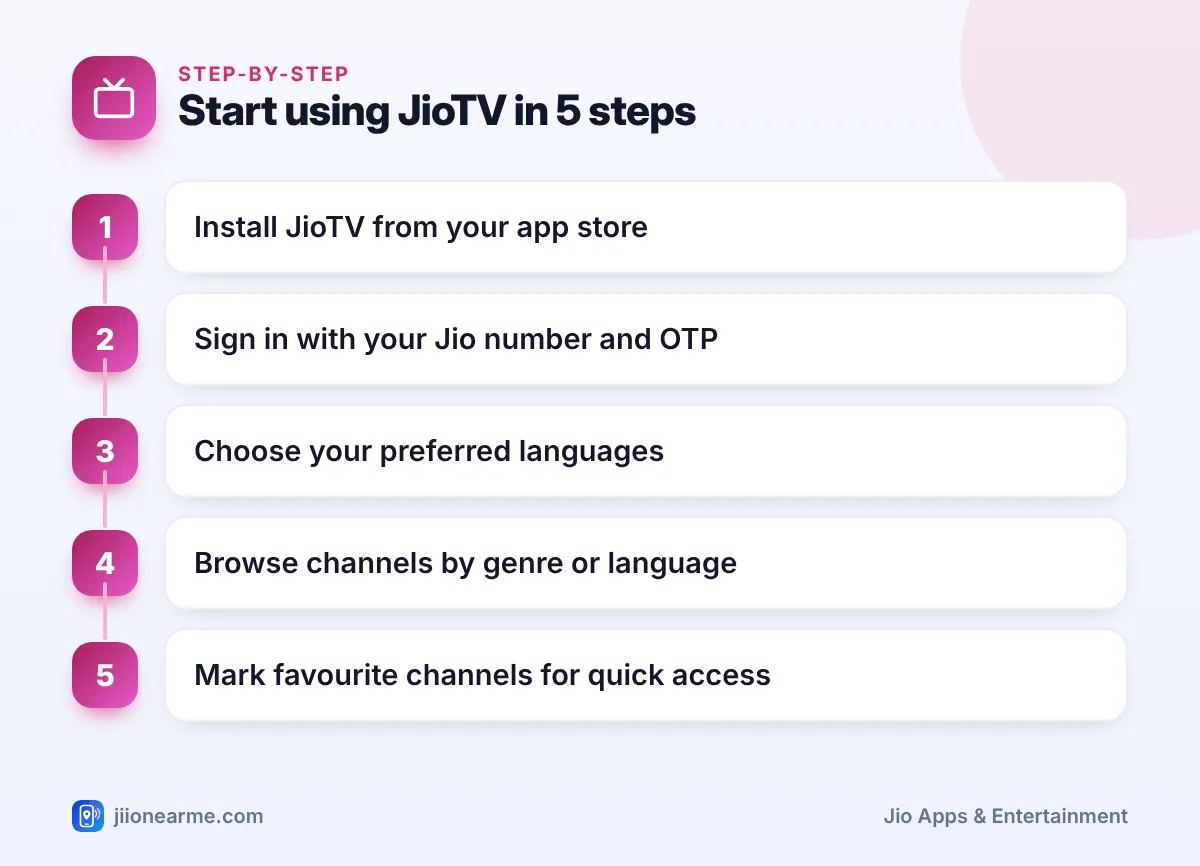
- Install JioTV from the Play Store or App Store. Check that the developer listed is Jio.
- Open the app and enter your 10-digit Jio number.
- Request the OTP and type it in when the SMS arrives.
- Pick your preferred languages if the app asks.
- Browse channels by genre or language and tap one to start watching.
- Tap the heart or star on channels you like to add them to favourites.
Search results sometimes offer modified JioTV apps, APK files or websites that promise channels without signing in. These can carry malware or try to steal your OTP. Install JioTV only from your phone’s official app store.
JioTV vs JioHotstar: How They Differ
People often confuse the two. JioTV is about live channels as they are broadcast. JioHotstar is an on-demand streaming service, where you pick films, series and shows from a library and watch whenever you like, along with streaming of selected live sports.
You might use JioTV to catch the evening news or a daily serial as it airs, and JioHotstar to watch a full web series at your own pace. They are separate apps with separate sign-ins and terms.
Data Use and Watching Comfortably
Live video uses data the entire time it plays. Watching in HD on mobile data can finish a daily allowance quickly.
- Set video quality to Low or Medium on mobile data.
- Watch on Wi-Fi, JioFiber or Jio AirFiber when you are at home.
- Close the app fully when you stop watching, so it does not keep streaming in the background.
Frequently Asked Questions
Is JioTV free for Jio users?
Most Jio mobile plans have included JioTV without a separate subscription. Check your current plan’s benefits in MyJio to confirm it is part of your pack.
Can I use JioTV with a SIM from another network?
You need a Jio number to sign in. The device itself can have any SIM or just Wi-Fi, as long as you can read the OTP sent to your Jio number.
Does JioTV work on Wi-Fi?
Yes. After signing in, you can watch on any Wi-Fi network. Your Jio number’s plan still needs to be active for channels to play.
Why can I not find a particular channel?
Channel line-ups depend on broadcaster agreements and can change. Search for the channel by name and check the filters before assuming it is missing.
Final Thoughts
So, what is JioTV? It is Jio’s live TV app that puts news, serials, films, sports and devotional channels on your phone, with handy extras like catch-up, a programme guide and reminders. Keep your Jio plan active, use the official app, choose a sensible video quality on mobile data and you have live TV wherever you go.
JIo Near me is an independent guide and is not affiliated with Reliance Jio. App menus, plans and policies can change – always confirm current details in the official MyJio app or on jio.com. We will never ask for your OTP, PIN or passwords.
