Wondering what is on your favourite channel tonight? Open the channel in JioTV and scroll below the player to see its programme guide, with what is on now and what comes next. For any upcoming show, tap the bell or Remind Me option, and JioTV sends you a notification shortly before it starts.
The guide is also called the program guide or EPG (electronic programme guide). Using it well means you never miss a cricket match, the finale of a serial or a prime-time news debate. This article explains how to read the guide, set and cancel reminders, and fix reminders that do not show up. Labels can differ slightly by app version.
- Each JioTV channel has a schedule below the player, organised by day.
- Shows on air now are highlighted, past ones may offer catch-up and future ones offer reminders.
- Tap an upcoming show and choose the bell or Remind Me to set an alert.
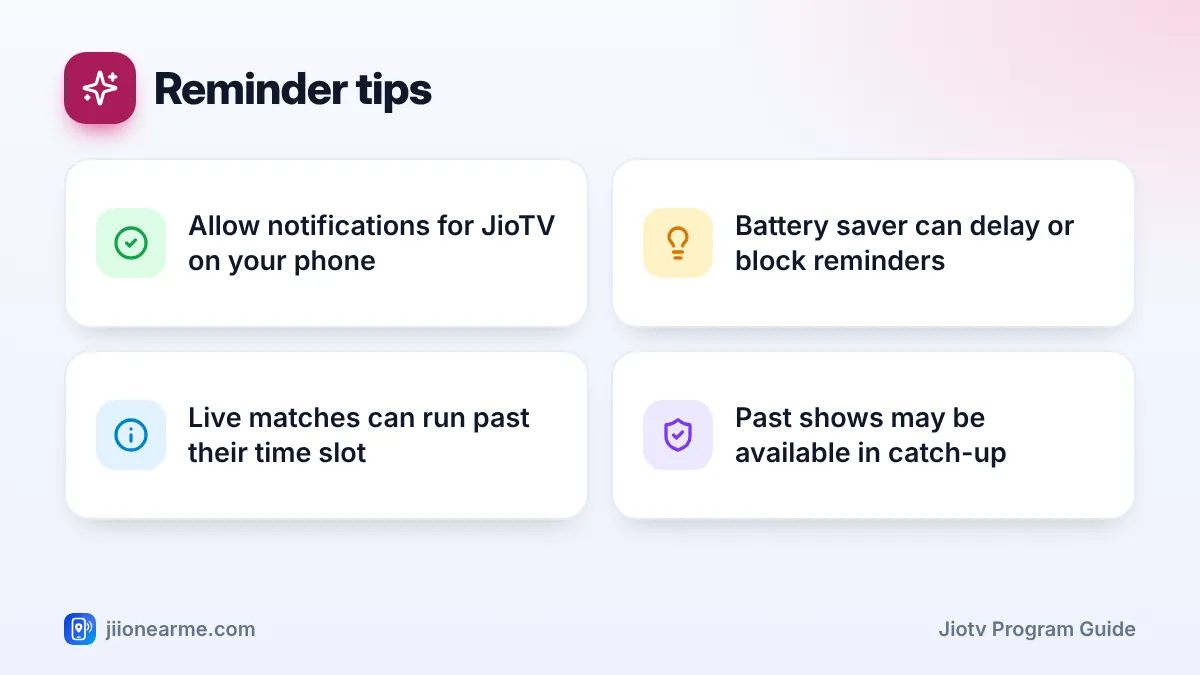
- Allow JioTV notifications and relax battery saving so reminders arrive on time.
How to Read the JioTV Program Guide
You do not need a separate menu for the guide. It sits right on each channel’s page.
- Open the JioTV app and sign in with your Jio number if asked.
- Find a channel by scrolling the list, using the search icon or filtering by language or genre.
- Tap the channel. The live stream starts at the top of the screen.
- Scroll down below the player. You will see the channel’s schedule for today, listed by time.
- Use the day tabs or dates above the list, such as Yesterday, Today and Tomorrow, to move between days.
On some versions, you may need to tap a Schedule, Programmes or channel info option to open the full list.
Understanding what you see
Each row in the guide usually shows a programme name and its start time. Tapping a row often opens a short description or episode details. The guide uses your phone’s clock, so keep your phone’s date and time on automatic.
| What you see | What it means | What you can do |
|---|---|---|
| Highlighted show or Live tag | It is on air right now | Watch it live |
| Earlier show with a play icon | It aired already and supports catch-up | Replay it |
| Earlier show greyed out | It aired, but no replay is available | Nothing, it has passed |
| Later show with a bell icon | It is coming up | Set a reminder |
| Day tabs or dates | Different days of the schedule | Look back or ahead |
How far ahead you can see depends on the channel. Many channels list programmes a few days in advance, while others only show today and tomorrow.
If you know the show but not the channel, tap the search icon and type the show’s name. The results can point you to the channel and its time slot, and from there you can open the schedule and set a reminder.
Setting a Reminder for an Upcoming Show
Once you find a show in the guide, setting a reminder takes a couple of taps.
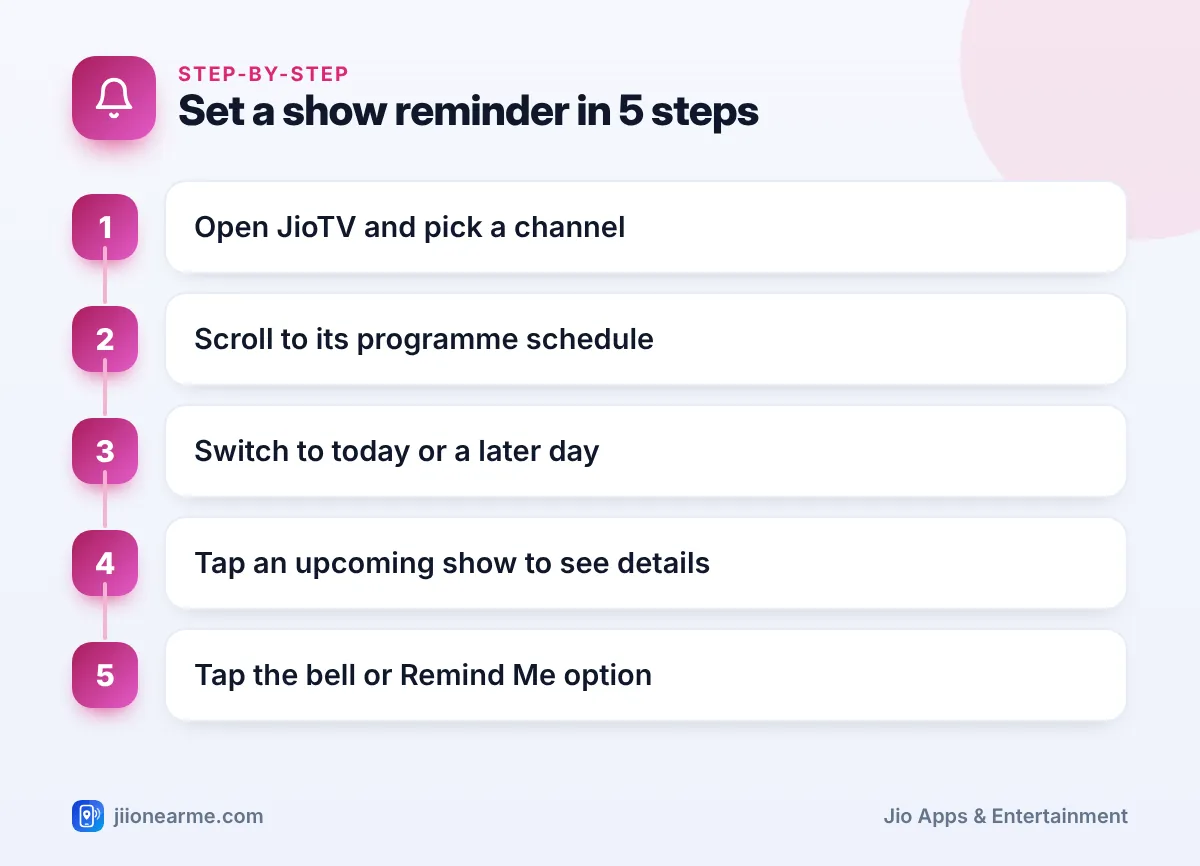
- Open the channel and scroll to its schedule.
- Switch to Today or a later day.
- Find the upcoming show and tap it to see its details.
- Tap the bell icon, Remind Me or Set Reminder.
- Look for a confirmation message or a filled bell icon next to the show.
Shortly before the show starts, JioTV sends a notification to your phone. Tap it and the app usually opens the channel directly, so you are watching within seconds.
Removing a reminder
Plans change. To cancel a reminder, open the same show in the schedule and tap the bell again, or choose Remove Reminder. Some versions also list your active reminders in the menu or profile section, where you can delete them in one place.
Making Sure Reminders Actually Reach You
A reminder is only useful if your phone shows it. Most missed reminders come from phone settings, not from JioTV.
Allow notifications
- Android: go to Settings > Apps > JioTV > Notifications and turn them on. Menu names vary by phone brand.
- iPhone: go to Settings > Notifications > JioTV and switch on Allow Notifications.
If JioTV asked for notification permission when you first opened it and you tapped Don’t allow, this is the place to fix it.
Check battery saving and Do Not Disturb
Many Android phones stop apps from running in the background to save battery. That can delay or block reminders. In your phone’s battery settings, look for JioTV and set it to No restrictions or Unrestricted, or remove it from any sleeping apps list.
Do Not Disturb or focus modes can also silence the alert. If you set a reminder for a late-night match, check that these modes allow JioTV notifications.
Sports matches, award shows and breaking news can start late or run past their time slot. The guide shows the planned schedule from the broadcaster. For a big match, set your reminder and also open the channel a few minutes early.
Getting More From the Guide Every Day
A few simple habits turn the guide into a handy daily planner:
- Mark favourites. Add the channels you watch most to favourites so their schedules are one tap away.
- Check the week ahead on Sunday. Scroll through upcoming days on your top channels and set reminders for the shows that matter.
- Use catch-up as a backup. If you miss a show despite a reminder, go back to that day in the schedule. If the show supports catch-up, you can replay it.
- Watch on Wi-Fi when you can. Live TV uses data the whole time it plays, so a reminder for a long match is a good prompt to connect to home Wi-Fi.
Reminders and the guide work only while your Jio number has an active plan that includes JioTV. Check your plan and its validity in the MyJio app or on jio.com.
Frequently Asked Questions
What is the JioTV program guide?
It is the schedule on each channel’s page that lists what is on now, what aired earlier and what is coming up. It is also called the programme guide or EPG.
How early does a JioTV reminder alert me?
The notification usually arrives a few minutes before the show starts. The exact timing is set by the app and can differ between versions.
Why do some channels show no schedule?
A few channels may not share full programme details. In that case, the guide may show only a channel name or a general title instead of show names.
Can I set a reminder for a show that is already on?
No reminder is needed for a live show. Simply tap the channel or the highlighted programme to start watching right away.
Will reminders work if I close the JioTV app?
Usually yes, as long as notifications are allowed and your phone is not stopping JioTV in the background. Check your battery settings if alerts do not arrive.
Wrapping Up
The JioTV program guide is right below the player on every channel. Use the day tabs to look back or ahead, tap an upcoming show and set a reminder with the bell. Allow notifications, relax battery saving for JioTV and open the channel a little early for live events, and you will rarely miss a show you care about.
JIo Near me is an independent guide and is not affiliated with Reliance Jio. App menus, plans and policies can change – always confirm current details in the official MyJio app or on jio.com. We will never ask for your OTP, PIN or passwords.
