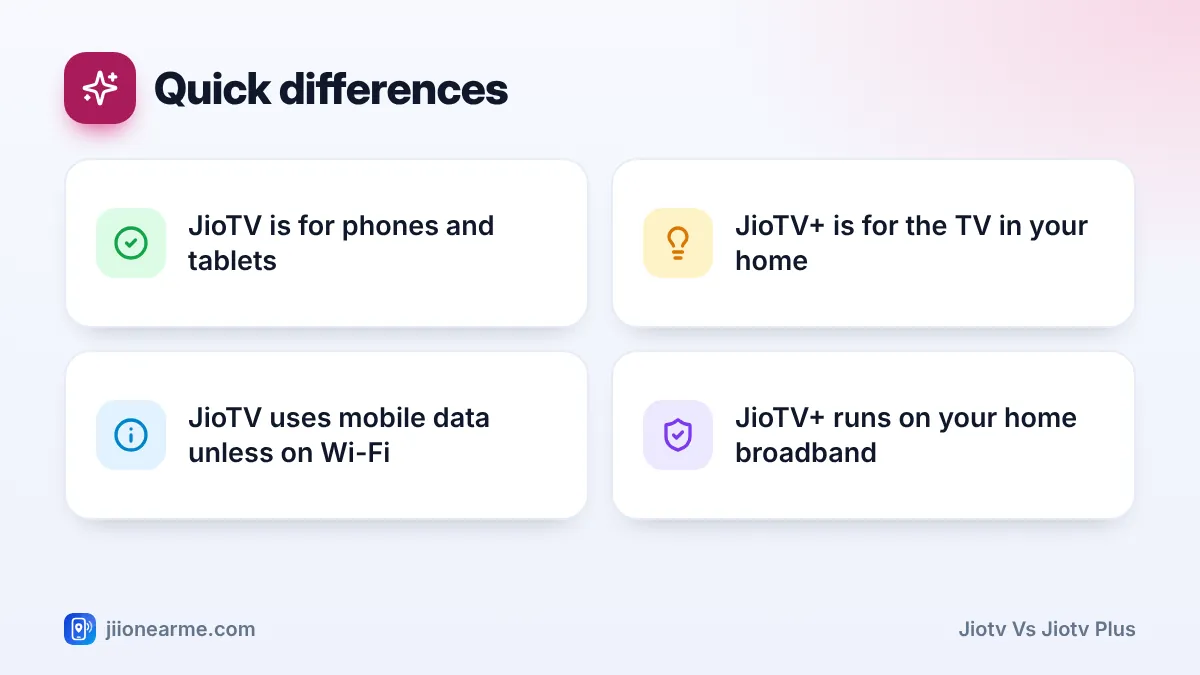
JioTV and JioTV+ sound alike, but they are built for different screens. JioTV is a live TV app for your phone or tablet, linked to your Jio mobile number. JioTV+ is a big-screen TV service for JioFiber and Jio AirFiber homes, used through a Jio set-top box or a supported smart TV with a remote.
So the simple answer is this: if you want to watch on the go, use JioTV. If you want channels on the family TV, JioTV+ is the official option, provided you have an eligible home connection. The rest of this article explains the differences in detail so you can tell which one applies to you.
- JioTV is a mobile app that works with an active Jio mobile number on most plans
- JioTV+ is a TV service that needs an eligible JioFiber or Jio AirFiber connection
- JioTV+ brings live channels and included OTT apps together on one big-screen interface
- Exact channels, apps and supported TVs can change, so check MyJio or jio.com for your plan
JioTV vs JioTV Plus at a Glance
This table sums up the main differences. Features change over time, so treat it as a general guide.
| Point | JioTV | JioTV+ |
|---|---|---|
| What it is | Live TV app | Big-screen TV service |
| Connection needed | Active Jio mobile number | Eligible JioFiber or Jio AirFiber plan |
| Where you watch | Android phones, iPhones, tablets | Jio set-top box, supported smart TVs |
| How you sign in | Jio number with OTP | Registered number of your home connection |
| How you control it | Touch screen | TV remote, often with voice search |
| Data used | Mobile data, unless on Wi-Fi | Home broadband |
| Best for | Personal viewing anywhere | Family viewing at home |
What the JioTV App Does
JioTV is the app many Jio mobile users already have. You install it from the Google Play Store or the Apple App Store, sign in with your Jio number and an OTP, and watch live channels on your phone.
It is designed for one person and a small screen. You can browse channels by language and category, save favourites, set reminders and watch recent programmes through catch-up on supported channels. You can use it on mobile data or any Wi-Fi network, but your Jio number needs an active plan for channels to play.
Most Jio mobile plans have included JioTV access, but check the benefits listed for your plan in the MyJio app to be sure.
What JioTV+ Does
JioTV+ is made for the television. It comes on the Jio set-top box provided with JioFiber and Jio AirFiber connections, and Jio has also made it available as an app on supported smart TVs for eligible home users.
Instead of only showing live channels, JioTV+ brings channels and the OTT apps included in your plan into one place. You move through it with a remote, search for shows by name and, on remotes that support it, use voice search. The programme guide is laid out for a big screen, so it is easier for the whole family to see what is on.
The list of smart TVs and platforms that support JioTV+ can change with updates. Check the current list on jio.com or in the MyJio app before buying a new TV for it.
Devices and Connections Each One Needs
For JioTV
- An Android phone, iPhone or tablet with the official JioTV app
- A Jio mobile number with an active plan that includes JioTV
- Any working internet connection, mobile data or Wi-Fi
You can watch on a second phone or a tablet without a Jio SIM, as long as you can read the OTP sent to your Jio number.
For JioTV+
- A JioFiber or Jio AirFiber connection on an eligible plan
- A Jio set-top box connected to your TV, or a supported smart TV with the JioTV+ app
- Access to the mobile number registered with your home connection, for the OTP
A Jio mobile SIM alone usually does not give you JioTV+. If you do not have a home connection, the JioTV app on your phone is the option meant for you.
How the Viewing Experience Differs
The biggest difference is the screen. JioTV is personal. You hold it, you choose the channel and you can watch anywhere, including on a train or during a lunch break. JioTV+ is shared, with the whole room watching one screen.
Picture quality also feels different. On a phone, a medium setting often looks fine. On a large TV, a stable home broadband connection lets JioTV+ show a sharper, steadier picture than a phone stream on a weak signal.
Data is the other big point. JioTV uses your mobile data whenever you are not on Wi-Fi, which can eat into a daily allowance quickly. JioTV+ uses your home broadband, so it does not touch your mobile data at all.
Finally, JioTV+ is closer to a full TV experience. Live channels sit next to OTT apps, so you do not have to jump between separate apps with the remote.
Many homes use both. Keep JioTV on your phone for news and cricket on the move, and use JioTV+ on the TV for family films and serials in the evening.
Which One Should You Use?
- Choose JioTV if you have a Jio mobile number and want to watch on your phone or tablet, wherever you are.
- Choose JioTV+ if you have JioFiber or Jio AirFiber at home and want live TV and OTT apps on a big screen.
- Use both if you have both connections. They do different jobs and do not replace each other.
If you are unsure what your plans include, open the MyJio app, check the benefits on your mobile and home plans, and look for JioTV or JioTV+ in the list.
How to Get Started With Each Service
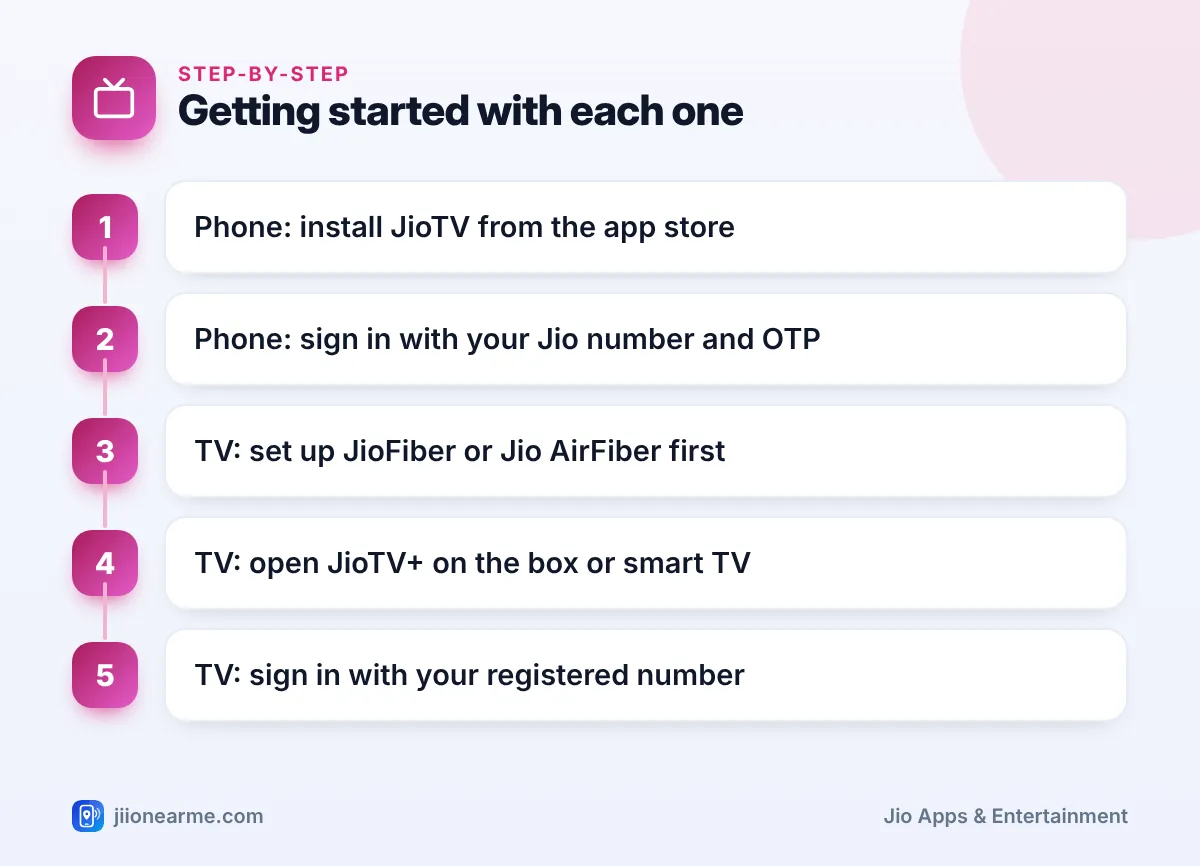
On your phone:
- Install JioTV from the Play Store or App Store.
- Enter your Jio number, request an OTP and type it in.
- Choose your preferred languages and start watching.
On your TV:
- Make sure your JioFiber or Jio AirFiber connection is active.
- Open JioTV+ on the Jio set-top box, or install it on a supported smart TV.
- Sign in using the mobile number registered with your home connection and the OTP sent to it.
- Pick your languages and browse channels with the remote.
If anything does not work, call 199 from your Jio number, or use the Jio toll-free number 1800-889-9999.
Frequently Asked Questions
Can I watch JioTV+ on my phone?
JioTV+ is designed for TVs. On your phone, use the JioTV app with your Jio mobile number instead.
Can I use JioTV+ with only a Jio mobile SIM?
Usually not. JioTV+ is tied to an eligible JioFiber or Jio AirFiber connection. With only a mobile number, the JioTV app is your option.
Is the channel list the same on both?
The line-ups overlap but are managed separately and can change. Check each app for the channels available to you right now.
Do I need a separate login for each?
Yes. JioTV uses your Jio mobile number. JioTV+ uses the number registered with your home connection. Both sign in with an OTP, which you should never share with anyone.
Does JioTV+ use my mobile data?
No. JioTV+ runs over your JioFiber or Jio AirFiber broadband, so it does not draw from your mobile data balance.
Conclusion
The easiest way to remember the difference is by screen. JioTV is the phone app for your Jio mobile number, and JioTV+ is the television service for JioFiber and Jio AirFiber homes. Check what your plans include in MyJio, install the one that matches your device and connection, and use both if your home has them.
JIo Near me is an independent guide and is not affiliated with Reliance Jio. App menus, plans and policies can change – always confirm current details in the official MyJio app or on jio.com. We will never ask for your OTP, PIN or passwords.
