KaiOS is the operating system inside keypad JioPhone models such as the JioPhone and JioPhone 2. It is light software built for phones that have buttons instead of a touchscreen and very little memory. It is the reason a basic-looking phone can still run WhatsApp, YouTube and Google Assistant over 4G.
KaiOS is not Android, though. It cannot run apps from the Google Play Store, and the apps it does run are slimmer versions with fewer features. Knowing what the software can and cannot do helps you decide whether a keypad JioPhone fits your needs, and saves you from hunting for apps that will never install.
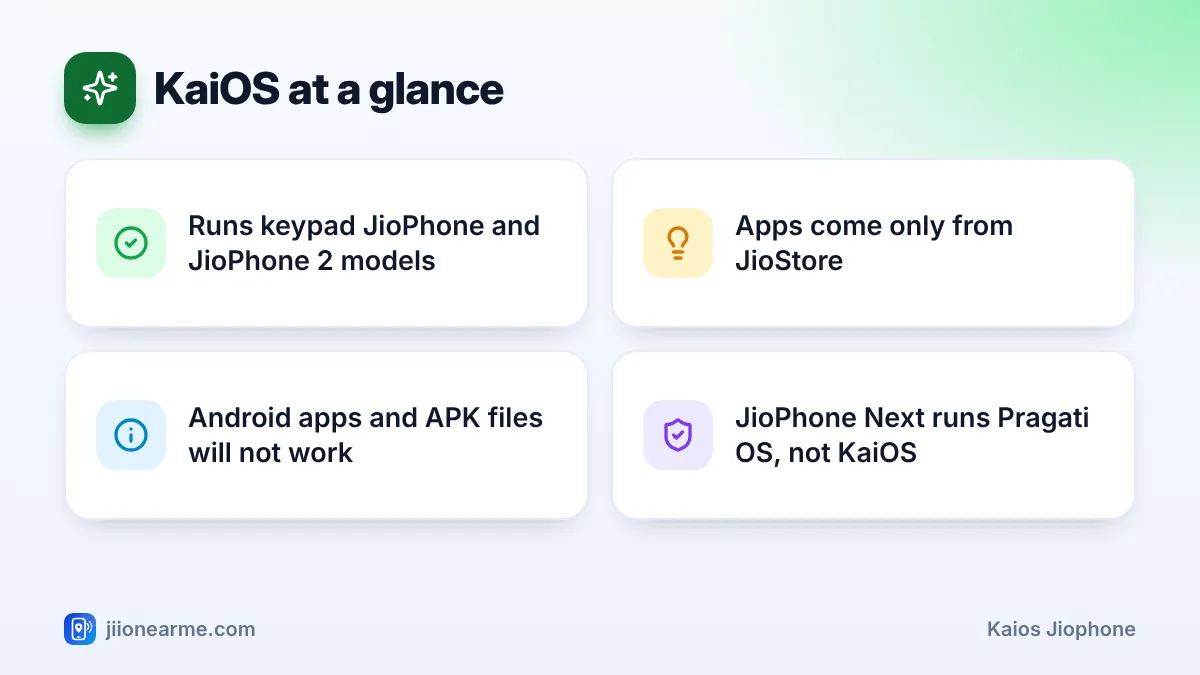
- KaiOS runs on keypad JioPhone models, while the JioPhone Next uses Android-based Pragati OS.
- It runs light apps built with web technology, downloaded only from JioStore.
- Popular apps such as WhatsApp and YouTube work where your model supports them, with fewer features than on a smartphone.
- Android apps, APK files and the Play Store do not work on KaiOS.
What KaiOS Is and Where It Came From
KaiOS is made by KaiOS Technologies. It grew out of Firefox OS, an earlier open-source project that tried to build phone software from the same technology that powers websites. The idea was simple: if apps are built like light web pages, they can run on low-cost hardware without a powerful chip or lots of memory.
That makes KaiOS a good match for keypad phones. Jio’s keypad phones became some of the best-known KaiOS devices in India, and the same software runs on keypad phones from other brands in many countries.
A few things set KaiOS apart from the older basic phones many people used before:
- 4G and VoLTE support, so calls go over Jio’s 4G network.
- An app store, which on JioPhone is called JioStore (phones from other brands call it KaiStore).
- Wi-Fi, Bluetooth and GPS, depending on the model.
- Software updates, downloaded over the internet from Settings.
How KaiOS Lets a Keypad Phone Run Apps
On a smartphone you tap the screen. On a KaiOS JioPhone, the keys do the same work:
- The navigation key moves a highlight around the screen.
- The centre key selects, just like a tap.
- The left and right soft keys do whatever is written at the bottom corners of the screen, such as Options or Back.
Apps are written with web technology (HTML, JavaScript and CSS) and designed for small screens and key controls. Because they are light, they open fairly quickly even with limited memory. Most need an internet connection, since much of their work happens online.
Getting apps from JioStore
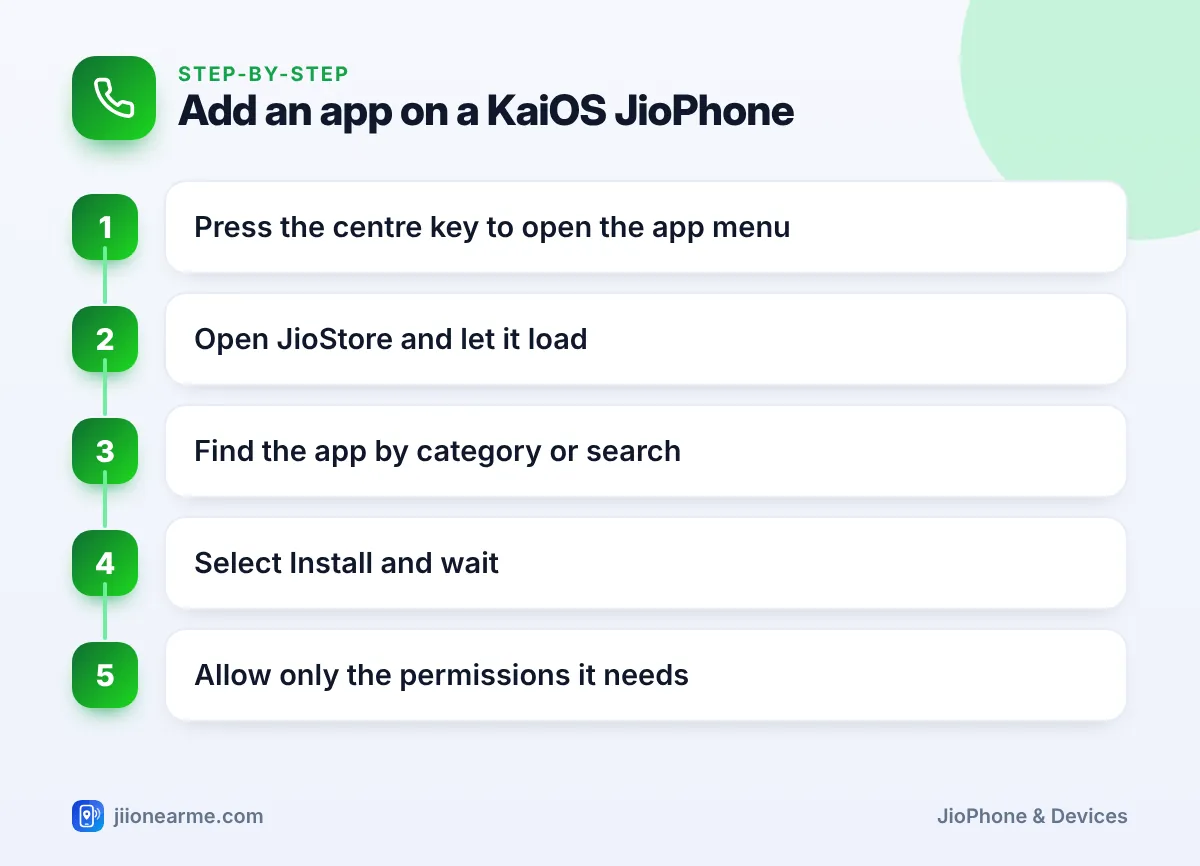
All apps for a KaiOS JioPhone come from JioStore. To add one:
- Press the centre key on the home screen to open the app menu.
- Open JioStore and wait for it to load.
- Browse the categories or use search to find the app.
- Select Install (or Download on some versions) and wait.
- Open the app and allow only the permissions it really needs.
Labels such as Install, and the position of JioStore in the app menu, can change after a software update. If you don’t see an option exactly as written, look for the closest match.
What a KaiOS JioPhone Can Do Well
For everyday basics, KaiOS covers a lot of ground:
- Calls and SMS with clear 4G voice calling.
- WhatsApp for chats, photos and voice notes, where your model and software version are supported.
- YouTube in a version designed for keypad controls.
- Google Assistant, usually opened by pressing and holding the centre key, so you can call, message or search by voice.
- Jio apps for TV, music and other services, depending on the model.
- Camera, FM radio, music player and torch for daily use.
- Typing in Indian languages, including Hindi, through the keyboard settings.
Battery life is another strength. A light operating system on a small screen usually uses less power than a smartphone, so many users charge less often.
KaiOS vs Android: The Key Differences
If you are choosing between a keypad JioPhone and a smartphone, this table shows where the two kinds of software differ.
| Feature | KaiOS (keypad JioPhone) | Android (smartphones, JioPhone Next) |
|---|---|---|
| App store | JioStore only | Google Play Store |
| Number of apps | Small, selected range | Very large range |
| Controls | Keypad and soft keys | Touchscreen |
| App features | Lighter versions | Full versions |
| Memory needs | Very low | Higher |
| Multitasking | Basic | Switch between many apps |
| Installing APK files | Not possible | Possible, but risky |
In short, KaiOS does a few things simply and reliably, while Android does almost everything but needs more powerful hardware.
The Limits of KaiOS You Should Expect
Being realistic about these limits avoids frustration later.
Fewer apps, and lighter versions
Many apps you know from smartphones are simply not made for KaiOS. Those that are available often skip features. WhatsApp on a keypad phone, for example, is simpler than on a smartphone, and some options may be missing or arranged differently.
Apps can come and go
App makers decide which phones they support. An app can stop working on older software versions, or disappear from JioStore entirely, and there is nothing a user can do to bring it back. Before buying a keypad JioPhone for one particular app, check that it is available right now.
No Android apps or Play Store
You cannot install the Google Play Store, Android apps or APK files on a KaiOS JioPhone. Websites or messages that promise “special JioPhone versions” of popular apps are scams. They may try to steal your data or trick you into paying.
Slower typing and small screens
Typing with number keys takes practice, and long documents or busy websites are hard to read on a small screen. Voice commands through Google Assistant help with short messages and searches.
Never follow links that claim to install apps on your JioPhone from outside JioStore. Genuine apps for KaiOS come only from JioStore. If anyone asks for an OTP to “activate” an app, it is a scam.
Keeping Your KaiOS JioPhone Updated and Safe
Software updates fix bugs, close security gaps and sometimes keep apps like WhatsApp working. To check for one:
- Open Settings from the app menu.
- Move to the Device tab with the navigation key.
- Select Software update (on some versions it sits inside Device information).
- Choose the option to check for updates and install any that appear.
Charge the phone well and use a steady connection before you install. A few other habits help too:
- Set a screen passcode under the Privacy & Security tab in Settings.
- Remove apps you no longer use to free up storage.
- Never share OTPs or your passcode, even with someone who says they are from Jio.
If an app suddenly stops working, update the phone’s software first, then check the app’s page in JioStore for an update. Many app problems on KaiOS are fixed this way.
Frequently Asked Questions
Is KaiOS the same as Android?
No. KaiOS is a separate operating system built for keypad phones with little memory. It cannot run Android apps, even though some companies, such as WhatsApp and YouTube, make apps for both.
Can I install the Play Store on my JioPhone?
No. Keypad JioPhone models can only get apps from JioStore. If you need Play Store apps, you need an Android phone such as the JioPhone Next.
Does the JioPhone Next run KaiOS?
No. The JioPhone Next runs Pragati OS, which is based on Android and gives you the Google Play Store. KaiOS is used on keypad JioPhone models.
Why can't I find an app in JioStore?
The app may not be made for KaiOS, may not support your model or software version, or may have been withdrawn by its maker. Update your phone’s software and check again.
Is KaiOS safe to use?
It is reasonably safe when you install apps only from JioStore, keep the software updated and never share OTPs. Most risks come from scam calls, messages and fake links rather than from the software itself.
Final Thoughts
KaiOS is what turns a keypad JioPhone into a useful 4G phone with real apps. It handles calls, messaging, short videos and voice search well enough for many people, and it runs on very modest hardware. Just go in knowing its limits: a small app range, lighter features and no Android apps.
JIo Near me is an independent guide and is not affiliated with Reliance Jio. App menus, plans and policies can change – always confirm current details in the official MyJio app or on jio.com. We will never ask for your OTP, PIN or passwords.