
You can manage your whole family’s Jio numbers from one MyJio app by linking them to your account. Open MyJio, tap your name or number at the top, choose Link account, enter the other Jio number and confirm with the OTP sent to it. Once it is linked, you can switch between numbers in one tap.
This is handy for parents who recharge for children, grown-up children who look after their parents’ phones, or anyone with a second SIM. This guide covers the exact steps, how OTP consent works, what you can and cannot do with a linked number, and how to fix common errors.
- Use Link account (or Manage accounts) in MyJio to add another Jio number to your app.
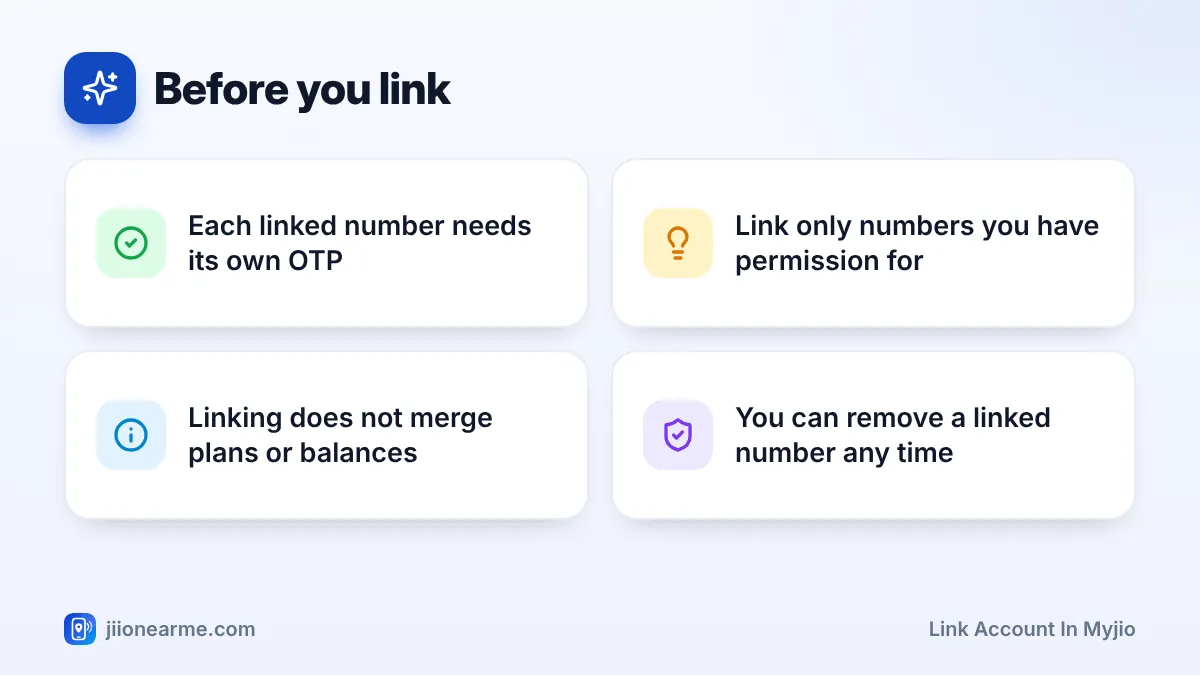
- Every number you link needs a one-time password (OTP) sent to that number, so the owner must agree.
- After linking, tap your name or number at the top of the home screen to switch accounts.
- Linking only adds a view. Each number keeps its own plan, balance and validity.
What Linking a Number in MyJio Actually Does
When you link a number, MyJio lets you see and manage it from your own sign-in. You do not need to log out and log back in with the other number each time.
For a linked mobile number, you can usually:
- Check its data balance, validity and current plan.
- Recharge it or pay its postpaid bill.
- See its usage details and recharge history.
- Get reminders when its plan is close to ending.
Linking does not move money, data or validity between numbers. It does not change who owns the SIM either. The other person can keep using MyJio on their own phone as usual.
You can also link a JioFiber or Jio AirFiber connection in a similar way, using its registered mobile number. This guide focuses on mobile numbers.
Before You Start: What You Need
Keep these ready:
- MyJio installed and signed in on your phone with your own Jio number.
- The other Jio number you want to link. It should be active.
- The person who owns that number, sitting with you or easy to reach, since the OTP goes to their SIM.
- A working internet connection, either mobile data or Wi-Fi.
Update MyJio from the Play Store or App Store before you begin. Menu labels change between versions, and an older app may place the option somewhere else.
How to Link Account in MyJio, Step by Step
The steps are nearly the same on Android and iPhone. Your app may use slightly different words, such as Link account, Add account or Link new number.
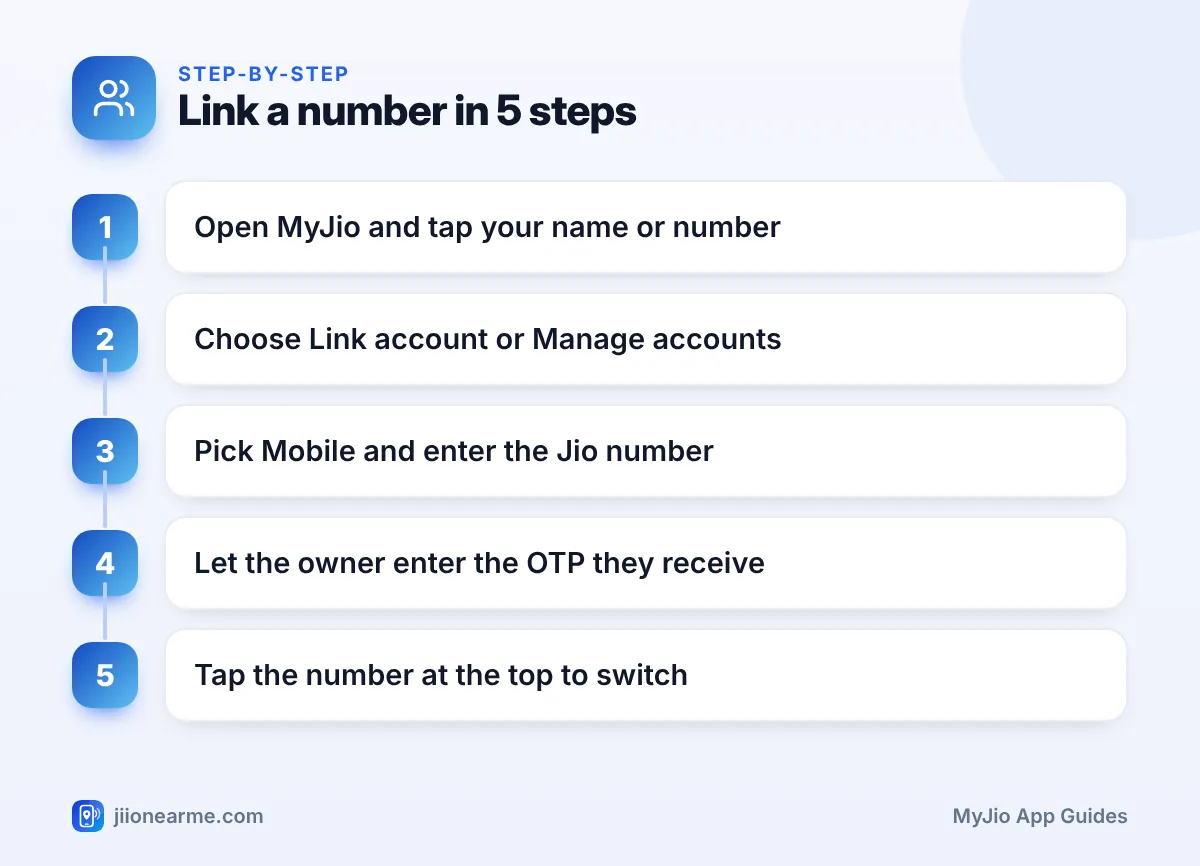
- Open MyJio and wait for the home screen to load.
- Tap your name, profile icon or number at the top of the screen. On some versions, open the menu (☰) instead.
- Look for Manage accounts, Linked accounts or Link account, and tap it.
- Choose the type of account. Pick Mobile for a Jio SIM, or the home broadband option for JioFiber or AirFiber.
- Enter the 10-digit Jio number you want to link and tap Generate OTP or Link.
- The OTP goes by SMS to that number. Let the owner type it into your app, or do this step together with them.
- Tap Submit or Verify. The number now appears in your account list.
Switching Between Linked Numbers
After linking, go back to the home screen. Tap your name or number at the top, and a list of linked accounts opens. Tap the number you want, and the home screen reloads with that number’s plan and data balance.
Always check which number is selected before you recharge. It is easy to pay for the wrong SIM when two family numbers look similar.
If your app version lets you add a nickname, give each linked number a clear label such as “Papa” or “Office SIM”. If not, note the last four digits of each number so you can spot the right one quickly.
Why OTP Consent Matters
The OTP is how Jio confirms that the owner of a number agrees to let you manage it. Without that OTP, nobody can link a number to their MyJio app. This protects every Jio user from strangers peeking at their account.
It also means the OTP is sensitive. Handle it with care:
- Link numbers only for people you know well, such as family members, and only with their clear agreement.
- Where possible, let the owner enter the OTP on your phone themselves.
- Never pass an OTP to someone who calls or messages claiming to be from Jio.
- If you get a MyJio OTP you did not request, ignore it. It only means someone typed your number somewhere.
A real Jio employee will never ask for your OTP to “link”, “verify” or “upgrade” your account. If a caller insists, hang up. You can report suspicious calls and messages through Chakshu on the Sanchar Saathi portal.
What You Can and Cannot Do for a Linked Number
Linked accounts are meant for everyday management. Some sensitive actions may still need the owner to sign in directly or confirm with a fresh OTP. The table shows what to expect, though options differ by app version.
| Task | Usually available for a linked number? |
|---|---|
| Check data balance and validity | Yes |
| Recharge or pay a postpaid bill | Yes |
| View usage details and recharge history | Usually yes |
| Download recharge invoices | Usually yes |
| Change personal details or SIM services | Often needs the owner’s own sign-in or a fresh OTP |
If a menu seems missing for a linked number, switch to that number first and look again. Some options only appear for the account that is currently selected.
Fixing Common Problems When Linking
The OTP does not arrive. Check that you typed the number correctly. Ask the owner to look in the right SIM slot on a dual-SIM phone, and in the spam folder of their SMS app. Wait a minute before tapping Resend OTP.
The app says the number cannot be linked. The number may not be an active Jio number, or it may be a connection type the app handles differently. Check that the plan is active, then try again later.
The number is already linked. It may already be in your list under a different label. Open Manage accounts and check.
You cannot add any more accounts. If the app stops you from adding more, remove a number you no longer manage and try again.
If problems continue, call Jio customer care on 199 from a Jio number, or the toll-free number 1800-889-9999.
Frequently Asked Questions
Can I link a non-Jio number in MyJio?
No. MyJio is built for Jio services, so you can only link Jio mobile numbers and Jio home broadband connections such as JioFiber and Jio AirFiber.
Will the other person know I linked their number?
Yes, in most cases. The OTP is sent to their number, so they see that a request was made. That is why you should link a number only with the owner’s knowledge and agreement.
Can a linked number still use its own MyJio app?
Yes. Linking does not sign the owner out or block them. They can keep using MyJio on their own phone exactly as before.
Does linking share data between numbers?
No. Each number keeps its own plan, daily data and validity. Linking only lets you view and manage them from one app.
How do I unlink a number later?
Open Manage accounts from your profile or menu, find the number and choose the remove or delink option. The number and its plan are not affected.
Final Thoughts
Linking family numbers in MyJio saves a lot of switching and guesswork. Add each number with the owner’s OTP, label it clearly if you can, and always check which number is selected before you recharge.
Keep the OTP step respectful and safe. Link only numbers you have permission to manage, and remove any you no longer look after.
JIo Near me is an independent guide and is not affiliated with Reliance Jio. App menus, plans and policies can change – always confirm current details in the official MyJio app or on jio.com. We will never ask for your OTP, PIN or passwords.
