Choose a mesh Wi-Fi system if your home is large, has several floors or thick walls between rooms. Choose a Wi-Fi extender if you have only one or two weak spots in an otherwise well-covered home. Mesh costs more and takes a little more planning, but it gives steadier, faster coverage across the whole home.
Before buying either, make sure the router itself is in a good, central spot. Many weak Wi-Fi problems disappear with better placement. This guide compares both options on coverage, speed loss, setup effort and home size, so you can pick the right fix.
- An extender repeats your router’s signal and suits one or two weak rooms.
- A mesh system uses several units working together to cover the whole home.
- Extenders often lose more speed, especially single-band models.
- Connecting units with Ethernet cable gives the best results for both.
Why Weak Wi-Fi Spots Happen in Larger Homes
A single router has limited reach. Every wall, floor and door between the router and your device weakens the signal. In large flats, independent houses or homes with several floors, far rooms often get slow speeds or drop out.
The fibre cable also fixes where the router can sit. If it enters in a corner room, the opposite end of the home is far from the signal. Before spending on extra equipment, try moving the router to a central, raised and open spot within the cable’s reach. If that is not enough, it is time for a mesh system or an extender.
How a Wi-Fi Extender Works
A Wi-Fi extender, also called a repeater, picks up your router’s Wi-Fi and broadcasts it again. You plug it into a socket between the router and the weak area.
Strengths
- Simple to set up, usually through a button or a phone app.
- Good for a single weak room close to the edge of coverage.
- Smaller and easier on the budget than a full mesh kit.
Weaknesses
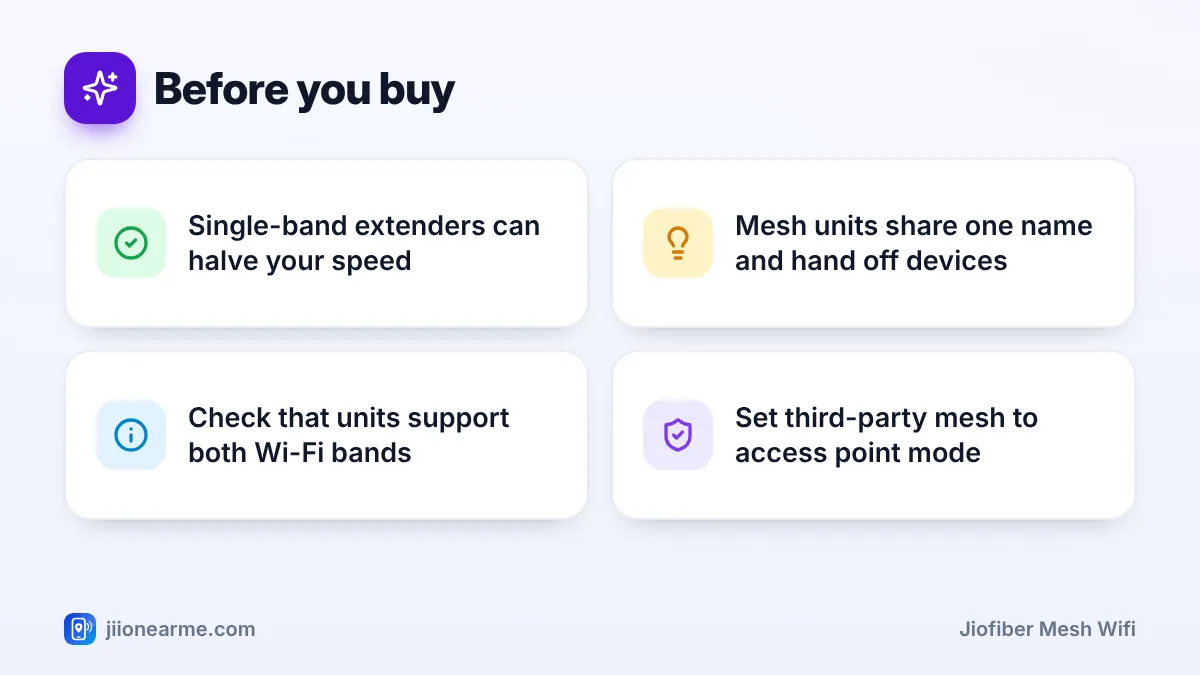
- Speed loss: A single-band extender talks to the router and to your devices on the same radio, which can cut available speed roughly in half. Dual-band models reduce this.
- Separate network: Many extenders create a second network name, so your phone may cling to the wrong one as you move.
- Placement is tricky: Too close to the dead zone and it receives a weak signal to repeat.
How a JioFiber Mesh Wi-Fi Setup Works
A mesh system uses two or more units that work as one network. One unit connects to your JioFiber router, and the others sit around your home. All units share a single Wi-Fi name and password, and your devices are handed from one unit to the next as you move.
Better mesh systems talk to each other using a dedicated band or an Ethernet cable, called the backhaul. This keeps speeds high even at the farthest unit.
Using mesh with your JioFiber router
You have two broad options:
- Jio-offered devices: Jio may offer compatible mesh or Wi-Fi extension devices for JioFiber in some areas. Check the MyJio app or jio.com for what is currently available.
- Third-party mesh: Connect the main mesh unit to a LAN port on the JioFiber router with an Ethernet cable. Set the mesh system to access point or bridge mode, so the JioFiber router stays in charge of the connection. This avoids a double network setup that can cause issues with gaming and some apps.
The mesh system adds coverage but does not replace your JioFiber router, which connects to the fibre line. Keep the router powered and connected at all times.
Mesh vs Extender Compared
| Factor | Wi-Fi extender | Mesh Wi-Fi system |
|---|---|---|
| Best for | One or two weak rooms | Large, multi-floor or thick-walled homes |
| Coverage | Adds one extra zone | Covers the whole home evenly |
| Speed loss | Often noticeable, more on single-band models | Lower, especially with a dedicated or wired backhaul |
| Network name | Often a separate name | One name across the home |
| Moving between rooms | Phone may stick to a weak signal | Devices are handed off between units |
| Setup effort | Very easy | Easy with an app, but needs some planning |
| Expandability | Limited | Add more units as needed |
Which One Should You Choose for Your Home
Use your home size and layout as the guide:
- 1 BHK or compact 2 BHK: Usually one well-placed router is enough. Fix placement first.
- 2 BHK with one weak bedroom: A dual-band extender is often enough.
- Large 3 BHK or bigger: A mesh system with two or three units gives more even coverage.
- Duplex or multi-floor house: Mesh is the better choice, ideally with one unit on each floor.
- Home with very thick walls: Mesh with an Ethernet backhaul works best.
Steps to fix weak Wi-Fi
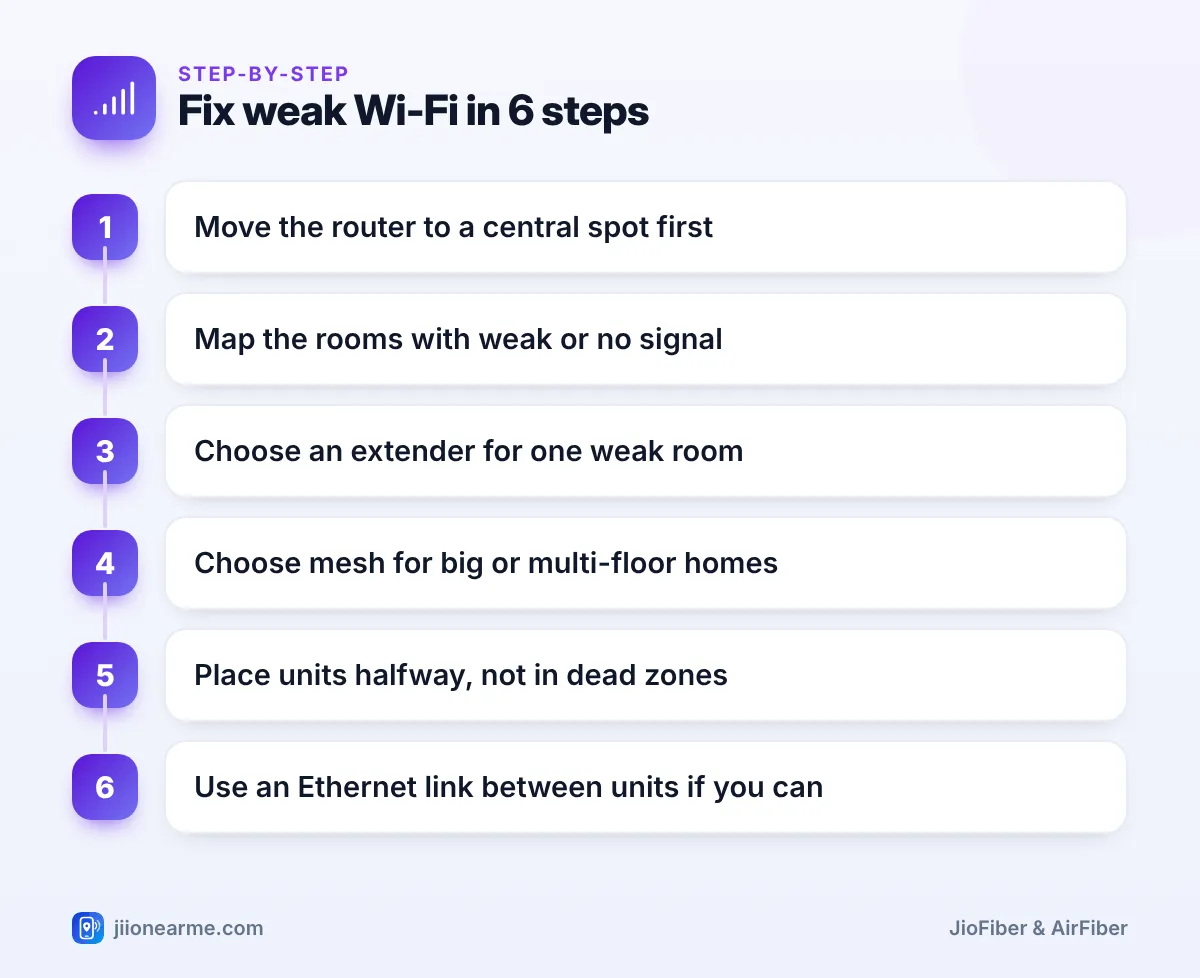
- Move the router to a central, raised spot within the fibre cable’s reach.
- Walk around and note the rooms with weak or no signal.
- Pick an extender for one weak room, or mesh for several weak rooms or floors.
- Place each extender or mesh unit roughly halfway between the router and the weak area, not inside the dead zone.
- Connect units with an Ethernet cable where you can, for the best speed.
- Run speed tests in each room and adjust positions if needed.
Before buying, check that the extender or mesh kit supports both 2.4 GHz and 5 GHz bands and a current Wi-Fi standard. Older single-band models can make a fast JioFiber plan feel slow.
Setup Tips for Either Option
- Use the same Wi-Fi password on extenders, if they have a separate name, so devices reconnect easily.
- Keep units away from metal cupboards, mirrors, microwaves and fridges.
- Place them in the open, at a reasonable height, near a stable power socket.
- Update the firmware through the maker’s app after setup.
- Keep smart plugs and cameras in mind. Most need 2.4 GHz, so make sure that band reaches them.
Frequently Asked Questions
Can I use any mesh system with JioFiber?
Most standard mesh systems can work with a JioFiber router when connected by Ethernet and set to access point or bridge mode. Check the mesh maker’s instructions for the exact setting.
Does a Wi-Fi extender reduce internet speed?
Often, yes. A single-band extender can roughly halve the speed it passes on. Dual-band extenders and mesh systems with a dedicated backhaul lose much less.
How many mesh units do I need?
Most flats manage with two or three units. For a multi-floor house, plan for at least one unit on each floor.
Where should I place an extender?
Place it about halfway between the router and the weak room, where it still gets a good signal from the router. Placing it inside the dead zone gives it little to repeat.
Should I connect mesh units with Ethernet cables?
If your home has cabling or you can run a cable, yes. A wired backhaul gives faster, more stable speeds than a wireless link between units.
Conclusion
For one weak room, a good dual-band extender is a simple fix. For large or multi-floor homes, a JioFiber mesh Wi-Fi setup gives more even coverage and smoother roaming. Start by placing the router centrally, then choose mesh or an extender based on how many rooms need help.
JIo Near me is an independent guide and is not affiliated with Reliance Jio. App menus, plans and policies can change – always confirm current details in the official MyJio app or on jio.com. We will never ask for your OTP, PIN or passwords.
