Signing in to MyJio takes three things: your Jio number, a phone that can receive SMS on that number, and about a minute. You type the number, tap to get a one-time password (OTP), and enter that code in the app. After that, MyJio usually keeps you signed in until you choose to sign out.
This guide is for first-time users on Android or iPhone. It also covers what to do when the OTP does not arrive, how to stay signed in safely, and how to add more numbers to the same app.
- Install MyJio, enter your Jio number, request an OTP and type it into the app.
- The OTP comes by SMS to the Jio number you entered, so keep that SIM handy.
- MyJio usually stays signed in until you sign out, clear app data or reinstall.
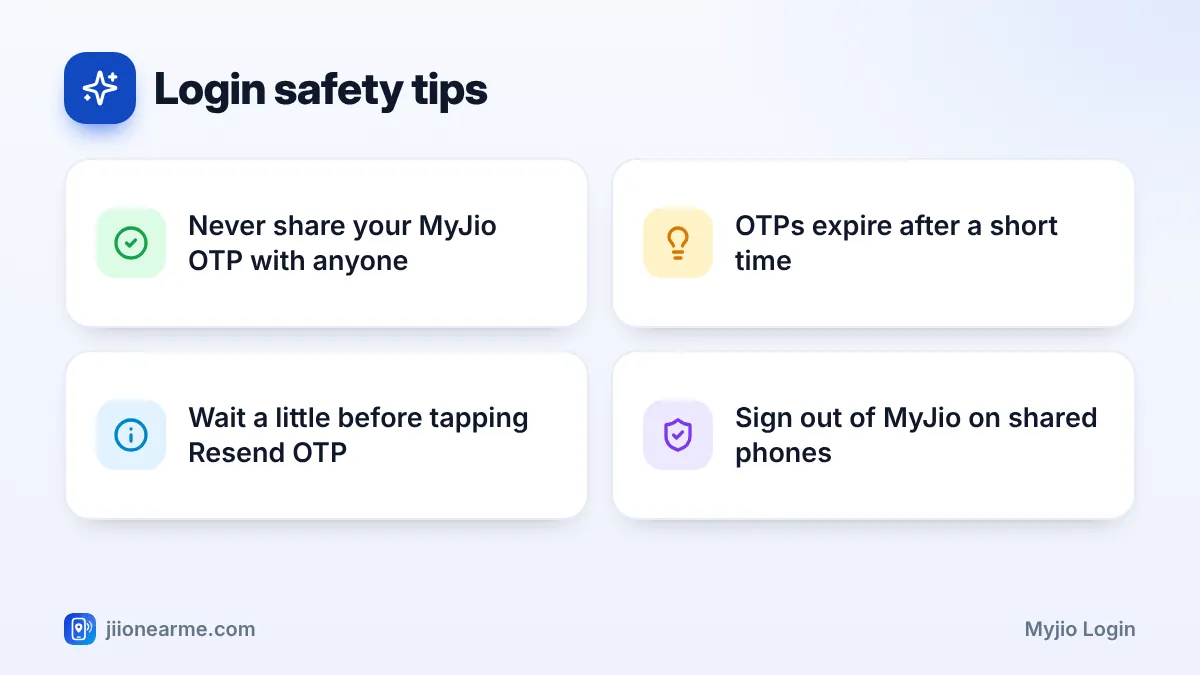
- Never share your OTP with anyone, including callers who claim to be from Jio.
Before You Sign In: What You Need
Keep these ready before you start:
- A smartphone running Android or iOS. MyJio is available on the Google Play Store and the Apple App Store.
- An active Jio number. Prepaid or postpaid both work.
- Access to that SIM. The OTP is sent by SMS, so the SIM should be in a phone you can check right away.
- Internet access. Mobile data or Wi-Fi is fine.
Download the official app published by Jio. Check the developer name on the store page before installing, as fake look-alike apps do exist.
How to Complete Your MyJio Login with Number and OTP
The steps are almost the same on Android and iPhone. Button names can vary slightly between app versions.
- Install the MyJio app from the Play Store or App Store and open it.
- Allow or skip the permission requests. You can change these later in your phone settings.
- Tap Sign in, Log in or Get started, depending on what the screen shows.
- Enter your 10-digit Jio mobile number without the country code.
- Tap Generate OTP or Send OTP.
- Wait for the SMS from Jio, then type the OTP into the boxes on the screen.
- Tap Submit or Verify if the app does not continue on its own.

Once you are signed in, the home screen shows your plan, data balance and validity.
Quicker Sign-In on Jio Mobile Data
On some phones, if you open MyJio while using mobile data from your Jio SIM, the app may detect your number automatically and offer a faster sign-in. This depends on your phone and app version. If you are on Wi-Fi, or the option does not appear, use the OTP method above.
On Android, MyJio may read the OTP from your SMS automatically. On iPhone, the code often appears as a suggestion above the keyboard. Tap it to fill the boxes instantly without switching apps.
Staying Signed In to MyJio
After your first MyJio login, you usually do not need to sign in every time. The app keeps your session active. You may be asked to sign in again if:
- You sign out from the app’s menu or settings.
- You clear MyJio’s app data or storage.
- You uninstall and reinstall the app, or move to a new phone.
- A major app update or a security check needs you to confirm your number again.
If other people use your phone, set a strong screen lock. MyJio shows your number, plan and usage, so keep it away from anyone you do not trust. On a shared or borrowed phone, always sign out when you are done.
If the OTP Does Not Arrive
OTP delays are the most common login problem. Use this table to find the likely cause:
| Problem | Likely reason | What to try |
|---|---|---|
| No SMS at all | Wrong number typed | Re-check every digit and try again |
| No SMS on dual-SIM phone | Looking at the wrong SIM | Check messages for the Jio SIM slot |
| SMS very late | Weak network signal | Move to better signal or restart phone |
| SMS not visible | Filtered as spam | Check the spam folder in your SMS app |
| “Too many attempts” | Repeated requests | Wait a while before trying again |
Some more points to keep in mind:
- Wait at least a minute before tapping Resend OTP. Many requests in a row can cause a temporary block.
- Turn airplane mode on and off once to refresh the network connection.
- DND settings are meant for promotional messages and do not normally block OTPs.
- Make sure your number is active. A prepaid number without a valid plan for a long time may lose some services.
If none of this works, call Jio customer care on 199 from your Jio number or the toll-free number 1800-889-9999.
Your MyJio OTP gives full access to your account, including recharges, statements and personal details. Jio staff will never ask for it. If anyone calls, messages or sends a link asking for your OTP, do not share it. You can report suspected fraud calls and messages on the Sanchar Saathi portal.
Adding More Numbers After You Sign In
Once you are signed in, you can link other Jio numbers or a JioFiber connection to the same app. Look for Link account, Manage accounts or a plus icon near your number at the top. The other number will need its own OTP, so the person who owns it should be present and willing.
After linking, use the account switcher at the top of the home screen to move between numbers. This is useful for parents who manage recharges for the whole family.
Frequently Asked Questions
Can I log in to MyJio without an OTP?
On some phones, MyJio can detect your number automatically when you use Jio mobile data. In all other cases, you need the OTP sent to your number.
Can I use MyJio on Wi-Fi after signing in?
Yes. Once you have signed in, MyJio works on Wi-Fi as well as mobile data. You only need the SIM nearby when a new OTP is required.
Can I sign in to MyJio on two phones?
You can usually sign in on more than one device using the OTP each time. For safety, sign out from any phone you no longer use.
My Jio SIM is in another phone. How do I get the OTP?
The OTP goes to whichever phone has the SIM. Check that phone’s messages, or move the SIM to the phone where you are signing in.
Why did MyJio sign me out on its own?
This can happen after clearing app data, reinstalling, updating the app or a security check. Just sign in again with your number and a new OTP.
Wrapping Up
Your first MyJio login is quick: install the app, enter your Jio number, request an OTP, and type it in. After that, the app usually keeps you signed in, so you can check your balance, recharge and see usage any time.
If the OTP is slow, check the number, the SIM slot and the spam folder before trying again. Above all, keep your OTP to yourself. It is the key to your account.
JIo Near me is an independent guide and is not affiliated with Reliance Jio. App menus, plans and policies can change – always confirm current details in the official MyJio app or on jio.com. We will never ask for your OTP, PIN or passwords.
