Yes, you can order a new Jio SIM online and get it delivered to your home. You book it on jio.com, verify a contact number, add your address and pick a slot. A Jio executive then brings the SIM to your door and completes KYC with you on the spot.
Home delivery is handy if you can’t visit a store, or if you are buying a SIM for a family member who finds travel difficult. This guide covers the booking steps, what happens during the doorstep visit and how to follow your order until it arrives.
- Book Jio SIM home delivery on jio.com; look for an option such as Get Jio SIM or Buy new SIM.
- You need a working mobile number to receive the booking OTP and delivery updates.
- The person whose name the SIM will be in must be present for KYC at the door.
- Keep your Aadhaar or another original ID ready, and never share OTPs with callers.
Who Can Use Jio SIM Home Delivery
Home delivery works for most people who want a new prepaid or postpaid connection, or who want to port an existing number to Jio. Before you book, check a few basics.
- Your area must be covered. Delivery depends on your PIN code. The website tells you if it is available at your address.
- You need a contact number. This can be any working number, from Jio or another operator. It is used for the OTP and for delivery calls.
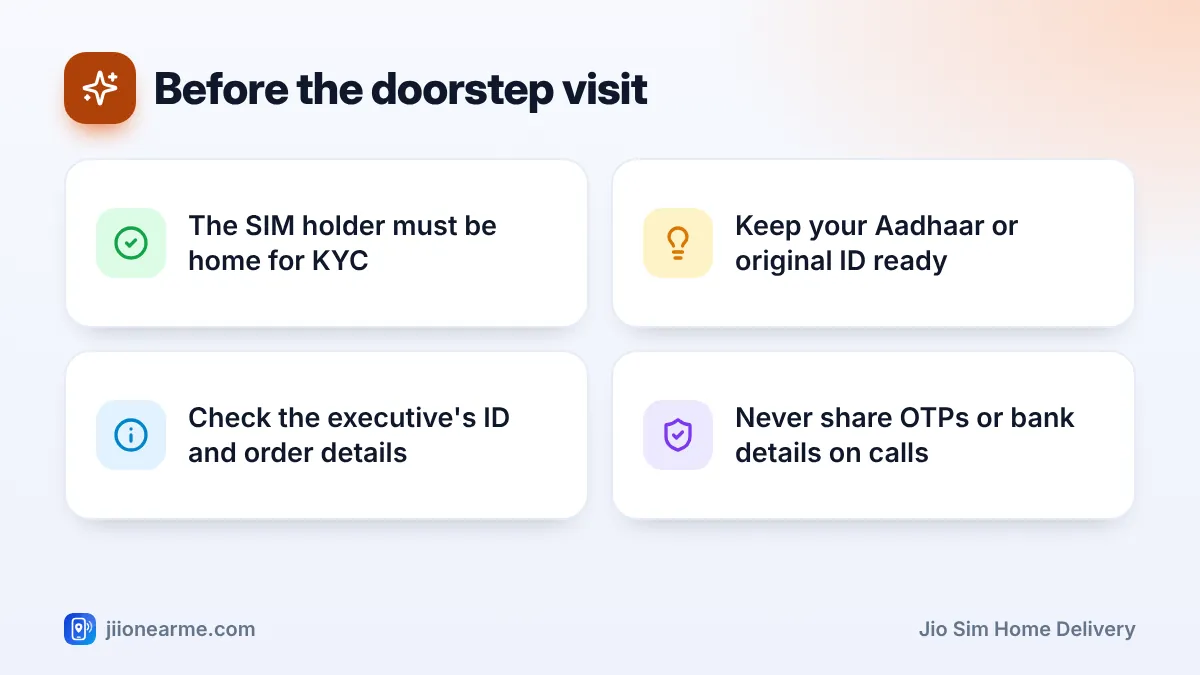
- The SIM user must be available. KYC is done in person at the door, so the person whose name the SIM is in must be at home during the slot.
- Your phone should support 4G VoLTE or 5G. Jio calls run over these networks.
If delivery isn’t available in your area, you can still buy a SIM from a nearby Jio Store or authorised retailer.
How to Book Jio SIM Home Delivery Online
The steps below follow the usual flow on the Jio website. Button names can differ slightly over time, but the order stays much the same.
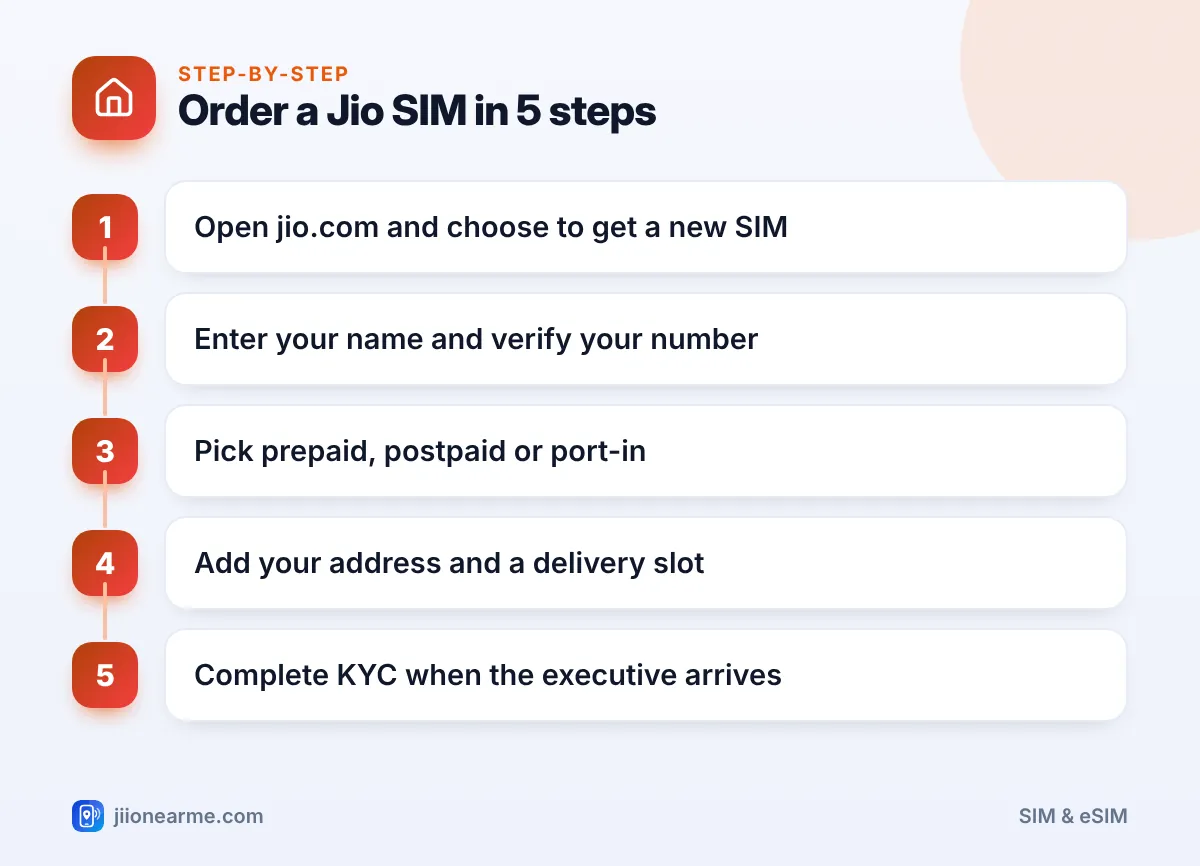
- Open jio.com in your browser. Look for an option such as Get Jio SIM, Buy new SIM or New connection.
- Enter your full name and a mobile number you can access right now.
- Type the OTP you receive into the website yourself to verify the number.
- Choose the type of connection: prepaid, postpaid or port your existing number to Jio. Where offered, you may also see an eSIM option.
- Enter your delivery address and PIN code. Add a landmark so the executive can find you easily.
- Pick a delivery date and time slot if the site offers one.
- Review your details and confirm the order.
After you confirm, you should get an SMS with your order details. Save this message, because it is the easiest way to follow your order later.
If you want to keep your current number, first SMS “PORT” followed by your 10-digit number to 1900 from that number. You will receive a Unique Porting Code (UPC). Keep it handy for the doorstep visit.
What Happens During the Doorstep KYC Visit
The delivery visit is where your connection actually gets created. Here is what to expect.
The executive calls before arriving
You will usually get a call or SMS before the visit. Keep your phone on and reachable during your chosen slot. If you miss the visit, follow the instructions in the SMS to reschedule.
You verify the executive
When the executive arrives, ask to see their ID and check that your order details match. A genuine executive will know your name and order, and will not ask for money beyond what you were told during booking.
KYC is completed at your door
With Aadhaar, the executive enters your Aadhaar number and you place your finger on their biometric scanner. Your name, address and photo are fetched from UIDAI and filled in automatically. If you use another original ID, such as a passport or voter ID, the executive photographs the document and takes a live photo of you.
You get the SIM and choose a plan
Once KYC is done, the executive hands over the SIM. You can choose a plan and complete your first recharge, or confirm your postpaid plan. Check the latest plans in the MyJio app or on jio.com, because they change often.
Fraudsters sometimes pose as delivery staff. A genuine executive will not phone you asking for an OTP, your Aadhaar number or bank details before the visit. Complete KYC only in person, for an order you placed yourself.
How to Track Your Jio SIM Order
Delivery time depends on your area and the slot you picked. To keep an eye on your order:
- Check your SMS. Jio sends updates about your order to the contact number you gave.
- Use the order details. The confirmation message usually includes a reference or order number. Keep it ready if you need help.
- Check on jio.com. Look for an order status or track order option on the website. Labels can vary.
- Call customer care if it is delayed. Jio’s toll-free number 1800-889-9999 works from any network.
If your slot passes and nobody arrives, don’t book a second order straight away. Contact customer care with your order number first, so you don’t end up with duplicate visits.
Home Delivery vs Buying at a Jio Store
Both routes give you the same SIM. The better choice depends on your time and situation.
| Home delivery | Jio Store | |
|---|---|---|
| Where KYC happens | At your door | At the store counter |
| Time needed | Book online, then wait for the slot | One visit, usually short |
| Best for | Busy people, elderly users, remote work days | Urgent needs, eSIM or complex requests |
| Help with setup | Basic help from the executive | Staff can help with more issues |
| Availability | Depends on your PIN code | Any open Jio Store or retailer |
After the SIM Is Delivered
Insert the SIM in your phone and restart it. Activation usually happens within a few hours of KYC, though it can take longer in some cases. You should receive an SMS once your number is live.
Then run a quick check:
- Make a short test call to a family member.
- Send a test SMS.
- Turn on mobile data and open a website.
- Install the MyJio app and sign in with your new number to see your plan and validity.
The card holder that comes with your SIM shows your PUK code. Store it safely. You will need it if your SIM gets locked after too many wrong PIN attempts.
Frequently Asked Questions
Is Jio SIM home delivery available everywhere?
No. It depends on your PIN code. The website shows whether delivery is available when you enter your address, and you can visit a Jio Store if it isn’t.
Can someone else receive the SIM on my behalf?
The SIM is registered to the person who completes KYC. So the person who will own and use the number should be present and verify with their own ID.
Can I order a Jio SIM online with my existing number?
Yes. Choose the option to port your number while booking. Generate a UPC by sending “PORT” with your number to 1900 before the executive arrives.
What if I miss my delivery slot?
Follow the rescheduling instructions in the SMS from Jio. If you can’t find them, call 1800-889-9999 with your order details.
Do I pay anything when the SIM is delivered?
You may pay for your first recharge or plan during the visit, depending on the option you chose while booking. Check the details shown at the time of ordering.
Wrapping Up
Jio SIM home delivery saves you a trip, as long as the right person is home with the right ID. Book on jio.com, keep the confirmation SMS, and complete KYC only with the executive standing in front of you.
Once the SIM arrives, give it a few hours to activate, then test calls, SMS and data. If anything is delayed, customer care with your order number is the quickest route to an answer.
JIo Near me is an independent guide and is not affiliated with Reliance Jio. App menus, plans and policies can change – always confirm current details in the official MyJio app or on jio.com. We will never ask for your OTP, PIN or passwords.