A little preparation before the JioFiber technician arrives can save you a second visit. The four things that matter most are a good router location, a working power socket, a clear cable entry point and permission from your society or landlord. Keep your ID ready too, in case verification is still pending.
This checklist takes you through each item in the order you should think about it. Most of it takes only a few minutes, but deciding these things in advance means you are not making rushed choices while someone is holding a drill.
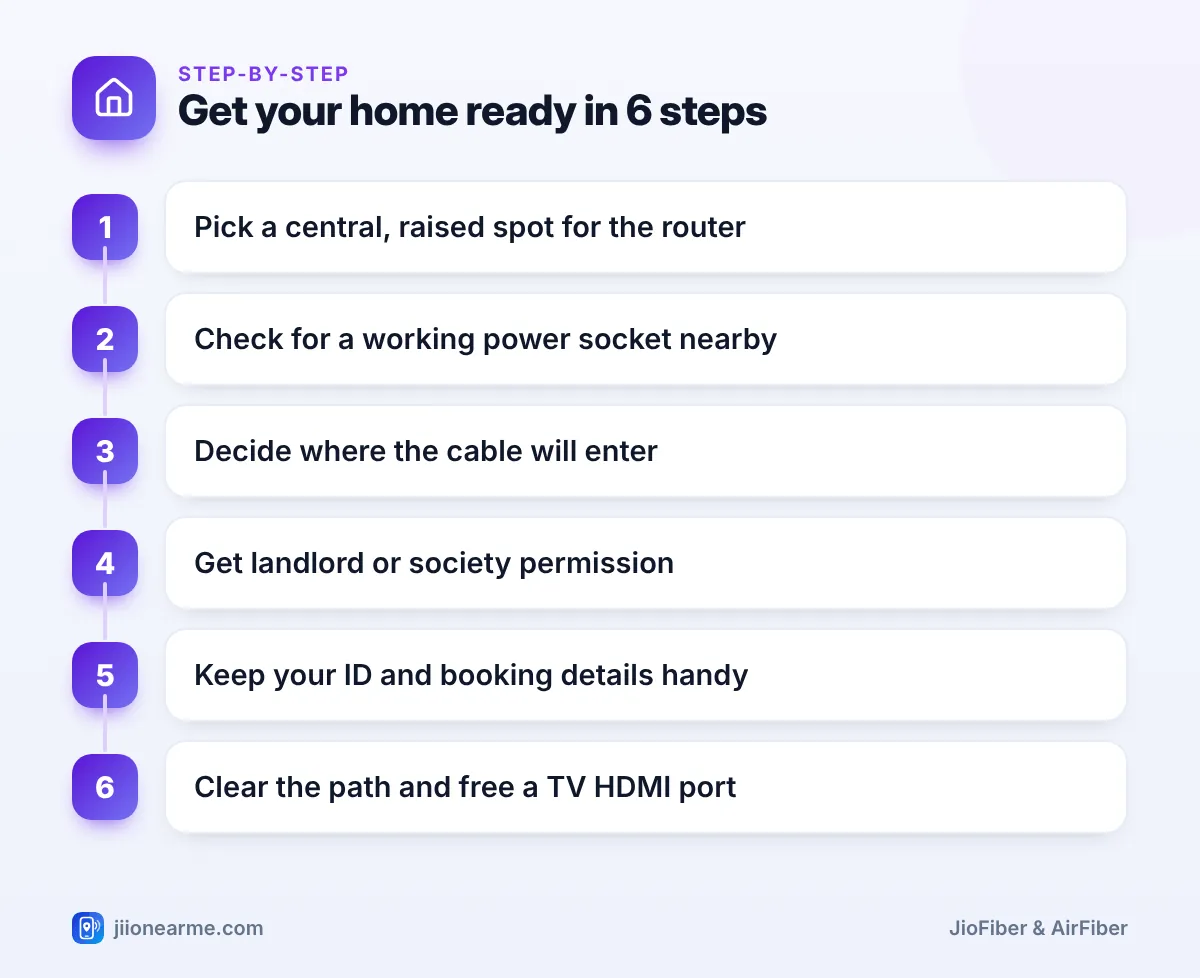
- Choose a central, open and raised spot for the router before the visit.
- Make sure a working power socket is close to that spot.
- Decide the cable’s entry point and route, and get permission for any drilling.
- Keep an adult at home with ID and booking details for the whole visit.
Choose the Right Spot for the Router
The router’s location decides how well Wi-Fi reaches each room. Once the fibre cable is fixed, moving the router far is not easy, so this is the most important decision.
Wi-Fi signals weaken through walls, floors, mirrors, water and metal. A router in the middle of the home, at chest height or above and out in the open, usually gives the most even coverage.
| Good router spots | Poor router spots |
|---|---|
| Central wall of the hall or living area | Inside a cupboard or a closed TV cabinet |
| A shelf at chest height or higher | On the floor or behind a sofa |
| Open space with few walls around | Next to the microwave or fridge |
| Near where you use devices most | In the farthest corner of the home |
If your home is long or has several floors, pick a spot closer to the rooms you use most for work, study or streaming. You can add mesh Wi-Fi or extenders later if some rooms remain weak.
Check Power Sockets and Electrical Points
The router needs a constant power supply, so plan for this before the visit.
- A nearby socket: Choose a working socket within easy reach of the router spot. Avoid extension boards lying on the floor.
- A socket that stays on: Do not use one controlled by a switch someone may turn off at night.
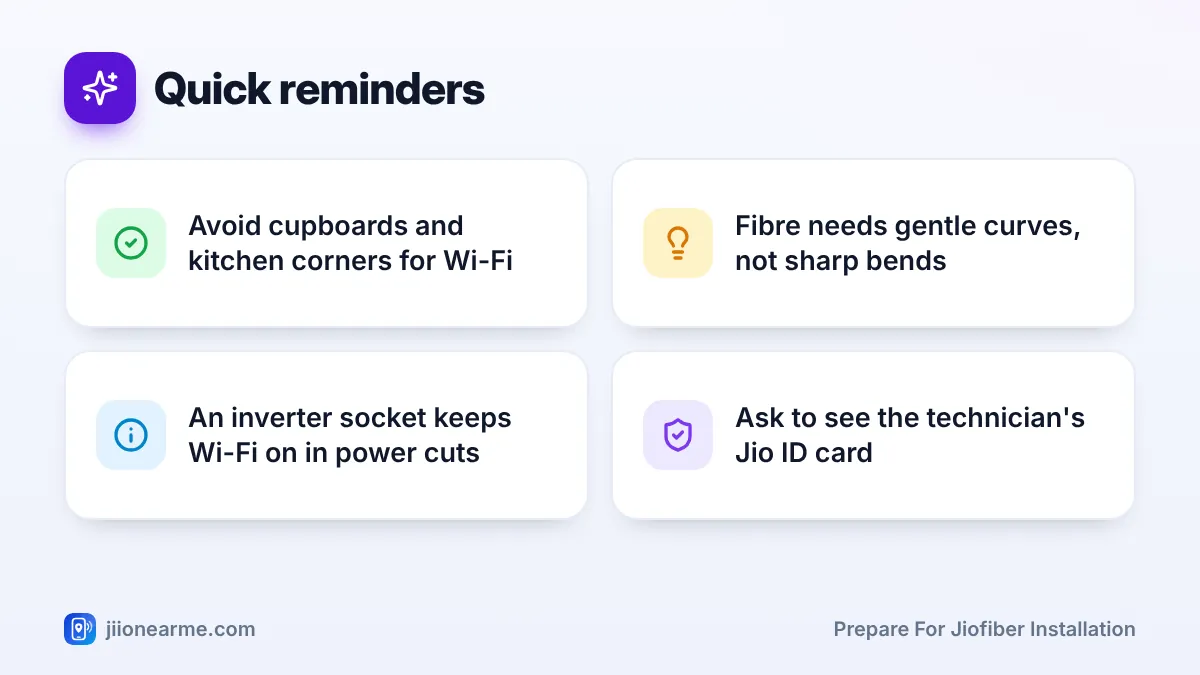
- Inverter or UPS backup: If your home has an inverter, a socket on that circuit keeps Wi-Fi running during short power cuts.
- TV corner: If your plan includes a Set-Top Box, keep a socket and a free HDMI port ready near the TV.
- Landline: If you plan to use the landline, decide where the phone will sit, ideally close to the router.
Plug a phone charger into the chosen socket a day before to confirm it actually works. A loose or dead socket is easy to miss until the router will not power on.
Plan Where the Cable Will Enter Your Home
The fibre cable comes from Jio’s distribution point, which may be in your building’s ground floor, shaft or stairwell, or on a nearby pole. It then enters your home through a wall, window frame or existing opening.
Look around and note the options:
- An existing hole used by an old cable or DTH line.
- A window frame with space for a thin cable that will not be crushed when the window closes.
- A conduit or duct that already runs into your flat.
- An outer wall close to the router spot, if drilling is acceptable.
Also think about the route inside. Fibre cable is thin but should not be bent sharply, pinched under doors or left across the floor. A path along the edge of walls or ceilings with gentle curves is best.
Get Society or Landlord Permission Early
In apartments and rented homes, pending permission can delay the installation or stop work halfway. Sort it out before the visit day.
- Society office: Ask whether Jio fibre is already in the building and whether there are rules for cable routing, drilling or work timings.
- Landlord: Explain where the cable will enter and whether a small hole is needed. A written message or email confirming approval is useful.
- Security and lift access: Inform the gate or security desk about the expected visit so the technician is not held up.
If the cable has to pass through corridors, the terrace or common ducts, the society may want to know the exact route. Share it in advance to avoid objections on the day.
Keep Documents and the Right People Ready
Make sure the account holder or another adult will be at home for the whole visit. They should be able to decide on the router spot and approve the cable route.
Keep these handy:
- ID and address proof, if KYC is not yet complete.
- The booking confirmation SMS or reference number.
- The phone number used for booking, so you can check updates.
When the technician arrives, ask to see their Jio ID card and check that the visit matches your booking.
How to Prepare for JioFiber Installation: Final Day-Before Checklist
Use this order to prepare for JioFiber installation the evening before your slot:
- Confirm the router spot and mark it with tape or a sticky note.
- Test the power socket near that spot.
- Clear a path to the cable entry point and move furniture if needed.
- Confirm permissions with your landlord and society.
- Keep ID, booking details and your phone charged and ready.
- Free an HDMI port and a socket near the TV for the Set-Top Box.
- Plan to keep pets and small children in another room during drilling.
Pay any charges only through MyJio, jio.com or a Jio store. If anyone asks for extra cash or a transfer to a personal UPI ID, call 199 from a Jio number to check before you pay.
Frequently Asked Questions
Where is the best place to install the JioFiber router?
A central, open spot at chest height or higher usually works best. Avoid cupboards, floors and spots next to the microwave or large metal objects.
Do I need my landlord's permission for JioFiber?
If the installation involves drilling or running cables through the building, yes. Getting permission in writing before the visit avoids disputes and delays.
Can I use an extension board for the router?
You can, but a fixed wall socket is better. If you use an extension board, keep it off the floor and make sure it is not switched off by mistake.
What if there is no space for the cable to enter?
Tell the technician during the survey. They can suggest a small drilled hole or another route, and you can decide which is acceptable.
Should I clean or clear the room before the visit?
Clear the area around the router spot and the cable route. Keep a cloth handy for dust, since drilling can leave a little mess.
Wrapping Up
When you prepare for JioFiber installation, focus on four things: router spot, power socket, cable entry and permission. With those sorted and an adult at home with ID, the technician can usually finish in one visit and leave you with a connection that works well in every room you use.
JIo Near me is an independent guide and is not affiliated with Reliance Jio. App menus, plans and policies can change – always confirm current details in the official MyJio app or on jio.com. We will never ask for your OTP, PIN or passwords.
