Turning on DND cuts out promotional SMS, but it was never meant to silence every text. OTPs, bank alerts, delivery updates and government messages fall into other groups under TRAI’s rules, so they keep arriving even on a fully blocked number. That is by design, because these are messages you need.
This article compares the main types of commercial SMS, shows how to tell them apart, and explains which unwanted messages are worth reporting. It also covers how to stop service messages you no longer want.
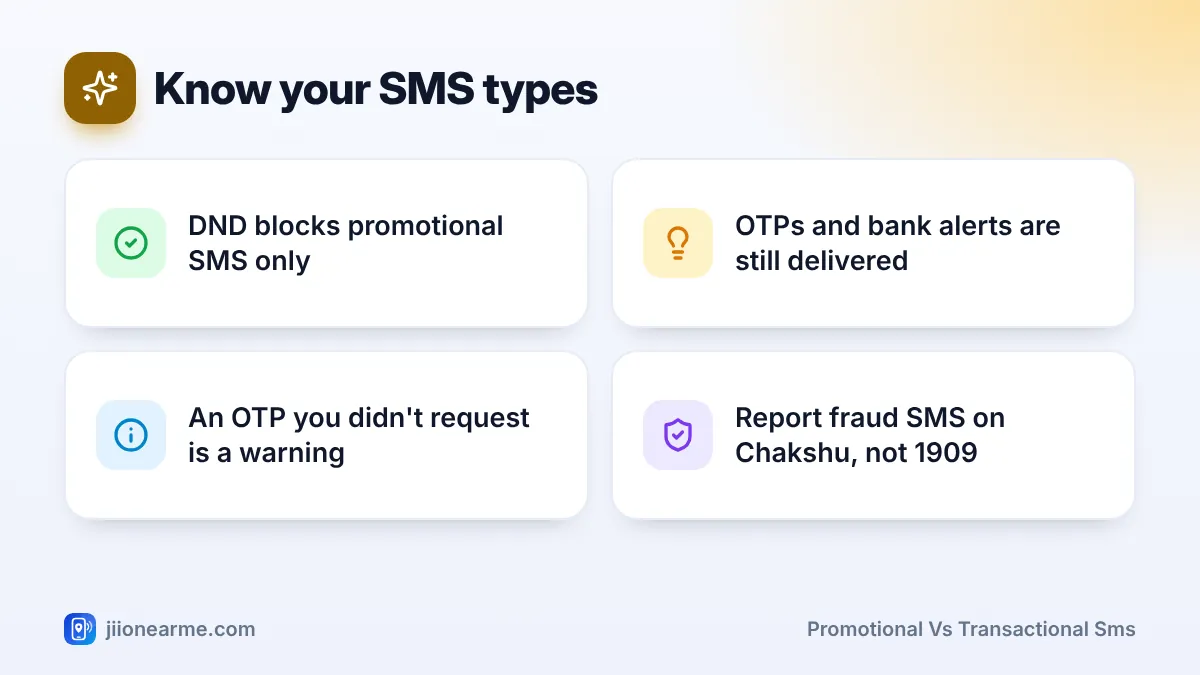
- DND blocks promotional SMS from registered senders, nothing more.
- Transactional messages such as OTPs and debit or credit alerts are always delivered.
- Service messages linked to your accounts or orders also continue, and some depend on your consent.
- Many sender names now end with a letter showing the message type.
- An OTP you did not request is a security warning, not spam.
Why Some SMS Still Arrive After DND
TRAI’s rules split commercial SMS into types based on purpose. DND is your preference for one of those types: promotional messages. The other types exist to keep you informed about your own money, accounts and safety, so blocking them would cause real harm.
Imagine missing an OTP while paying a bill, or a debit alert after a fraudulent transaction. That is why the system lets these messages through, whatever your DND setting.
The Main Types of Commercial SMS
Promotional messages
These try to sell you something: discounts, loan offers, new property projects, sale announcements. They are sent by registered businesses through registered telemarketers, and they respect your DND preference.
Transactional messages
These are triggered by something you did, such as an OTP for a payment or login, or an alert that money left your account. They are time-critical and always delivered.
Service messages
These relate to an existing relationship or action. Examples include order and delivery updates, bill reminders, booking confirmations and balance alerts. TRAI’s rules separate them into two groups:
- Service implicit: messages that naturally follow from your actions, such as delivery updates for something you ordered. These do not need separate consent.
- Service explicit: messages a business can send only if you gave clear consent, such as offers from a company you have an account with. You can withdraw this consent.
Government messages
These come from government bodies and include public alerts, scheme updates and emergency information. DND does not block them.
Promotional vs Transactional SMS at a Glance
| Type | Purpose | Examples | Blocked by DND? |
|---|---|---|---|
| Promotional | Selling or marketing | Sale offers, loan pitches, property ads | Yes, per your preference |
| Transactional | Confirming an action you took | Payment OTPs, debit and credit alerts | No |
| Service implicit | Updates linked to your activity | Delivery status, booking confirmation, bill due | No |
| Service explicit | Messages you agreed to receive | Offers from a brand you signed up with | No, but you can withdraw consent |
| Government | Public information and alerts | Scheme updates, disaster alerts | No |
How to Tell Message Types Apart
You do not need to know the rules by heart. A few quick checks usually tell you what a message is.
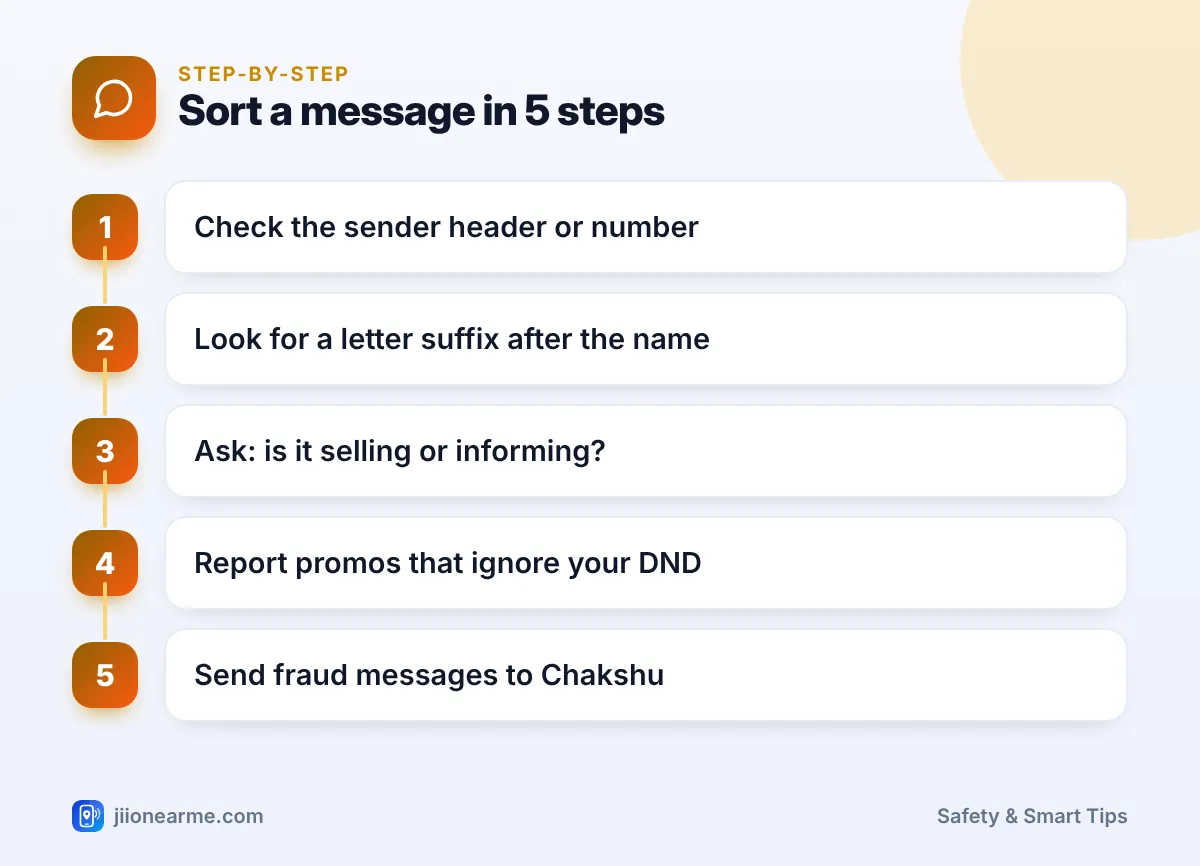
- Look at the sender. Registered businesses send SMS from a header, which looks like letters, a hyphen and a short sender name, rather than a 10-digit mobile number.
- Check the end of the header. Under TRAI’s updated rules, many headers now end with a letter showing the type: P for promotional, S for service, T for transactional and G for government. You may not see this on every message yet.
- Read the content. If it is trying to sell, it is promotional. If it confirms something you did, it is transactional or service.
- Be suspicious of 10-digit numbers. Offers or “account alerts” from ordinary mobile numbers do not come through the registered system. They may be unregistered marketing or outright fraud.
If you receive an OTP you did not request, someone may be trying to log in to your account. Never share it with anyone. Change the password for that service and contact the bank or company through its official helpline if needed.
Which Messages Are Worth Reporting
Report these:
- Promotional SMS after full block, once 24 hours have passed since you set DND. Use the TRAI DND app or 1909.
- Offers from 10-digit mobile numbers, which come from unregistered senders. Report them through the TRAI DND app or 1909.
- Service explicit messages after you withdrew consent, if the business keeps sending them.
- Fraud messages, such as fake KYC alerts, prize claims, or links asking for card details. Report these through Chakshu on the Sanchar Saathi portal.
Do not report these as spam:
- OTPs you requested.
- Bank alerts for your own transactions.
- Delivery, booking or bill updates for your own orders and accounts.
Take a screenshot before you delete a suspicious SMS. The header, time and text help if you need to file a complaint or explain what happened to your bank.
How to Stop Service Messages You No Longer Want
DND does not stop service explicit messages, because you agreed to them. You can still cut them down:
- Use the opt-out option in the message, if one is given, such as a link or keyword from the business.
- Change notification settings in the company’s app or on its website.
- Contact the business through official customer support and ask it to remove your consent.
- Close unused accounts with shops or services you no longer use.
Avoid replying to or tapping opt-out links in messages from unknown senders or 10-digit numbers. Those may be fraud attempts designed to confirm that your number is active.
TRAI updates its commercial communication rules from time to time, including header formats. For the latest official information, check the TRAI website.
Frequently Asked Questions
Why do I still get offer messages from my bank after DND?
You may have given the bank consent to send you offers, which makes them service explicit messages. Withdraw that consent through the bank’s app, website or customer care to stop them.
Are OTPs promotional or transactional?
OTPs are transactional. They confirm an action such as a login or payment, so they are delivered even if you choose full block.
Can I block transactional SMS?
DND cannot block them, and blocking them on your phone is risky because you could miss OTPs and fraud alerts. It is better to keep them and delete old ones regularly.
What do the letters at the end of an SMS header mean?
Under TRAI’s updated rules, a suffix can show the message type: P for promotional, S for service, T for transactional and G for government. Not every header may show it yet.
Wrapping Up
DND is a filter for marketing, not a mute button for every SMS. Keep transactional and service messages, because they protect your money and accounts. Report promotional texts that ignore your preference, send fraud messages to Chakshu, and treat any OTP you did not ask for as a warning.
JIo Near me is an independent guide and is not affiliated with Reliance Jio. App menus, plans and policies can change – always confirm current details in the official MyJio app or on jio.com. We will never ask for your OTP, PIN or passwords.