Reporting a problem through MyJio is often quicker than waiting on a call. You open the app’s help or support section, pick the category that matches your issue, describe it in a few clear lines and submit. MyJio then gives you a service request number, which you use for every follow-up.
This guide shows where to find the option, how to choose the right category, what to write so the request is handled properly, and what happens after you submit. It works for Jio mobile numbers as well as JioFiber and Jio AirFiber accounts in MyJio.
- Open MyJio, go to the help or support section, choose a category and describe the issue.
- Try any quick fixes the app suggests. If they do not work, continue to raise the request.
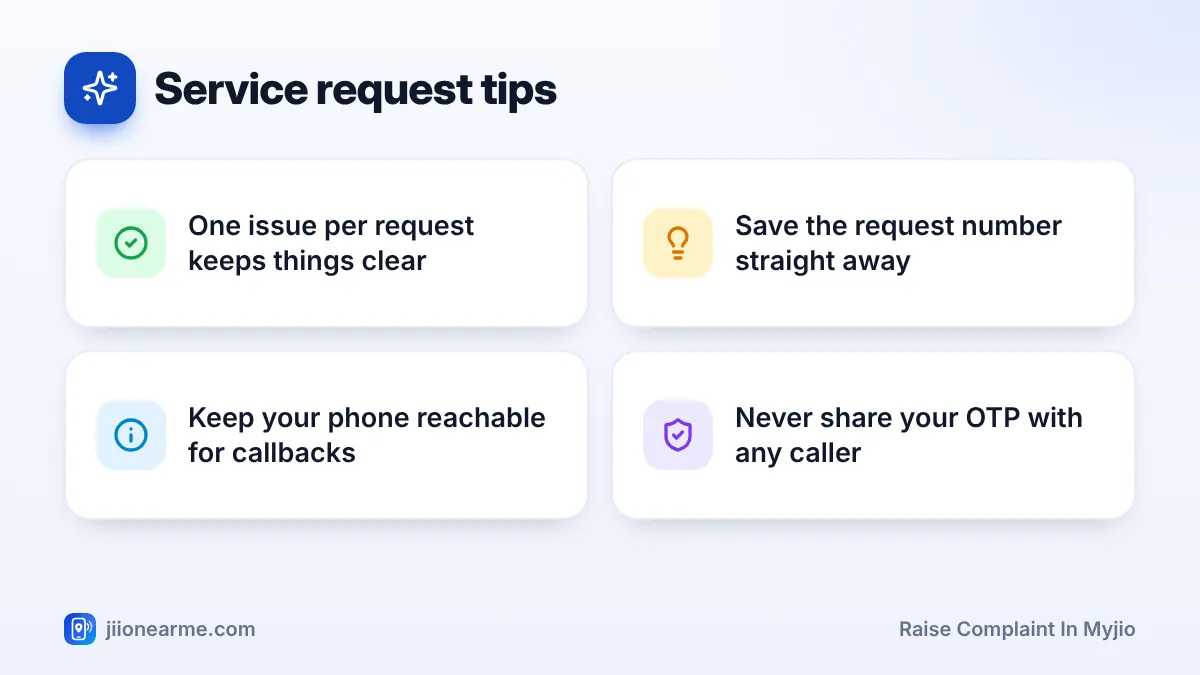
- Write one clear issue per request, with the time, place and steps you already tried.
- Note the service request number and keep your phone reachable for a callback.
When a MyJio Service Request Makes Sense
A service request is a formal record of your problem that a Jio team can work on. It suits issues that cannot be fixed in a single conversation, such as:
- A recharge or bill payment that was debited but not applied.
- Poor network or slow data in a specific area.
- Calls dropping or not connecting.
- A JioFiber or AirFiber connection that is down or unstable.
- Wrong charges on a postpaid or home broadband bill.
For urgent problems, such as a lost or stolen phone with your Jio SIM inside, call Jio instead. From another phone, use the toll-free number 1800-889-9999 and ask for the SIM to be blocked.
What to Keep Ready Before You Start
A few details make your request far easier to act on:
- The affected number, or the registered mobile number of your JioFiber or AirFiber account.
- When it started and whether it happens all the time or now and then.
- Where it happens, including your area and PIN code for network issues.
- What you already tried, such as restarting the phone or router.
- Proof, such as screenshots of errors or the transaction ID of a failed payment.
How to Raise a Complaint in MyJio, Step by Step
The labels below can differ slightly between app versions, but the flow is usually similar on Android and iPhone.
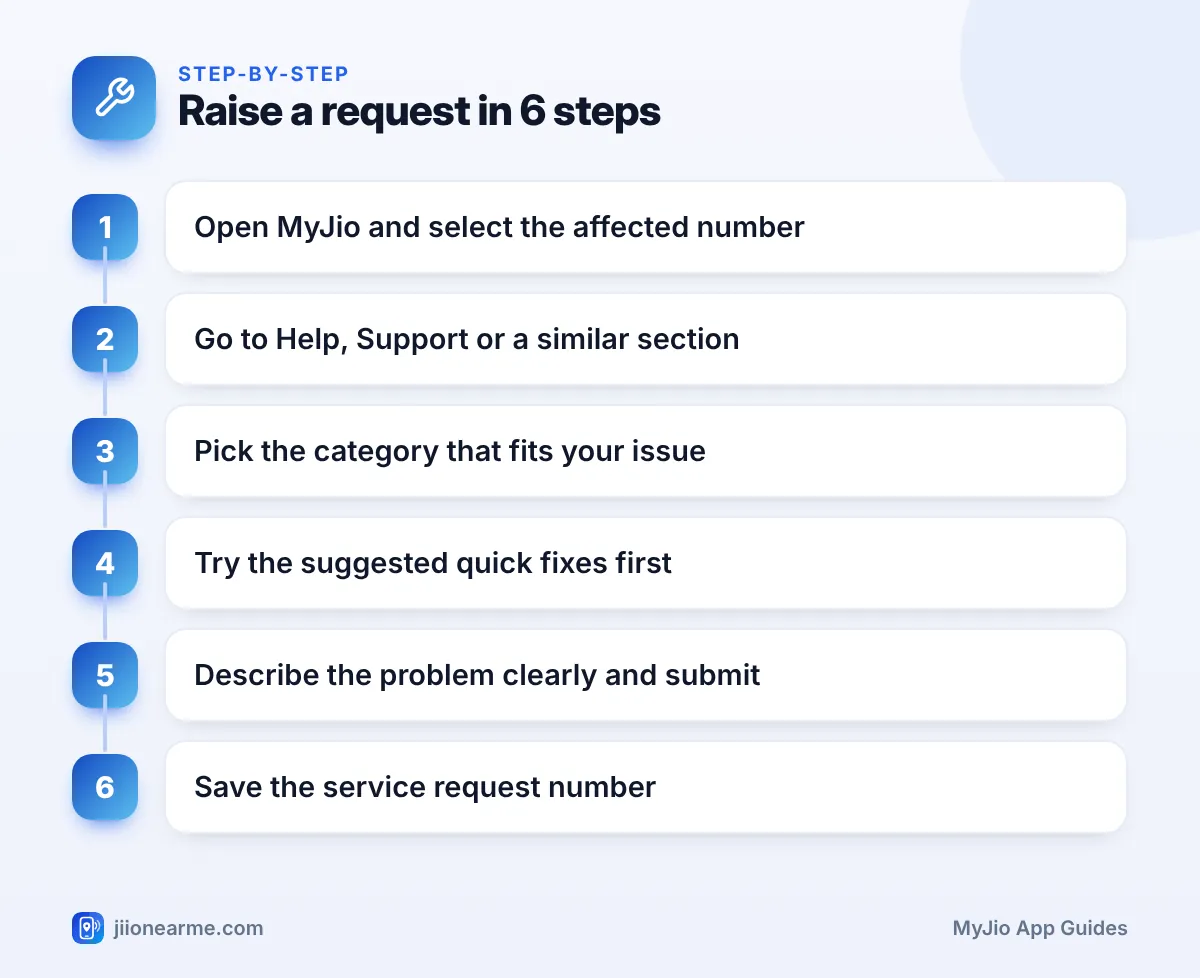
- Update and open the MyJio app. Check that the affected number or account is shown at the top. Switch accounts if needed.
- Open the menu (☰) or tap your profile icon, then look for Help & Support, Support or Need help?. You can also type “help” in the search bar.
- Choose the topic closest to your problem, such as recharge, network, data, calls or home broadband.
- Read any quick fixes the app suggests and try them. If the problem continues, look for an option such as Raise a request, Report an issue or Still need help?.
- Pick the most specific sub-issue on offer, then describe the problem in the text box.
- Add a screenshot if the app allows it, and check that the contact number shown is one you can answer.
- Tap Submit and note the service request number shown on screen. Jio usually confirms it by SMS too.
Some app versions route complaints through the chat assistant instead of a form. Open the chat in the help section, describe your problem and ask for a service request to be raised. Save the number it gives you.
Picking the Right Category
Choosing the closest category sends your request to the team that can fix it.
| Your problem | Category to look for |
|---|---|
| Money debited, plan not active | Recharge or payments |
| No signal or very slow data | Network or mobile data |
| Calls dropping or not connecting | Calls or voice |
| JioFiber or AirFiber not working | Home broadband or connection |
| Bill amount looks wrong | Billing or bill payment |
If nothing matches exactly, pick the nearest one and explain clearly in the description.
How to Describe the Problem Clearly
Support teams can only work with what you write. A clear description avoids repeat questions and early closure.
- Be specific: “Mobile data stopped working since 9 AM today in Kothrud, Pune. Calls work. I restarted the phone twice.”
- Avoid vague lines such as “internet not working” or “please help urgently”.
- Stick to one issue. Raise separate requests for a network problem and a billing question.
- Leave out personal details that are not needed, such as your Aadhaar number or passwords.
Write your description in your phone’s notes app first. Then paste it into the request form. This keeps it clear and gives you a saved copy for later.
What Happens After You Submit
Once your request is registered, you will usually see:
- An SMS with your service request number.
- A possible call from a Jio team member who needs more details. Keep your phone on and reachable.
- A technician visit for some JioFiber or AirFiber issues. Jio normally contacts you to arrange it.
- Status updates in the help section of MyJio, where your open and closed requests are listed.
If the problem is fixed before the request closes, you may get an SMS or a feedback request. Answer honestly, especially if the fix did not work.
A genuine Jio executive may confirm your name or number, but never needs your OTP, passwords or bank details to fix a complaint. If a caller asks for these, end the call and report it on the Sanchar Saathi portal.
Frequently Asked Questions
Can I raise a complaint for JioFiber or AirFiber in MyJio?
Yes. Switch to your JioFiber or AirFiber account in MyJio, then open the help section and choose the home broadband topic.
Is a service request the same as a complaint?
In MyJio, complaints and many service needs are recorded as service requests. Each one gets a reference number you can use to follow up.
How long does Jio take to resolve a request?
It depends on the issue. MyJio or the confirmation SMS sometimes shows an expected time. Network and technician cases can take longer than billing questions.
Can I raise a request for a family member's number?
Yes, if their number is linked to your MyJio account. Switch to that number before you start, so the request is recorded against the right connection and updates reach the right person.
What if I cannot raise a request in the app?
Call 198 from your Jio number to register a complaint, or 199 for queries. You can also use the toll-free number 1800-889-9999 or visit a Jio Store.
Wrapping Up
To raise a complaint in MyJio, open the help section, choose the right category, try the quick fixes and then submit a clear, single-issue request. Save the service request number, keep your phone reachable and check the status in the app. If the app route fails, call 198 to register your complaint.
JIo Near me is an independent guide and is not affiliated with Reliance Jio. App menus, plans and policies can change – always confirm current details in the official MyJio app or on jio.com. We will never ask for your OTP, PIN or passwords.
