The quickest way to recharge a Jio prepaid number is inside the MyJio app: open the app, tap Recharge, choose a plan and pay. The app lists plans that suit your number and shows your new plan as soon as it activates. The one step people often skip is checking which number is selected before paying.
This guide walks through every step, from signing in to confirming that your plan is active. Menu names can differ a little between app versions, so look for similar labels if yours do not match exactly.
- Sign in to MyJio and confirm the number shown at the top before you recharge.
- Open the plan details to check validity, data, calls and extras before paying.
- You can pay with UPI, debit or credit card, or net banking.
- A Jio SMS and the updated plan card in MyJio confirm the recharge.
Before You Start: Sign In and Update the App
Install MyJio only from the Google Play Store or the Apple App Store. Avoid APK files shared on WhatsApp or random websites, as fake apps can steal payment details. If you already have the app, update it so the latest plans and payment options load correctly.
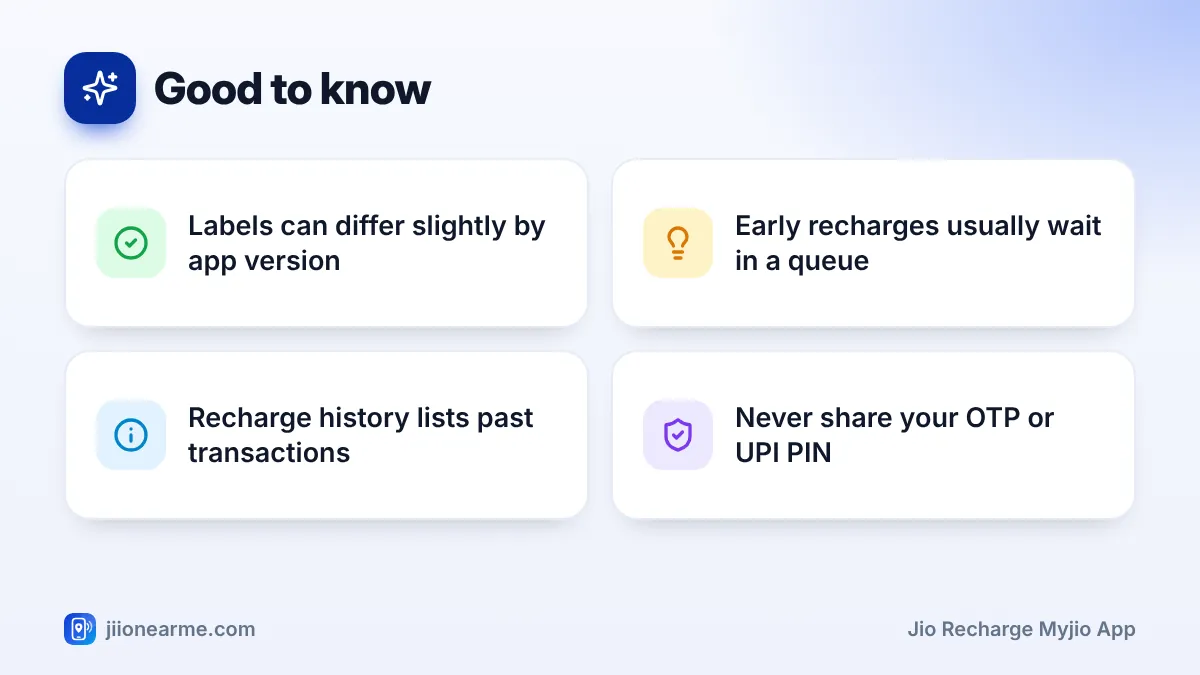
To sign in, enter your Jio number and request a one-time password (OTP). Type the OTP into the app yourself. Never read it out to a caller or forward it to anyone. If your phone is using Jio mobile data, the app may also offer to sign you in automatically with your SIM.
Keep your payment method ready. This could be a UPI app linked to your bank account, a debit or credit card, or net banking login details.
How to Do a Jio Recharge in the MyJio App
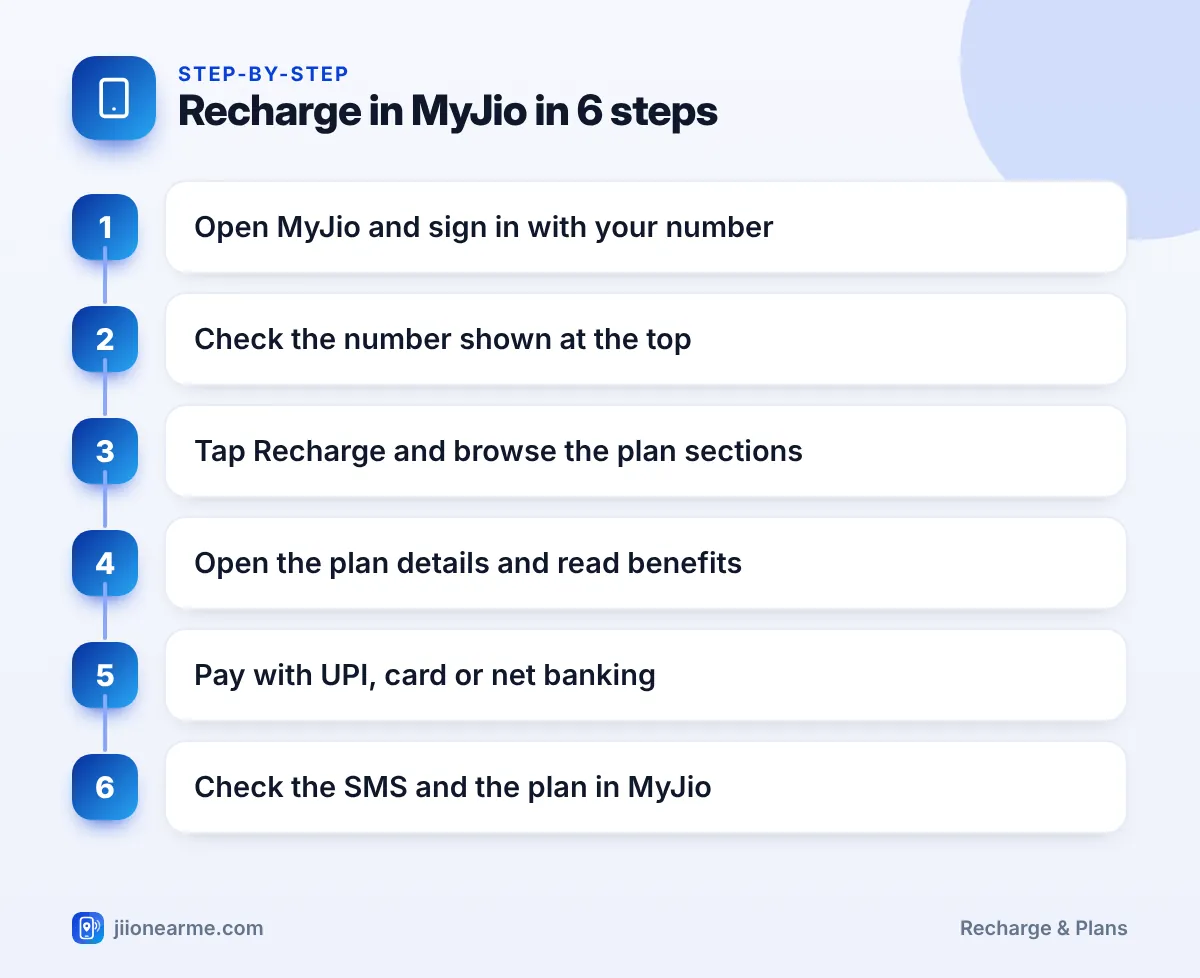
Once you are signed in, follow these steps:
- Open MyJio. The home screen usually shows your number, current plan and remaining data.
- Confirm the number. Look at the top of the screen. If you have linked more than one Jio account, tap the number or profile area to switch to the right one.
- Tap Recharge. It is usually on the home screen or in the bottom bar. On some versions you may find it under a menu (☰).
- Browse the plan sections. Plans are grouped into sections such as popular plans, data packs, annual plans and entertainment plans.
- Open the plan details. Tap a plan or View details to see validity, data, calls, SMS and any app benefits.
- Tap Buy or Recharge. This takes you to a payment summary showing the number, the plan and the amount.
- Choose a payment method and pay. For UPI, approve the payment in your UPI app with your PIN. For cards, your bank may send an OTP to verify the payment. Enter it only on the bank’s verification page.
- Wait for the success screen. Note the transaction ID or take a screenshot.
Recharging a different number from MyJio
The recharge section usually lets you type in a different Jio number. This is useful for recharging a parent’s or child’s phone. The app then shows plans for that number. Read every digit before you pay, because the payment summary is your last chance to catch a mistake.
How to Make Sure You Are Recharging the Right Number
A successful recharge on the wrong number is usually very hard to reverse. So this check matters more than any other step.
- Read the payment summary. It shows the number being recharged. Compare it with your own number or the contact you meant.
- Switch linked accounts carefully. If you manage several family numbers, the app remembers the last account you used.
- Avoid typing from memory. When recharging someone else, copy the number from your contacts or a message from them.
- Check the plan type. JioPhone and JioBharat numbers have their own plans. If the app shows device plans, you are probably on a feature phone number.
If the number on the payment page is not the one you intended, go back and correct it. Do not pay first and hope to fix it later.
Choosing the Right Plan Inside the App
MyJio groups plans so you can compare them quickly. Here is what each common section is for:
| Plan section | Good for |
|---|---|
| Popular or unlimited plans | Daily calls, data and SMS for most users |
| Data packs | Extra data when you run out before your plan ends |
| Annual or long-validity plans | Fewer recharges through the year |
| Entertainment plans | Plans that bundle streaming subscriptions |
| ISD and international roaming | Calling other countries or travelling abroad |
Section names and the plans inside them change from time to time. Always read the details screen rather than the plan card alone.
Your usage history helps you choose. MyJio shows how much data you use each day. If you often run out by evening, a plan with more daily data may suit you. If you rarely use half your quota, a lighter plan may be enough.
Confirming Your Recharge in MyJio
After paying, look for these confirmations:
- A success screen in the app with a transaction ID.
- An SMS from Jio with the plan name and validity.
- The new plan on your plan card, or in an Upcoming plans section if your old plan is still active.
- An entry in your recharge or transaction history, which you can usually open from the menu.
If you recharge before your current plan expires, the new plan normally waits in a queue and starts after the current one ends. This is normal, not a failure.
Allow MyJio notifications on your phone. The app can then remind you before your plan expires, so you can recharge without a last-minute rush.
Common Problems and Quick Fixes
- Plans are not loading: Check your internet connection, update the app and restart it. On Android, clearing the app’s cache from phone settings can help.
- Payment page is stuck: Do not press back repeatedly or pay again. Check your bank or UPI app to see whether the money was debited.
- UPI app does not open: Try another UPI option on the payment page, or pay with a card or net banking.
- Money debited but no plan: Wait a few minutes and refresh. If the payment failed, the amount is normally refunded to the source within a few working days.
If the payment shows as successful but the plan still does not appear, contact Jio. Use the help or support section in MyJio, or call 199 for queries and 198 for complaints from your Jio number. Keep the transaction ID ready.
Frequently Asked Questions
Can I recharge without signing in to MyJio?
You need to be signed in to use most features of MyJio. If you prefer not to use the app, you can also recharge on the official Jio website or through a UPI app.
Why does my new plan show as upcoming?
Your previous plan is still active. The new plan is queued and will start automatically when the current validity ends.
Can I get a receipt for my recharge?
MyJio usually shows past transactions in its recharge or transaction history. Depending on the app version, you may be able to view or download an invoice from there.
Is it safe to save my card in MyJio?
Saved cards are protected by your bank’s verification and card rules, but only save a card on your own phone. Keep a screen lock on the phone and never share OTPs.
What if I recharged the wrong number?
Contact Jio support quickly with the transaction ID and explain what happened. A successful recharge on another number is usually difficult to reverse, so always check the number first.
Wrapping Up
A Jio recharge in the MyJio app takes only a few taps once you know the flow. Confirm the number, read the plan details, pay through a method you trust and check for the Jio SMS. Those small checks prevent almost every recharge problem.
If something does go wrong, check your payment status first, then reach out to Jio support with your transaction details.
JIo Near me is an independent guide and is not affiliated with Reliance Jio. App menus, plans and policies can change – always confirm current details in the official MyJio app or on jio.com. We will never ask for your OTP, PIN or passwords.