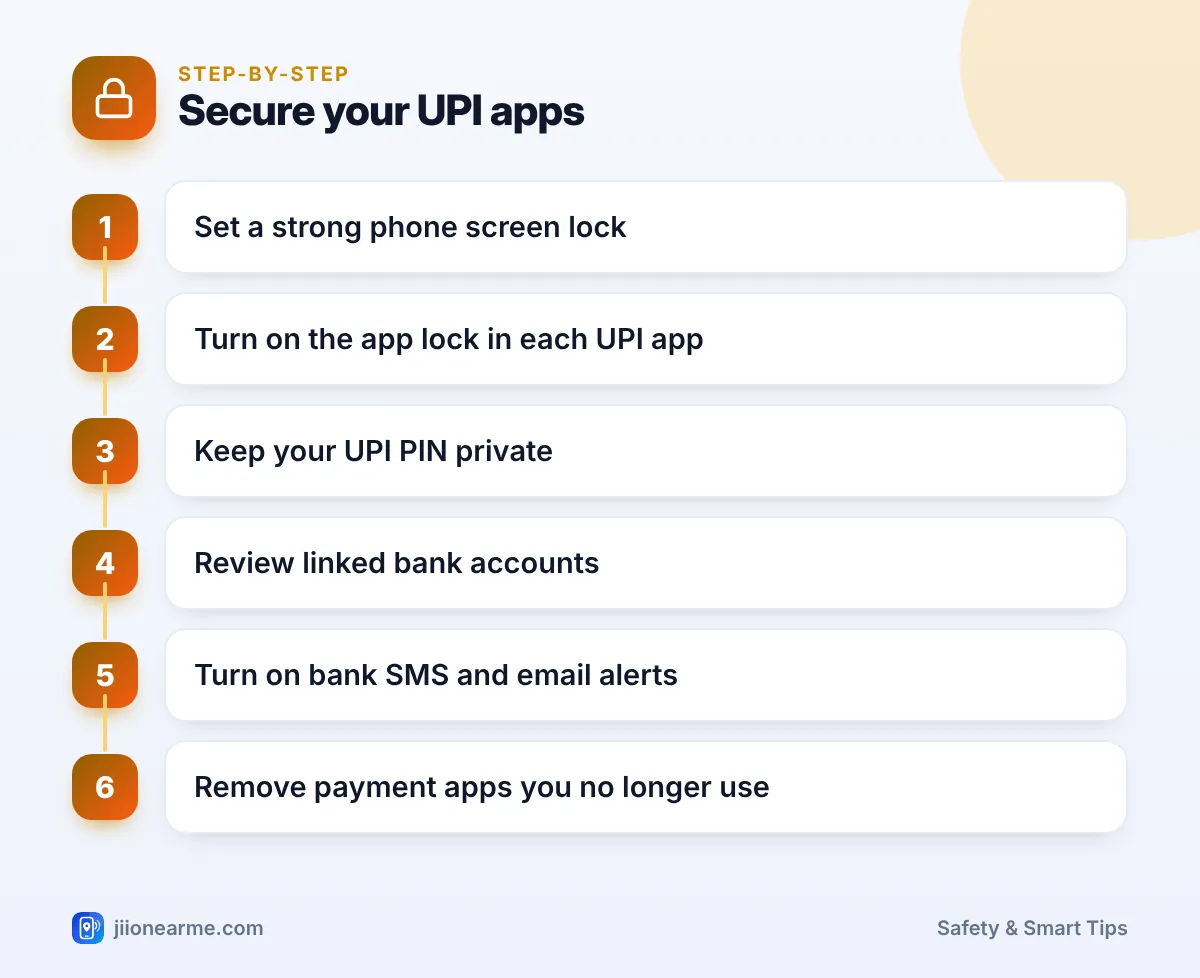
Your UPI apps can move money out of your bank account in seconds, so they deserve more protection than any other app on your phone. The essentials are a strong screen lock, the app’s own lock, a UPI PIN that only you know, and bank alerts that tell you about every debit.
Most of these settings take a few minutes to switch on. Together, they make it much harder for anyone who picks up your phone, or steals it, to make a payment. You will also learn what to do if your phone goes missing.
- A strong phone screen lock is your first line of defence for every payment app.
- Turn on the fingerprint, face or PIN lock inside each UPI app.
- Your UPI PIN is only for paying; you never need it to receive money.
- Check linked bank accounts and autopay mandates, and remove what you do not use.
- If your phone is lost, call your bank and block your SIM straight away.
Start With a Strong Phone Screen Lock
Your phone’s screen lock protects everything inside it, including SMS with OTPs and your payment apps. If someone can open your phone, they are one step closer to your money.
- Use a 6-digit PIN or a password, along with fingerprint or face recognition. Avoid 1234, 0000, your birth year or a simple L-shaped pattern.
- On Android, look under Settings > Security (or Security and privacy) > Screen lock.
- On iPhone, go to Settings > Face ID & Passcode (or Touch ID & Passcode).
- Set a short auto-lock time, such as 30 seconds or 1 minute, so the phone locks quickly if you leave it on a table.
Do not use the same number for your phone lock, ATM PIN and UPI PIN. If one leaks, the others should stay safe.
How to Secure UPI App Access With an App Lock
Most UPI apps, such as BHIM, Google Pay, PhonePe and Paytm, can ask for your fingerprint, face or phone screen lock every time you open them. Some switch this on by default, while others leave it to you.
- Open the UPI app and tap your profile picture or the menu.
- Look for Settings, then Security or Privacy and security.
- Turn on the option called App lock, Screen lock or Biometric lock.
- Close the app fully and reopen it to check that it asks for verification.
Labels differ between apps and versions, so use the search option inside the app if you cannot find it. Some Android brands also have a built-in app lock in phone settings, and recent iPhone versions let you long-press an app icon and choose Require Face ID (or Touch ID).
If you use UPI Lite for small payments, those may go through without a UPI PIN. That makes the app lock even more important, so keep it switched on.
Keep Your UPI PIN Private
The UPI PIN is the 4 or 6-digit code you set for each linked bank account. Entering it approves a payment, so treat it like your ATM PIN.
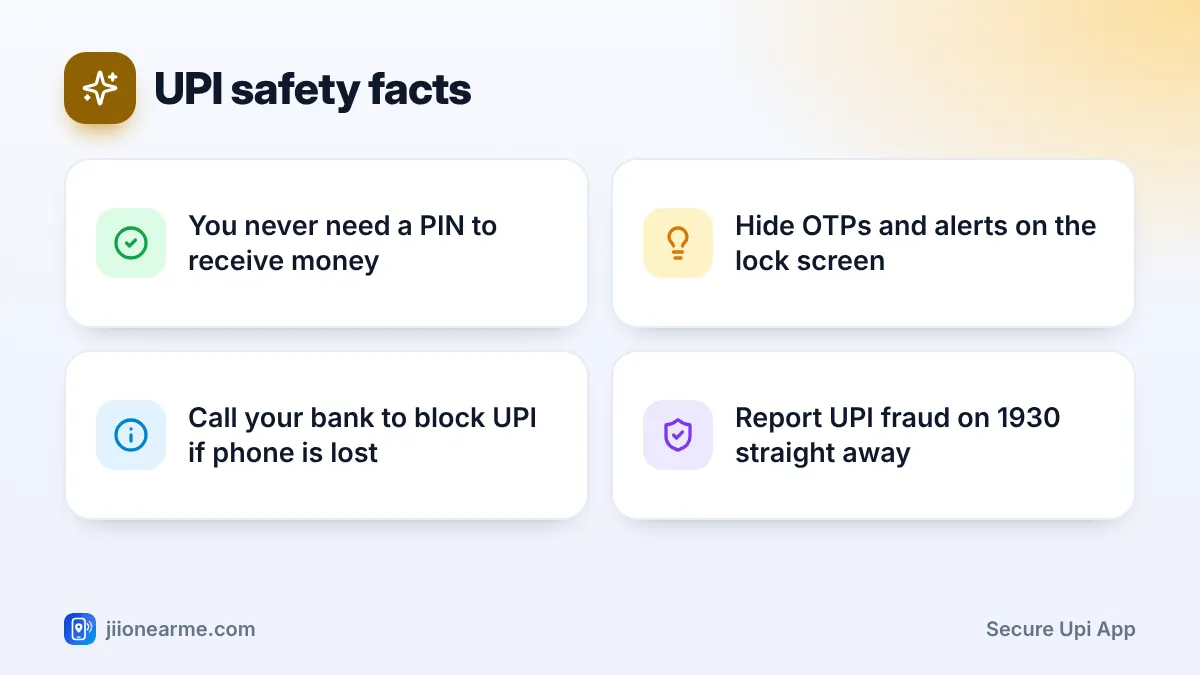
- You never need a UPI PIN to receive money. If someone asks you to enter your PIN to get a refund, cashback, prize or “verification” amount, it is a scam.
- Cover the screen when you type the PIN in shops, buses or queues.
- Never share OTPs or your debit card details with callers, and never install screen-sharing or remote-access apps because a stranger asked you to.
- Change your PIN if anyone may have seen it. Open your bank account inside the UPI app and look for Change UPI PIN. If you forgot it, choose Forgot UPI PIN and reset it with your debit card details and the OTP from your bank.
A request screen can look like you are receiving money, but if it asks for your UPI PIN, approving it will send money out of your account. Read every screen carefully before you type the PIN.
Review Linked Bank Accounts and Autopay
Every bank account linked to a UPI app is another account someone could try to use. A quick review every few months keeps things tidy.
- Remove accounts you no longer use, such as an old salary account.
- Set a primary account you are comfortable using for daily payments. Some people link an account with a smaller balance for everyday UPI.
- Check autopay or mandates. Open the app’s Autopay or Mandates section and cancel any you do not recognise.
- Look at your transaction history once a week. Unknown entries are easier to dispute when spotted early.
- Decline payment requests you did not expect, even if they look like they come from a shop or app.
| Setting | Where to look | Why it helps |
|---|---|---|
| Screen lock | Phone Settings > Security or Face ID & Passcode | Stops others using the phone |
| App lock | UPI app > Settings > Security | Adds a check before payments open |
| Change UPI PIN | UPI app > your bank account | Resets a PIN someone may have seen |
| Autopay or mandates | UPI app > Autopay or Mandates | Stops unknown repeat debits |
| Lock screen notifications | Phone Settings > Notifications | Hides OTPs and alerts from others |
Turn On Alerts and Hide Them on the Lock Screen
Alerts help you spot a wrong payment within minutes, not weeks later.
- Keep SMS alerts active with your bank, and make sure your current mobile number is registered with it.
- Add your email in net banking or at the branch so you get email alerts as a backup.
- Allow notifications from your UPI and banking apps.
- Hide sensitive content on the lock screen. On Android, check Settings > Notifications for lock screen options and choose to hide sensitive content. On iPhone, go to Settings > Notifications > Show Previews and choose When Unlocked.
If you get a debit alert you do not recognise, call your bank’s official helpline straight away.
Remove Payment Apps You No Longer Use
Many people install three or four UPI apps over time and forget about them. Each one is another door into your bank account.
- Open the app you want to stop using.
- Remove your bank account or deactivate the UPI ID. Look for options like Remove account, Deregister or Deactivate UPI ID.
- Log out, then uninstall the app.
Do the same before you sell, exchange or give away a phone, then factory reset it. Install payment apps only from the Google Play Store or App Store, and keep them updated.
If Your Phone Is Lost or Stolen
- Call your bank’s official helpline from another phone and ask them to block UPI, cards and net banking. The number is on your debit card or the bank’s website.
- Block your SIM. Call Jio on 1800-889-9999 from another phone and ask to suspend the number, then get a replacement SIM at a Jio store.
- Lock or erase the phone using Google’s Find My Device or Apple’s Find My.
- File a police complaint, then block the handset through the lost phone option on Sanchar Saathi.
- Report any money taken on 1930 or at cybercrime.gov.in.
UPI apps link to your mobile number. Blocking the SIM quickly makes it harder for anyone to receive OTPs or set up UPI on your number elsewhere.
Frequently Asked Questions
Can someone use my UPI app without my UPI PIN?
They cannot send regular UPI payments without your PIN. However, they can see your transaction history, and small UPI Lite payments may not need a PIN, so keep the app lock on.
Is fingerprint lock enough for UPI apps?
Fingerprint lock is a good layer, but it works best with a strong phone PIN behind it. Anyone who knows your phone PIN can often open apps that fall back to it.
Should my UPI PIN be the same as my ATM PIN?
It is safer to use a different PIN for UPI, your ATM card and your phone lock. Then one leaked PIN does not open everything.
How do I find which apps have my bank account linked?
Check each payment app on your phone. Some banks also show UPI registrations in their app or net banking; if not, ask your bank.
What should I do if I shared my UPI PIN by mistake?
Change the PIN immediately from the UPI app, check recent transactions and call your bank if anything looks wrong. Report losses on 1930 without delay.
Wrapping Up
To secure a UPI app properly, layer your protection: a strong screen lock, the app’s own lock, a PIN only you know, and alerts that catch problems early. Spend ten minutes today checking these settings in every payment app you use, and remove the ones you no longer need.
JIo Near me is an independent guide and is not affiliated with Reliance Jio. App menus, plans and policies can change – always confirm current details in the official MyJio app or on jio.com. We will never ask for your OTP, PIN or passwords.