If a song on JioSaavn has a JioTune clip, you can set it as your caller tune right from the player. Tap the three dots (⋮) next to the song or on the player screen, choose Set as JioTune, confirm the request and wait for an SMS from Jio. After that, people who call your Jio number hear the song instead of normal ringing.
This route is handy because you are already listening to the song, so there is no need to search for it again in MyJio. Below you will find the steps, what the confirmation screen means, how the tune is applied to your number and what to do if it does not play. Labels can differ slightly between app versions.
- Look for Set as JioTune in the song’s three-dot menu or on the player screen.
- The option appears only for songs that have a JioTune clip and for Jio mobile numbers.
- JioSaavn may ask you to confirm your Jio number with an OTP before setting the tune.
- Jio usually sends an SMS once the tune is active. A test call confirms it.
How a JioTune Set From JioSaavn Works
A JioTune is Jio’s caller tune service. The tune is played by the network to people who call you, so it works even when your phone is on silent. Your own ringtone does not change, and you never hear the JioTune yourself.
JioSaavn and JioTunes are linked because both belong to the Jio family of services. When you choose Set as JioTune in JioSaavn, the app sends a request for your Jio number, and Jio’s network switches your caller tune to that clip. It is the same tune you would get by setting it in the MyJio app.
Jio has generally offered JioTunes to its mobile users without a separate charge, and the option in JioSaavn is usually available to free listeners too. Terms can change, so read the confirmation screen before you tap the final button.
Before You Set JioTune in JioSaavn
Check these points first:
- A Jio mobile number with an active plan. Prepaid and postpaid both work. Numbers from other networks cannot get a JioTune.
- The latest JioSaavn app. Update it from the Play Store or App Store so the JioTune option shows correctly.
- Access to your Jio SIM’s SMS. If JioSaavn asks you to verify the number, an OTP will go to that SIM.
- A song with a JioTune clip. Not every track can be a caller tune, because each needs its own licensed clip.
Steps to Set JioTune From the JioSaavn App
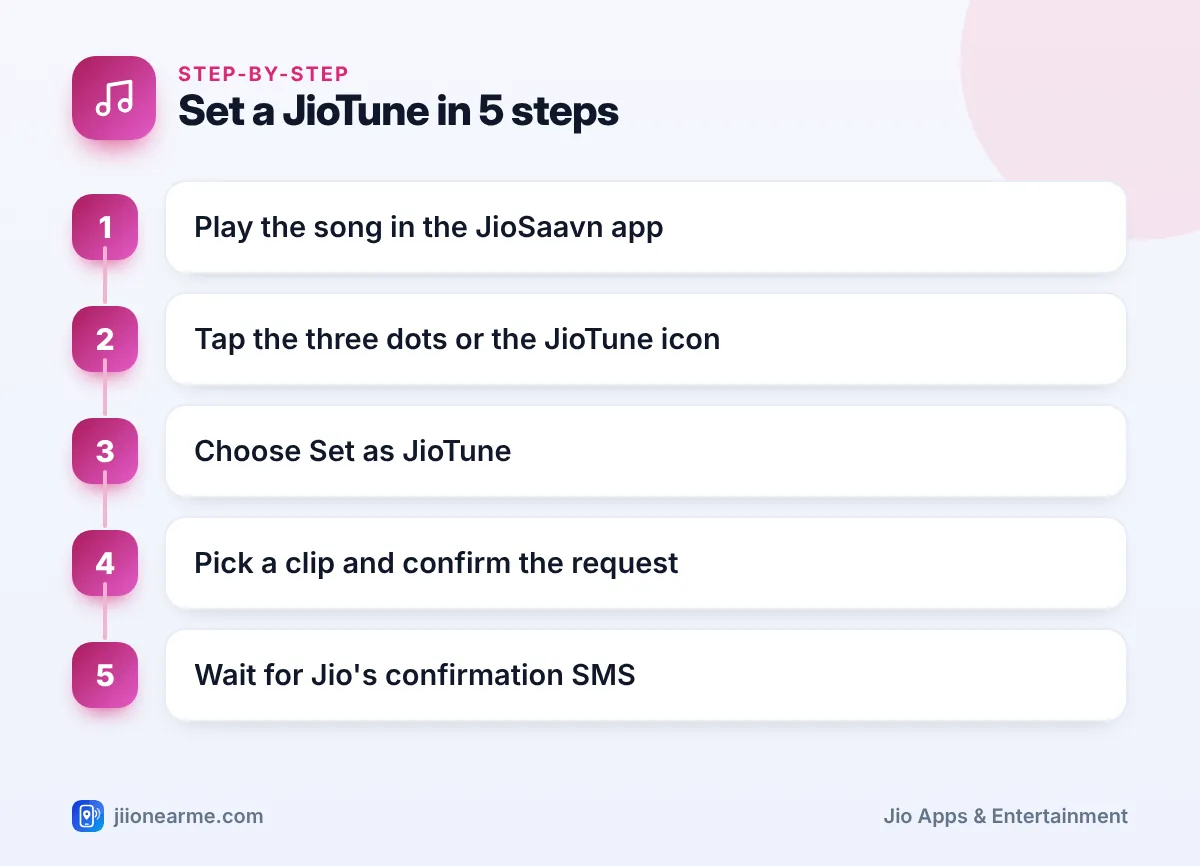
- Open JioSaavn and play the song you want, or find it in search.
- Tap the three dots (⋮) next to the song. If the song is playing, open the full player and tap the three dots there. Some versions also show a small JioTune icon on the player.
- Tap Set as JioTune.
- If more than one clip is listed, play each preview and pick the part you like best.
- If asked, enter your Jio number and the OTP sent to it.
- Read the confirmation screen and tap Confirm, Set or Yes.
- Wait for the SMS from Jio saying your JioTune is active.
Choosing the right clip
Many songs offer clips from different parts of the track, such as the opening lines or the chorus. A soft intro can sound like silence on a weak call, while a chorus is easier to recognise. Choose with your usual callers in mind. Your manager, your bank and your child’s school will hear it too.
If you signed in to JioSaavn with an email or another account, the app may ask you to verify your Jio number before setting a tune. Signing in to JioSaavn with your Jio number usually makes this step quicker.
How to Check That Your Tune Is Active
The tune is not instant in every case. Confirm it in three simple ways:
- Watch for the SMS. Jio usually sends a message naming the song once activation is complete. This can take a few minutes.
- Look in MyJio. Open MyJio, search for JioTunes and check the section showing your active tune.
- Make a test call. Ask someone to call you and let it ring for a few seconds. They should hear the clip.
Callers from other networks in India usually hear your JioTune too, because Jio’s network plays it. Calls made through internet apps such as WhatsApp do not play caller tunes.
JioSaavn vs MyJio for Setting a JioTune
Both apps set the same kind of tune on your number. The difference is mainly convenience.
| Point | JioSaavn | MyJio |
|---|---|---|
| Best when | You are already listening to the song | You want to browse tunes or manage them |
| Where to start | Song’s three-dot menu or player | JioTunes section |
| Shows all songs | Only songs with a JioTune clip show the option | Lists available JioTunes |
| Change or stop a tune | Set a different song | Look for options next to your active tune |
Use JioSaavn when a song catches your ear. Use MyJio when you want to check which tune is active or stop it.
Changing or Removing Your JioTune
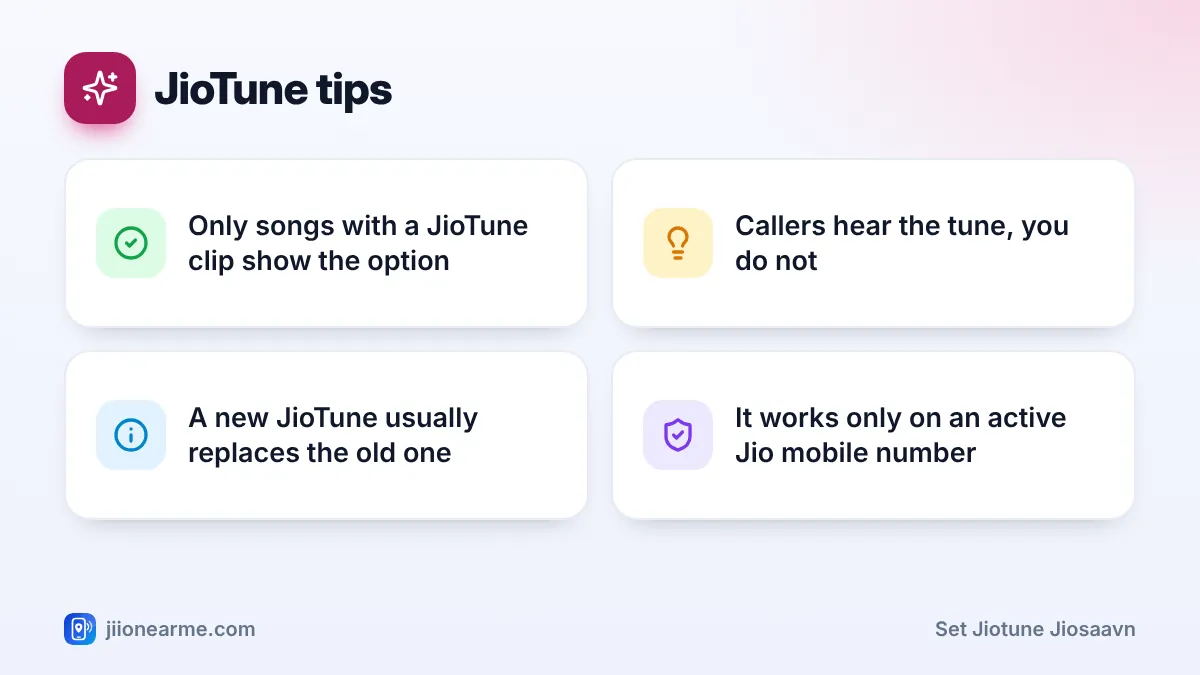
To change the tune, repeat the steps with a different song. In most cases, the new JioTune simply replaces the old one after the usual activation time. You do not need to remove the old tune first.
If you want normal ringing back, open the JioTunes section in MyJio and look for a Deactivate, Stop or Remove option next to your current tune. If you cannot find it, call 199 from your Jio number for help.
Jio staff never call to ask for an OTP or a payment link to “activate a free caller tune”. Set tunes only inside JioSaavn or MyJio. Report suspicious calls or messages through Chakshu on sancharsaathi.gov.in.
When the Set as JioTune Option Is Missing or Fails
- No option in the menu: the song may not have a JioTune clip. Try another version of the song, or search for it in the JioTunes section of MyJio.
- Option missing on every song: check that the app is updated and that you are signed in. The feature is meant for Jio numbers only.
- Error after confirming: check that your plan is active in MyJio, then try again after some time.
- Old tune still plays: activation may still be in progress. Wait a while and test again.
If nothing works after a few hours, call 199 for queries or 198 to register a complaint from your Jio number.
Frequently Asked Questions
Do I need JioSaavn Pro to set a JioTune?
Usually not. The Set as JioTune option is generally available to free JioSaavn listeners with a Jio number. Check the confirmation screen for current terms.
Can I set a JioTune for another person's Jio number?
The request is made for a Jio number that you can verify, often with an OTP sent to it. The owner of that number should set or approve it themselves.
Can I hear my own JioTune?
No. Only people who call you hear it. To hear it yourself, play the preview again or ask a friend to call your number.
Why can I not find a song I like as a JioTune?
Each caller tune needs its own licensed clip. If a song has no clip yet, the option will not appear for it.
Summary
To set JioTune in JioSaavn, play the song, open its three-dot menu, tap Set as JioTune, choose a clip and confirm. Then wait for the SMS and do a quick test call. If the option is missing, the song probably has no JioTune clip, so try another track or use the JioTunes section in MyJio.
JIo Near me is an independent guide and is not affiliated with Reliance Jio. App menus, plans and policies can change – always confirm current details in the official MyJio app or on jio.com. We will never ask for your OTP, PIN or passwords.
