If you spend time editing reels, designing name-art posts, or looking for trending video templates, chances are you’ve come across Techlokesh.org in a search result at some point. This article breaks down what Techlokesh.org actually is, what kind of content it publishes, who it’s useful for, and what to keep in mind before relying on it for downloads or tutorials.
What Is Techlokesh.org?
Techlokesh.org is a blog-style content website built around mobile creativity, photo editing, and digital trends. Rather than being a standalone editing tool, it functions purely as an information and tutorial hub — readers visit to learn techniques, then apply them using apps they already have installed, such as CapCut, PicsArt, and PhotoRoom.
The site’s core content revolves around templates and step-by-step guides for popular photo and video editing styles: dual-photo overlays, name-art designs, festival and birthday themes, and short-form video effects suited for platforms like Instagram Reels and YouTube Shorts. Beyond editing content, Techlokesh.org has also expanded into broader topics such as digital lifestyle, business, fitness, and general tech coverage, giving it a wider, multi-niche footprint than a purely editing-focused blog.
Core Content Categories on Techlokesh.org
1. Mobile Photo Editing Tutorials
A large share of the site’s content explains how to achieve specific visual effects — artistic color grading, background changes, or combining multiple photos into a single composition — using mobile apps rather than desktop software like Photoshop. The instructions are written for beginners, so no prior design background is assumed.
2. Video Templates for Short-Form Content
Given how dominant short-form video has become across Instagram Reels, TikTok, and YouTube Shorts, Techlokesh.org regularly publishes template-based guides for trending video styles. These typically walk through how to open a specific template inside an app like CapCut or VN Video Editor and swap in personal photos, text, or music.
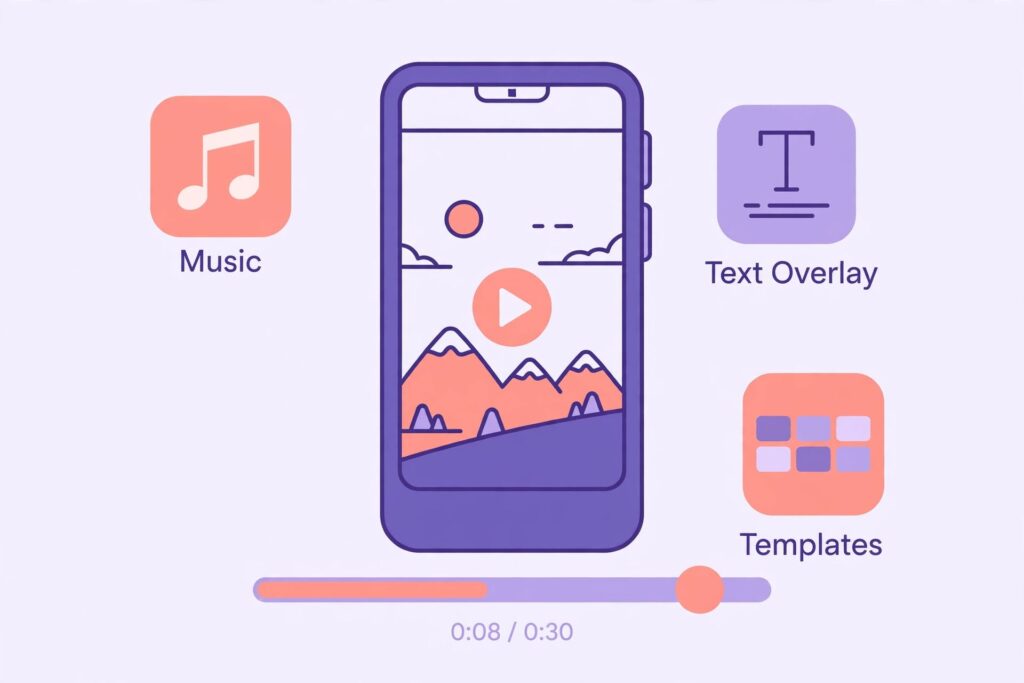
Video templates help creators quickly adapt trending Reels and Shorts formats.
3. Name Art and Occasion-Based Designs
Seasonal and occasion content — birthday edits, wedding-themed designs, and festival posts — makes up another recurring category. These guides are aimed at social media users who want a quick, trend-relevant post without building a design from scratch.
4. General Tech and Digital Lifestyle Articles
Alongside editing content, the site also covers broader topics such as digital marketing basics, productivity, and general technology explainers, positioning it as more than a single-purpose editing blog.
Who Is Techlokesh.org Useful For?
Based on its content mix, Techlokesh.org is best suited for:
- Social media users who want trend-relevant templates without learning professional design tools
- Beginners experimenting with mobile editing apps for the first time
- Content creators looking for quick reference guides rather than long-form courses
- Readers in India, which reporting suggests is currently the site’s largest traffic source
Users looking for advanced, professional-grade editing tutorials (color science, manual compositing, desktop workflows) may find the content too beginner-focused for their needs.

Always verify where a template download or app link leads before installing anything.
Things to Keep in Mind Before Using the Site
Since Techlokesh.org is a tutorial and template hub rather than an editor itself, several of its guides link out to third-party destinations to complete the actual edit — for example, a deep link into CapCut, or occasionally an external file host for a downloadable template. A few points worth keeping in mind:
- Check where a link actually leads before downloading anything, especially if it routes through a third-party file-hosting service rather than an official app store.
- Template availability can change — a broken deep link into an editing app doesn’t necessarily mean the whole guide is outdated, just that the specific template may have been removed or updated.
- Content freshness varies by page — since the site covers a wide range of topics, some tutorials are more recently updated than others, so it’s worth checking publish or update dates on time-sensitive guides.
- It’s an information hub, not an editor — expect to be guided toward an existing app rather than given an in-browser editing experience.
Final Thoughts
Techlokesh.org fills a fairly specific niche: quick, beginner-friendly tutorials and templates for mobile photo and video editing, wrapped around a growing set of general tech and lifestyle articles. For someone who just wants to recreate a trending Reels effect or put together a festival post without learning a new app from scratch, it can be a genuinely useful shortcut. As with any tutorial-driven site that links out to templates or third-party downloads, it’s worth double-checking destinations before installing anything, and treating it as a starting point for ideas rather than a single source of truth.
