Every service request you raise in MyJio is listed in the app’s help or support section, usually under a heading such as My requests or Track requests. Open it, choose the open or closed tab and tap a request to see its current status, the date it was raised and any expected resolution time.
This guide shows exactly where to look, what common status labels mean and what to do if your request is missing, stuck or closed before the problem is fixed. Menu names can differ slightly between app versions, so use the closest match on your screen.
- In MyJio, go to the help or support section and open My requests or a similar option.
- Open requests are still being worked on. Closed requests are finished, fixed or not.
- Labels such as In progress or Pending with customer tell you whether you need to act.
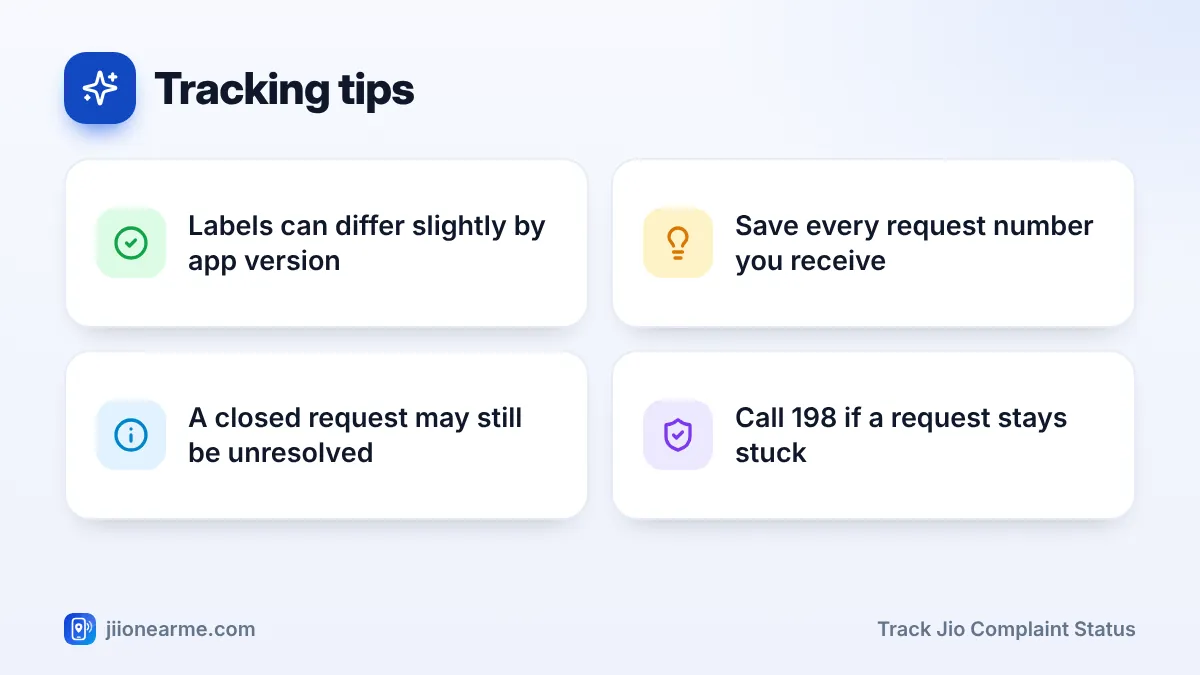
- If a request stalls or closes unresolved, follow up by chat or call 198 and quote the number.
Where MyJio Lists Your Service Requests
MyJio keeps your requests in one place inside its help section. Depending on the version, you may see them under My requests, Service requests, Track requests or Request history.
Requests are usually split into two groups:
- Open: still being worked on by a Jio team.
- Closed: marked as completed, whether or not the problem is fully fixed for you.
Each request normally shows its number, the date you raised it and a short category, such as network, recharge or broadband.
How to Track Jio Complaint Status in MyJio
The steps are similar on Android and iPhone.
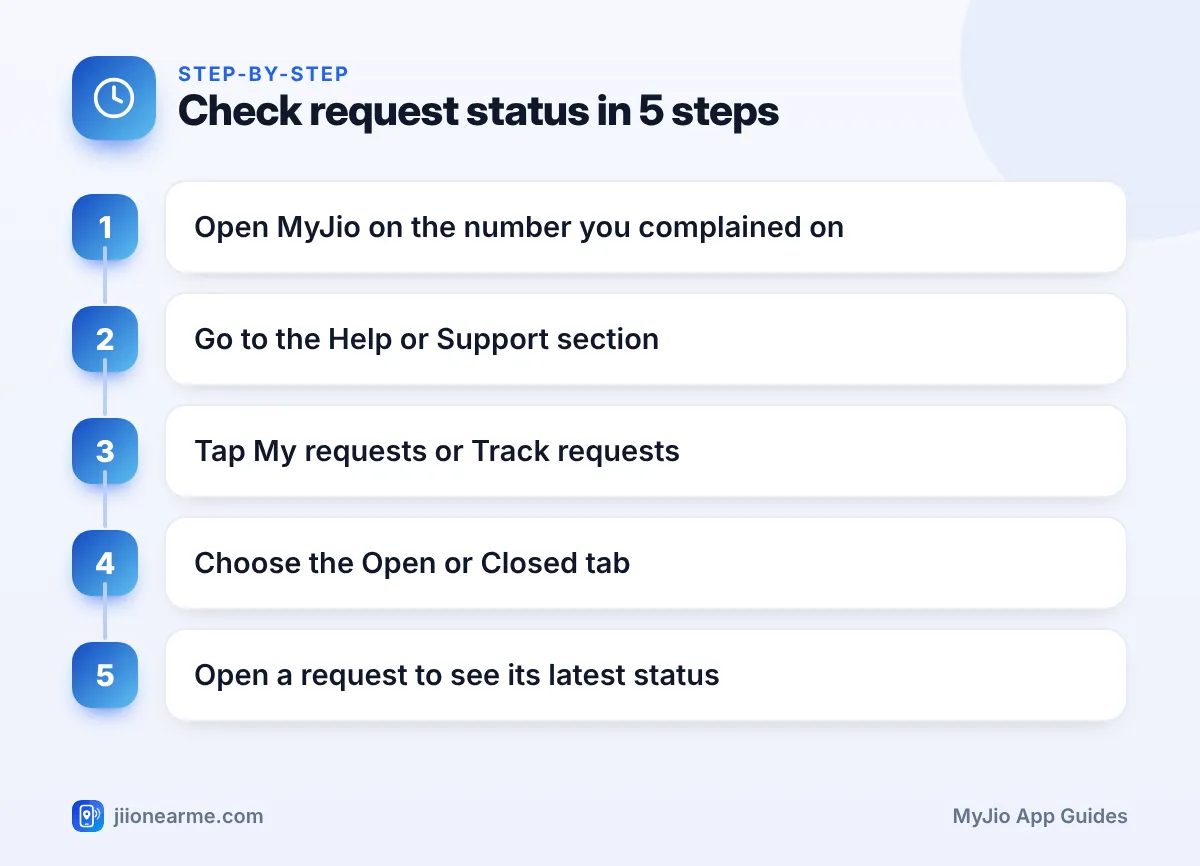
- Open the MyJio app and check that the number or account you complained about is shown at the top. Switch accounts if needed.
- Open the menu (☰) or tap your profile icon, then go to Help & Support, Support or Need help?.
- Tap My requests, Track requests or a similar option. If you cannot find it, type “request” in the search bar.
- Choose the Open or Closed tab, if your version shows tabs.
- Tap a request to see its status, the date raised, the category and any expected resolution date.
- Compare the request number with the one in your SMS to make sure you are looking at the right complaint.
If Your Request Is Not Listed
A missing request usually has a simple cause:
- Wrong account selected. A JioFiber or AirFiber complaint sits under that account, not under your mobile number.
- Raised very recently. Give it a little time to appear.
- Raised by phone or at a store. Such requests often show in the app, but not always. Keep the number from your SMS and use it to follow up.
- Old app version. Update MyJio and check again.
MyJio’s wording changes from time to time. If the labels on your screen differ from the ones in this guide, read the meaning from the context, such as whether the request is under an open or closed heading.
What Each Status Label Means
These are common labels you may see. Your app version may use slightly different words for the same stage.
| Status label | What it usually means | What you should do |
|---|---|---|
| Open or Registered | Request recorded, waiting for action | Wait and keep your phone reachable |
| In progress or Under review | A team is working on it | Answer any calls or messages from Jio |
| Pending with customer | Jio needs something from you | Reply, share details or confirm a visit |
| Visit scheduled | A technician visit is planned | Make sure someone is at home |
| Resolved | Jio believes the issue is fixed | Test the service and confirm |
| Closed | The request is finished | Raise a follow-up if the issue continues |
Pay special attention to anything that says the request is waiting on you. A request in that state may close if Jio cannot reach you.
Reading the Details Inside a Request
Tapping a request often shows more than just a label. Look for:
- Date raised and last updated. If nothing has changed for a long time, it may need a nudge.
- Expected resolution date. This tells you when to start following up.
- Notes or remarks. Some requests show a short update from the team, such as a fault found in your area.
- Feedback option. Closed requests may ask you to rate the outcome. Answer honestly if the issue is not fixed.
Take a screenshot of the request each time its status changes. If you ever need to escalate, a dated record of how long the request stayed open makes your case clearer.
What to Do When a Request Stalls or Closes Without a Fix
If the expected date passes with no progress, or the request closes while the problem continues, follow up step by step:
- Check whether the request is waiting for a reply or a visit from you.
- Open the chat option in MyJio’s help section, quote the request number and explain that the issue continues.
- If you see an option to reopen the request, use it. Otherwise, raise a new request and mention the old number in the description.
- Call 198 from your Jio number to register a complaint, or 199 for queries. Quote the request number each time.
- If you are still not satisfied, look for the grievance redressal and appellate details on jio.com and escalate there with your request numbers.
Fraudsters sometimes call about a “pending complaint” and ask for an OTP or a small payment to close it. Jio does not charge you to resolve a complaint and never needs your OTP. Hang up and report the call on the Sanchar Saathi portal.
Frequently Asked Questions
Can I track a complaint raised by calling 198?
Often, yes. Requests raised on a call usually appear in MyJio too. If yours does not, use the number from your SMS when you follow up by chat or phone.
Why is my request closed when the problem continues?
It may have been closed after a fix that did not work for you, or after Jio could not reach you. Follow up by chat or call 198 and quote the old number.
Can I track a JioFiber or AirFiber complaint in MyJio?
Yes. Switch to your JioFiber or AirFiber account in MyJio, then open the requests list in the help section.
Will Jio send me updates by SMS?
Usually, yes. Jio often sends an SMS when a request is registered and when it is resolved or closed. The app shows the most detailed status.
Final Thoughts
To track your Jio complaint status, open the help section in MyJio and look under My requests or a similar option. Read the label, check whether Jio is waiting on you and note the expected date. If a request stalls or closes too early, follow up with the request number by chat, through 198 or via the escalation details on jio.com.
JIo Near me is an independent guide and is not affiliated with Reliance Jio. App menus, plans and policies can change – always confirm current details in the official MyJio app or on jio.com. We will never ask for your OTP, PIN or passwords.
