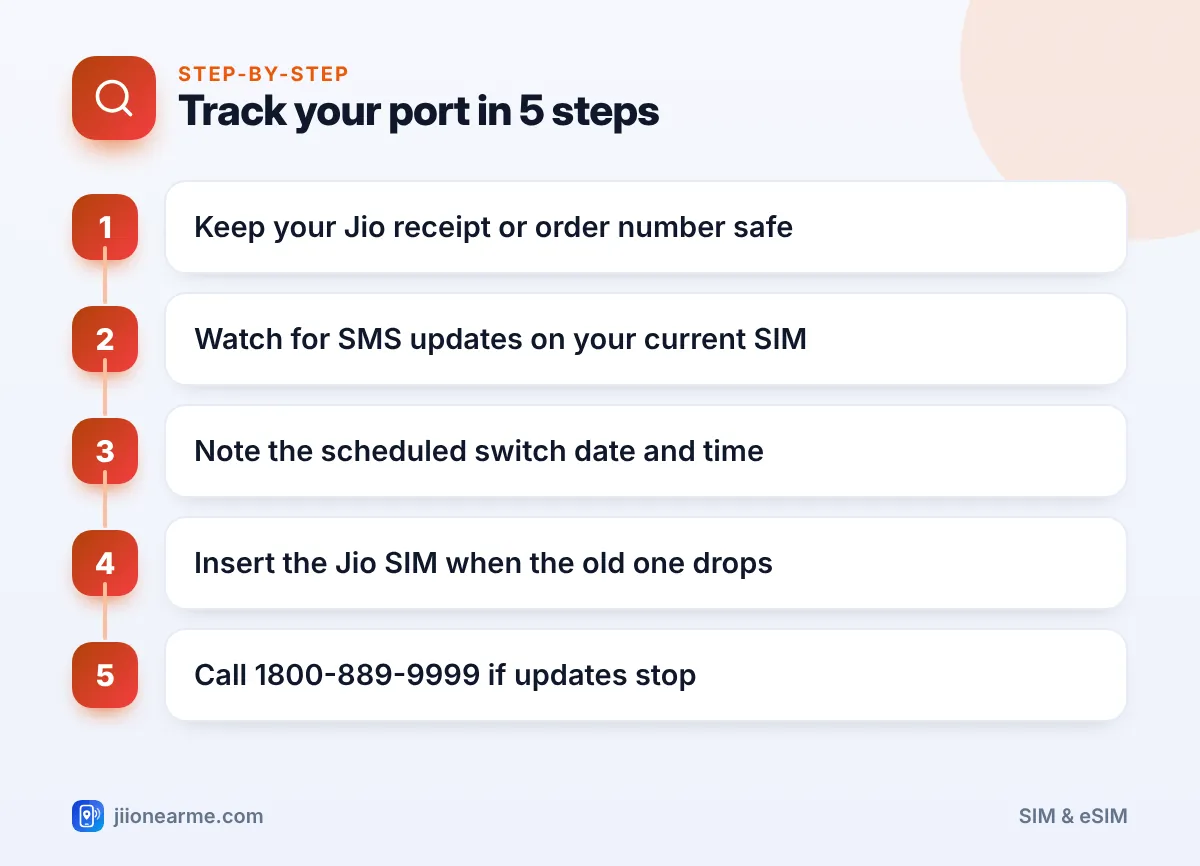
The easiest way to track a port request to Jio is to watch the SMS updates on your current SIM. These messages tell you when the request is received, whether it is approved and when the switch is scheduled. If the messages stop, Jio’s toll-free number 1800-889-9999 or the store where you applied can check the status for you.
This guide walks you through each stage of a port-in, from the moment you get your UPC to the point where your Jio SIM starts working. You will also learn what to do if a request seems stuck or gets rejected.
- SMS updates on your current SIM are the main way to follow your port request.
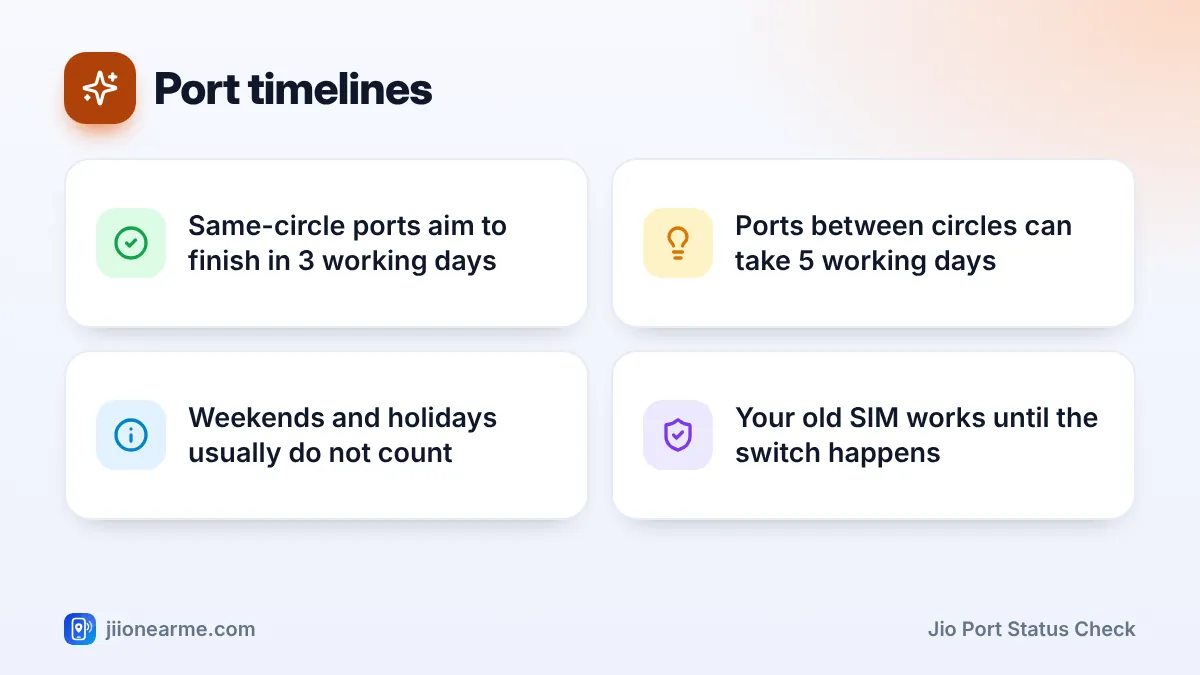
- A port within the same circle normally completes within about 3 working days; ports between circles can take up to 5.
- Keep your receipt, order number or request details from Jio handy for any status check.
- If updates stop or the request is rejected, contact Jio on 1800-889-9999 or visit the store where you applied.
The Stages of a Port Request to Jio
Every port follows the same basic path. Knowing the stages makes the SMS updates much easier to read.
- UPC generated. You send PORT and your number to 1900 and get a Unique Porting Code.
- Request submitted. You share the UPC at a Jio Store or during a doorstep visit, complete KYC and receive your Jio SIM.
- Request checked. The porting system and your current operator verify the code and your eligibility.
- Switch scheduled. Once approved, the port is given a date and time window, often at night.
- Old SIM disconnects. At the scheduled time, your current SIM loses network.
- Jio SIM goes live. You insert the Jio SIM and it starts working, usually within a few hours.
Your current SIM keeps working through stages 1 to 4. You can make calls, use data and receive OTPs as usual until the switch.
Jio Port Status Check: Where to Look
There is no single “status” button for a port-in, but these official channels cover every stage.
SMS updates on your current SIM
Most updates arrive as text messages on the number being ported. Some may come from Jio and others from your current operator or the porting system. Keep your current SIM in your phone and check messages at least once a day.
The Jio Store or retailer where you applied
The staff can look up your request using your number and the details from your visit. Keep any receipt, acknowledgement or form copy they give you.
Jio customer care
Call Jio’s toll-free number 1800-889-9999 from any phone. Since your number is not on Jio yet, the short codes 198 and 199 will not work from it. Share your mobile number and request details, and ask which stage your port has reached.
Online orders on jio.com
If you booked a port-in SIM for home delivery on jio.com, the confirmation SMS or email usually includes your order details. Use them to follow the order and the KYC visit.
Take a photo of your acknowledgement slip or save the order details in your notes app. If you need to call customer care, these details help the agent find your request quickly.
What Each SMS Update Usually Means
Message wording varies by operator and can change over time. This table explains the meaning behind the common types.
| Message type | What it means | What you should do |
|---|---|---|
| UPC from 1900 | Your number is eligible and has a porting code | Use it at Jio before it expires |
| Request received | Jio has submitted your port request | Keep using your current SIM |
| Retention call or SMS | Your current operator is trying to keep you | Decline if you still want to switch |
| Port scheduled | A date and time for the switch has been set | Keep the Jio SIM ready |
| Request rejected | A condition was not met | Read the reason and fix it |
| Welcome or activation | Your number is now on Jio | Test calls, SMS and data |
How Long Each Stage Usually Takes
Under TRAI’s porting rules, a port within the same telecom circle should normally finish within about 3 working days. A port to a different circle, or a corporate port, can take up to 5 working days. Weekends and public holidays generally do not count as working days.
The switch itself is usually short. Your old SIM stops working at the scheduled time, and the Jio SIM normally comes online within a few hours.
If you submit your request late on a Friday, the clock may only start moving on Monday. Plan the port around a quiet weekday if you depend heavily on your phone for work.
What to Do If Your Port Request Seems Stuck
Most ports complete without any action from you. If something looks wrong, these steps usually sort it out.
No update after 3 working days
Call 1800-889-9999 or visit the Jio Store where you applied. Ask whether the request was submitted correctly and whether it is waiting at your current operator’s end.
The request was rejected
Read the reason in the SMS. Common causes are an expired or mismatched UPC, unpaid postpaid dues, a recent SIM swap or a number active for less than 90 days. Fix the cause, generate a new UPC and submit the request again.
Old SIM is dead but the Jio SIM shows no signal
- Switch off the phone, insert the Jio SIM and switch it on again.
- Wait a few hours, as activation can take some time after the switch.
- Make sure VoLTE or 4G/5G is enabled in your mobile network settings.
- If there is still no service after several hours, call 1800-889-9999 from another phone or visit the store.
Jio will not ask you to share an OTP, UPI PIN or bank details to “speed up” a port. Ignore links promising faster porting. Report suspicious calls or messages through Chakshu on the Sanchar Saathi portal, and call 1930 if money is lost.
Once Your Jio SIM Is Active
When the Jio SIM starts working, run a few quick checks:
- Make a test call and send a test SMS.
- Open a website on mobile data.
- Install the MyJio app and sign in with your number to see your plan and validity.
- Check that bank and app OTPs arrive. Your number has not changed, so they should come through as before.
Messages from a few apps or networks can take a little time to route correctly right after a port. If something still fails after a day, contact Jio support.
Frequently Asked Questions
Can I check my port status in the MyJio app?
Not until your number is active on Jio, because you need a working Jio number to sign in. Until then, rely on SMS updates, the store where you applied or the toll-free number.
Why did my current operator call me after I applied?
Operators often contact customers who are leaving and may offer a deal to stay. You can decline politely. The call does not cancel your port unless you take steps to withdraw it.
Can I use my old SIM while the port is in progress?
Yes. Your current SIM works normally until the scheduled switch. Keep it in your phone so you receive updates and OTPs.
What if my UPC expired before Jio submitted the request?
The request cannot go through with an expired code. Send PORT and your number to 1900 again for a new UPC, then ask Jio to resubmit.
When should I insert the Jio SIM?
Insert it once your current SIM shows no service around the scheduled time. Inserting it earlier does no harm, but it will not work until the port is complete.
Summary
Tracking a Jio port mostly means reading your SMS updates and knowing which stage they point to. Keep your request details safe, use your current SIM until the switch and insert the Jio SIM when the old one goes quiet.
If updates stop for more than a few working days, or a rejection arrives, contact Jio on 1800-889-9999 or the store where you applied.
JIo Near me is an independent guide and is not affiliated with Reliance Jio. App menus, plans and policies can change – always confirm current details in the official MyJio app or on jio.com. We will never ask for your OTP, PIN or passwords.