The MyJio app is the quickest place to change your Jio postpaid plan. Open your postpaid plan details and look for an option to change or upgrade the plan. If the app does not show it, you can request the change on jio.com, at a Jio Store or through customer care. The new plan then appears on your following bill.
The steps are quick. What needs more care is the timing, because a change in the middle of a billing cycle can make your next bill look different. This guide covers both the steps and the billing effects.
- Check your recent usage and bills before deciding to upgrade or downgrade.
- MyJio is usually the quickest way to change your postpaid plan.
- jio.com, a Jio Store and customer care on 199 are other official options.
- A change may apply immediately or from the next billing cycle, depending on the change.
- Mid-cycle changes can show part-month charges for both plans on the next bill.
Should You Upgrade or Downgrade?
Look at your last two or three bills and your usage history in MyJio before you decide.
Consider an upgrade if:
- You often cross your monthly data allowance and pay for extra usage.
- You want benefits your current plan lacks, such as more family members or bundled apps.
- You are planning international travel and need better roaming options.
Consider a downgrade if:
- You regularly use far less data than your plan includes.
- A family member has left your plan, and you no longer need the extra slots.
- You want a smaller monthly bill and your usage allows it.
A single heavy month does not mean you need a bigger plan. Base the decision on two or three normal months of usage.
Before You Change Your Plan
A few quick checks prevent problems:
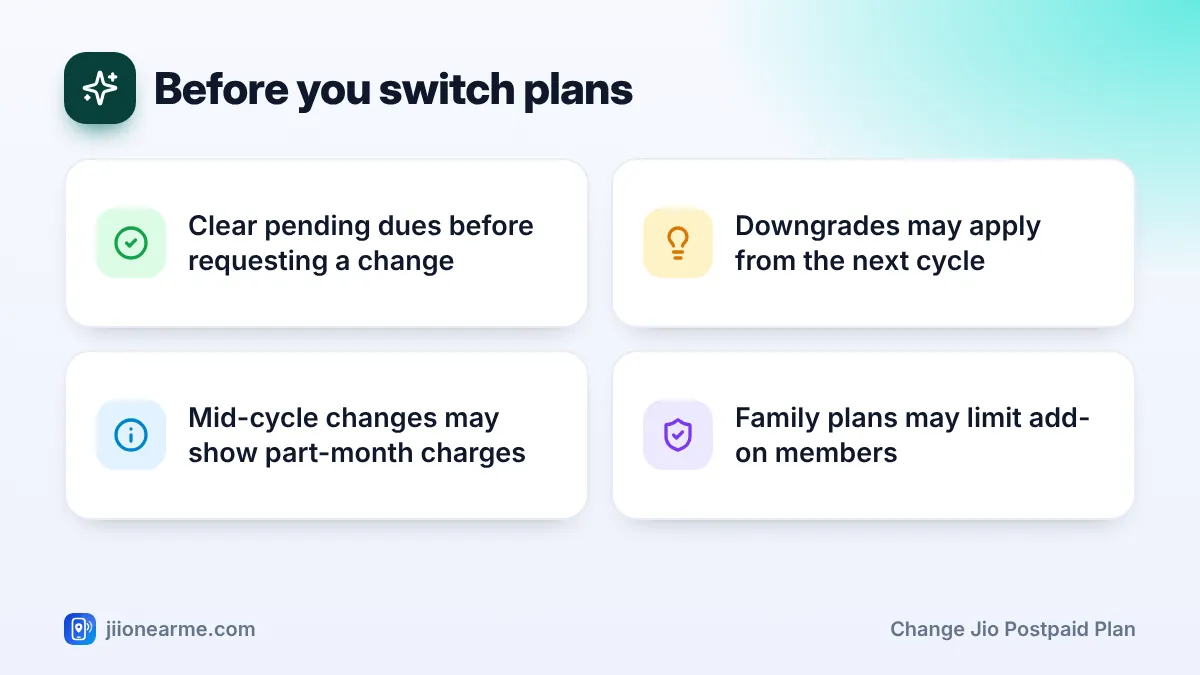
- Pending dues. Pay any overdue bill first. A plan change request may not go through with unpaid dues.
- Family members. If the new plan allows fewer add-on members, you may need to remove some members first.
- Active add-ons. Note any data packs, roaming packs or app subscriptions linked to your plan. Some may change with the new plan.
- Credit limit and deposit. A different plan may come with a different credit limit, and in some cases a change in deposit.
- Your bill date. Knowing it helps you time the change and read the next bill.
How to Change Jio Postpaid Plan in the MyJio App
The MyJio app is usually the quickest route. Menu names change over time, so labels on your screen may differ slightly.
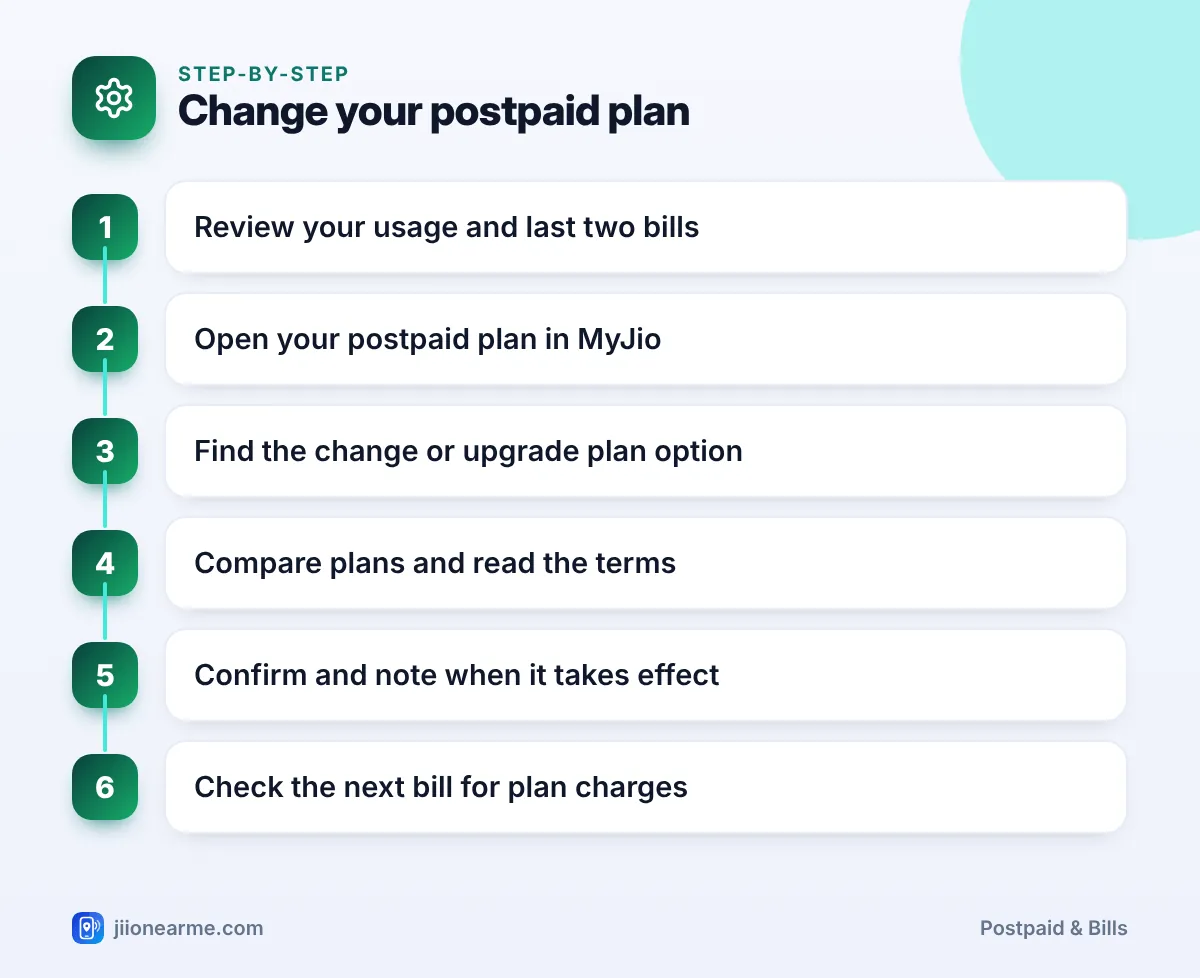
- Open MyJio and sign in with your Jio postpaid number. If you are the primary member of a family plan, use the primary number.
- Go to your plan details. Tap your plan card on the home screen, or open the menu (☰) and look for your postpaid account or plans.
- Find the change option. Look for a label such as Change Plan, Upgrade or Manage plan.
- Compare available plans. Review data, family member limits, app benefits and the terms for each plan.
- Select the new plan and confirm. Read any message about when the change takes effect and whether charges apply.
- Wait for confirmation. You should receive an SMS or in-app message confirming the change.
If you see an error, update the app, check your internet connection and try again. If the option is missing, use one of the routes below.
Other Official Ways to Request a Plan Change
- Jio website: Sign in on jio.com with your number, open your postpaid account and look for plan options.
- Jio Store: Visit with your phone and ID. Staff can show current plans and process the change.
- Customer care: Call 199 from your Jio number, or 1800-889-9999, to ask about plan changes and timing.
A store visit helps if you are also rearranging family members or updating KYC details at the same time.
Upgrade vs Downgrade: What Usually Differs
| Point | Upgrade | Downgrade |
|---|---|---|
| Typical timing | Often applies quickly | May apply from the next billing cycle |
| Effect on bill | May show part-month charges for both plans | Lower plan charge from when it takes effect |
| Family members | May allow more add-on members | May require removing members first |
| Credit limit | May change with the new plan | May change with the new plan |
Exact timing depends on the plan and Jio’s current rules. The app or store usually tells you when your new plan starts, so read that message before you confirm.
How the Plan Change Shows Up on Your Next Bill
The next bill after a plan change can look a little different. Here is what to expect.
If the change applies immediately
Your next bill may split the billing cycle into two parts. You may see one line for the old plan for the days before the change, and another for the new plan for the remaining days. These part-month amounts are often called pro-rata charges.
If the change applies from the next cycle
You pay the old plan for the full current cycle. The new plan’s charge appears from the following bill. This is common for downgrades.
Other lines to check
- Any change in add-on member charges on a family plan.
- Extra usage charges from before the change, if you crossed your old allowance.
- Taxes calculated on the new total.
Open the bill in MyJio and match the plan names and dates against your confirmation message. If something does not match, contact customer care before the due date.
Troubleshooting Plan Change Problems
- Change option not visible: Update MyJio or use jio.com. Some plan changes may need a store visit.
- Request failed: Check for pending dues or family member limits, then try again.
- New benefits not showing: Wait for the confirmation SMS, then restart your phone and refresh the app.
- Bill looks wrong: Call 198 to register a complaint, and keep your confirmation message ready.
Frequently Asked Questions
How often can I change my Jio postpaid plan?
Any limit depends on your plan and Jio’s current terms. Check the message shown in MyJio when you request a change, or ask customer care.
Will I lose data when I downgrade?
If a downgrade applies from the next cycle, you usually keep your current plan’s benefits until then. Check the effective date before confirming.
Does an upgrade change my bill date?
Usually not. Your billing cycle generally stays the same, and only the plan charges on your bill change.
Can a family add-on member change the family plan?
Generally, the primary member manages the family plan. Add-on members should ask the primary member to request the change.
What if I am charged for both plans?
A mid-cycle change can show part-month charges for both plans. If the amounts look wrong, raise it with customer care before the due date.
Wrapping Up
Changing a Jio postpaid plan is simple in MyJio, and jio.com, Jio Stores and customer care are there if the app option is missing. Check your usage, clear dues and confirm family member limits before you switch.
Then read the effective date in the confirmation, and check the next bill for part-month charges. A quick review every few months keeps your plan matched to how you actually use your phone.
JIo Near me is an independent guide and is not affiliated with Reliance Jio. App menus, plans and policies can change – always confirm current details in the official MyJio app or on jio.com. We will never ask for your OTP, PIN or passwords.